
Beyond the Product Turnaround: Prompting Cinematic 360-Degree Orbit Shots in AI Video
Most AI video generators default to a 'turntable' spin. Here is how to force your AI model to execute a professional, cinematic orbit with proper parallax and weight.
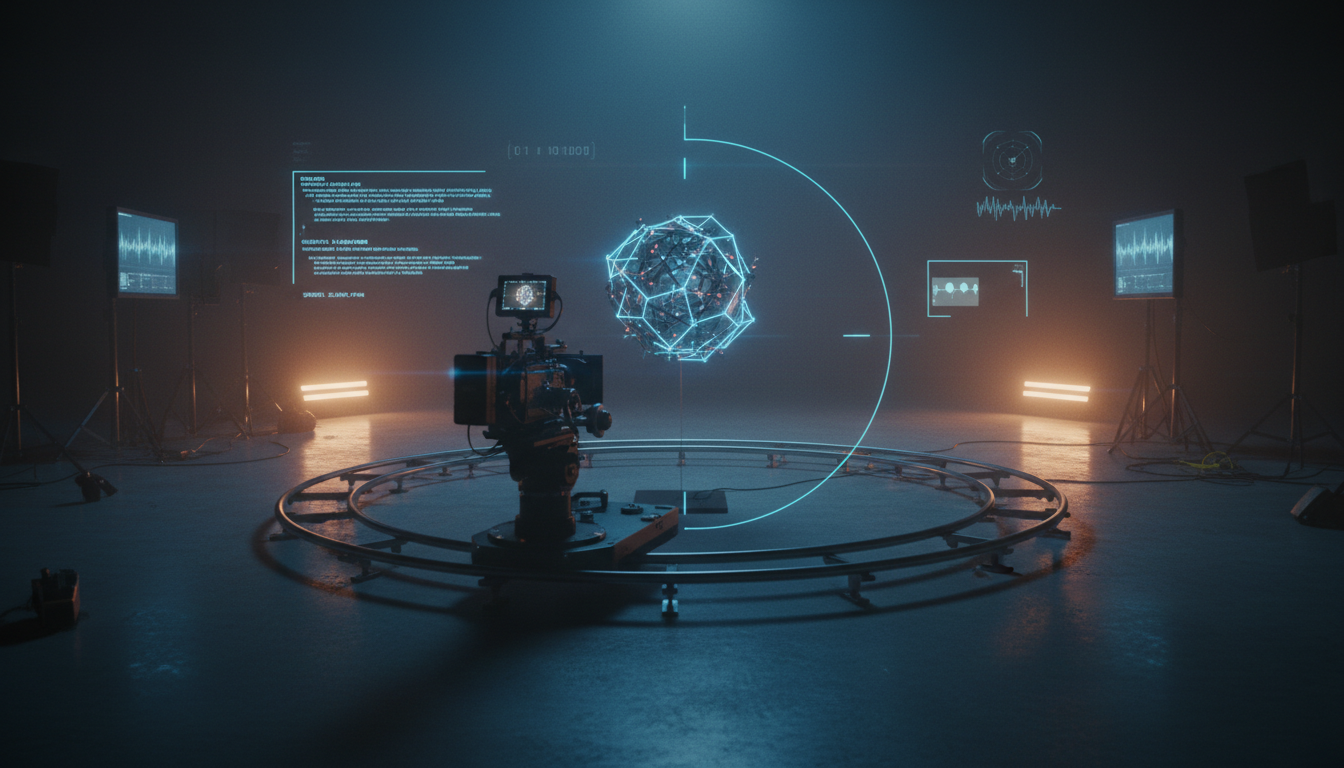
Executing a flawless 360-degree orbit shot is one of the ultimate tests of an AI video generator's spatial comprehension. In traditional cinematography, a circular dolly shot wraps around a subject to build tension, isolate a character, or reveal a dramatic shift in the surrounding environment. In generative AI, however, this complex camera path often degrades into a "turntable" effect where the subject spins like a toy on a pedestal while the background remains flat, static, or violently warped.
At Montagea, we approach AI filmmaking through the lens of physical cinematography, translating real-world grip mechanics and optical behaviors into precise prompting syntax. By treating the AI video generator not as a magic box but as a simulated physical camera operating within a three-dimensional volume, creators can break free of default, weightless movements and capture true cinematic orbits that maintain spatial continuity from start to finish.
The Anatomy of a Cinematic Orbit vs. a 3D Turnaround
The fundamental flaw of the "Turntable Trap" lies in how AI models interpret rotation. When given a basic prompt like "360-degree spin of a character," the model's latent space often chooses the path of least resistance: rotating the 2D projection of the subject while keeping the background static. This completely misses the physical reality of a camera moving through space. A true cinematic orbit requires three pillars: dynamic background parallax, shifting lighting angles as the camera moves relative to the key light, and consistent spatial volume.

To move beyond the turntable look, you must consider the lens choice. A 24mm wide-angle lens will create a rapid background sweep and significant distortion at the edges of the frame, whereas an 85mm portrait lens compresses the background, making the orbit feel more intimate, controlled, and focused. By defining your lens focal length, you force the AI to calculate the speed of the background parallax relative to the subject's position. This technique is highly effective when contrasted with linear camera paths, such as those explored in our guide on prompting cinematic pull-back reveals in AI video, where the camera moves outward along a single axis rather than tracking a circular path.
Furthermore, a true orbit demands dynamic lighting shifts. As the camera moves 360 degrees around a subject, the angle of key, fill, and rim lights must change relative to the camera lens. If the lighting remains static on the subject's face throughout the entire rotation, the shot immediately looks artificial. Prompting explicit light-source interactions—such as "shadows sweep across the face as the camera passes the key light"—forces the AI model to recalculate the illumination based on the camera's changing position, preserving the dramatic three-dimensional form of your subject.
The Core Prompting Architecture for 360-Degree Camera Movement
To consistently bypass the default behaviors of modern AI models, you must structure your prompts using a systematic "Pivot-Radius-Speed" (PRS) architecture. This technical syntax replaces vague artistic descriptions with concrete physical parameters that the AI's latent space can translate into predictable vector movements.
The Pivot defines the absolute center of the camera's rotation. The Radius dictates how far the camera sits from that pivot point, which directly influences the perceived speed of the background parallax. The Speed controls the temporal pacing of the arc, preventing the rapid, unnatural spinning that often ruins AI-generated camera movements. Much like the deliberate pacing required for prompting slow, tension-building push-ins, an orbit must feel controlled and intentional to maintain visual gravity.
Consider this high-yield prompt structure:
"Continuous 360-degree clockwise camera arc, camera maintains a fixed radius of 8 feet from the central subject, eye-level height, 35mm lens perspective. The background parallax shifts dynamically, revealing distant architectural structures. Natural golden hour light source shifts organically across the subject's profile as the camera rotates."
By explicitly defining the fixed radius and the lens focal length, you restrict the AI's tendency to drift closer or further from the subject during the generation. This structural boundary is crucial for maintaining spatial volume and preventing the subject from shrinking or growing as the scene progresses.
Overcoming the Subject-Morphing Problem in Mid-Orbit
The most notorious hurdle in AI-generated orbits is the "hidden side" problem. Because generative models do not inherently possess a persistent 3D mesh of the characters they generate, they must "hallucinate" what the back of a character's head, jacket, or hair looks like as the camera moves behind them. This frequently leads to severe morphing, where a character's wardrobe changes color, their hair length shifts, or their facial features completely rearrange by the time the camera completes its loop.
To combat this, professional workflows rely on advanced temporal control techniques. For instance, mastering Kling's first and last frame workflow allows you to upload the starting angle (e.g., front profile) and the ending angle (e.g., rear profile or the completed loop back to the front) as strict visual anchors. This forces the AI's diffusion process to interpolate the camera path between two known, consistent states, drastically reducing the likelihood of mid-orbit hallucinations.
Additionally, maintaining spatial continuity requires a deep understanding of character positioning and gaze. If your character's eyes drift unnaturally during the camera's rotation, the shot loses its cinematic focus. Implementing structured workflows for mastering the eyeline match in AI filmmaking ensures that the subject's gaze remains anchored to a specific off-camera point, maintaining dramatic tension even as the camera circles behind them.
Prompting for Symmetrical and High-Contrast Subject Details
To further assist the AI's spatial memory, design your subjects and their wardrobe to minimize complex, asymmetrical details. A character wearing an intricate, asymmetrical pattern or carrying a highly detailed prop on only one shoulder is incredibly difficult for an AI to track through a 360-degree rotation.
Instead, prompt for clean, symmetrical silhouettes and high-contrast wardrobe elements. For example, a subject wearing a "symmetrical charcoal wool overcoat with sharp lapels" provides the AI with clear, easily trackable geometry. High-contrast lighting also helps; strong rim lighting creates a bright outline around the subject's silhouette, giving the AI a distinct boundary layer to separate the foreground subject from the shifting background parallax.
Simulating Weight and Grip Equipment in AI Orbits
A major giveaway of AI-generated video is its weightlessness. Without the physical constraints of gravity, friction, and heavy machinery, AI cameras often glide with an unnatural, linear perfection that feels more like a video game engine than a cinematic camera. To inject realism, you must prompt using the vocabulary of physical grip equipment.
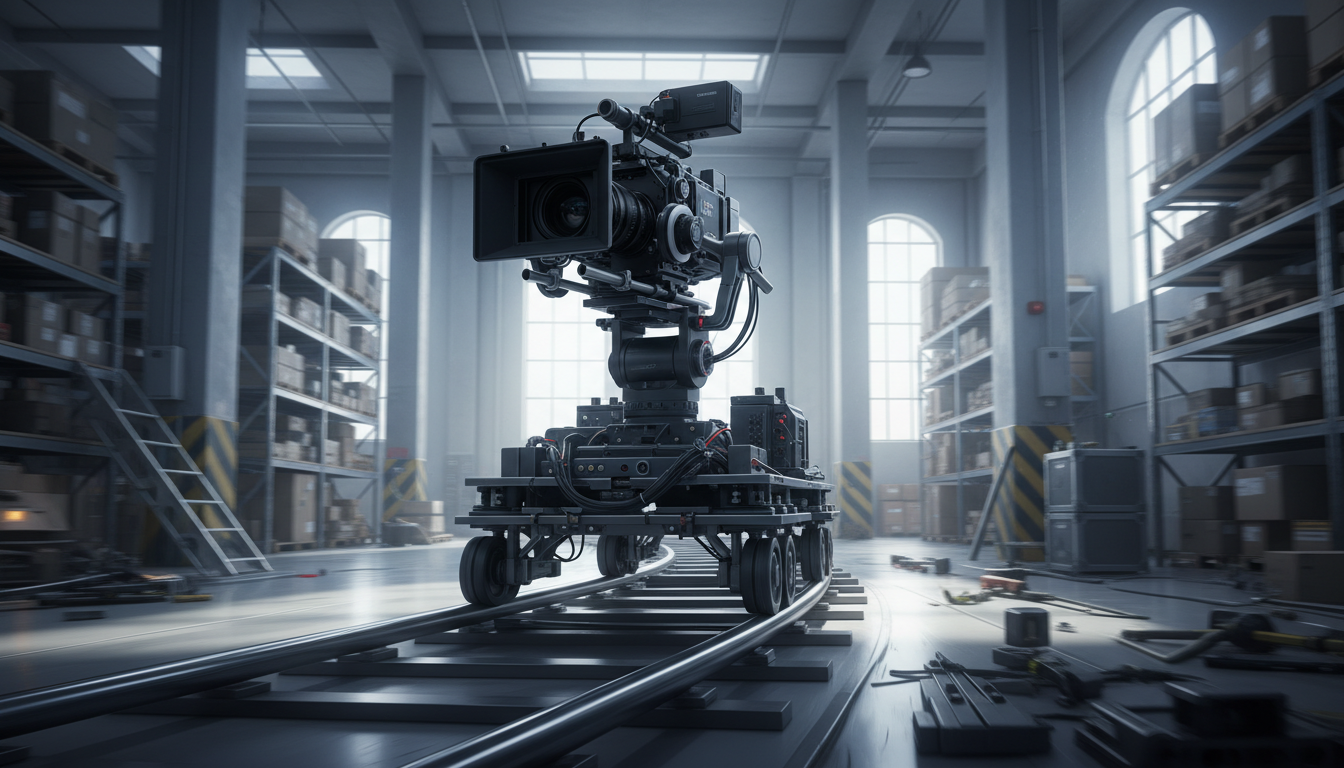
Instead of prompting a "circular camera movement," describe the movement as a "heavy circular dolly track orbit" or a "grounded Steadicam sweep." These terms carry semantic weight in the AI's training data, associating the resulting motion with the subtle, organic imperfections of physical camera rigs. As we explore in our guide on simulating weight and arc in crane and jib shots, introducing terms like "camera inertia," "mechanical drag," and "damped momentum" forces the AI to simulate the physical acceleration and deceleration of a heavy camera rig.
For high-altitude or aerial orbits, the prompt vocabulary must shift to reflect atmospheric physics. When prompting an aerial orbit around a structure, referencing atmospheric scale and drone-specific movement is essential. Instead of a simple "drone orbit," prompt for a "slow, wide-radius drone orbit, fighting slight wind resistance, with visible atmospheric haze and deep spatial depth." This introduces the subtle drift and environmental friction that makes aerial footage feel authentic rather than synthetic.
The Montagea Orbit Blueprint: A Prompting Framework
At Montagea, we advocate for a highly structured, cinematic approach to prompt engineering. The table below outlines the shift from low-yield, descriptive prompts that trigger the "Turntable Trap" to high-yield, technical prompts designed to enforce physical camera behaviors.
| Feature | Low-Yield Prompt | High-Yield Cinematic Prompt |
|---|---|---|
| Subject | "A woman in a red dress" | "A woman in a sharp-cut crimson blazer, high-contrast silhouette" |
| Movement | "360 spin around her" | "Slow, continuous 360-degree clockwise circular dolly orbit" |
| Environment | "City background" | "City street at dusk, background parallax of blurred neon lights" |
| Physics | (None) | "Camera maintains fixed 5ft radius, eye-level, heavy cinematic drag" |
By replacing passive, descriptive language with technical cinematography terms, you establish clear boundaries for the AI's generative process. This blueprint ensures that the AI prioritizes camera movement over subject rotation, resulting in a shot that feels grounded, cinematic, and professional.
Troubleshooting the Orbit: How to Fix Common AI Camera Glitches
Even with precise prompting, complex camera paths like 360-degree orbits can occasionally trigger rendering glitches. Understanding how to diagnose and resolve these issues is key to maintaining an efficient production workflow.
- The Kaleidoscope Background: If the background appears to spin or warp like a kaleidoscope while the subject remains static, the AI is rotating the camera on its own optical axis (panning) rather than moving it along an orbital path. To fix this, explicitly state "camera physically travels along a circular track around the stationary subject" and remove any ambiguous words like "spin," "rotate," or "turn."
- Scale Drift (The Breathing Effect): If the subject appears to grow larger or smaller as the camera orbits, the AI is struggling to maintain a fixed radius. This is often caused by conflicting focal length cues. Ensure your prompt specifies a single, fixed lens (e.g., "35mm prime lens") and explicitly states "maintaining a constant, unvarying distance of 6 feet from the subject."
- The Mid-Orbit Melt: If the subject's face or clothing begins to melt or transform as the camera passes behind them, the model is losing track of the character's visual identity. Lower the motion strength setting in your AI generator to give the model more temporal stability, and use image-to-video workflows with a highly detailed reference image of both the front and back of the character if the platform supports multi-image keyframing.
Why does my character's face or clothing change when the AI camera orbits behind them?
This is a data-consistency issue. The AI does not have a 3D model of your subject, so when it passes behind the character, it must 'invent' the unseen side. Use first/last frame references to pin the character's appearance at both 0 and 360 degrees.
Which AI video generator is best for executing smooth 360-degree camera orbits?
Generators with robust camera motion control and keyframe support (like Kling or Runway Gen-3) are currently the most reliable for orbits. The 'best' tool is the one that allows you to lock the start and end frames to force continuity.
How do I keep the background from warping or melting during a fast orbit prompt?
Avoid fast, erratic movement prompts. The AI often collapses the background into a flat plane if it cannot calculate depth. Use terms like 'cinematic parallax,' 'deep depth of field,' and 'fixed radius' to force the model to respect spatial volume.
Can I use camera motion brush tools to paint a perfect 360-degree circular path?
While motion brushes can guide movement, they are often imprecise for a full 360-degree loop. It is more effective to use text-based camera commands combined with initial image keyframes to ensure the arc stays consistent throughout the generation.



