
AIGC in Video Production: How to Design Collaborative Multi-Engine Workflows
Moving past single-prompt video generation requires a structured, multi-engine pipeline. Discover how to split scripts, assign specialized AI engines, and coordinate distributed crews to maintain visual continuity.
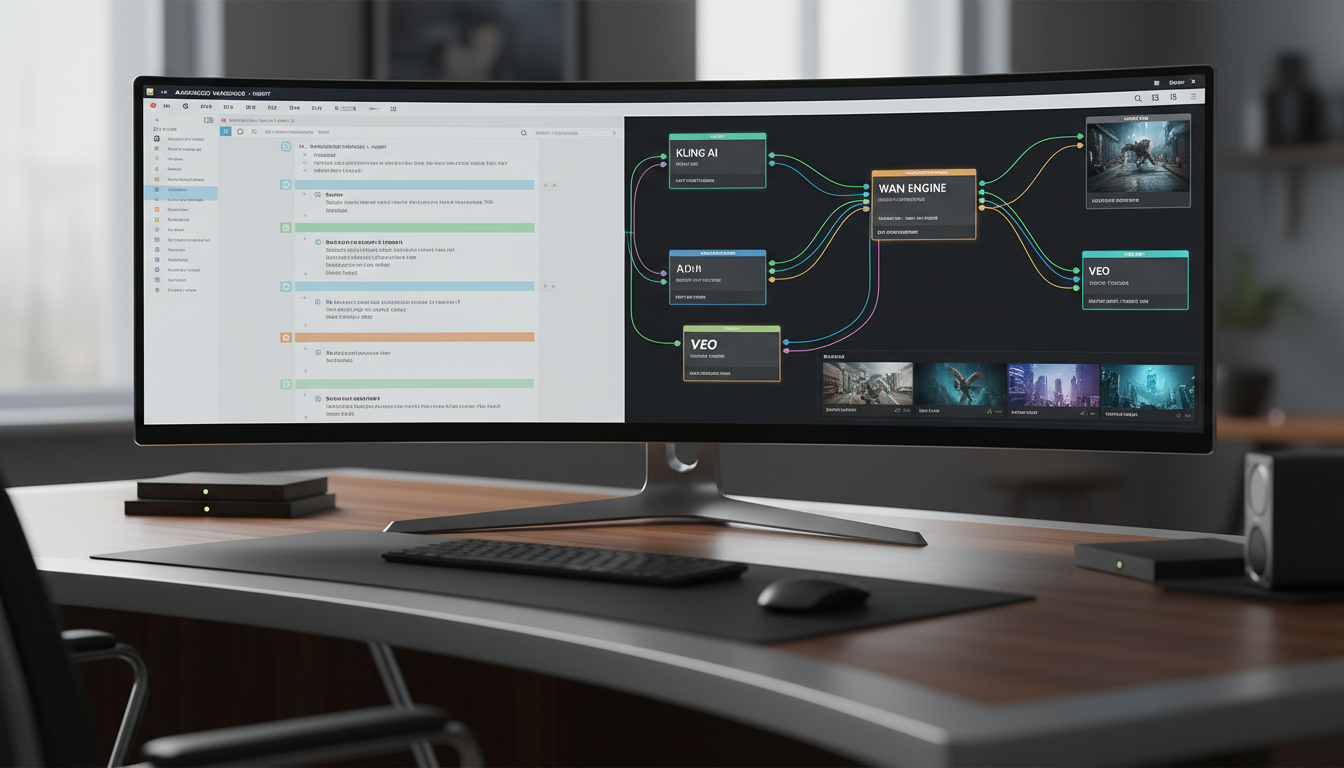
In professional video production, AI-Generated Content (AIGC) is best understood not as a single-button replacement for creative teams, but as a modular ecosystem of specialized text, image, and video models. While solo creators can generate short, impressive clips with a single prompt, producing a cohesive narrative film requires a structured, multi-engine pipeline. By splitting scripts into discrete visual beats and matching each to the optimal AI model, production teams can leverage the unique strengths of different engines while maintaining rigorous quality control and creative consistency.
Defining AIGC for Professional Filmmaking: Beyond the Solo Prompt
To use AIGC effectively in a professional studio or independent film environment, teams must look past the novelty of the single prompt. A professional AIGC workflow treats generative models as specialized departments within a virtual crew. For example, different models may vary in how they handle motion dynamics, character rendering, or environmental details, making model selection a key creative decision.
A successful multi-engine approach acknowledges these specialized capabilities. Rather than forcing a single model to handle an entire sequence, directors and technical directors select different engines for different shots. This methodology mirrors traditional filmmaking, where different lenses, camera rigs, or visual effects pipelines are chosen based on the specific demands of a scene. When managed through a collaborative platform like Montagea, this multi-engine approach allows distributed teams of prompt engineers, editors, and concept artists to contribute their specialized skills to a unified project timeline.
The Collaborative AIGC Pipeline: Script Splitting and Model Selection
Transitioning from a traditional screenplay to an AI-generated sequence requires systematic pre-production. The process begins by implementing a structured script-splitting protocol to divide the screenplay into manageable scenes. Each scene is broken down into individual, prompt-ready visual beats that specify camera angles, lighting, character action, and environmental details.
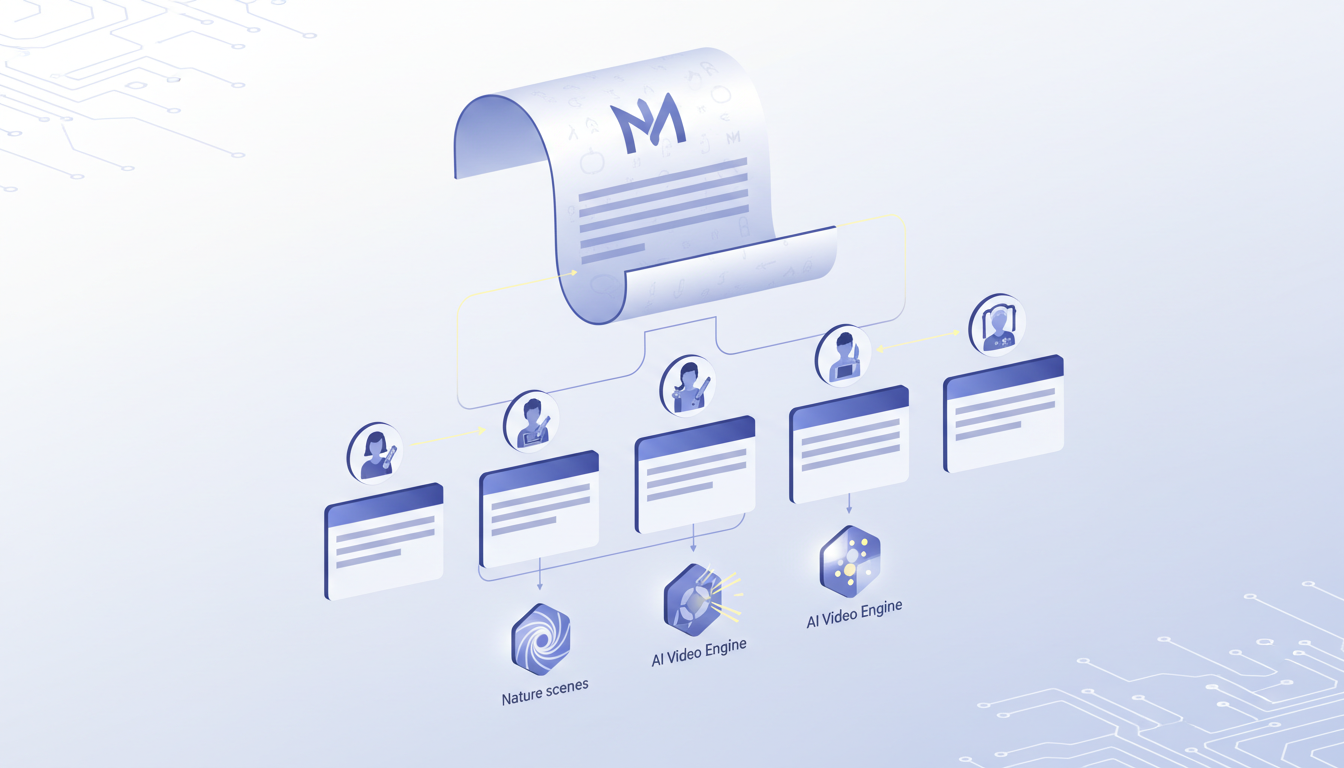
Once the script is split, the director must match each shot to the appropriate AI video engine. For example, a director might assign a highly dynamic action sequence to one engine while reserving close-up character shots for another model that fits the project's stylistic requirements. To keep the project cohesive, the team must establish a unified visual reference sheet—such as seed images, color palettes, and style descriptors—before handing off scenes to different creators across a decentralized network. This pre-production phase also involves carefully planning your AI video transitions to ensure continuous visual flow between shots generated by different engines.
AI Engine Selection Framework
The following evaluation matrix illustrates how to assess different AI video engines based on specific shot requirements:
| Shot Category | Key Evaluation Criteria | Best Practices for Testing | Workflow Considerations |
|---|---|---|---|
| Character-Focused Shots | Evaluate character fidelity, facial expressions, and physical gestures. | Test consistency across multiple sequential generations. | Monitor how different engines handle complex human motion. |
| Environmental & Physics Shots | Evaluate fluid dynamics, weather effects, and large-scale environmental changes. | Test with varying prompt structures to maintain style consistency. | Check how the model simulates physical interactions. |
| Cinematic Camera Movements | Evaluate camera control, lighting consistency, and framing (e.g., pans, dollies). | Test responsiveness to specific camera direction prompts. | Monitor motion dynamics to ensure the movement matches the scene's pacing. |
Quality Control and Continuity in AI-Generated Video
One of the greatest challenges in an AIGC pipeline is managing style drift and visual artifacts. Because generative models introduce stochastic variations, consecutive shots can easily suffer from sudden shifts in lighting, character clothing, or background geometry. To combat this, production teams must establish a rigorous quality control framework.
This begins by establishing a technical AI film shot acceptance rubric to standardize quality control across all contributors. Every submitted render should be evaluated for motion artifacts, resolution drops, prompt compliance, and temporal consistency. If a shot fails to meet these standards, the team must have a plan for corrective generations. Instead of wasting computational credits on endless re-prompts of the primary shot, directors should focus on learning how to plan AI pickup shots to replace problematic sequences. This might involve generating tighter close-ups, cutaways to environmental details, or insert shots that mask continuity discrepancies without requiring a complete re-render of complex scenes.
Managing Distributed AI Crews and Building Your Portfolio
Coordinating a distributed, asynchronous team of AI creators requires clear communication and transparent division of labor. Because contributors may be working across different time zones, clear scene briefs, explicit style guides, and standardized credit systems are essential. Each contributor must know exactly what visual assets, engine settings, and seed parameters are expected for their assigned scenes.
For individual artists, working within a structured team environment is an excellent opportunity for professional growth. Documenting your specific contributions—such as prompt engineering, seed selection, upscaling workflows, or post-generation rotoscoping—is vital for building a collaborative AI filmmaking portfolio that highlights your exact scene contributions. This level of detail proves your technical capability to future clients and studios who look for collaborative experience over isolated generation.
This is where Montagea serves as a collaborative hub for modern AI filmmaking. Operating as a co-creation platform, Montagea allows directors to write a story, split it into scenes, and invite a crew to render individual shots using the best engine for each task. Contributors can claim open scenes, submit their renders, and earn credits within a structured, transparent ecosystem. By coordinating diverse talents and specialized engines, Montagea turns the solitary act of AI prompting into a true, collaborative filmmaking process.
What is the difference between AIGC and traditional CGI in filmmaking?
Traditional CGI relies on 3D artists manually modeling, texturing, rigging, and animating objects within a virtual space, which offers absolute control but requires significant time and budget. AIGC uses generative machine learning models to synthesize video frames directly from text, image, or video prompts, drastically reducing production times but requiring specialized workflows to control temporal consistency and visual artifacts.
How do you maintain character consistency across different AIGC video engines?
Character consistency is maintained by using a unified set of reference assets, such as character sheets or consistent source images, as image-to-video inputs. Additionally, establishing strict prompting guidelines—including specific character descriptions, clothing details, and lighting styles—helps ensure different engines interpret the character consistently across scenes.
Can multiple creators work on the same AIGC video project simultaneously?
Yes. By splitting a screenplay into discrete scenes and shots, different creators can work asynchronously on separate sequences. Platforms like Montagea facilitate this by allowing directors to post open scene briefs that contributors can claim, render using their preferred engines, and submit back to the main project timeline.



