
The Kinetic Vector Protocol: Mastering Wan2.1 Camera Control Prompts for Cinematic Coherence
Stop treating AI camera movement like a lottery. Discover the Kinetic Vector Protocol for Wan2.1, a precise prompting framework designed to eliminate geometry warping and deliver studio-grade camera paths.
Open-source AI video generation took a massive leap forward with the release of Wan2.1, a model celebrated for its high-fidelity motion synthesis and impressive temporal consistency. However, many creators attempting to execute precise camera movements in Wan2.1 run into a frustrating wall: the model's camera controls often behave like a trial-and-error lottery. A simple prompt for a lateral tracking shot can unexpectedly warp the background, melt a character's facial features, or completely transform the geometry of the scene.
To move past random generation and achieve dependable, studio-grade results, filmmakers must treat camera movement not as a descriptive afterthought, but as a series of precise physical vectors. By translating traditional cinematography physics into Wan2.1's unique token-weighting system, we can dictate exact camera paths. Testing at Montagea reveals that Wan2.1 responds best when camera language is strictly decoupled from subject motion and organized using a structured, three-axis kinetic framework.
The Physics of Wan2.1: Why Standard Camera Prompts Fail
Unlike traditional rendering engines where camera coordinates are calculated mathematically, Wan2.1 processes spatial layout and temporal motion simultaneously within its diffusion transformer (DiT) architecture. When you input a prompt, the attention mechanism attempts to map pixels across frames based on the semantic associations of your words. This means that generic camera prompts like "cinematic pan left" or "dynamic camera movement" confuse the model's spatial understanding, frequently causing the camera's motion vectors to blend into the physical subjects themselves.
For example, if you prompt "a man walking down a street, pan left," Wan2.1 often struggles to separate the lateral velocity of the camera from the forward velocity of the subject. The model may warp the streetlights, distort the man's limbs, or stretch the background geometry to satisfy both motion demands. This occurs because Wan2.1 lacks an explicit, hardcoded camera system; it simulates perspective shifts by predicting how pixels should flow. To achieve clean movement, prompts must define the camera as a distinct physical object moving along clear 3D trajectories, completely isolated from the actions of the subjects in the frame.
The Three-Axis Vector Prompting Framework
To bypass these architecture limitations, the Montagea team developed the Three-Axis Vector Protocol. This framework divides camera instructions into clear, non-conflicting prompt tokens that map directly to physical camera behaviors. By separating the subject's actions from the camera's kinetic paths, we prevent the model from blending the two into a chaotic, morphing mess.
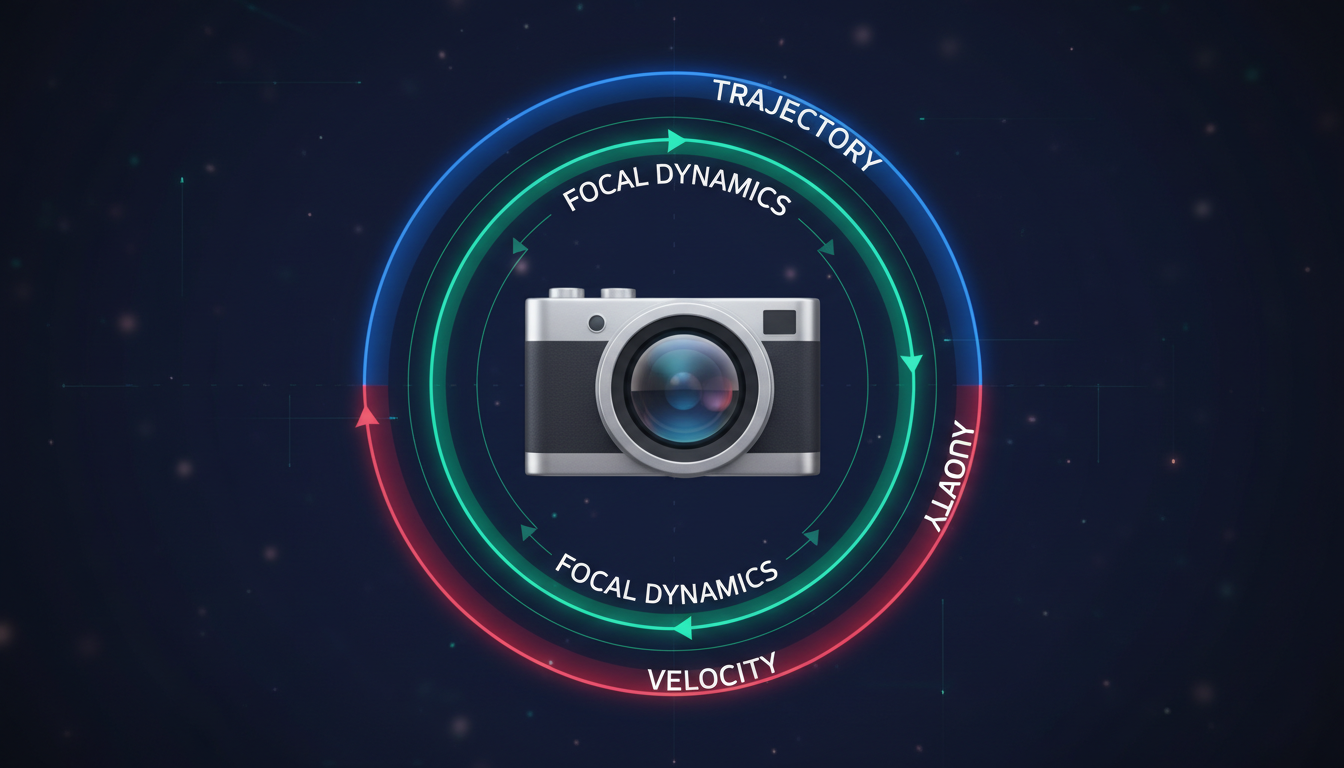
The core syntax structure of the protocol is organized as follows:
[Subject & Environment] + [Camera Trajectory] + [Focal Dynamics] + [Kinetic Velocity]
When translating complex visual ideas into structured prompts, utilizing a formal scene brief protocol can help organize your kinetic instructions before writing the final prompt. By establishing this hierarchy, you ensure that Wan2.1 first establishes the solid geometry of the environment before applying the motion vectors that simulate camera travel.
Axis 1: Spatial Trajectory (Pan, Tilt, Roll)
Spatial trajectory defines how the camera rotates or shifts along its physical axes within Wan2.1's simulated 3D grid. The primary challenge here is preventing perspective distortion during wide lateral movements. When prompting a horizontal pan or vertical tilt, you must anchor the camera's rotation to a specific physical point in the scene to prevent the entire environment from drifting out of shape.
To execute a clean horizontal pan, avoid simply writing "pan left." Instead, use anchoring tokens that define the camera's pivot point: "The camera pivots smoothly to the left, sweeping across the horizon while maintaining a locked perspective on the distant mountains." By introducing an anchor like "distant mountains," you give the model a spatial reference point to calculate depth correctly.
For high-tension action sequences, subtle camera rolls can be introduced to break up rigid horizontal compositions. Rather than prompting a "dutch angle," which often results in a static tilted frame, use active rotational prompts: "The camera undergoes a subtle, controlled clockwise roll of 15 degrees, shifting the horizon line to mirror the character's disorientation." This keeps the geometry dynamic yet stable.
Axis 2: Focal Dynamics (Push, Pull, Zoom)
Focal dynamics dictate how the camera moves along the Z-axis (depth). In traditional filmmaking, there is a massive visual difference between a physical "dolly-in" (where the camera physically moves closer to the subject, changing the perspective relationship between foreground and background) and a lens "zoom" (which simply crops into the image, flattening the perspective). Wan2.1 is highly sensitive to this distinction.
If you prompt a "zoom," the model will often compress the background, making the scene feel flat and artificial. If you want to maintain rich environmental depth, you must prompt a physical dolly movement. For scenes requiring deliberate narrative pacing, mastering the mechanics of a slow push-in prompt is essential for building cinematic tension.
To write an effective physical push-in that prevents the background from collapsing inward, structure your focal prompt like this: "The camera physically dollies forward along a straight tracking path, moving deeper into the room while the background elements naturally shift and reveal new parallax angles." This tells the model to calculate the changing perspective of objects at different distances, preserving the 3D realism of your scene.
Axis 3: Kinetic Velocity (Acceleration, Deceleration)
By default, Wan2.1 tends to apply a linear interpolation to motion, resulting in camera movements that start and stop abruptly, creating a robotic, unnatural feel. To achieve cinematic elegance, you must explicitly prompt the acceleration curve of the camera.
Using temporal modifiers allows you to override this default behavior. Incorporating terms like "gradual deceleration to a dead stop,""smooth kinetic ease-in," or "exponentially accelerating tracking shot" forces the model's temporal attention layers to distribute motion unevenly across the clip's duration.
Furthermore, you must balance your camera's velocity with the subject's motion scale. High-speed camera movements paired with static subjects often trigger severe motion blur artifacts or cause the subject to melt. If you are prompting a high-speed camera sweep, ensure the subject also possesses high-velocity motion tokens, or explicitly state that the subject remains in sharp, crisp focus despite the rapid camera movement: "The camera whips past the subject at high velocity; the background exhibits realistic motion blur while the central subject remains perfectly sharp and structurally coherent."
Crafting Complex Camera Sequences: Dolly Zooms and Crane Shots
Once you master individual axes, you can combine them to execute advanced, multi-axis cinematic maneuvers that are notoriously difficult to generate in AI video platforms without causing complete visual breakdown.
The Wan2.1 Dolly Zoom Recipe
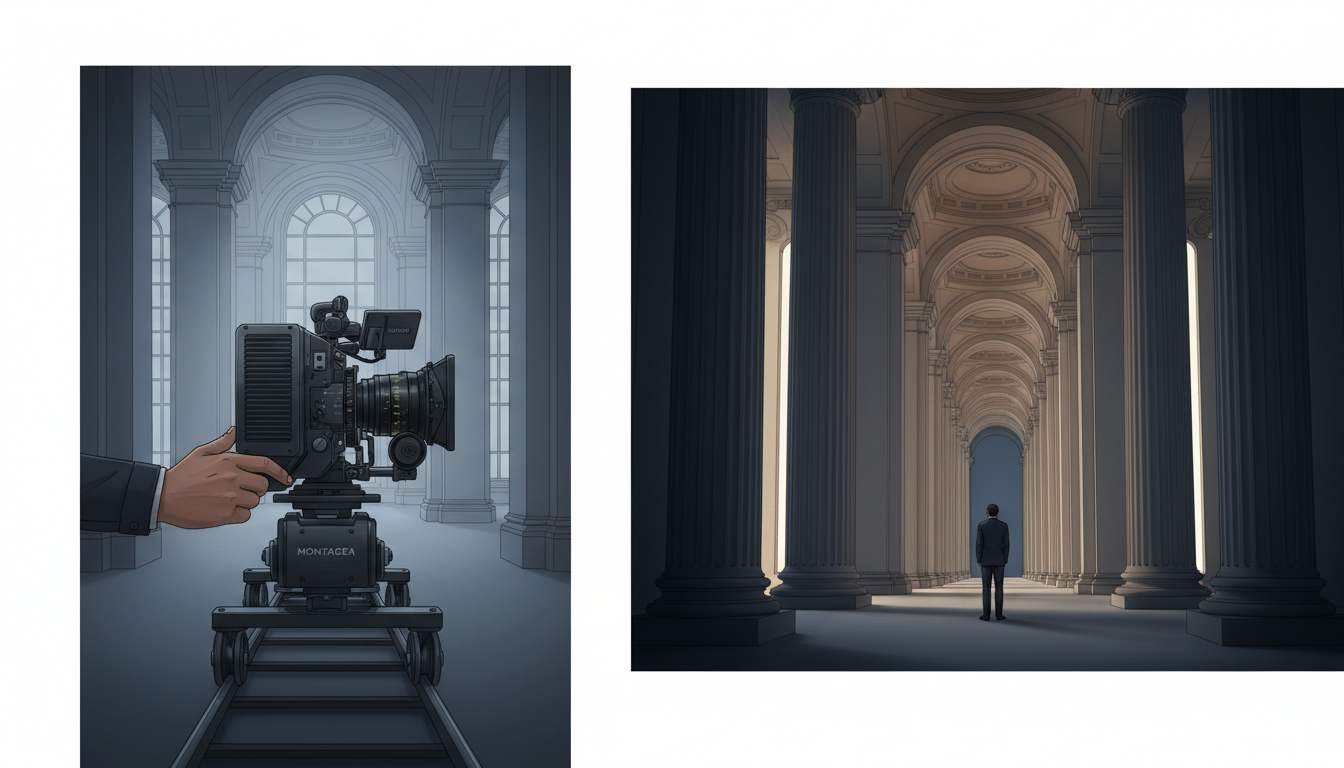
The dolly zoom (or Vertigo effect) requires the camera to move physically in one direction while the lens zooms in the opposite direction. In Wan2.1, this is achieved by prompting opposing physical and focal instructions within the same sentence. To execute the classic Hitchcockian perspective shift, follow our dedicated guide on simulating vertigo dolly zooms in AI video.
Your prompt structure should explicitly state the physical movement first, followed immediately by the optical adjustment: "The camera physically dollies backward away from the subject while simultaneously executing a tight focal zoom-in on the subject's face, causing the background to dramatically compress and pull closer while the subject remains the exact same size in the frame."
The Crane-to-Tracking Shot
A crane-to-tracking shot moves the camera vertically downward before transitioning smoothly into a horizontal tracking sequence. To prompt this in Wan2.1, write a sequential narrative for the camera: "The camera begins high above the street, executing a smooth vertical crane descent downward. Upon reaching eye-level with the subject, the vertical movement eases to a stop and immediately transitions into a smooth, horizontal lateral tracking shot moving parallel to the subject's walk."
The Wan2.1 Camera Control Cheat Sheet
To streamline your workflow, use this comparison table to replace generic filmmaking terms with optimized, vector-based prompts engineered specifically for Wan2.1's attention model.
| Cinematic Goal | What to Type in Wan2.1 | Why It Works |
|---|---|---|
| Pan Left / Right | "The camera pivots smoothly on its axis to the left, panning across the environment while maintaining a locked horizon line." | Prevents the horizon from tilting or warping during horizontal rotation. |
| Tilt Up / Down | "The camera tilts slowly upward, pivoting vertically from a low angle to reveal the towering architecture above." | Anchors the perspective to the base of the scene, preventing vertical stretching. |
| Dolly In (Physical) | "The camera physically glides forward along a straight linear track, moving closer to the subject with natural foreground parallax." | Forces the model to calculate 3D depth layers instead of flat digital zooming. |
| Crane Shot | "The camera executes a smooth vertical ascent, rising straight up into the air to reveal a wide bird's-eye view of the landscape." | Isolates vertical elevation changes from lateral drift. |
| Whip Pan | "A rapid, high-velocity whip pan to the right, creating a clean directional motion blur before snapping into sharp focus on the new subject." | Instructs the model to generate intentional, clean motion blur rather than messy compression artifacts. |
| Tracking Shot | "The camera tracks laterally, moving on a parallel path alongside the running subject at matching speed, keeping them centered." | Synchronizes camera speed with subject velocity, preventing character deformation. |
| Orbit Shot | "The camera orbits in a perfect 360-degree circle around the stationary subject, maintaining a consistent distance and focus." | Keeps the subject at a fixed focal point while smoothly spinning the background geometry. |
| Dutch Angle Shift | "The camera slowly rotates counter-clockwise along its roll axis, tilting the frame to introduce a dynamic, off-kilter perspective." | Isolates rotational movement from physical translation. |
Pre-Generation Checklist
Before hitting generate on your Wan2.1 workspace, run through this quick checklist to ensure your prompt is optimized:
- Is subject action decoupled? Ensure your camera movement instructions are written in a separate clause from your subject's physical actions.
- Are there spatial anchors? Did you include background or foreground reference points (e.g., "the horizon," "the table surface") to ground the camera's path?
- Is velocity defined? Did you specify how the camera starts, moves, and stops (e.g., "smooth ease-out," "gradual deceleration")?
- Are CFG scale and motion strength balanced? For complex camera moves in Wan2.1, keeping your Classifier-Free Guidance (CFG) scale between 5.0 and 7.0 and your motion strength setting around 0.8 to 1.0 provides the optimal balance between prompt adherence and fluid motion rendering.
Mitigating Geometry Drift and Temporal Artifacts
Even with highly structured prompts, high-velocity camera movements can occasionally trigger geometry drift—a phenomenon where background structures melt, morph, or lose their physical boundaries. This occurs because the model's temporal attention layers struggle to maintain structural integrity across rapidly shifting frames.
To combat this, you must anchor your background elements using highly specific environmental tokens. Instead of prompting "a city street," use highly descriptive, rigid architectural nouns: "a city street lined with concrete brutalist buildings, steel-framed windows, and solid brick pavements." Giving the model hard, unyielding materials to render makes it far less likely to warp them during a fast camera sweep.
When dealing with highly detailed subjects, applying a micro-movement protocol prevents fine textures and geometry from warping during subtle camera shifts. This is particularly crucial for macro-style shots, where even a millimeter of unintended camera drift can ruin the shot's realism.
Finally, utilize seed locking and negative prompting to stabilize your frames. If you find a camera path you like but the subject's face is morphing, lock the generation seed and add terms like "morphing, melting, warping, flickering, sudden lighting shifts, floating geometry" to your negative prompt. This instructs Wan2.1's latent space to prioritize structural stability, ensuring your camera moves through a solid, believable world every single time.
Why does my subject's face melt when I prompt a fast camera pan in Wan2.1?
This happens because Wan2.1's temporal attention mechanism struggles to separate high-velocity camera movement from the subject's facial geometry. To fix this, explicitly prompt the camera's speed and state that the subject remains sharp: "The camera executes a rapid horizontal pan; the background exhibits natural motion blur while the subject's face remains perfectly sharp, detailed, and structurally coherent." Keep your motion strength setting around 0.8 to prevent excessive frame warping.
How do I prevent Wan2.1 from zooming in when I only prompted a lateral tracking shot?
Wan2.1 often defaults to zooming because it requires less computational effort to scale pixels than to calculate true 3D lateral parallax. To prevent this, use strict spatial anchors in your prompt. Explicitly state: "The camera tracks laterally on a parallel path, maintaining a constant physical distance from the subject without zooming or shifting closer." This forces the model to render the lateral perspective shift.
What are the best motion strength settings in Wan2.1 for smooth camera movements?
For most cinematic camera movements, a motion strength setting between 0.8 and 1.0 is ideal. Setting it below 0.8 can make the camera feel static or lead to robotic, stuttering movements. Setting it above 1.0 increases the likelihood of geometry drift, where backgrounds and subjects begin to warp and melt. Pair a 0.85 motion strength with a CFG scale of 6.0 for the cleanest results.
Can I combine camera control prompts with image-to-video (I2V) workflows in Wan2.1?
Yes, but you must structure your prompt to respect the starting frame. When using I2V, your prompt should describe the camera movement as an action that begins immediately after the first frame. For example: "From the initial composition, the camera smoothly dollies backward, expanding the frame to reveal the surrounding environment." This prevents the model from ignoring your source image's composition.



