
The Micro-Movement Protocol: Simulating Macro Camera Paths for AI Watch Videos Without Geometry Drift
Discover a repeatable prompting framework and image-to-video workflow designed to execute ultra-precise, drift-free macro camera movements for luxury timepieces in generative AI.
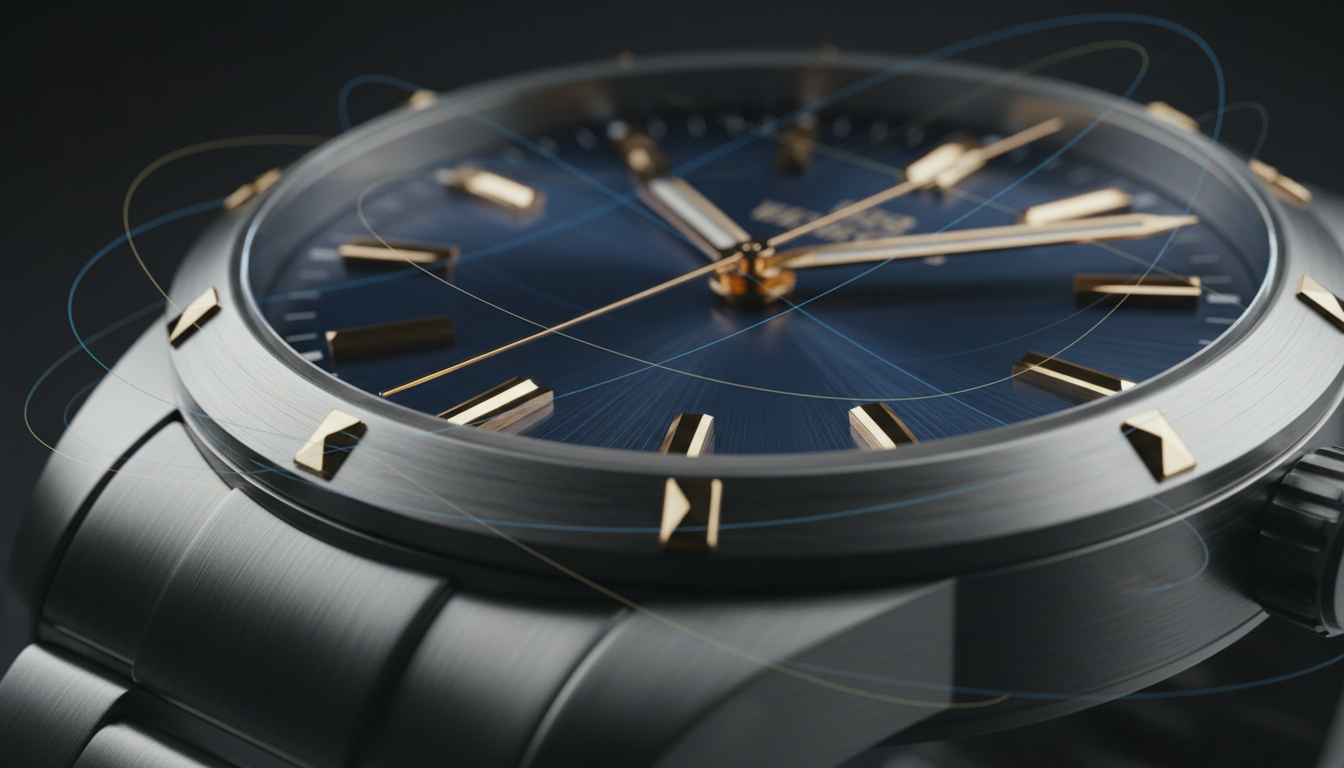
Luxury watch cinematography is defined by micro-movements that highlight mechanical craftsmanship. In traditional studio settings, capturing these tight camera paths requires high-speed robotic arms, expensive macro lenses, and precise lighting rigs to prevent any distortion of the timepiece's physical dimensions.
In generative AI filmmaking, replicating these micro-movements often leads to catastrophic warping of circular bezels, sub-dials, and metallic reflections. To overcome this, creators are adopting structured pipelines that preserve geometric integrity while simulating complex physical camera paths.
The Macro Dilemma: Why Luxury Watches Break AI Camera Movements
Traditional watch commercials rely on macro lenses and high-speed robotic camera arms (like the Bolt) to capture micro-details without distorting the watch's physical dimensions. These setups allow the camera to glide millimeters away from the watch face, capturing the sweeping motion of the second hand, the texture of the dial, and the sharp bevels of the case. Because the physical world obeys the laws of optics and geometry, the watch remains perfectly rigid while the camera moves.
Generative AI models struggle with circular symmetry; even a slight camera pan can cause the bezel, sub-dials, or hour markers to drift, warp, or melt. Diffusion models do not naturally understand that a watch is a rigid, solid-state object. Instead, they predict pixels frame-by-frame based on probabilistic patterns. When a camera movement is introduced, the model often interprets the changing perspective as a license to morph the underlying geometry, resulting in oval-shaped dials or shifting hour markers.
Furthermore, reflections on the sapphire crystal and polished steel must shift realistically relative to the camera's angle, a physics calculation that standard AI video prompts often fail to compute. Instead of a smooth, sweeping reflection that traces the contour of the watch's metal, AI-generated videos frequently produce localized, flickering light pools that break the illusion of photorealism. To solve this, creators must enforce strict boundaries on how much the AI is allowed to alter the frame during movement.
The Micro-Movement Prompting Framework
To force AI video models to execute subtle, high-tension camera moves instead of chaotic, sweeping motions, you must employ a highly specific vocabulary. Standard camera prompts like "pan left" or "flyover" give the model too much creative freedom, which inevitably leads to geometric distortion. Instead, the prompting framework must rely on hyper-controlled, stabilizing terminology.
Avoid aggressive motion prompts; instead, use stabilizing terms like "micro-pan", "subtle parallax", "imperceptible drift", and "controlled macro glide". These terms signal to the model that the spatial change between frames should be minimal, which drastically reduces the likelihood of pixel warping. Additionally, you must explicitly separate the camera's path from the watch's internal movement, ensuring the hands of the watch move independently of the camera's translation.
Designing Axis-Locked Prompts
At Montagea, we have found that anchoring the camera movement to a specific axis (e.g., "slow horizontal slider glide on the Z-axis") prevents the model from introducing unwanted rotational warping. By defining the motion along a single vector, you limit the computational variables the AI has to resolve. To master the art of building cinematic tension through subtle camera paths, explore our guide on prompting the slow push-in in AI video. If you want to move beyond basic product rotations, learn how to prompt cinematic 360-degree orbit shots that maintain product focus.
Here is a structural template for a stabilized macro watch prompt:
- Core Subject: "Macro close-up of a luxury mechanical chronograph watch, 18k white gold bezel, brushed steel dial."
- Camera Movement: "An imperceptible horizontal camera glide along the X-axis, slow slider movement, micro-pan, highly controlled."
- Lighting & Reflections: "Shifting studio softbox reflections sweeping across the sapphire crystal, dynamic specular highlights on the metallic indicators."
- Render Quality & Stability: "Photorealistic, 8k resolution, razor-sharp focus, shallow depth of field, zero warping, rigid geometry preservation."
Mitigating Geometry Drift: The Image-to-Video Anchoring Pipeline
Text-to-video generation is far too unpredictable for luxury products where brand identity relies on the exact replication of physical details. A single-word variance can change the brand logo or alter the shape of the crown. Therefore, a high-fidelity static image must serve as the structural anchor for your entire video generation workflow.
Using image-to-video tools allows the AI to focus its computational budget on generating motion and lighting reflections rather than inventing the watch's geometry from scratch. By feeding the model a flawless, high-resolution source image (either a professional photograph or a CAD render), you establish an unbreakable geometric baseline. The AI's job is no longer to create a watch, but rather to simulate how a camera and light source interact with an existing watch.
This workflow builds directly on the principles of the single-photo AI product video pipeline, which preserves absolute geometric fidelity. To prepare the source image for the best possible results, isolate the watch face from the background and optimize the contrast on the metallic surfaces. High contrast helps the AI identify the boundaries of the metal, making it easier to calculate where reflections should start and stop as the camera glides across the surface.
Environmental Cohesion: Creating Depth in the Macro Frame
A macro camera movement is only convincing if the background elements shift in perfect relation to the foreground watch. If the background remains static while the camera pans across the watch, the viewer's brain immediately flags the motion as artificial. This is known as parallax drift, and it is a common giveaway of low-end AI product videos.
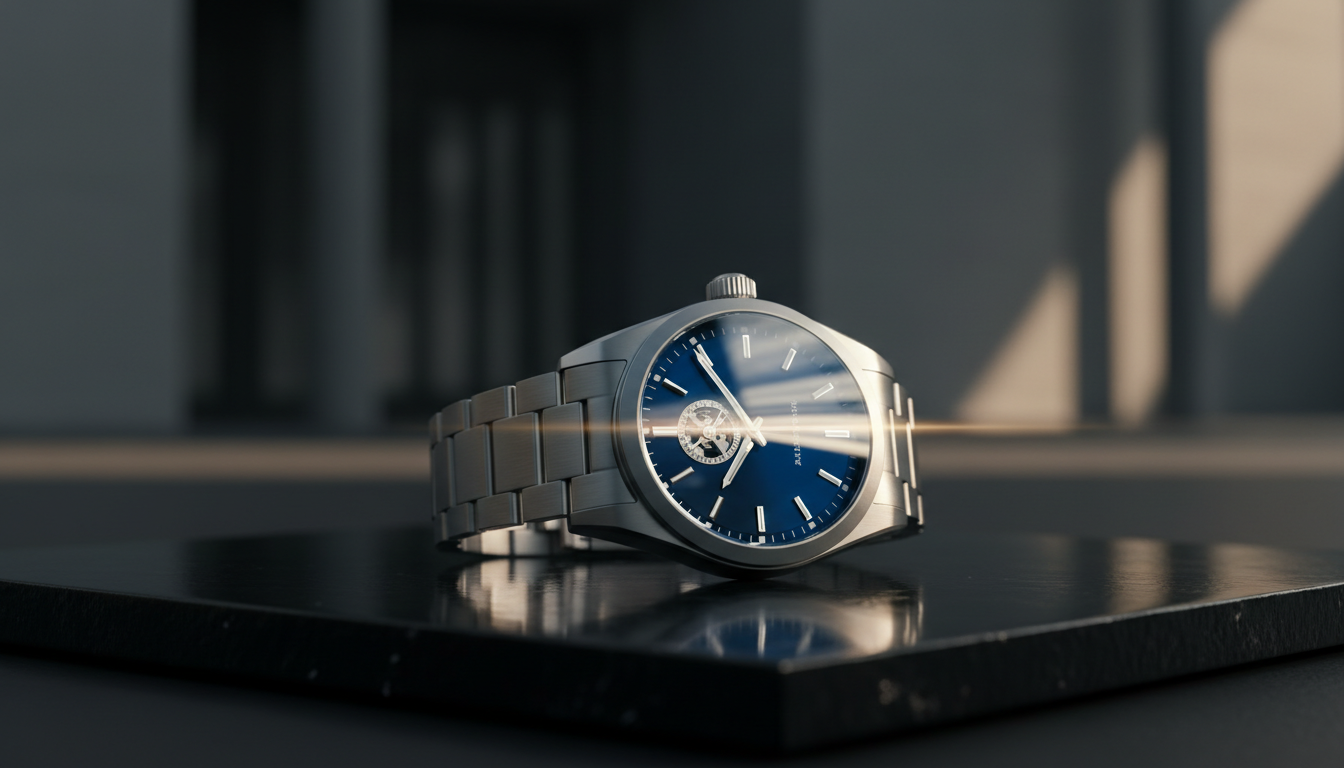
To ensure your background elements react naturally to the light and camera angle, implement our environmental cohesion protocol for premium lifestyle videos. By generating context-aware, premium backgrounds (like dark obsidian, brushed titanium, or minimalist architectural shadows) that complement the watch's aesthetic, you create a believable physical space for the watch to inhabit. The background must be designed with depth in mind, featuring elements at varying distances from the lens to maximize the visual impact of the micro-pan.
Maintaining a shallow depth of field is crucial for this effect. By ensuring the background remains beautifully blurred, you draw the viewer's eye directly to the watch's mechanical details while allowing the background's soft bokeh to shift gently. This physical lens simulation masks minor AI imperfections in the background, keeping the focus entirely on the crisp, rigid geometry of the luxury timepiece.
Traditional Cine Rigs vs. AI Camera Paths: A Practical Comparison
While high-end robotic camera setups offer unmatched precision and physical accuracy, they are financially and logistically out of reach for many independent creators and boutique agencies. AI-generated camera movements offer a compelling alternative, particularly during the pre-production and concept-pitching phases.
| Feature | Robotic Camera Rig (e.g., Bolt) | AI Micro-Movement Protocol |
|---|---|---|
| Initial Cost | Extremely High ($5,000+ per day rental) | Very Low (Software subscription) |
| Setup & Calibration Time | Hours of physical alignment and programming | Minutes of prompting and image prep |
| Geometry Preservation | Perfect (Physical reality) | High (When utilizing the image anchor pipeline) |
| Reflection Realism | Flawless (True optical physics) | Simulated (Requires iterative prompting) |
| Creative Flexibility | Limited by physical space and lens limits | Infinite environmental and lighting options |
Why indie filmmakers and boutique agencies are adopting AI pipelines is clear: it allows them to pitch highly polished, cinematic concepts before committing to expensive physical macro shoots. This hybrid workflow uses AI-generated animatics to pre-visualize physical camera moves, ensuring that when they do rent high-end robotic rigs, every shot has already been tested, framed, and approved in the digital space.
How do I prevent a watch dial or bezel from warping when generating AI camera movements?
To prevent warping, always use an image-to-video pipeline rather than text-to-video. By starting with a high-fidelity static image, you anchor the watch's geometry. Additionally, use axis-locked prompt terms like "slow horizontal slider glide on the Z-axis" and avoid aggressive camera movements that force the AI to recalculate the entire structure of the watch face.
What are the best prompts for creating slow, macro camera movements in AI video tools?
Use highly controlled, stabilizing vocabulary. Excellent terms include "micro-pan", "subtle parallax", "imperceptible drift", "controlled macro glide", and "slow slider movement". Avoid generic terms like "pan", "zoom", or "spin", which grant the AI model too much spatial freedom.
How do you handle realistic metallic reflections on a watch face in image-to-video AI?
Ensure your source image has high-contrast lighting on the metal bezels and sapphire crystal. In your prompt, explicitly describe how the light should move, such as "shifting studio softbox reflections sweeping across the sapphire crystal" or "dynamic specular highlights on the metallic indicators." This guides the AI to generate reflections that trace the actual geometry of the watch.
Can generative AI video tools completely replace a physical camera robot rig like the Bolt?
For final, high-end commercial broadcast work, physical rigs still offer unmatched optical perfection and geometric accuracy. However, the AI Micro-Movement Protocol is highly effective for social media content, digital campaigns, and pre-visualization animatics, allowing creators to achieve studio-grade results at a fraction of the cost.



