
The Physics of the Micro-Scale: Prompting Ultra-Realistic AI Macro Product Shots
Achieving commercial-grade macro shots in AI video requires translating physical properties like surface tension and lens diffraction into precise prompts. Learn our structured framework for mastering micro-scale physics.
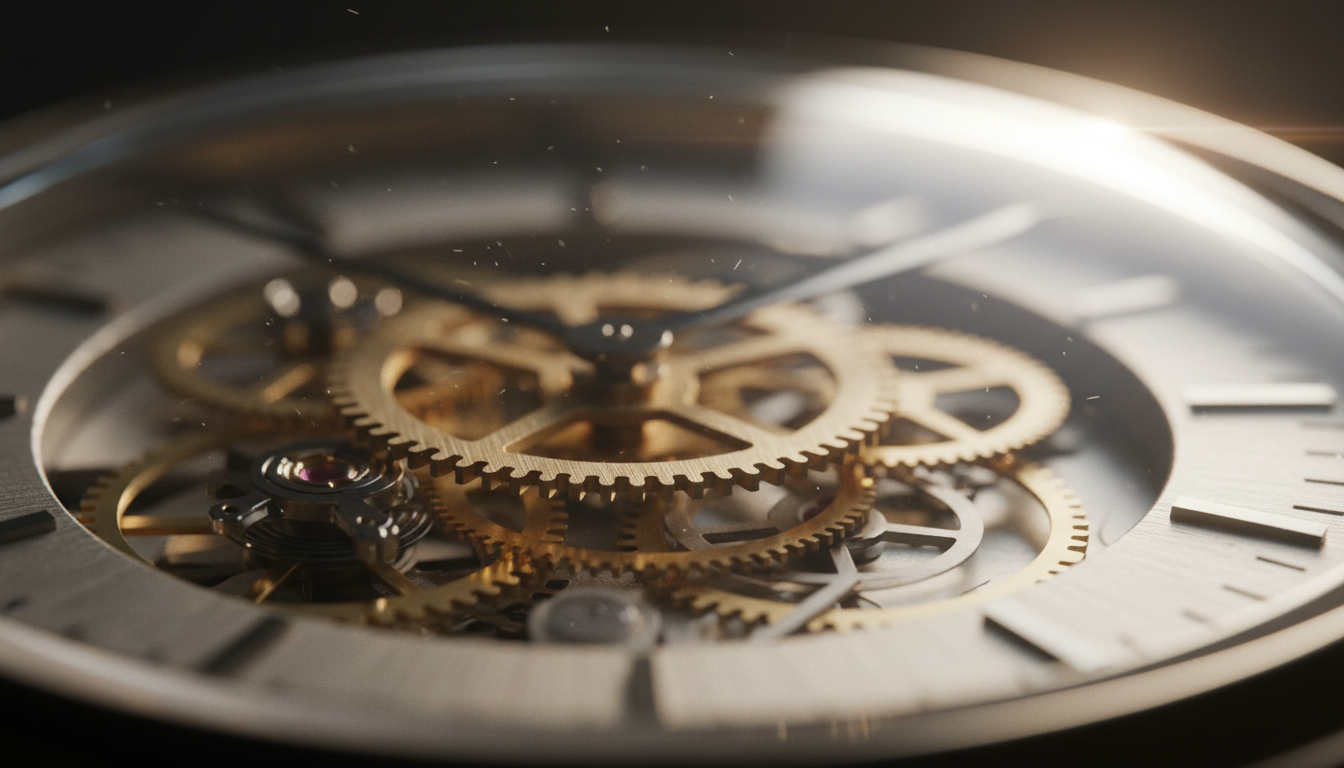
In traditional commercial cinematography, macro videography is one of the most mechanically demanding disciplines. Directors rely on specialized probe lenses, complex motorized gantry systems, and highly controlled studio environments to capture the tactile details of a luxury watch dial, a cosmetic lotion, or a condensation-covered beverage can. Every micro-movement must be mathematically precise, and even a microscopic speck of dust in the wrong place can ruin a high-speed camera pass.
In the realm of AI filmmaking, achieving this same level of micro-realism requires a complete paradigm shift. Instead of manipulating physical glass, lighting flags, and fluid viscosity, creators must translate physical properties—such as surface tension, subsurface scattering, and lens diffraction—into descriptive prompts. This guide outlines how to bypass flat, plastic-looking AI renders and control the physics of micro-environments to produce commercial-grade product videos.
The Micro-Scale Challenge: Why AI Struggles with Macro Physics
Standard AI video generators like Runway Gen-3, Luma Dream Machine, and Sora are trained on vast datasets of web imagery. When prompted with generic terms like "macro product shot," these models tend to default to idealized, synthetic renders. The result is often a hyper-smooth, plastic-looking surface that lacks the micro-imperfections defining real-world objects. Without these imperfections, the viewer's brain instantly registers the shot as computer-generated, breaking the cinematic illusion.
To overcome this limitation, creators must employ "tactile prompting"—the practice of explicitly describing the micro-imperfections that establish scale. These include dust motes caught in side-lighting, microscopic textile fibers, irregular condensation droplets, and subtle surface abrasions. By forcing the AI model to render these minute details, you anchor the generation in physical reality.
At Montagea, our production philosophy treats AI-generated macro elements with the same physical rigor as real-world studio plates. Rather than relying on a single generic prompt and hoping for the best, we advocate for a structured approach that builds physical constraints directly into your generation workflow. Our testing reveals that the most convincing macro shots are those that respect the laws of optics and fluid dynamics, even when generated entirely in code.
The Macro Prompting Framework: Texture, Fluidity, and Light
To consistently generate high-end macro shots, you must structure your prompts around three core pillars: Surface Texture, Environmental Interaction, and Optical Behavior. Leaving any of these pillars to the AI's default settings usually results in flat lighting or impossible physical behaviors.
| Material Type | Generic Prompt (Avoid) | Tactile Prompt (Use) | Physical Mechanism Highlighted |
|---|---|---|---|
| Liquids / Condensation | "Macro shot of water drops on a soda can." | "Extreme macro of a cold aluminum can. Tiny, irregular condensation droplets with high surface tension cling to the matte surface. Microscopic water beads merging under gravity, leaving subtle wet trails." | Surface tension, gravity, hydrophobic contact angle. |
| Brushed Metal | "Close-up of a metal watch." | "Macro shot of a titanium watch bezel. Anisotropic reflection stretching light across microscopic brushed steel grooves. Tiny hairline scratches and micro-abrasions visible under directional side-lighting." | Anisotropic reflection, micro-abrasions, high-contrast specular highlights. |
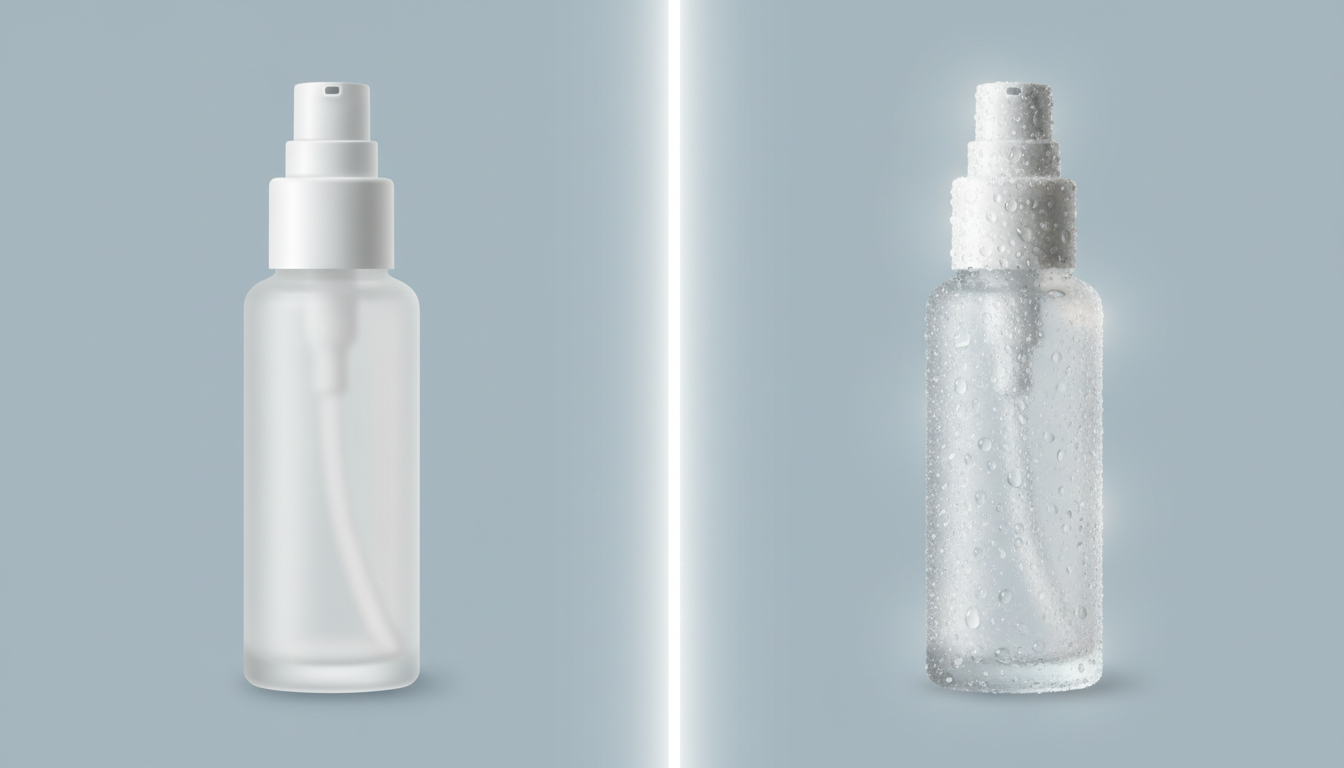
| Frosted Glass | "Macro of a perfume bottle." | "Ultra close-up of frosted glass. Soft light scattering through the semi-translucent material, creating a warm, internal glow. Micro-textures on the glass diffuse the sharp reflections into soft gradients." | Subsurface scattering, light diffusion, roughness mapping. |
| Organic / Cosmetic Cream | "Macro of face cream." | "Macro video of luxurious white cosmetic cream being swirled. Viscous texture, soft peaks with subtle subsurface scattering. A satin sheen reflects a soft studio softbox, showing micro-bubbles trapped in the emulsion." | Viscosity, emulsion air bubbles, light absorption. |
Mastering Optical Mechanics: Subsurface Scattering and Anisotropy
Two optical phenomena are critical for selling the realism of close-up materials: subsurface scattering (SSS) and anisotropy. Subsurface scattering occurs when light penetrates the surface of a translucent object (like skin, wax, cosmetics, or liquids), scatters internally, and exits at a different angle. Without SSS, organic materials look like painted plaster. To prompt this, use phrases like: "light penetrating the translucent liquid, creating a warm internal glow via subsurface scattering."
Anisotropy, on the other hand, describes how light reflects off surfaces with a directional grain, such as brushed metals, vinyl records, or silk. Instead of a circular reflection, the highlight stretches perpendicular to the grain. Prompting for "anisotropic highlights stretching across the brushed metallic surface" prevents the AI from treating metal like shiny gray plastic, giving your product shots a premium, engineered look.
Controlling Depth of Field and Focus Pulls in Close-Up Space
At a 1:1 or 2:1 reproduction ratio, the depth of field (DoF) in real cinematography becomes razor-thin—often measuring less than a millimeter. If an AI video shows an ultra-close-up shot where the entire product from front to back is in sharp focus, the viewer's brain instantly flags it as synthetic. To establish a believable sense of scale, you must force a shallow depth of field.
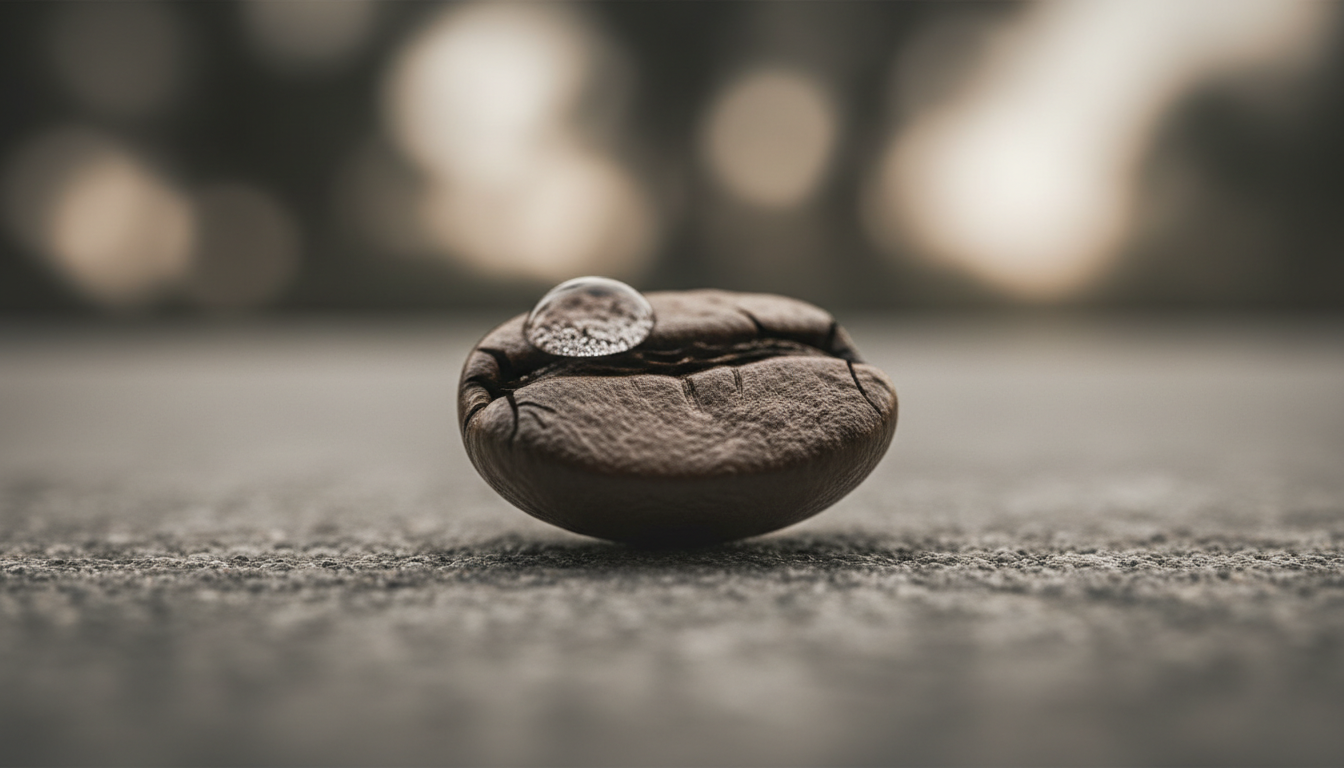
To achieve this, incorporate specific lens and camera descriptors into your prompt. Terms like "100mm macro lens at f/2.8," "extremely shallow depth of field," "razor-thin focal plane," and "soft, circular background bokeh" instruct the AI to isolate a single plane of detail. This forces everything in front of and behind that plane into a creamy, realistic blur.
Managing the focus plane becomes even more critical when the camera or the product is in motion. For a deeper dive into controlling focal planes and shifting focus smoothly in AI generations, read our guide on prompting realistic rack focus. When prompting a focus pull at a micro-scale, coordinate the camera's physical movement with the shifting plane of focus. For example, use prompts like: "The camera slowly pushes forward as the focus pulls from the foreground water droplet to the embossed logo in the background, maintaining a razor-thin depth of field." This prevents the visual warping and morphing that often occurs when the AI tries to shift focus without a clear spatial guide.
Dynamic Camera Movement: From Micro-Pan to Orbit
In physical commercial production, macro camera movements are executed using heavy, ultra-rigid motion-control rigs. Because the frame is so small, any vibration or erratic movement is magnified exponentially. AI generators are highly sensitive to sudden camera directions at close range; rapid movements often cause the product's geometry to warp, melt, or transform into a different object entirely.
To maintain structural integrity, keep your camera prompts slow, linear, and controlled. Use terms like "motorized slider," "slow linear micro-pan," or "precision horizontal crawl." This gives the AI model a predictable vector of movement, allowing it to calculate the shifting perspectives of micro-textures without generating artifacts.
If you want to transition from a linear micro-shuttle to a sweeping circular path around your product, check out our blueprint for prompting cinematic 360-degree orbit shots. Applying these orbital mechanics to a close-up shot requires a strong central anchor point in your prompt to prevent the background from spinning faster than the model can calculate.
Additionally, macro shots are excellent candidates for seamless looping, especially when showcasing abstract textures like flowing liquids, bubbling emulsions, or spinning gear assemblies. To ensure your close-up texture loops seamlessly without jarring cuts, master the principles of prompting infinite AI video cycles. By combining slow camera movements with cyclical physical motion, you can generate hypnotic, high-end B-roll that can run indefinitely in the background of a commercial or landing page.
The Commercial Workflow: Integrating AI Macro Shots into Product Promos
In a professional commercial edit, macro shots rarely stand alone. Instead, they serve as high-impact visual punctuation marks, interspersed between wider establishing shots, lifestyle footage, and graphic callouts. Slicing and sequencing these generations requires a keen eye for continuity and physical scale.
When integrating AI-generated macro footage with real-world assets or wider AI-generated scenes, color grading and post-processing are your primary tools for unification. AI generations often lack the organic sensor noise or film grain found in physical camera footage. Adding a subtle layer of shared film grain across your entire timeline can instantly bridge the gap between a real-world wide shot and an AI-generated macro shot.
Before sending any AI macro generation to your final editing timeline, evaluate its physical believability using the following quality checklist:
The AI Macro Believability Checklist
- [ ] Micro-Imperfections: Are there subtle dust motes, fibers, or textures breaking up flat, synthetic surfaces?
- [ ] Light Behavior: Does light scatter correctly through translucent liquids (SSS) or stretch across brushed metals (anisotropy)?
- [ ] Depth of Field: Is the focal plane physically plausible for the macro scale, featuring soft, realistic background bokeh?
- [ ] Structural Integrity: Does the product remain rigid and consistent, avoiding warping or morphing as the camera moves?
- [ ] Fluid Dynamics: Do liquids behave with realistic viscosity and surface tension, rather than looking like low-resolution digital simulations?
By shifting your prompting strategy from generic descriptions to precise physical mechanics, you unlock the ability to generate commercial-grade macro B-roll on demand. Treat the AI generator not as a magic box, but as a virtual camera system operating within a simulated physical environment. Frame your prompts with the vocabulary of a seasoned cinematographer, and the AI will respond with the tactile, cinematic realism your projects demand.
How do I prevent my AI macro product shots from looking like plastic?
To prevent a synthetic or plastic appearance, avoid generic prompts like "macro product shot." Instead, use "tactile prompting" by explicitly describing micro-imperfections such as dust motes, brushed metal grain, hairline scratches, or irregular condensation droplets. Specifying physical light behaviors like "subsurface scattering" for organic materials and "anisotropic reflections" for metals will also break up the unnatural smoothness of default AI renders.
What are the best camera prompt terms for macro depth of field in AI video?
To force a realistic, razor-thin depth of field, use specific lens and camera descriptors in your prompt. Effective terms include: "100mm macro lens at f/2.8," "extremely shallow depth of field," "razor-thin focal plane," "soft circular background bokeh," and "foreground elements completely out of focus." This mimics real-world optical physics and prevents the entire frame from looking flat and sharp.
How do I prompt realistic water droplets and condensation on a product?
Describe the physics of the liquid's interaction with the surface. Use terms like "high surface tension," "hydrophobic surface," "irregular condensation droplets clinging to the surface," and "microscopic water beads merging and slowly trickling down under gravity." Specifying these physical dynamics prevents the AI from generating flat, painted-on water textures.
Can I prompt a macro focus pull in Runway or Luma Dream Machine?
Yes, you can prompt focus pulls by coordinating camera movement with a shifting focal plane. Use structured prompts such as: "The camera slowly pushes forward along a motorized slider as the focus pulls from a sharp foreground water droplet to the embossed logo in the background, maintaining a razor-thin depth of field throughout the move." Keeping the camera movement slow and linear helps the AI maintain structural consistency during the focus transition.



