
The Geometry of the Cut: Prompting Seamless Match Cut Transitions in AI Video Production
Traditional editors find match cuts in post-production, but AI filmmakers must design them in the latent space. Discover the precise prompting formulas and workflows needed to align geometry, motion vectors, and focal lengths across separate AI video generations.
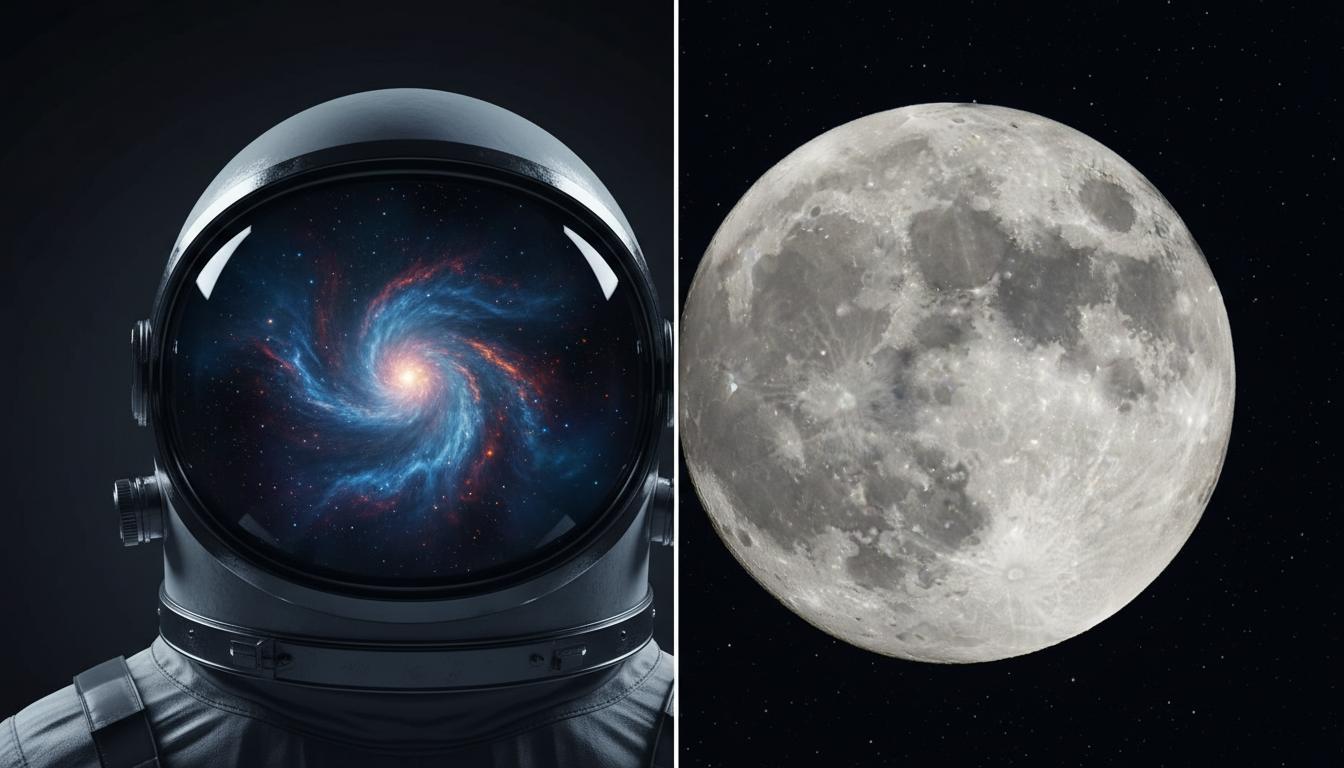
Match cuts are a cornerstone of cinematic editing, linking disparate scenes through visual, kinetic, or thematic symmetry. In traditional filmmaking, editors spend hours combing through footage to locate frames where a subject's shape or movement aligns with another. However, AI filmmaking demands a complete reversal of this workflow: the match cut must be mathematically designed in the pre-generation phase before a single frame is rendered.
By treating the prompt as a spatial blueprint, creators can force the latent space of diffusion models to align geometries, camera velocities, and color palettes across separate generations. This guide breaks down the precise prompting formulas, spatial coordinates, and motion vector strategies required to execute flawless match cuts, minimizing unwanted morphing and eliminating the trial-and-error often associated with AI video transitions.
The Physics of the Match Cut in AI Video
AI video generators do not inherently understand cinematic continuity. Left to their own devices, diffusion models treat each prompt as an isolated universe, creating massive stylistic and geometric drift between clips. When you attempt to splice these clips together in post-production, the transition feels jarring because the neural network has positioned the primary subjects on different coordinate axes, using different virtual focal lengths.
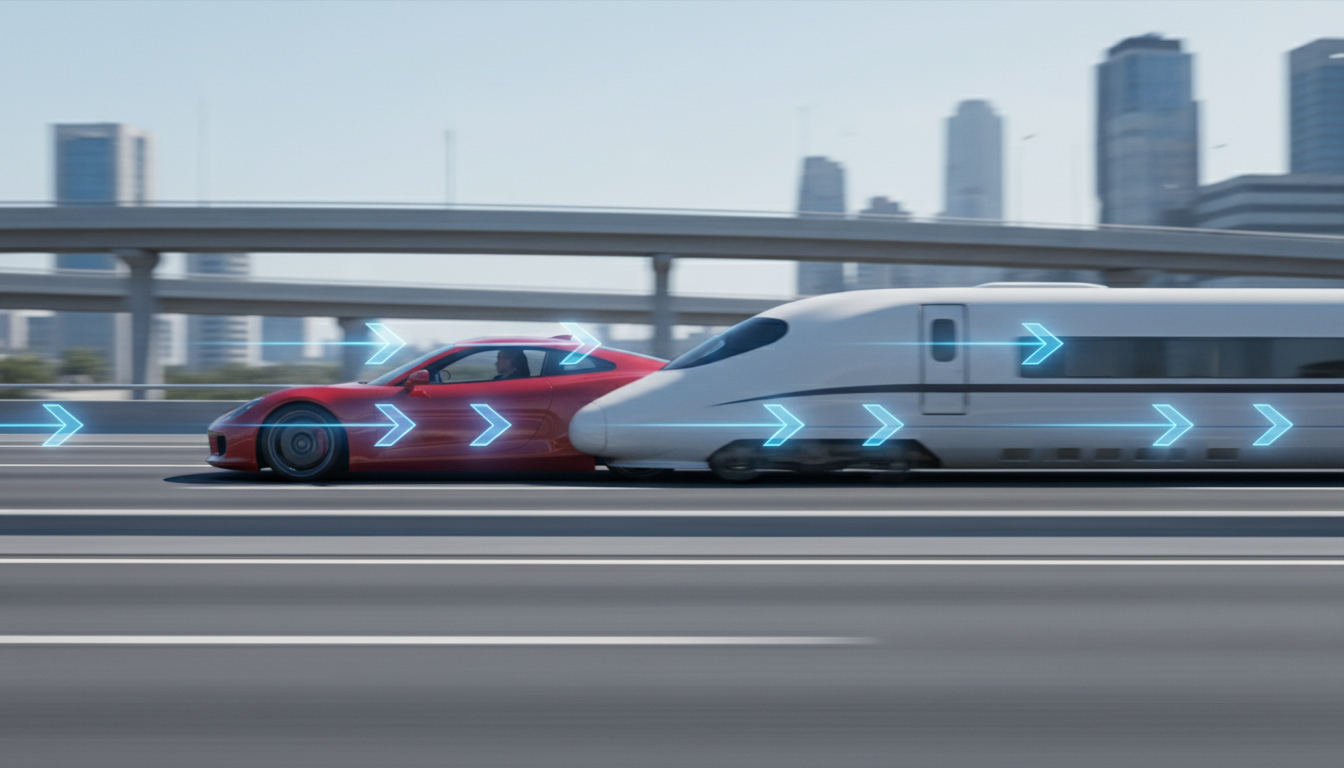
To overcome this, we must understand the three pillars of AI match cuts: Graphic Match (shape alignment), Motion Match (vector velocity), and Color/Atmosphere Match. When these three elements align, the viewer's brain seamlessly bridges the gap between two entirely different environments. At Montagea, our editorial team views structural continuity not as an afterthought, but as the foundational layer of cinematic AI generation. Achieving this continuity requires moving beyond random generation seeds and adopting deliberate spatial planning.
Furthermore, managing the stability of your subjects during these rapid transitions is critical. Without precise prompting, the AI may attempt to morph the assets mid-generation, leading to visual artifacts. Understanding the mechanics of shape alignment is the first step in preventing unwanted morphing and facial instability during transitions, ensuring that your cuts remain sharp, clean, and professional.
Prompting for Graphic Match Cuts: Aligning Shapes and Silhouettes
A graphic match cut relies on the visual similarity of two distinct objects. To force an AI generator to place different objects in the exact same area of the frame, you must feed it precise spatial coordinates. Standard prompts like "a close-up of an eye" followed by "a close-up of a camera lens" will fail because the AI will place the eye on the left third of the frame in Shot A, and the lens dead-center in Shot B.
To prevent this drift, use explicit framing instructions and geometric descriptors in your prompt. Specifying the camera's position relative to the subject is crucial for maintaining strict spatial continuity across cuts. Use terms like "dead-center composition," "perfectly symmetrical framing," and "extreme close-up centered on the Z-axis." Additionally, negative prompting is your best tool for keeping the AI focused. Adding terms like "asymmetric, off-center, panning, tilting, Dutch angle" to your negative prompt prevents the model from introducing unwanted camera offsets that ruin the geometric overlap.
The Geometry of the Circular Match Cut
The circle is the most reliable geometric shape for graphic match cuts because of its perfect radial symmetry. Because diffusion models are trained heavily on centered, circular objects, they respond exceptionally well to radial alignment prompts.
The Circular Transition Blueprint
To execute a transition from a spinning vinyl record to a spinning roulette wheel, you cannot rely on simple nouns. You must match the virtual lens profile, camera height, and object scale across both prompts. Here is how to structure the prompts for perfect alignment:
- Shot A Prompt (Vinyl Record): "An extreme close-up, top-down bird's-eye view of a vintage black vinyl record spinning on a turntable. Dead-center composition, perfectly symmetrical circular framing. Shot on an 85mm macro lens, flat profile, high contrast. The circular record fills exactly 60% of the frame. Minimal camera movement, static overhead angle."
- Shot B Prompt (Roulette Wheel): "An extreme close-up, top-down bird's-eye view of a luxury wooden roulette wheel spinning rapidly. Dead-center composition, perfectly symmetrical circular framing. Shot on an 85mm macro lens, flat profile, high contrast. The circular roulette wheel fills exactly 60% of the frame. Minimal camera movement, static overhead angle."
By specifying the 85mm macro lens, the top-down angle, and the exact percentage of frame coverage (60%), you constrain the generator's latent space. The resulting clips will feature two distinct objects that occupy the exact same spatial coordinates, allowing for an invisible cut in your non-linear editor (NLE).
Prompting for Motion Match Cuts: Vector Velocity and Camera Speed
A motion match cut links two shots through continuous kinetic energy. If Shot A features a fast camera movement to the right, Shot B must enter with the exact same directional vector and velocity. If the speed or direction mismatches even slightly, the illusion of continuity is shattered.
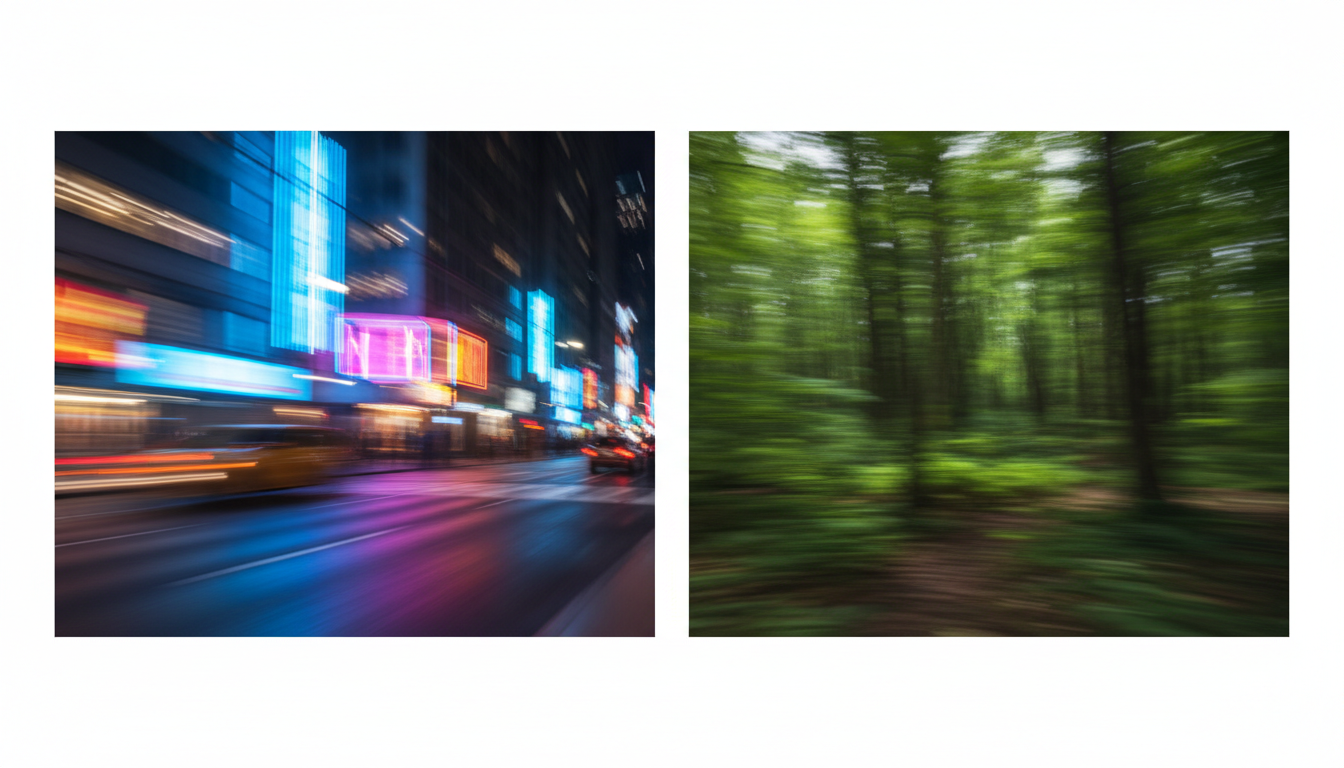
When crafting precise camera movement prompts, you must use standardized speed descriptors that the AI model can translate into consistent frame-to-frame displacement. Avoid vague words like "fast" or "moving." Instead, use industry-standard terminology like "rapid whip pan right," "slow cinematic dolly left," or "accelerating crane shot downward."
To ensure perfect kinetic continuity, apply the Directional Vector Rule: if a subject or camera exits the frame in a specific direction in Shot A, the matching element must enter from the opposite side or continue the exact same trajectory in Shot B. For example, if a runner sprints out of the frame to the right in Shot A, the next shot of a speeding train must enter from the left and move to the right, maintaining the left-to-right eye-trace of the audience.
The Match Cut Continuity Workflow
While text-to-video (T2V) prompting is excellent for conceptualizing, executing a seamless match cut usually requires a hybrid workflow that combines Image-to-Video (I2V) and Text-to-Video. This approach guarantees that the final frame of your first shot serves as the physical anchor for the start of your second shot.
To execute this workflow, generate Shot A using your spatial prompt. Once you have the perfect generation, export the very last frame of Shot A as a high-resolution PNG. Import this frame into an image editing tool, or use it directly as the image input (I2V) for Shot B. In your prompt for Shot B, instruct the AI to transform the existing geometry of the image into the new subject, utilizing a high motion-intensity setting to force a rapid transition right at the cut point.
To keep your production organized, refer to this Match Cut Continuity Checklist before rendering your sequences:
| Phase | Parameter / Setting | Target / Execution | Why It Matters |
|---|---|---|---|
| Pre-Production | Aspect Ratio | Lock to 16:9 or 2.39:1 across both shots | Prevents spatial stretching or cropping during the cut. |
| Prompting | Focal Length & Lens | Specify identical lenses (e.g., "85mm macro" or "24mm wide-angle") | Ensures matching depth of field and spatial distortion. |
| Prompting | Spatial Coordinates | Use explicit framing terms ("dead-center," "lower-third") | Aligns the visual weight of subjects across generations. |
| Generation | Seed Locking | Keep seeds consistent if using the same model version | Minimizes style, texture, and lighting drift. |
| Post-Production | Speed Ramping | Apply a fast ramp-up 5 frames before and after the cut | Blurs minor geometric discrepancies, making the cut seamless. |
By combining rigorous prompt engineering with this hybrid I2V workflow, you can bypass the unpredictable nature of AI video generators. Instead of hoping for a lucky transition, you can systematically design cinematic match cuts that elevate the production value of your AI-generated films.
How do you stop an AI video generator from morphing during a transition?
To prevent unwanted morphing, avoid using transition-specific words like "morph," "blend," or "transition into" in your prompts. Instead, generate two separate, clean clips using identical camera angles, focal lengths, and spatial framing, and perform the cut in your video editing software. For hybrid workflows, use a high motion parameter or a short whip-pan prompt to mask the transition frames quickly.
What is the best prompt structure for a graphic match cut in Runway or Kling?
The best structure includes explicit spatial coordinates, lens specifications, and composition rules. For example: "[Subject], dead-center composition, perfectly symmetrical framing, shot on a 50mm lens, static camera, flat color profile." Apply the exact same structural details to both prompts while changing only the subject noun.
Can you do match cuts using image-to-video (I2V) instead of pure text prompts?
Yes, I2V is actually the most reliable method. By taking the final frame of Shot A, using it as the reference image for Shot B, and prompting the AI to begin moving from that specific layout, you ensure that the starting geometry of your second shot perfectly aligns with the end of your first shot.
How do you match camera speeds between two separate AI generations?
Use standardized kinetic descriptors in both prompts, such as "rapid whip pan right at 120fps" or "slow cinematic dolly left at constant speed." Additionally, utilize the camera control settings or motion brush features available in platforms like Runway or Kling to manually set the direction and speed values to identical numbers for both generations.



