
The Anatomy of Facial Stability: How to Stop Face Morphing in AI Video Production
Face morphing is the uncanny valley tax of generative video. Learn the technical reasons behind generative drift and master the hybrid prompting, keyframing, and post-production workflows to achieve absolute facial stability.
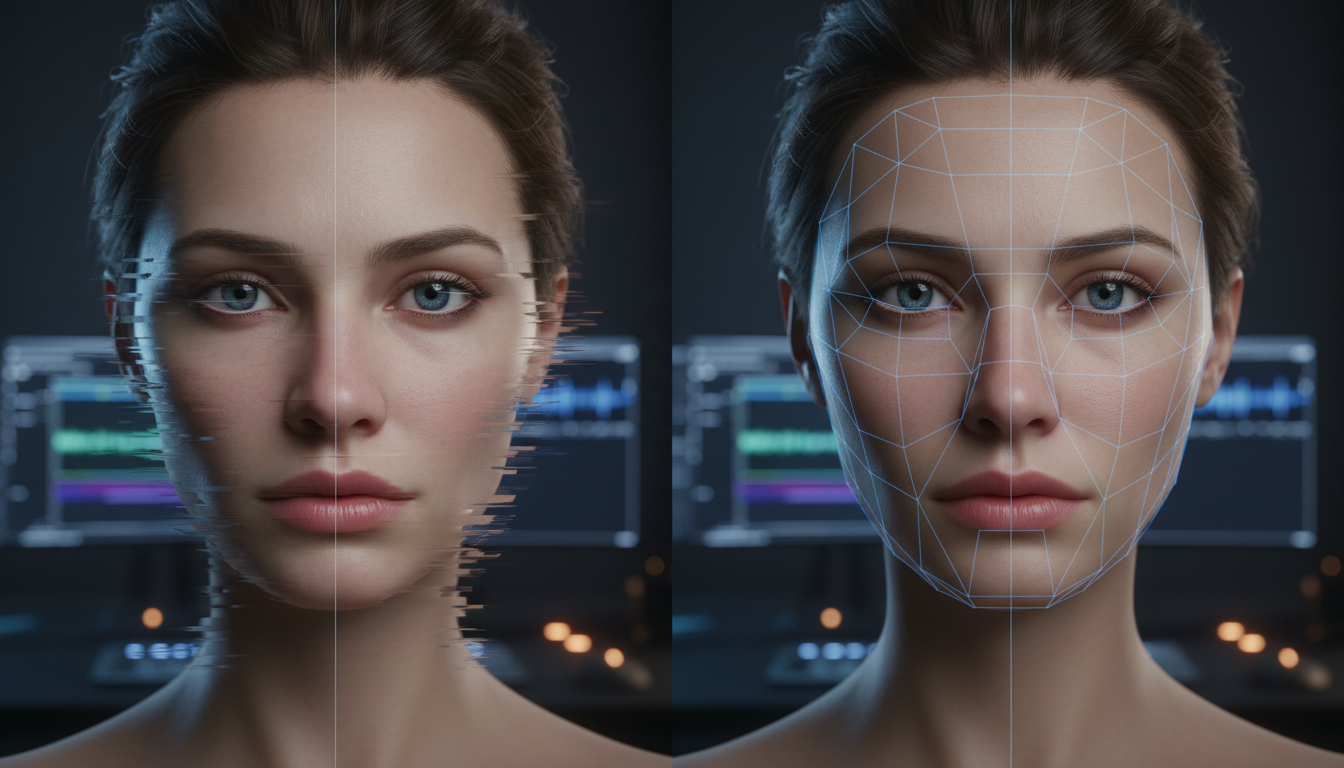
In traditional cinematography, a director of photography relies on physical realities—the underlying bone structure of an actor, the physical properties of a glass lens, and the consistency of studio lighting. In generative AI filmmaking, these physical guarantees do not exist. Instead, creators face the constant threat of 'facial drift' or 'face morphing'—a phenomenon where an actor's features subtly liquefy, warp, or completely reconstruct from one frame to the next.
At Montagea, we view AI filmmaking not as a magical one-click solution, but as a highly technical extension of traditional cinematography. Face morphing is the uncanny valley tax of generative video. Instead of endlessly rolling the dice on new seeds, professional creators must treat facial stability as a controlled engineering problem—combining precise camera-movement prompting, structural keyframing, and targeted post-production compositing to lock down facial geometry and maintain cinematic continuity.
Why Faces Liquidate: The Mechanics of AI Generative Drift
To solve facial morphing, you must first understand why it occurs. Current diffusion-based video models do not possess a native 3D understanding of human anatomy. They do not render a skull, muscle tissue, or skin; instead, they operate in a latent space, predicting the arrangement of pixels frame-by-frame based on probability maps. This process relies on temporal attention vectors, which attempt to maintain consistency by analyzing the relationship between the current frame and preceding frames.
Temporal drift occurs when these attention vectors lose track of fine-grain facial landmarks (such as the pupils, the bridge of the nose, or the jawline) across successive frames. During generation, the model continuously denoises random latent noise. If the motion vector between frames is high, the model's cross-attention layers prioritize executing the requested movement (like a head turn or a camera pan) over preserving the micro-geometry of the face. The AI essentially sacrifices facial structural integrity to satisfy the motion instruction.
Relying on seed variation to fix this is a mathematically inefficient approach. A seed merely determines the initial state of the random noise. While some seeds naturally align better with certain facial structures, they do not prevent the underlying temporal attention layers from drifting as the video progresses. True stability requires structural anchoring—forcing the model's mathematical pathways to lock onto specific geometric coordinates.
The Anchor-Feature Prompting Framework
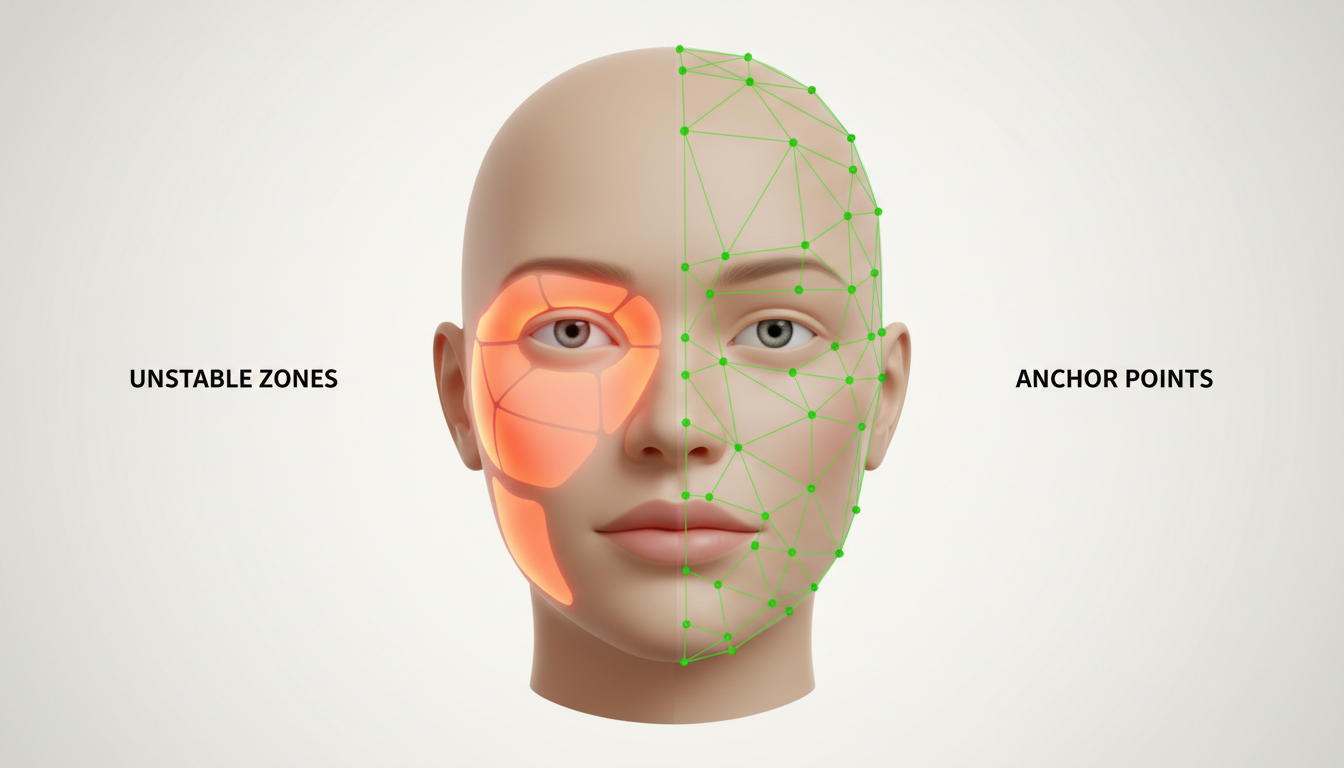
The most direct way to combat temporal drift during the generation phase is through the Anchor-Feature Prompting Framework. By using highly specific, non-negotiable anatomical descriptors, you restrict the model's creative freedom in latent space, forcing it to maintain a rigid geometric structure.
The Geometry of Symmetrical Anchors
Instead of using vague, subjective descriptors like 'beautiful woman' or 'handsome man'—which give the model a massive mathematical range of facial shapes to choose from—use 'Symmetric Anchoring.' This technique involves prompting specific, unchanging anatomical terms that define the underlying skeletal structure. Descriptors like 'prominent symmetrical jawline,' 'high fixed cheekbones,' and 'static facial proportions' force the model to prioritize structural symmetry during the denoising process.
Furthermore, you must specify stable lighting maps. If the lighting in your prompt is dynamic or unspecified, the AI will continuously recalculate how light falls across the face. Because it lacks a real 3D model, it often interprets shifting shadows as changes in physical facial geometry, causing the face to morph. Prompting 'consistent Rembrandt lighting with a fixed key light at 45 degrees' or 'symmetrical studio softbox lighting' forces the model to maintain stable shadow maps, anchoring the facial features in place.
| AI Engine | Morph-Prone Prompt (Unstable) | Stable-Anchor Prompt (Secure) |
|---|---|---|
| Runway Gen-3 | A close-up of an elegant woman talking, cinematic lighting, photorealistic. | Close-up of a woman talking. Symmetrical facial features, sharp defined jawline, fixed high cheekbones. Consistent Rembrandt lighting, static facial geometry. |
| Luma Dream Machine | A handsome man smiling at the camera, highly detailed. | Symmetrical male face, strong static jawline, photorealistic skin texture, unchanging facial proportions, soft studio lighting from a fixed source. |
| Kling AI | An actor looking around in a dark room, dramatic shadows. | An actor looking around. Symmetric facial structure, fixed nose bridge, consistent sharp lighting, low-key lighting with stable shadow maps. |
Using Camera Dynamics to Protect Facial Integrity
The speed and trajectory of your virtual camera play a massive role in whether a face remains stable or liquefies. When you prompt rapid, chaotic camera movements—such as fast pans, shaky handheld cameras, or high-speed tracking shots—you force a massive percentage of the pixels on screen to change rapidly from frame to frame. The AI model's temporal layers become overwhelmed trying to calculate the shifting background, parallax, and motion blur, resulting in a complete breakdown of the subject's face.
To protect facial integrity, you must design your camera movements to match the processing capabilities of current-generation AI models. Instead of high-speed tracking shots, opting for deliberate slow push-in shots helps the AI's temporal attention layers preserve facial geometry. The minimal frame-to-frame pixel delta allows the model to smoothly interpolate the facial features without introducing artifacts.
If your scene requires a reveal, avoid sudden whip-pans. Instead, structure your camera prompts around controlled, predictable paths. For instance, utilizing structured camera arcs or prompting cinematic pull-back reveals in AI video allows the model to progressively scale down the subject while maintaining a stable center of gravity, preventing the face from warping as the camera moves away.
The First-and-Last-Frame Anchor Workflow
When prompting alone cannot prevent facial drift, you must transition to a structured generation workflow. One of the most powerful techniques for maintaining absolute character consistency is the First-and-Last-Frame Anchor Workflow, which utilizes image-to-video (I2V) and keyframe-to-keyframe generation.
This workflow begins by generating or compositing a highly detailed, perfectly symmetrical character portrait to serve as Frame 0. This source image acts as your master reference mesh. By feeding this static image into the AI generator, you establish a rigid baseline for the model's temporal attention layers to reference. The model no longer has to invent a face from random noise; it merely has to animate the face that already exists.
To master this technique on platforms that support dual-frame anchoring, filmmakers should study our comprehensive guide on mastering Kling's first and last frame workflow for precise control over generation paths. By providing both the starting facial expression (Frame 0) and the ending facial expression (the final frame), you bracket the generation. The AI is forced to interpolate strictly between these two stable states, virtually eliminating the possibility of mid-shot morphing.
If your target platform only supports single-image inputs, you can still maintain stability by keeping your seed values identical across iterations while making minor, incremental prompt modifications. This approach keeps the latent space coordinates as close to the source image as possible, preventing the model from drifting into a completely different character design.
The Hybrid Post-Production Fix: Compositing and Face-Swapping
Even with perfect prompting and keyframing, complex shots may still exhibit minor facial warping. Rather than discarding an otherwise flawless generation—where the background, lighting, and body physics are perfect—you should employ a hybrid post-production workflow to clean up the face.
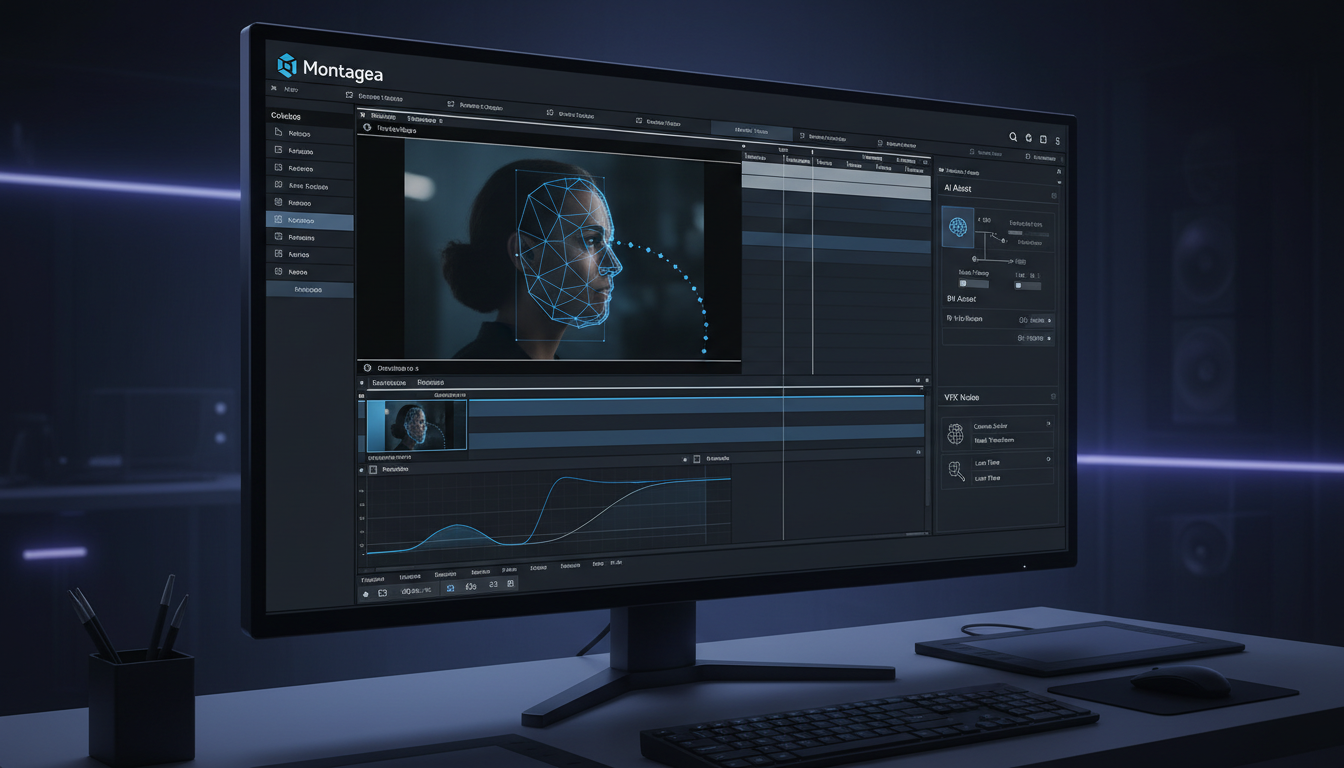
The first line of defense is the Freeze-Frame Masking workflow in non-linear editors like DaVinci Resolve or Adobe After Effects:
- Identify a single frame in your generated clip where the character's face is perfectly rendered and undistorted.
- Export this frame and open it in an image editor to isolate the face, or create a freeze-frame directly on your timeline.
- Create a highly feathered tracking mask around the stable face.
- Track this mask over the morphed section of the video using the editor's point or planar tracker.
- Blend the static, stable face over the moving, morphing face, using opacity keyframes and color grading to match any subtle lighting shifts.
For shots with significant head rotation where a simple 2D mask will not suffice, tools like EbSynth or lightweight face-swapping models can be used to project a consistent, high-resolution source face onto the moving AI generation. EbSynth uses optical flow to paint the moving frames based on your static keyframe, preserving the underlying motion while keeping the facial features perfectly locked to the reference artwork.
At Montagea, our editorial team approaches AI filmmaking as a collaborative effort between generative tools and traditional VFX pipelines. We do not expect the AI to deliver a perfect, unedited file straight out of the generator. By treating the raw AI output as 'plates' that can be rotoscoped, color-corrected, and composited, you can achieve studio-grade visual storytelling that easily passes commercial quality control. Remember, maintaining facial stability is only half the battle; ensuring your character's clothes don't shift mid-scene is equally critical, as detailed in our guide to maintaining wardrobe consistency across scenes. When you combine structural prompting, controlled camera dynamics, and traditional VFX compositing, you transform AI video from an unpredictable lottery into a precise, professional medium.
Why does my AI character's face change when they turn their head?
When a character turns their head, the AI model must generate entirely new angles of the face that were not visible in the initial frame. Because the model lacks a true 3D physical understanding of the character's skull, it predicts these new angles based on probability, which often leads to shifting features, changing eye colors, or warping jawlines. Using symmetric anchor prompts and providing a three-quarter reference image can help guide the model through these rotations.
Can I use negative prompts to stop faces from morphing in AI video?
Yes, negative prompts can help steer the model away from unwanted distortions. Including terms like 'morphing, warping, facial distortion, asymmetrical eyes, shifting features, liquid face, bad anatomy' in your negative prompt list can discourage the AI's temporal attention layers from resolving noise into unstable geometries.
What is the best AI video generator for keeping faces consistent?
Platforms that support robust Image-to-Video (I2V) and dual keyframe controls (such as Kling AI and Runway Gen-3) are currently the best for maintaining facial consistency. These tools allow you to anchor the generation with highly detailed source images at both the beginning and the end of the shot, minimizing the model's creative drift in between.
How do I fix a face that warps during a fast camera movement?
If the face warps due to rapid camera movement, the best fix is a hybrid post-production approach. You can track a clean, static freeze-frame of the character's face over the warped section in DaVinci Resolve or After Effects using a feathered mask, or run the shot through a tool like EbSynth to map a stable reference face onto the moving video plate.



