
How to Write a Shootable Scene for AI Video: Scripting for Consistent Generation
Translate abstract screenplays into visually explicit, AI-ready scripts. Learn how to structure scenes with clear physical actions, props, and lighting for consistent video generation.
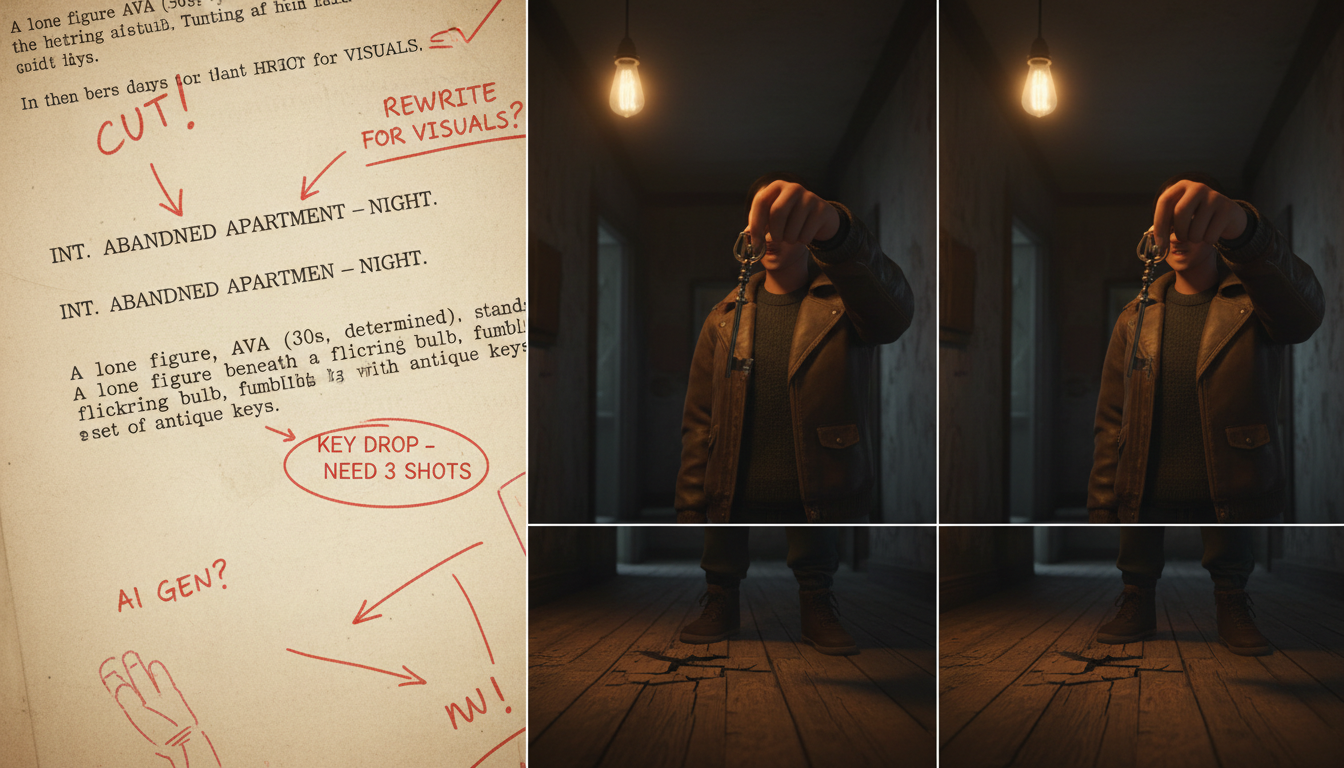
Writing a shootable scene for AI video generators requires shifting from emotional subtext to visual explicitness. While traditional screenwriters rely on actors to interpret internal feelings, AI models like Veo and Kling require concrete physical actions, specific lighting cues, and clear environmental details to generate consistent frames. To make a scene AI-ready, creators must translate abstract character moods into prompt-friendly visual actions—such as a trembling hand dropping a key—while structuring the scene around a singular objective to prevent narrative drift during generation.
The Anatomy of an AI-Shootable Scene
Traditional scripts are designed for human actors who can internalize a line like 'he felt his world crumbling.' For AI video generators, this phrase is unrenderable and often results in chaotic, unpredictable visuals. AI-shootable scenes rest on three pillars: a single narrative objective, visible physical action, and clean dialogue beats.
A clear scene objective keeps the narrative focused, preventing AI models from drifting into random visual sequences. If a scene is about a character searching for a lost document, every visual prompt must reinforce this specific task. This is where an AI creative agent like Montagea comes in. Montagea coordinates these structured scenes across multiple models, orchestrating video generation via Kling or Veo, planning the steps, and delivering the finished assets. By treating your script as a structured blueprint rather than an abstract narrative, you ensure that the generated assets align seamlessly.
Before-and-After: Rewriting a Scene for Visual Explicitness
To understand how to write for AI generators, compare a traditional, atmospheric script block with its AI-optimized rewrite.
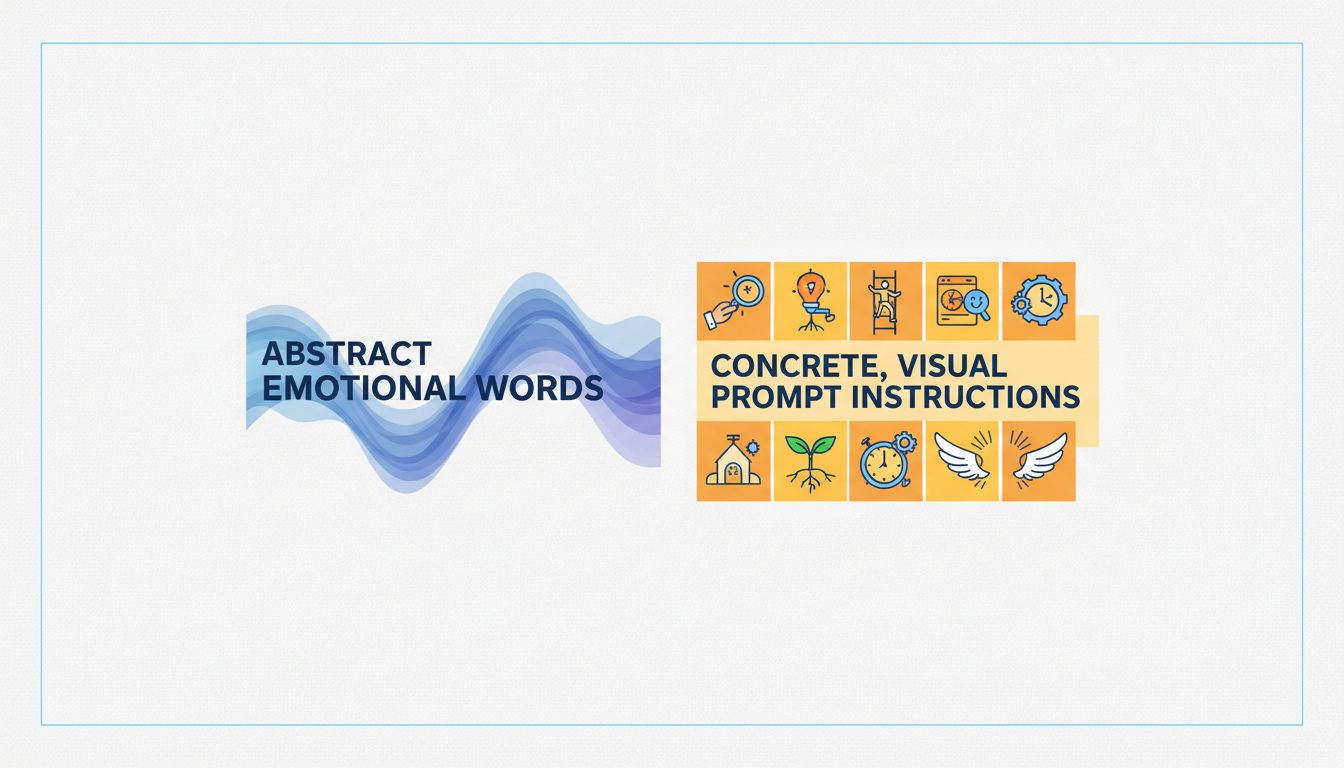
| Traditional Script (Abstract) | AI-Optimized Script (Explicit) |
|---|---|
| Sarah enters the room, her heart heavy with cold dread. She knows the secret is out. She looks around the dim office, feeling the weight of the past decade. She sighs, wishing she had never taken the job. | INT. DIMLY LIT OFFICE - NIGHT. A single desk lamp flickers, casting long shadows. Sarah stands in the doorway, her shoulders slumped. She steps forward, her hand trembling as she drops a brass key onto the polished wooden desk. The key slides to a stop near a stack of yellowed files. She looks down, closing her eyes slowly. |
The traditional version relies entirely on internal states that an AI video generator cannot render. The optimized version provides explicit, promptable details: specific lighting, concrete actions, and physical states that translate directly into visual prompts. Learn how to format these visual beats into structured prompts using our guide on the scene brief protocol.
The Scene Writer's Checklist for AI Production Hand-off
Before passing your scene to the generation phase, use this checklist to audit your script for AI readiness:
- Verify Visual Continuity: Ensure that key props, character descriptions, and environmental settings remain constant. If Sarah is holding a brass key in shot one, do not refer to it as a silver keychain in shot two.
- Isolate Scene Dependencies: Identify which visual assets must be generated first to maintain background consistency. Read our guide on scene dependency planning to map out your shot sequence before generating assets.
- Dialogue and Lip-Sync Readiness: If your scene includes dialogue, format the lines into clean, distinct beats. Avoid overlapping dialogue or rapid-fire exchanges that are difficult for current lip-sync tools to process. Keep lines concise to match the typical clip limits of modern AI video generators.
Once your scene is drafted, establish an efficient AI video scene approval workflow for your creative team to review, iterate, and finalize each shot.
How do I handle character subtext when writing a scene for AI?
Translate subtext into external physical behaviors. Instead of writing 'he is lying,' write 'he avoids eye contact, shifting his gaze down to his watch while tapping his foot.'
Should I include camera directions like PAN or ZOOM in an AI-optimized script?
Yes, but keep them simple and direct. Use explicit terms like 'slow zoom in on the desk lamp' or 'pan right to reveal the door' rather than complex cinematic jargon, as models respond best to straightforward spatial instructions.
How does writing a scene for AI avatars differ from writing for stylized cinematic models?
AI avatar scripts often focus on clear, front-facing dialogue beats with minimal rapid movement to help align the spoken audio. Cinematic models, on the other hand, prioritize dynamic environmental lighting, rich textures, and physical actions, often handling dialogue separately through voiceover or post-production dubbing.



