
The Semantic Isolation Protocol: How to Debug and Fix AI Video Prompts That Ignore Instructions
Tired of AI video generators ignoring your camera movements and scene directions? Discover the Semantic Isolation Protocol—a systematic, technical framework to structure your prompts, eliminate token decay, and force strict adherence to your creative vision.
Video creators transitioning to AI filmmaking often hit a frustrating wall: the model simply ignores half of their prompt. You write a beautifully detailed sequence with a slow tracking shot, a specific character reaction, and complex lighting, only for the generator to output a static medium shot of a blinking face. This isn't a failure of your creative imagination; it is a predictable technical limitation of how AI models process human language.
At Montagea, we treat prompt engineering not as an artistic guessing game, but as a structural debugging process. By understanding how transformer-based diffusion models parse tokens and distribute attention, you can use our Semantic Isolation Protocol to systematically strip away prompt noise, bypass training biases, and force absolute compliance from models like Runway Gen-3, Luma Dream Machine, Kling, and Sora.
The Anatomy of Prompt Drift: Why Video Models Ignore Your Instructions
To fix a broken prompt, you must first understand why it broke. AI video generators do not read prompts like humans do; they convert your text into mathematical representations. This process introduces three core points of failure where instructions are frequently lost.
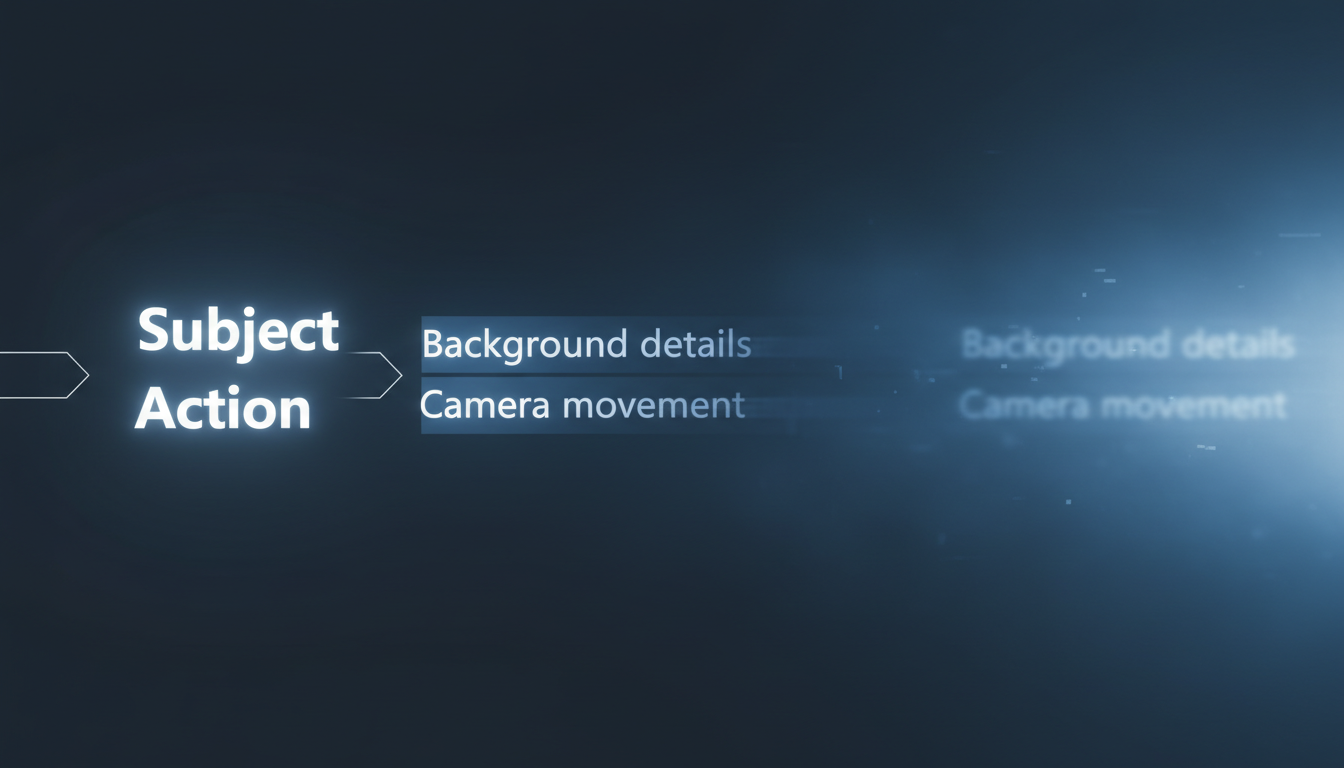
First, text encoders (such as T5 or CLIP) tokenize your prompt, breaking words into smaller numerical units. These encoders operate on an attention mechanism that distributes computational weight across the sequence. As your prompt length increases, the attention weight naturally decays. Tokens placed at the end of a long, descriptive sentence receive significantly less attention than those at the beginning. If your camera instruction is at the tail end of a 60-word prompt, the model is highly likely to ignore it completely.
Second, models suffer from "semantic crowding." This occurs when too many descriptive adjectives dilute the model's ability to execute action verbs. If you prompt "a highly detailed, weathered, dusty, ancient, glowing wooden table in a dimly lit, atmospheric room collapsing violently," the model's attention is consumed by rendering the textures of the wood, dust, and lighting. The actual kinetic event—the table collapsing—gets lost in the noise.
Third, video models are heavily influenced by training data bias. The datasets used to train these models consist overwhelmingly of standard, eye-level cinematic shots. When you prompt a highly non-standard camera angle or movement, you are fighting against the model's internal "prior"—its default tendency to generate what it has seen most often. Without structural isolation, the model's training bias will always override your explicit instructions.
The Semantic Isolation Protocol: A 4-Step Debugging Framework
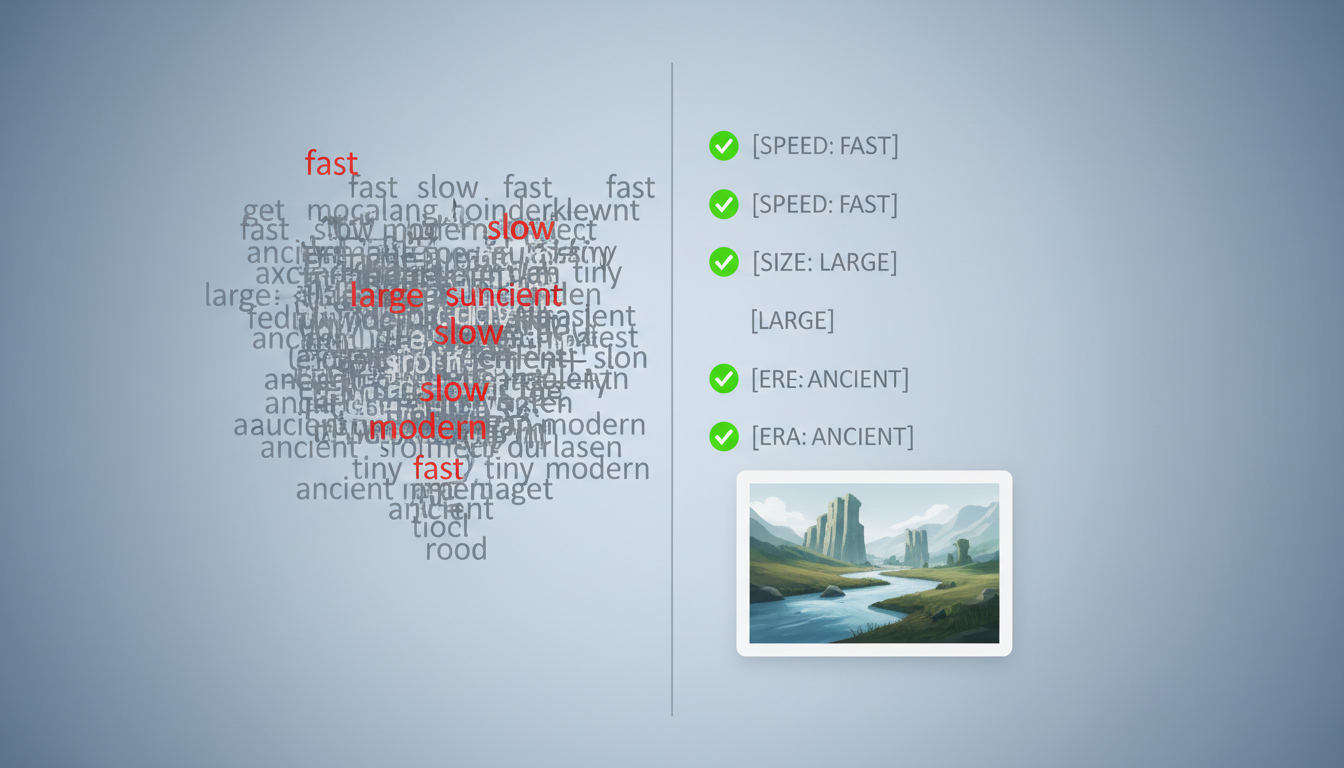
The Semantic Isolation Protocol is a systematic method for stripping away linguistic noise and structuring prompts so that the model's attention is directed exactly where you want it. Instead of writing fluid prose, you write modular, parameter-driven instructions.
Step-by-Step Prompt Restructuring
Step 1: Token Pruning. Strip away all passive filler words, subjective qualifiers, and redundant adjectives. Words like "photorealistic," "stunning," "highly detailed," or "beautiful" do not help the model; they simply waste valuable token weight. Replace them with concrete, high-impact nouns and active verbs. Instead of "a beautifully rendered cinematic shot of a car driving fast," use "speeding sports car."
Step 2: Positional Weighting. Place your most critical motion and structural commands at the absolute front of the prompt. If the spatial trajectory of the camera is the defining element of the shot, it must occupy the first ten tokens of your prompt. The model processes the first few tokens with the highest attention priority, making this prime real estate for your primary motion directive.
Step 3: Bracketed Parameterization. Use syntax to partition style, subject, and camera movement. While video models do not execute code, structuring your prompt with bracketed sections or pipe dividers helps isolate semantic concepts, preventing the attention mechanism from bleeding them together. A structured prompt template looks like this:
[Camera Action] :: [Subject & Core Motion] :: [Environment & Lighting] :: [Aesthetic Style]
Step 4: Iterative Isolation. If a complex prompt fails, do not try to fix it by adding more words. Instead, isolate the variables. Strip the prompt down to just the camera movement and a simple geometric object (e.g., "Camera orbits rapidly around a grey cube"). If the model executes the movement, you know your camera instructions are correct. Slowly reintroduce the subject, then the environment, and finally the lighting, testing at each step to identify exactly which element triggers the prompt drift.
Isolating Camera Mechanics: Overcoming Model Physics Biases
Standard cinematic terms like "dramatic tracking shot" or "cinematic crane up" often fail because they are too abstract for the model to translate into physical pixels. To force complex camera paths, you must bypass the model's default flat-plane bias.
AI video models naturally default to two-dimensional, flat-plane movements because they are easier to generate. To master depth-based camera movements, filmmakers can implement the Split-Plane Protocol to prompt true cinematic parallax. This technique involves explicitly defining foreground, midground, and background elements, forcing the model to calculate the relative speed difference between layers as the camera moves.
Additionally, instead of relying on abstract jargon, use physical anchors within the scene to dictate movement. If you want a camera to pan down, do not just prompt "pan down." Prompt: "Camera descends vertically, passing a stone pillar in the foreground, revealing a cobblestone street below." The physical presence of the pillar gives the model a spatial anchor to calculate the perspective shift.
For extreme vertical perspectives that models typically ignore, refer to our guide on prompting true 90-degree nadir overhead shots. By combining physical anchors with directional vectors (e.g., "looking straight down along the gravity vector"), you can break the model's bias toward eye-level staging.
Image-to-Video (I2V) Anchoring: Forcing Physics and Motion Adherence
When text-to-video prompts consistently drift, the most effective solution is to split the creative pipeline into two distinct phases: spatial generation and temporal generation. This is where Image-to-Video (I2V) workflows become essential.
By using a static image as your starting point, you establish a permanent spatial anchor. The video model no longer has to spend its computational budget generating the geometry, character features, clothing, and environmental textures from scratch. Because the visual assets are already locked in, 100% of the text prompt's attention weight can be dedicated to describing physical motion and camera dynamics.
However, prompting motion in I2V is fundamentally different from prompting in text-to-video. In I2V, you are not creating new pixels; you are guiding the kinetic translation of existing ones. Your prompt must respect the physical boundaries and composition of the source image. For a deep dive into translating static compositions into high-fidelity physical motion, explore the Kinetic Translation Protocol.
Different video architectures handle this motion layer in unique ways. If you are working with Google's ecosystem, our breakdown of the Veo I2V Prompt Engine offers a model-specific approach to mastering physics and camera control. Understanding whether a model prioritizes the source image's structure or allows for high-velocity changes dictates how aggressive your motion prompts can be.
The Prompt Adherence Troubleshooting Matrix
To help you diagnose and resolve prompt drift in your production pipeline, the Montagea editorial team has compiled this reference matrix based on rigorous multi-model testing across Runway, Luma, and Kling.
| Failure Mode | Technical Cause | Structural Fix | Example (Before & After) |
|---|---|---|---|
| Character Morphing | The model is trying to render complex physical movement while simultaneously calculating character features. | Use I2V to lock the character's geometry. In the motion prompt, isolate the action using simple verbs and avoid re-describing the character. | Before: "A man with red hair, a blue jacket, and jeans runs fast." After (I2V): "Subject runs forward at high speed, camera tracks ahead." |
| Missed Action Triggers | The action verb is buried too deep in descriptive adjectives (semantic crowding). | Prune all non-essential adjectives. Move the active verb to the absolute beginning of the prompt. | Before: "A glass of dark red wine sitting on a wooden table falls over." After: "Glass of wine tips over and spills across a wooden table." |
| Environmental Bleeding | Adjectives meant for the background are incorrectly applied to the subject by the attention mechanism. | Use bracketed parameterization to physically separate the subject description from the environment description. | Before: "A man in a neon-lit, rainy alleyway wearing a neon jacket." After: "[Subject: Man in dark leather jacket] :: [Environment: Neon-lit alleyway, heavy rain]" |
| Camera Stagnation | The model's training bias defaults to a static shot because the camera instruction is too abstract. | Introduce physical foreground anchors and specify explicit directional vectors. | Before: "Dramatic cinematic tracking shot through a forest." After: "Camera moves forward along the ground, passing close to tree trunks on the left and right." |
When working on complex sequences, a critical rule of thumb is to identify when a single prompt is asking for too much. If you are trying to prompt a character walking down a street, turning around, sitting on a bench, and looking up at the sky, you are asking the model to calculate too many sequential temporal changes. In professional video production, this should be broken down into a multi-shot sequence: a tracking shot of the walk, a medium shot of the sit, and a close-up of the reaction. By splitting your sequence into logical, single-action shots, you ensure maximum visual fidelity and complete control over your narrative.
Why does my AI video generator completely ignore the second half of my prompt?
This is caused by token attention decay. Text encoders process prompts sequentially, and the attention weight distributed to each token decreases as the prompt grows longer. To fix this, place your most critical instructions (like camera movement or primary actions) at the very beginning of the prompt and prune unnecessary descriptive filler.
How do I stop an AI video model from morphing my character when they perform an action?
Character morphing occurs because the model is trying to generate the character's identity and their physical motion simultaneously. The most reliable solution is to use an Image-to-Video (I2V) workflow. By starting with a static image of your character, you lock in their physical features, allowing the video model to focus its attention purely on generating clean, consistent motion.
What is the best way to prompt a specific camera pan without the camera zooming in instead?
Avoid abstract cinematic terms and instead use physical anchors and directional vectors. Instead of prompting "pan left," describe the movement relative to objects in the frame, such as "camera rotates slowly to the left, revealing a brick wall on the right side of the frame." This gives the model the spatial cues it needs to calculate the correct perspective shift.
Does putting words in capital letters or brackets actually help with AI video prompt adherence?
While video models do not understand capital letters as "screaming," using structural characters like brackets, pipes, or colons (e.g., [Subject] :: [Camera]) helps isolate semantic concepts. This syntax prevents the model's attention mechanism from blending adjectives from the environment into the subject, resulting in cleaner, more controlled generations.



