
Runway vs Montagea: Choosing Between a Single-Model Suite and Multi-Model Orchestration
Deciding between Runway and Montagea comes down to your production style. Learn how single-platform video workflows compare to Montagea's multi-model orchestration for video, voice, and music.
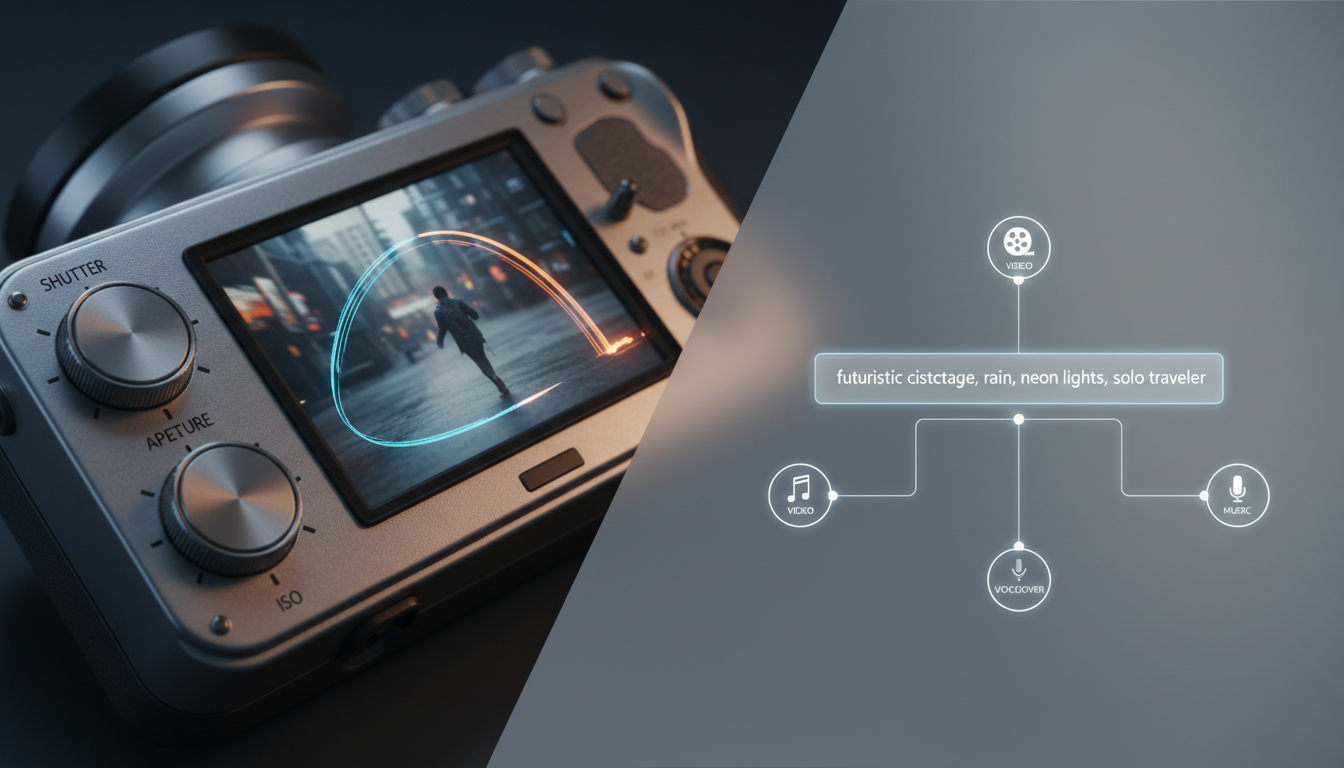
Choosing between Runway and Montagea depends on whether your creative workflow requires manual control within a single platform or multi-model automation that delivers complete multimedia assets. Single-model platforms often focus on manual video editing workflows using their native engines. Montagea, powered by its AI creative agent Gigi, allows users to describe a project and have Gigi select from various global models—such as Google Veo, Kling, or Hailuo H3—to generate video, images, music, and voice assets in a unified pipeline.
The Core Structural Difference: Platform Suite vs. Multi-Model Orchestrator
A single-model platform relies primarily on its native models, requiring users to work within the constraints of a single model family. This approach means that workflows are tied directly to the native features and processing rules of that specific platform ecosystem.
In contrast, Montagea utilizes its AI creative agent, Gigi. Instead of forcing you to work with a single model, Gigi can route tasks to specialized models like Google Veo, Kling, Hailuo H3, WAN, and Grok based on your project requirements. Single-model suites are often designed for creators who want to manually edit individual video clips, whereas Montagea is built for creators who need a pipeline for video, voice, music, and images.
Granular Motion Control vs. Automated Asset Generation
Many video generation platforms focus on manual tools to manipulate motion within a shot. This level of control is designed for fine-tuning direct camera movements or isolating motion. For creators looking to refine these techniques, direct camera controls and motion prompts is a common approach when working with native engines.
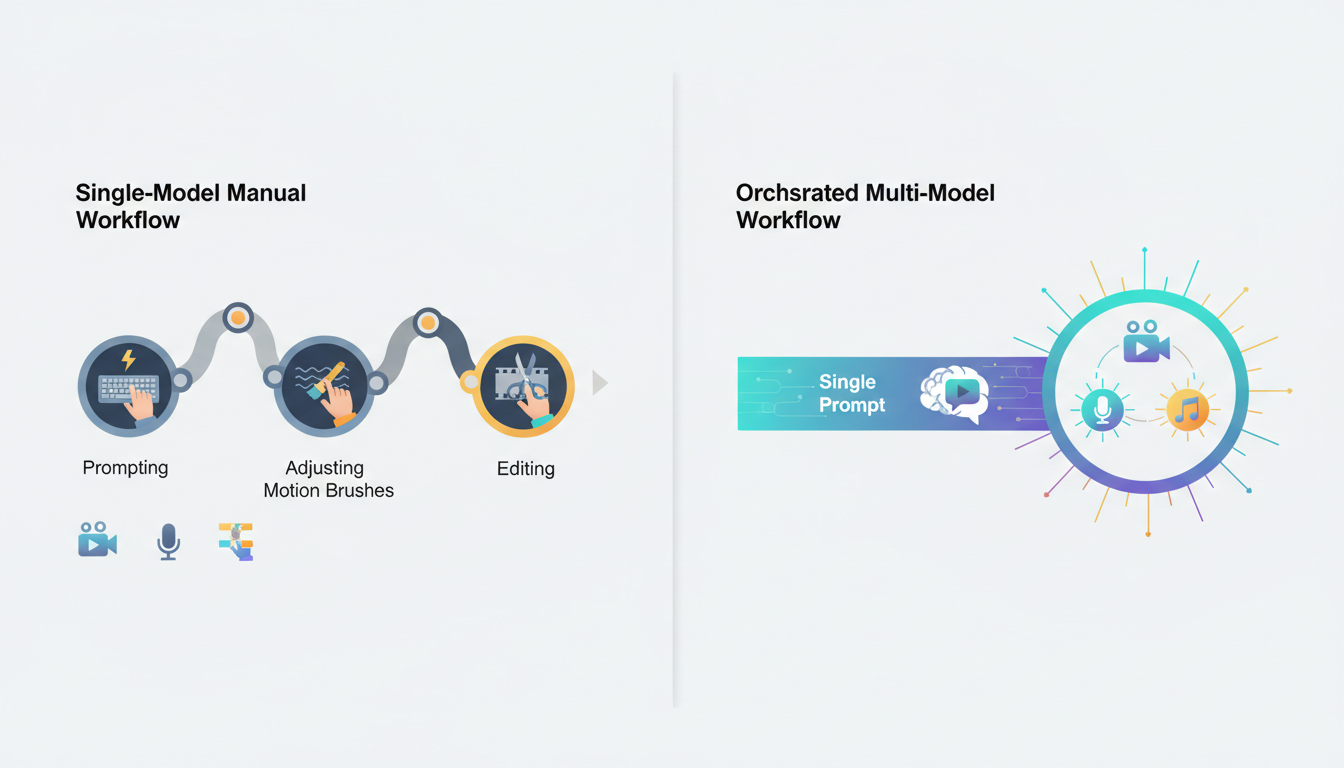
Montagea focuses on end-to-end asset creation rather than manual pixel manipulation. Through Gigi, Montagea generates not just the video, but also matching voiceovers, music tracks, and promotional images in a single prompt workflow. This eliminates the need to jump between separate AI tools for video, audio, and copywriting.
| Feature | Single-Model Suite | Montagea |
|---|---|---|
| Primary Engine | Native models | Multi-Model (Veo, Kling, Grok, WAN, etc.) |
| Asset Coverage | Video-focused | Video, voice, music, and images |
| Control Mechanism | Manual motion controls | Agent-led (Gigi orchestration) |
| Learning Curve | Variable (requires manual tuning) | Low (prompt-driven automation) |

Model Diversity: Accessing the Global Open Ecosystem
When using a single-model platform, creators may find limitations when a project demands a style or physical dynamic that the native model does not favor. Montagea's Gigi agent integrates diverse global engines, allowing creators to switch engines when a specific aesthetic is required. For instance, you might leverage Kling or Google Veo depending on the stylistic needs of your project.
This diversity is particularly powerful when combining different model strengths. For example, creators can experiment with leveraging external models like Grok for specific image-to-video outputs before bringing those assets into a broader multi-model campaign. For creators comparing different orchestration styles, our analysis of WaveSpeed vs Montagea highlights how API access and rendering speeds differ across multi-model platforms.
Cost, Credits, and Production Efficiency
Many AI video platforms use subscription models where advanced features and generation sessions consume monthly credits. If a generation does not match your vision, repeating the process can affect your budget.
Multi-model orchestration also requires a strategic approach to resource allocation, as different underlying engines may carry different costs depending on the platform's pricing structure. Managing these variables is key to maintaining efficiency; calculating a multi-model video credit budget helps creators optimize their spending and avoid unexpected resource depletion.
Which Platform Fits Your Creative Pipeline?
Your choice between these platforms should align with your daily production demands:
- Choose a single-model suite if: You are a dedicated VFX artist, animator, or editor who prefers manual control, platform-specific timeline editing, and direct motion manipulation.
- Choose Montagea if: You are a solo creator, marketer, or producer who needs to generate complete, multi-modal campaigns (comprising video, voice, and music) quickly without jumping between multiple AI subscriptions.
Can I use Runway models inside Montagea?
No, Montagea orchestrates open and partner models like Google Veo, Kling, WAN, and Hailuo H3 to achieve video generation rather than proprietary third-party platform models.
Does Montagea support audio and voiceover generation alongside video?
Yes. Unlike video-only platforms, Montagea uses its creative agent Gigi to generate matching voiceovers, music, and images alongside your video assets within a single workflow.
How do the platforms handle different stylistic requirements?
Single-model platforms often rely on platform-specific training or fine-tuning. Montagea allows you to select different models or let Gigi pick the best model for your project's stylistic needs, drawing from options like Kling or Google Veo.



