
Runway Free vs. Paid: Plan Limits, Export Quality, and When to Upgrade
Unpack the differences between free and paid tiers in AI video generation. Discover how credit structures, watermarks, and resolution limits can affect your production timeline.
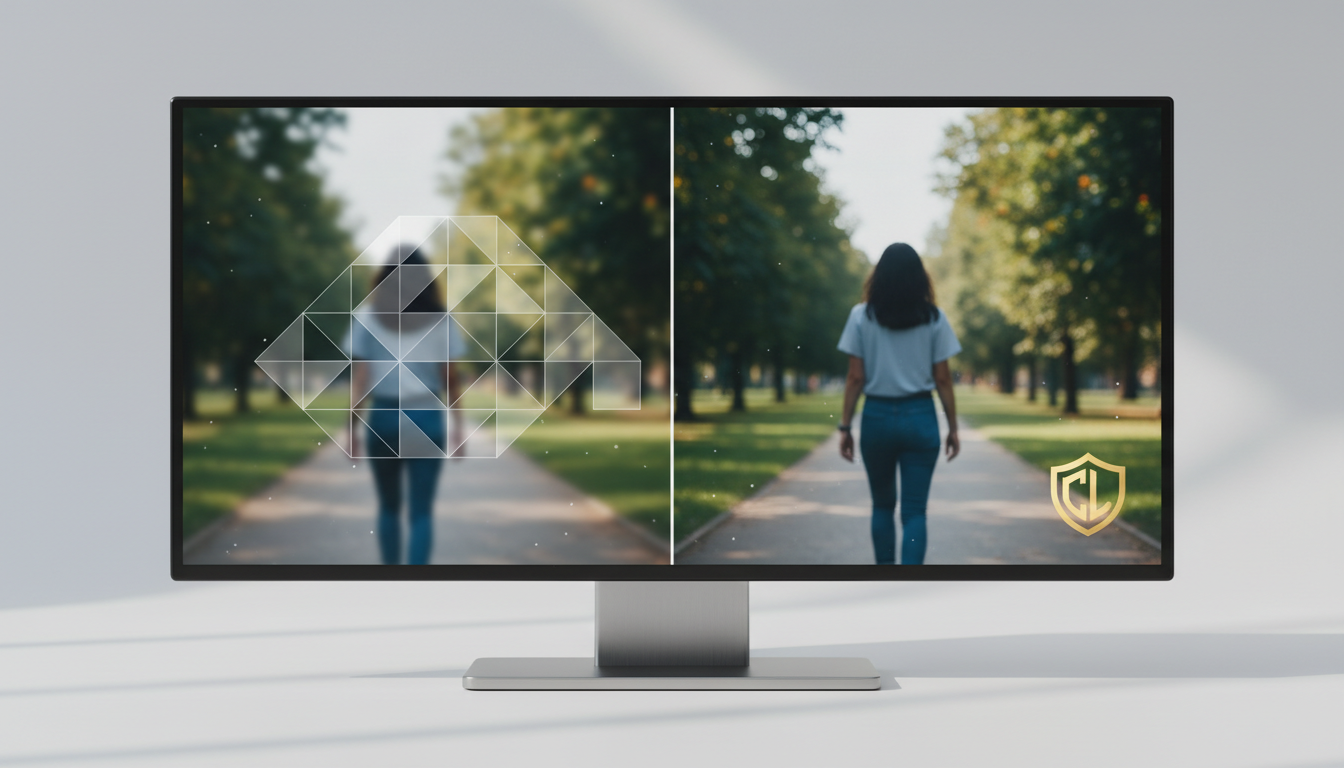
When evaluating AI video tools like Runway, the free tier often serves as an introductory testing environment that may include usage limits, watermarked exports, or resolution caps. To remove watermarks, access advanced models, obtain commercial usage rights, or receive recurring credits, users typically need to upgrade to a paid plan. If you are looking to test basic prompting mechanics, a free tier is often sufficient, but professional client deliverables and monetized video production typically require a paid subscription or an alternative workflow.
The Core Differences: Runway Free vs. Paid Plans
The free tier of an AI video tool is designed primarily for experimentation. Because free credits on many platforms are often limited and may not renew automatically, once you exhaust them, you may not be able to generate additional assets without upgrading or purchasing more. Paid tiers typically introduce recurring credits, remove watermarks, unlock higher-resolution exports, and grant commercial rights.
| Feature | Typical Free Tier | Typical Paid Tiers |
|---|---|---|
| Monthly Cost | Free | Subscription fee applies |
| Credit Renewal | Often limited or non-recurring | Recurring monthly credits |
| Watermark | Often watermarked | Typically removed |
| Resolution | Standard resolution caps | High-definition and upscaling options |
| Commercial Rights | Often restricted to personal use | Commercial usage rights typically included |
For creators running high-volume campaigns, higher-tier paid plans on some platforms may offer relaxed generation modes, allowing you to continue creating videos at adjusted processing speeds once primary credits are depleted.
Credit Systems and Model Access: Gen-2 vs. Gen-3 Alpha
To understand the practical limits of AI video tools, you must look at how the credit system translates to actual video seconds. Many platforms charge credits based on the specific model used and the duration of the output, with advanced models generally requiring more credits per second of generation.
With a free account's limited credit allocation, you can often only generate a short amount of video. This is typically enough to evaluate a single scene concept, rather than build a cohesive sequence. In contrast, paid plans generally offer larger credit pools that are more practical for short-form content but still require careful planning. Free tier users across various platforms may also experience queue throttling, resulting in longer wait times during peak hours.
To avoid wasting credits on unexpected outputs, creators can plan their visual inputs carefully. Learning how to use specific motion prompts can help you guide the generation process before committing credits to a live run.
Production Bottlenecks: Watermarks, Resolution, and Licensing
If you intend to use free AI video generations for professional work, three critical bottlenecks often make free tiers impractical for commercial distribution:
1. The Watermark
Many videos exported from free plans feature a visible platform logo or watermark. Attempting to crop this watermark out can degrade your frame composition, and using third-party tools to remove it may violate platform terms of service. For client presentations or professional portfolios, watermarked footage is generally unacceptable.
2. Resolution Caps
Free exports are often restricted to lower resolutions. On modern high-definition monitors, mobile displays, and professional editing timelines, lower-resolution footage can appear soft and lack fine texture detail. Paid plans typically unlock higher-definition exports and provide upscaling tools, helping ensure your assets remain crisp across various screens.
3. The Legal Reality of Commercial Rights
Generations produced on free tiers are typically restricted to non-commercial, personal use. If you use a free-tier generation in a monetized video, a paid social media ad, or a client deliverable, you may be in violation of the platform's licensing agreement. If these limitations are too restrictive for your budget, you may want to look into other professional platforms, such as those in our guide on alternative professional AI video platforms.
Workflow Strategy: Single-Model Suite vs. Multi-Model Orchestration
Deciding whether to upgrade your AI video subscription comes down to your production volume and your creative requirements. Upgrading to a paid plan often commits you to a single-vendor ecosystem. While a single platform may offer a powerful suite of tools, relying solely on it means your aesthetic is bound to their specific model outputs and their monthly credit limits.
For independent creators and agencies who need diverse visual styles, a single platform can feel restrictive. Different models—such as Google's Veo, Kuaishou's Kling, or MiniMax's Hailuo H3—often have distinct strengths in motion, texture, or style. Instead of paying for multiple individual subscriptions to access these varied capabilities, many teams are transitioning to multi-model orchestration platforms.
This is where Montagea's approach offers a distinct advantage. Using Montagea's AI creative agent, Gigi, you can describe your desired output, and the system automatically selects and orchestrates the best model for that specific shot—whether it is Veo, Kling, or Hailuo. This setup avoids vendor lock-in and maximizes your budget. Understanding the structural differences between a single-model suite and multi-model orchestration can help you build a more flexible, cost-effective production pipeline.
Do credits roll over to the next month on paid AI video plans?
Credit rollover policies can vary by platform, plan, and subscription terms. It is best to check the current terms of service or billing documentation for your specific plan to see if unused credits expire at the end of the billing cycle.
Can I use free AI video generations on YouTube if my channel is not yet monetized?
While personal use may be permitted on some free tiers, using generated content on a channel that is monetized, or using it to promote a product, service, or brand, typically requires commercial licensing. Upgrading to a paid tier that includes commercial rights is a reliable way to ensure compliance with licensing terms.
Is there a way to remove watermarks from free AI video generations without upgrading?
Most platforms do not provide an official way to remove watermarks on their free plans. Cropping the video or using third-party editing tools to mask the logo can compromise the visual composition of your video and may conflict with the platform's terms of use.



