
Best Runway Alternatives for Professional AI Video Production
Looking for alternatives to Runway? Explore specialized AI video engines and learn how multi-model orchestration can streamline your production workflow.
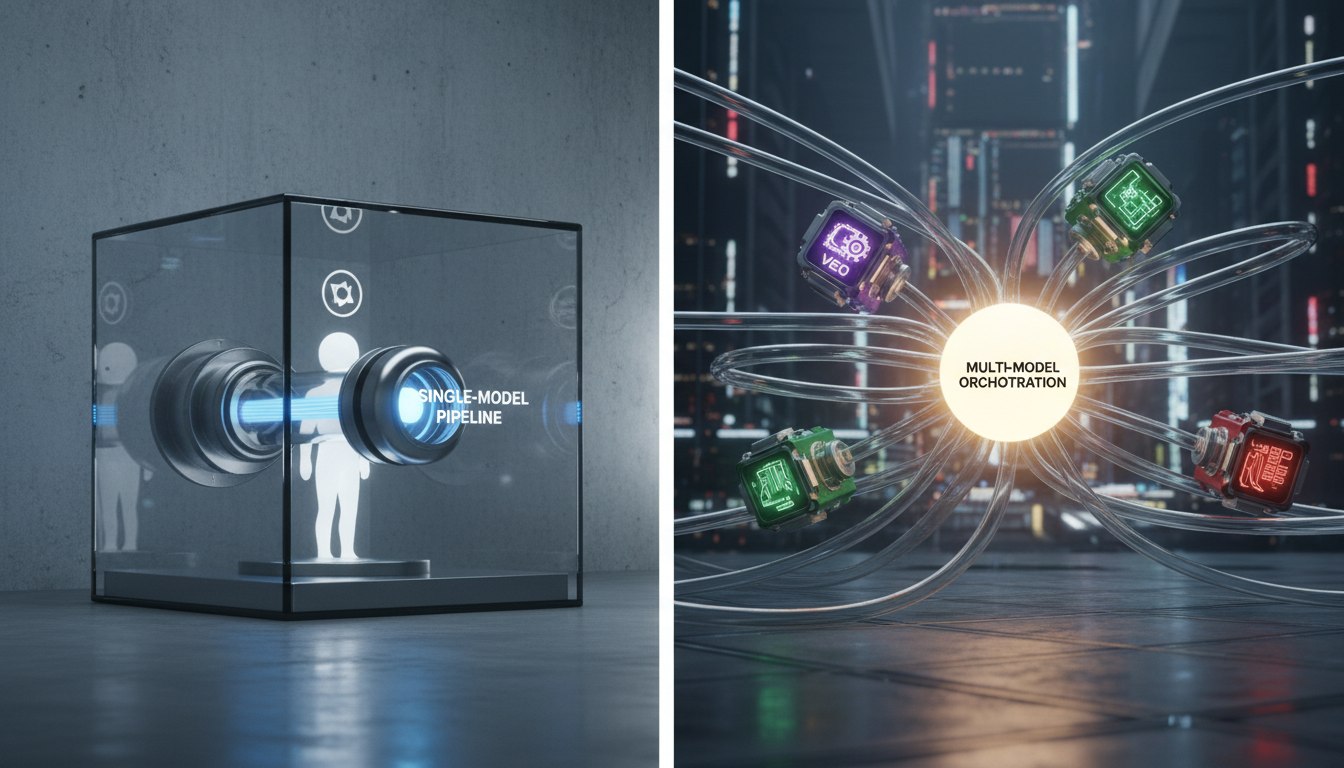
While Runway remains a prominent name in generative AI video, professional creators are increasingly adopting alternative tools to expand their creative options. These Runway alternatives generally include individual specialized video engines as well as multi-model orchestration platforms like Montagea, which can deploy different engines (such as Google's Veo, Kling, or Hailuo H3) depending on the project's requirements. Choosing the right alternative depends on whether you prefer to work directly within a single model or utilize a flexible, multi-model pipeline.
Why Creators Are Seeking Alternatives to Runway
Relying on a single closed ecosystem presents several challenges for high-volume commercial video production. While native models offer robust motion controls, a single model architecture inevitably develops a recognizable "signature" look. For complex sequences, this stylistic repetition can limit visual variety across different scenes.
Furthermore, subscription fatigue and credit-heavy rendering costs present significant hurdles. High-resolution rendering, extended generation times, and repeated iterations to fix failed physics can quickly deplete monthly credit allocations. Instead of forcing one model to handle everything—from character close-ups to massive explosions—professional workflows are shifting toward matching specific video tasks to the engine best optimized for that specific shot type.
Top Alternatives Categorized by Video Production Needs
When moving away from Runway, your choice of alternative should align with the specific demands of your project. Different engines are built on distinct architectures, offering varied visual styles and generation capabilities.
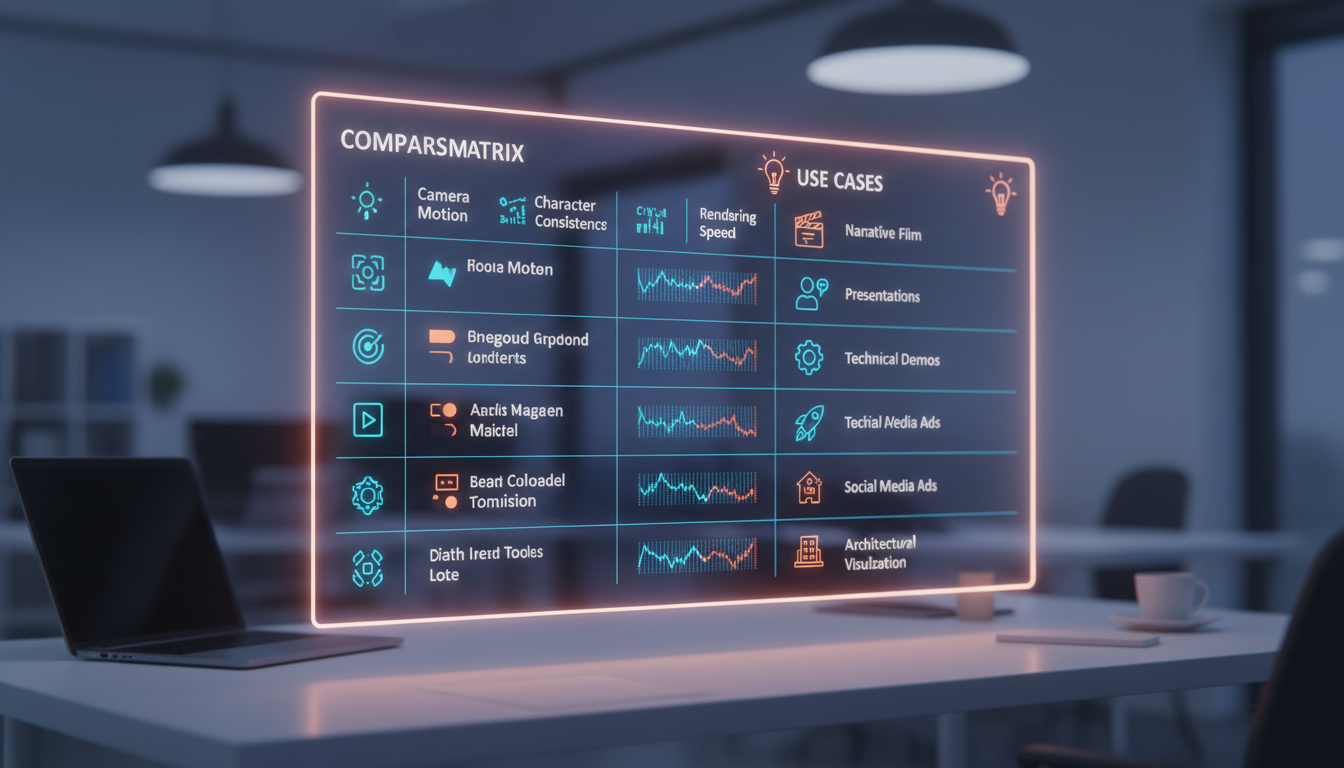
- Kling (Kuaishou): A prominent video generation model that serves as an alternative option for creators looking to test different motion outputs outside of the Runway ecosystem.
- Veo (Google): A model option that can be integrated into professional workflows to explore different visual styles and generation capabilities.
- Hailuo H3 (MiniMax): Another specialized engine available for generating video clips based on text or image prompts, useful for expanding your creative options.
To avoid platforms that lack granular control, professional creators must distinguish between high-end engines and simplified wrappers. If you are assessing entry-level tools, it is crucial to understand the limitations of entry-level tools compared to professional alternatives to ensure you do not lose necessary settings like camera speed controls and seed locking.
Comparison of Top AI Video Alternatives
| AI Video Tool | Type | Primary Use Case | Access Method |
|---|---|---|---|
| Kling (Kuaishou) | Video generation model | Alternative video generation | Direct or via orchestration |
| Veo (Google) | Video generation model | Alternative video generation | Direct or via orchestration |
| Montagea (Gigi) | Multi-model orchestration | Multi-shot projects and automated planning | Unified platform integration |
| Hailuo H3 (MiniMax) | Video generation model | Alternative video generation | Direct or via orchestration |
Single-Model Suites vs. Multi-Model Orchestration
The traditional AI video workflow often requires subscribing to multiple individual platforms, manually transferring assets, and managing separate credit pools. This single-model approach can limit your flexibility to the boundaries of a single engine.
Multi-model orchestration offers an alternative approach. Montagea uses an AI creative agent named Gigi to analyze your creative brief, select models (such as Veo, Kling, or Hailuo H3) for individual shots, and deliver a unified final output. This orchestration model helps reduce the friction of switching between different platforms and managing multiple separate subscriptions.
When deciding on your pipeline structure, compare the workflows of a single-model suite with multi-model orchestration directly. A single-model alternative can work well if your entire project fits one specific aesthetic, while multi-model orchestration is designed to help streamline diverse, multi-shot narratives.
A Transition Checklist: Migrating Your Workflow From Runway
Transitioning your production pipeline away from Runway requires adjusting your prompting techniques and asset preparation to match the technical requirements of other architectures.
- Adapt Aspect Ratios and Camera Prompts: Unlike standardized aspect ratio selectors, some engines require explicit resolution inputs. When migrating your camera directions, you must adapt your syntax. You can learn how to adapt image-to-video motion prompts across different tools to ensure camera pans and tilts translate smoothly to other models.
- Generate High-Resolution Base Images First: For maximum control, avoid relying solely on text-to-video. Generate your keyframes in a dedicated image generator (like Midjourney or Stable Diffusion) at your target aspect ratio, upscale them, and then feed those clean assets into your chosen video engine.
- Manage Audio and Lip-Syncing Separately: Because many alternative video engines do not feature built-in audio synchronization, you will need to handle audio post-production independently. To keep your characters aligned with your voice tracks, follow a dedicated workflow for syncing AI video to audio seamlessly using external tools.
Can I use my Runway subscription credits on other platforms?
No. Runway credits are locked to their proprietary platform and cannot be transferred to other services. However, using a multi-model orchestrator like Montagea allows you to access multiple models (such as Kling, Veo, and Hailuo H3) through a single platform.
Which AI video alternative has the best camera control features?
Different models offer varying approaches to camera control. When using alternative engines, starting with a high-resolution reference image and applying clear text prompts for camera motion can help achieve more predictable results across different platforms.
How does multi-model orchestration handle character consistency compared to Runway?
While single-model platforms require you to work within their native ecosystem, multi-model orchestration through Montagea allows you to select or automatically deploy different models for different shots, making it easier to manage a diverse production pipeline from a single interface.



