
Prompting Handheld Camera Movement in AI Video: How to Control Organic Breathing and Avoid Digital Glitch
Master the art of prompting organic, human-operated camera movement in AI video. Discover the specific vocabulary needed to simulate physical weight and avoid digital jitter.
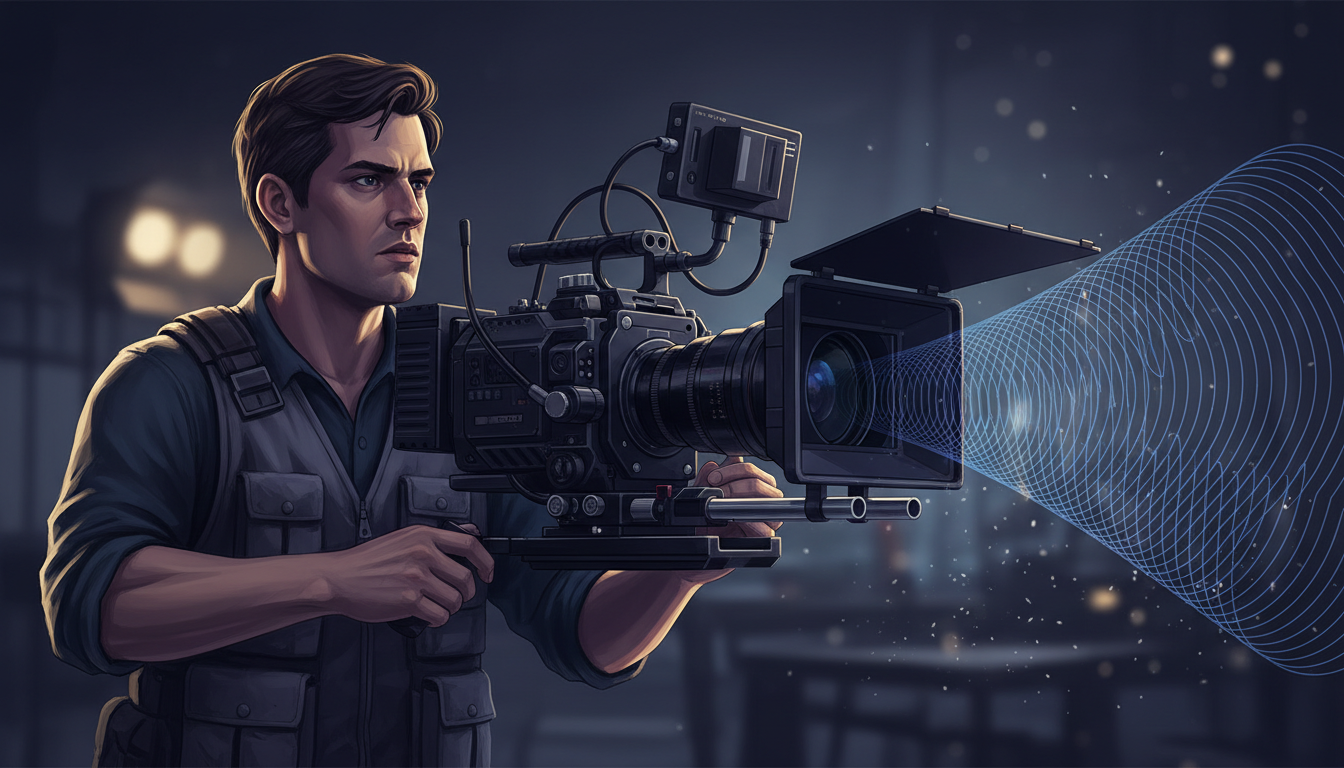
To prompt natural handheld camera movement in AI video generators without causing digital jitter or geometric warping, you must avoid destructive words like "shaky cam" or "vibrating camera" and instead use physics-based, operator-focused descriptors. Terms like "organic shoulder-mounted sway," "subtle handheld breathing," and "imperfect tracking lag" instruct the AI model to simulate physical weight and human reaction times rather than introducing frame-to-frame pixel noise. This distinction is vital for maintaining visual continuity across collaborative scenes where multiple shots must look like they were captured by the same physical camera operator.
The Handheld Dilemma: Organic Breathing vs. Digital Glitch
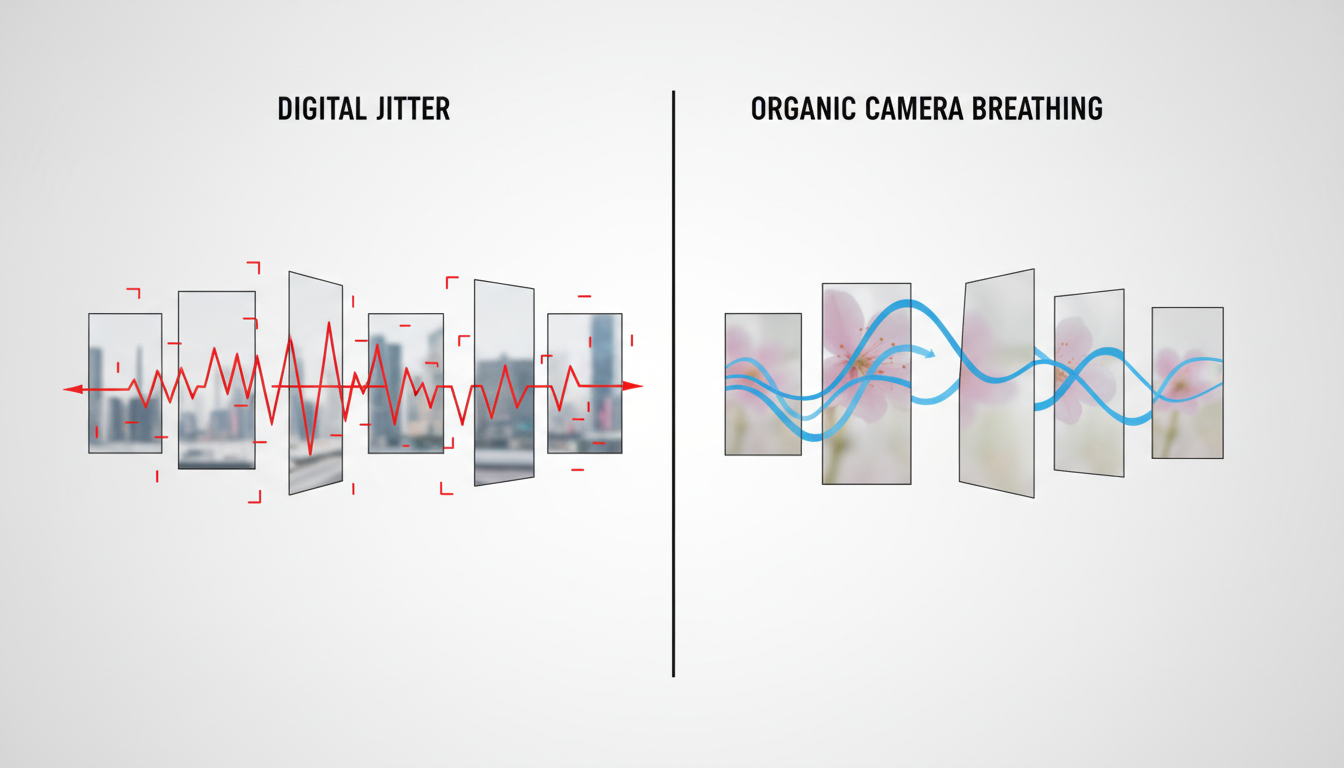
When an AI video model encounters words like "shaky," "vibrating," or "jittery," it often interprets them as a license to warp pixels. Instead of simulating a physical camera body moving through space, the model creates chaotic, frame-to-frame geometric degradation. This results in faces warping, vertical lines bending, and background textures bubbling—a phenomenon known as digital glitching.
To achieve realistic human-operated footage, we must prompt for "camera breathing." In traditional cinematography, camera breathing refers to the micro-movements of an operator's body as they inhale and exhale while holding a rig. This movement has a low frequency and a natural, rhythmic weight. To establish this weight in AI video engines, you must specify the camera rig's physical properties. A heavy shoulder rig has mass and inertia, which dampens sudden movements, whereas a lightweight smartphone has higher-frequency, sharper tremors.
The Handheld Vocabulary Matrix: High-Risk vs. High-Reward Prompts
Controlling the intensity of camera movement requires replacing destructive action verbs with constructive, physics-based modifiers. The table below outlines how to translate chaotic prompts into controlled, cinematic movements.
| High-Risk Prompt (Avoid) | High-Reward Prompt (Use) | Visual Result |
|---|---|---|
| "Shaky camera, earthquake effect" | "Shoulder-mount organic sway, heavy camera physics" | Smooth, low-frequency breathing with natural inertia. |
| "Vibrating camera, rapid shaking" | "Subtle hand-held micro-tremor, handheld breathing" | Realistic, minor physical adjustments without pixel warping. |
| "Fast handheld tracking" | "Imperfect tracking lag, organic pan-and-tilt drift" | The camera reacts to the subject with a slight human delay. |
Beyond vocabulary, focal length is a powerful tool for scaling handheld intensity. Specifying a wider lens (such as 24mm or 35mm) minimizes the perceived camera shake because the wide perspective compresses depth. Conversely, prompting for a longer lens (such as 50mm or 85mm) naturally amplifies the perceived parallax and micro-sway without requiring you to prompt for more physical movement. Compare this loose human touch to the deliberate, mechanical tension of a slow cinematic push-in, which relies on rigid, perfectly stabilized movement paths.
Subject Tracking and Imperfect Framing Lag
A common error in AI-generated tracking shots is "robotic locking," where the camera is perfectly centered on the subject's face or chest with zero deviation. Real camera operators cannot react instantly to a subject's sudden movements. There is always a slight delay as the operator pans or tilts to keep the subject in frame.
To simulate this human imperfection, prompt for "loose tracking" or "imperfect framing lag." This instructs the generator to let the subject briefly drift toward the edges of the frame before the camera gently catches up. You can structure this by prompting: "A medium shot of a character running through an alleyway, loose tracking with realistic camera operator lag, organic pan-and-tilt adjustments." This technique balances subject physics and background parallax, preventing the background from looking like a flat, scrolling backdrop. For advanced control over physical interactions and camera physics in specific engines, see our guide on prompting high-fidelity physics.
Standardizing Handheld Physics Across Collaborative Montagea Scenes
On Montagea, where filmmakers co-create by splitting stories into scenes and inviting a crew to render shots using different AI models, maintaining camera continuity is crucial. If one contributor renders Scene 1 using Kling with heavy camera breathing, and another renders Scene 2 using Runway with static tripod framing, the sequence will feel disjointed. Establishing a shared camera language is essential for a cohesive final cut.
To maintain continuity, creators on Montagea can include specific camera descriptions directly in their scene briefs. For example, specifying a "50mm handheld breathing" description helps guide contributors, regardless of the video engine they choose, toward the same visual weight. When working within Montagea's playground, test your camera prompts across multiple models—such as Kling, Veo, and Runway—to observe how each engine handles organic sway. Keep your camera tests organized by tracking your prompt iterations in a structured log to lock in the exact degree of camera sway before committing credits to a full sequence render.
How do I fix handheld camera prompts that cause the subject's face to warp?
Face warping occurs when the AI model interprets terms like "shaky" or "jitter" as local pixel transformations. To fix this, remove all high-frequency movement terms. Instead, use prompts like "shoulder-mounted organic camera breathing" or "subtle handheld sway." Additionally, specifying a wider focal length (like 28mm) and prompting the subject to remain relatively stable while the camera gently drifts will preserve facial geometry.
Which AI video models handle organic handheld camera breathing the best without introducing artifacts?
Many modern AI video models can simulate organic camera breathing when prompted with physics-based terms. When using models that offer camera control parameters, combining those settings with text prompts for subtle drift can help guide the generation toward a more natural handheld feel.



