
The Kinetic Product Protocol: Prompting High-Fidelity Physics and Camera Movement in Kling Image-to-Video
Transform static packshots into high-fidelity commercial videos using Kling AI. This guide outlines the exact physical prompting protocols, camera dynamics, and keyframing workflows required to maintain rigid product geometry while simulating realistic fluid dynamics.
Image-to-video (I2V) tools have shifted from entertaining novelties to critical assets in modern commercial workflows. However, animating a static product photograph often results in the "melting plastic" effect, where rigid geometry, brand logos, and complex materials lose their physical integrity under the pressure of AI-generated motion. For commercial directors and digital artists, a single warped label or distorted bottle cap renders a generation completely unusable.
At Montagea, we approach Kling AI's physical engine not as a random generator, but as a deterministic simulation environment. By applying precise kinetic tokens, structured viscosity values, and optical camera language, you can execute complex product reveals, fluid simulations, and camera orbits that preserve absolute brand consistency. This guide outlines the exact protocols required to transition from unpredictable generations to pixel-perfect physical simulations.
Beyond the Static Packshot: Why Kling I2V is the Commercial Standard
Kling AI has emerged as a preferred tool for high-end product visualization due to its robust spatial-temporal attention mechanism. Unlike models that treat pixels as fluid, easily morphable paint, Kling tracks spatial coordinates over time with high fidelity. When presented with a high-resolution, sharp-edged source image, the model constructs an internal depth map that respects the boundaries of rigid objects. This makes it uniquely capable of handling challenging product materials like glass, polished metals, and complex liquid refractions without losing structural integrity.
To leverage this capability, the initial source image must be prepared with precise optical cues. Kling reads baked-in specular highlights, fresnel edges, and shadow gradients to calculate how light should dynamically shift across a surface during camera movement. If a bottle has a realistic highlight on its shoulder, Kling uses that point of reference to render a sweeping reflection when the camera orbits. For the best kinetic translation, always use high-contrast, clean-edged product photography with distinct lighting directions as your starting frame. Muddy, flat, or AI-generated source images with inconsistent lighting will inevitably lead to geometric collapse during the animation phase.
The Physical Simulation Framework: Prompting Liquids, Condensation, and Micro-Details
One of the greatest challenges in AI video production is animating environmental elements—such as water splashes, steam, or condensation—without causing the product itself to melt. This issue, known as "phantom physics," occurs when the model applies the kinetic motion intended for a liquid to the adjacent solid container. To prevent this, your prompt structure must cleanly decouple the static subject from the dynamic environment.
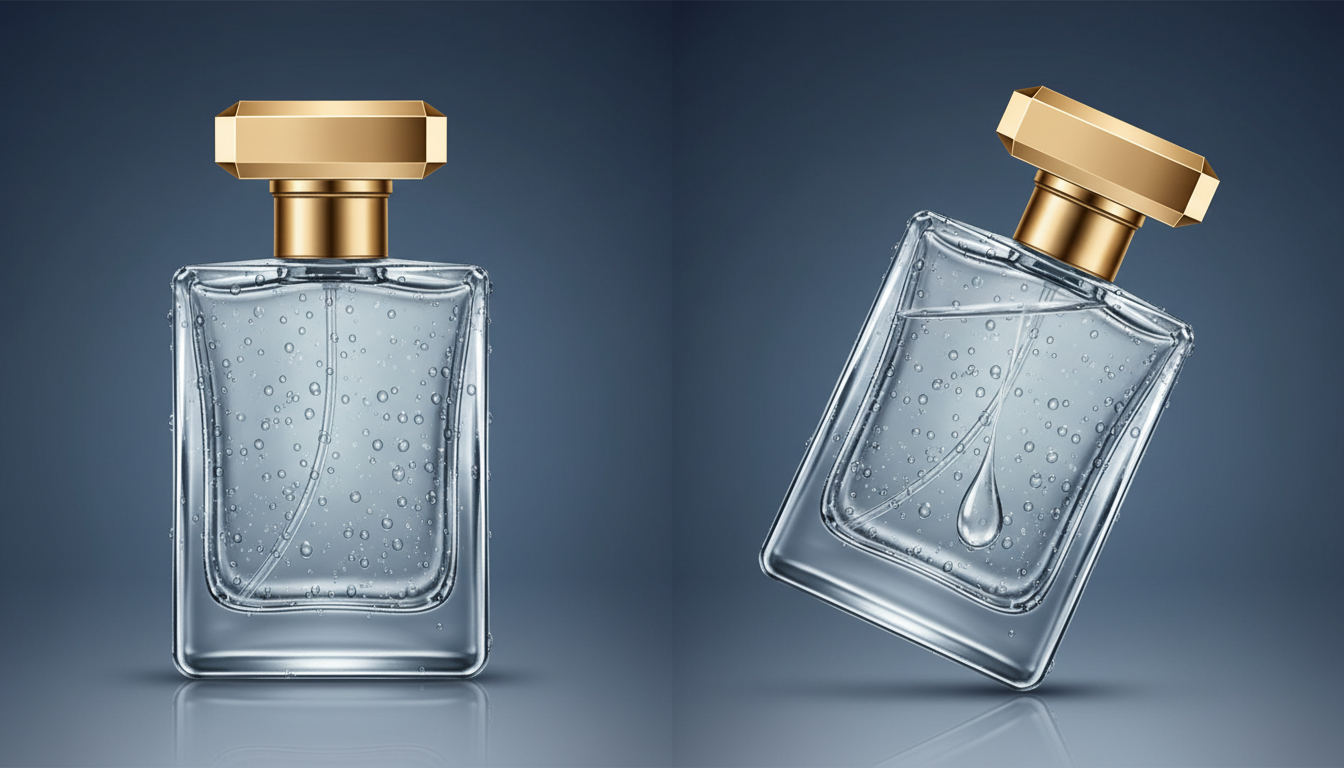
When drafting your prompt, isolate the product as an anchor and describe the physical actions of the environment using localized, hyper-specific verbs. Instead of prompting "water splashing on a bottle," which invites the model to deform the bottle's shape, structure your prompt to define the bottle as an immovable, solid anchor: "A solid glass bottle remains perfectly stationary and rigid while high-velocity water droplets splash off its surface." By explicitly stating the material state of the product, you guide Kling's physics engine to treat the bottle as a collider rather than a fluid substance.

The Viscosity Scale: Prompting Honey vs. Champagne
To achieve realistic fluid dynamics, you must guide the model's temporal engine by specifying liquid density. Kling responds remarkably well to physical descriptors that dictate the weight, speed, and surface tension of fluids. The table below illustrates how to structure your prompts based on the desired liquid behavior:
| Liquid Type | Target Kinetic Tokens | Avoidance Tokens | Physics Behavior |
|---|---|---|---|
| Viscous (Oils, Honey) | "slow-moving laminar flow", "high surface tension", "viscous drag", "thick amber syrup cling" | "splash", "spray", "fast drip" | Slow, clinging movement that wraps around geometry without breaking apart. |
| Effervescent (Champagne, Soda) | "active effervescence", "rapid micro-bubbles rising", "high-velocity mist spray", "carbonated fizz" | "thick", "heavy pour", "laminar" | Rapid, chaotic upward motion with fine particulate generation and light refraction. |
| Aqueous (Water, Tonic) | "clean water splash", "high-velocity droplets", "surface tension break", "crisp liquid refraction" | "viscous", "cloudy", "slow-motion drift" | Sharp, fast-moving impacts that bounce off solid surfaces with realistic scattering. |
Orchestrating Camera Dynamics: Orbits, Tilts, and Macro Sweeps
Generic camera prompts like "3D rotation" or "cool camera move" are recipes for geometric distortion. When Kling is given vague spatial instructions, it often resorts to morphing the product's texture to simulate depth, rather than moving the virtual camera through space. To maintain rigid geometry, you must use precise, mechanical camera language that mimics physical studio rigs.
Prompts should utilize terms like "macro jib arm tilt-down," "slow mechanical slider push-in," or "precision motorized camera dolly." These tokens signal the model to execute a linear, controlled camera path. For advanced techniques on maintaining geometry during complex camera moves, see our guide on mastering cinematic 360-degree orbit shots. By grounding the camera motion in real-world grip equipment, you force Kling to calculate a mathematically consistent perspective shift, preserving the parallel lines and structural boundaries of your product packaging.
Crucially, you must balance your camera movement speed with the physical simulation speed. If you prompt a high-speed camera orbit alongside a slow-motion liquid splash, the conflicting kinetic timelines will cause visual tearing or pixel artifacts. Keep the camera movement slow and deliberate when capturing complex physical simulations, allowing the model's temporal attention to focus entirely on the fluid dynamics.
Keyframing Temporal Continuity: Integrating First and Last Frame Logic
One of Kling's most powerful professional features is the ability to input both a first and a last frame (bookend keyframing). This feature allows creators to design highly controlled narrative arcs—such as an empty glass filling with liquid, or a dry cosmetic container suddenly covered in morning dew—without relying on pure luck. However, letting the AI blindly interpolate between two complex states can result in a "middle-frame morph," where the product briefly dissolves into an unrecognizable shape before reforming.
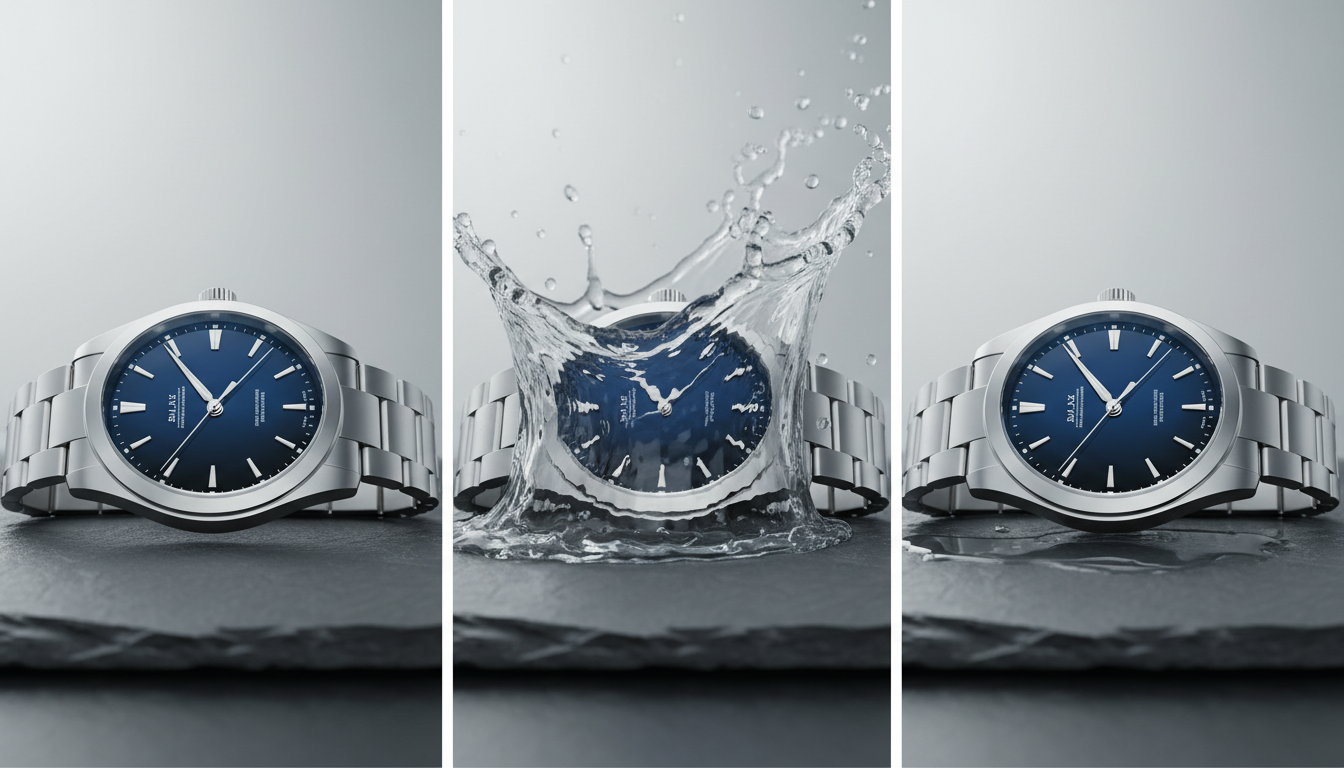
To prevent this, the starting and ending frames must share identical camera angles, focal lengths, and lighting directions. The only variables that should change between the two frames are the physical elements in motion (e.g., the level of the liquid, the presence of droplets). When prompting a keyframed sequence, describe the transition as a linear physical process. For example: "The camera remains locked on a tripod. Over five seconds, water slowly fills the glass from the bottom up, rising smoothly without disturbing the glass container." This clear instruction prevents the model from taking non-physical shortcuts during the interpolation phase.

To master the exact technical setup for these bookended shots, explore our deep dive into Kling's first and last frame workflow. Managing the precise transition vectors between these two points is what separates amateur AI video clips from seamless, commercial-grade product spots.
Troubleshooting Product Distortion: The Montagea Quality Checklist
Even with precise prompting, physical simulations can occasionally behave erratically. The Montagea team has developed a systematic diagnostic checklist to identify and resolve common Kling I2V errors before they ruin a render pipeline:
- The "Melting Label" Phenomenon: If text or brand logos begin to warp during a camera move, use Kling's localized motion brush to mask out the label entirely, setting its motion value to zero. In your prompt, reinforce this with negative tokens: "no text warping, static logo, rigid typography, undeformed branding."
- Erratic Lighting and Flickering: If the lighting direction changes randomly mid-generation, it is usually because the source image lacked clear directional shadows. Correct this by adding explicit lighting constraints to your prompt, such as "directional studio key light remains locked in place, no flickering shadows, consistent specular reflections."
- Geometric Drift on Fine Details: When animating small, intricate products like mechanical watches or jewelry, standard generation modes may struggle. Always opt for Kling's "Professional Mode" and increase the temporal consistency settings to prioritize structural preservation over high-velocity motion.
If your shot requires highly chaotic, high-velocity physics rather than rigid product control, consider comparing these results with Hailuo's kinetic translation capabilities. While Kling remains the gold standard for controlled, studio-style product environments, other models may offer creative advantages for explosive, stylized physics. By choosing the right tool for the specific physical interaction your storyboard demands, you can construct a highly efficient, hybrid AI filmmaking pipeline that delivers flawless commercial results every time.
How do I stop product labels and brand logos from warping in Kling I2V?
To prevent labels from warping, utilize Kling's localized motion brush tool to select the text area and set its motion strength to zero. Additionally, structure your prompt with negative tokens such as "no text warping, static logo, rigid typography, undeformed branding" and ensure your source image has crisp, high-contrast text boundaries that the model's spatial-temporal attention mechanism can easily lock onto.
What are the best prompt keywords for realistic water splashes in Kling?
The most effective keywords for realistic water behavior include "high surface tension," "clean water splash," "high-velocity droplets," "crisp liquid refraction," and "surface tension break." Avoid generic words like "splashy" or "water movement," which can cause adjacent solid objects to melt or deform.
How do I create a perfect 360-degree product rotation using Kling's image-to-video tool?
A true 360-degree rotation is difficult to generate from a single static image without some geometric morphing. To achieve this cleanly, use Kling's first-and-last-frame feature. Input the front of the product as the first frame and a matching angle of the back of the product as the last frame, then prompt: "A slow, motorized 180-degree camera orbit around a stationary, rigid product." Repeat the process for the remaining half of the rotation and stitch them together in post-production.
Should I use Professional Mode or Standard Mode in Kling for commercial product shots?
Always use Professional Mode for commercial product shots. Standard Mode optimizes for speed and highly dynamic, sometimes unpredictable motion. Professional Mode allocates more computational steps to temporal consistency and spatial tracking, which is essential for preserving the straight lines, rigid geometry, and fine details of product packaging.



