
The Kinetic Vector Protocol: How to Prompt Precise, Drift-Free AI Tracking Shots
Stop fighting chaotic camera zooms and perspective warping. Discover the Kinetic Vector Protocol—a physical prompting framework that forces AI models to respect real-world cinematography physics for flawless lateral tracking and dolly shots.
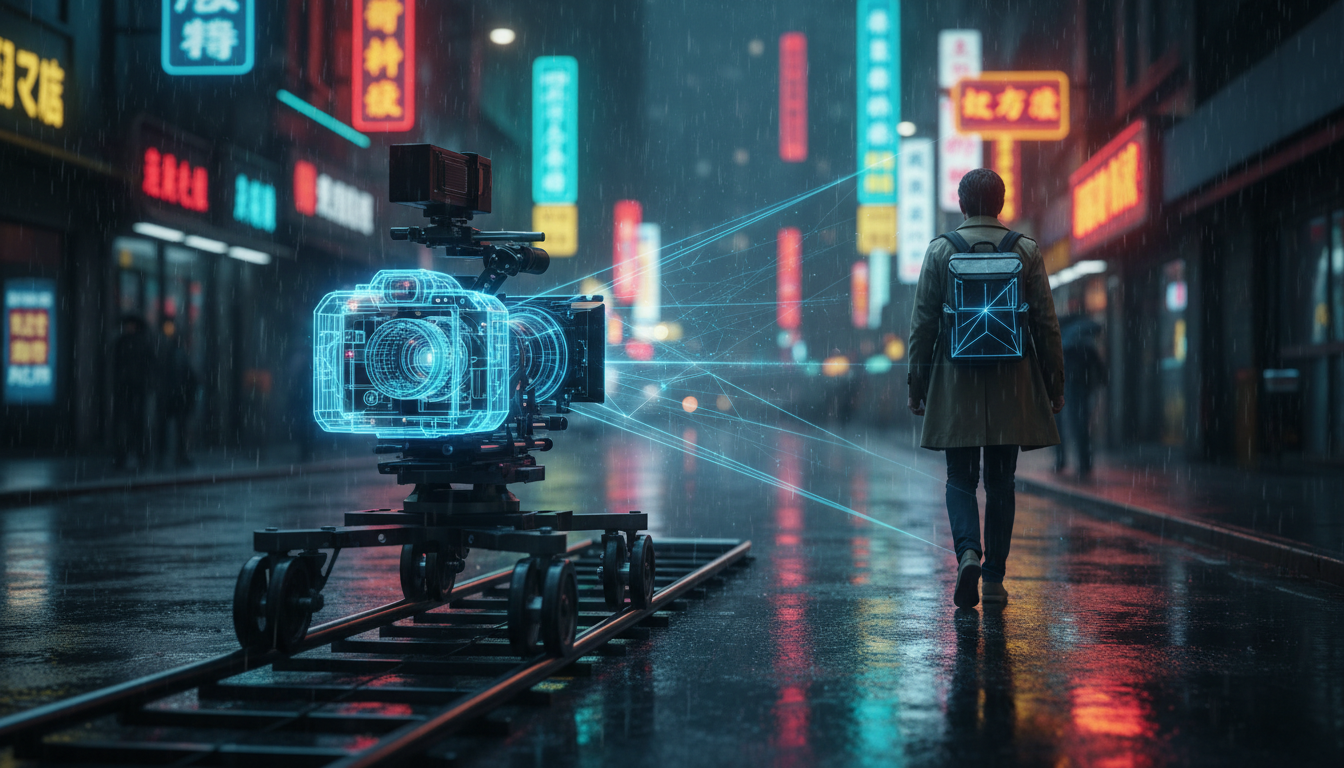
Standard prompts like "cinematic lateral tracking shot" often trigger chaotic results in generative AI video engines. Instead of a smooth, physical dolly glide, these models frequently default to simple rotational panning, unexpected focal length zooms, or jarring perspective warping. This happens because the underlying neural networks interpret camera movement tags as stylistic descriptors rather than precise, physics-based instructions.
To bypass these computational limitations, professional filmmakers must treat the AI engine as a physical camera rig operating under strict spatial constraints. By implementing the Kinetic Vector Protocol, creators can force AI models to respect real-world cinematography physics, yielding stable, drift-free lateral and dolly movements that integrate seamlessly into high-end production timelines.
The Physics of the Virtual Dolly: Why Standard Tracking Prompts Fail
To solve the issue of erratic camera behavior in AI video, we must first understand why standard prompting fails. When a filmmaker types "tracking shot of a character walking down a street," the AI model does not calculate the physical displacement of a camera body along a metal rail. Instead, it references a vast dataset of labeled frames. Because many real-world tracking shots contain subtle zooms, pans, and hand-held shakes, the model conflates these distinct movements.
This conflation leads to three primary technical failures in AI-generated camera movement:
- Rotational Panning (Axis Lock): The AI keeps the virtual camera in a fixed position and simply rotates its angle, distorting the edges of the frame rather than moving laterally through space.
- Perspective Drift: The foreground and background warp independently. Instead of shifting relative to the camera's physical path, elements stretch and morph because the AI is attempting to "hallucinate" new angles without a spatial coordinate system.
- Focal Length Fluctuations: The model frequently shifts from a wide-angle perspective to a telephoto lens compression mid-shot, destroying visual continuity.
To overcome these hurdles, we must shift our prompting strategy. We must stop asking the AI for an aesthetic style and start prompting it with a structured protocol that simulates the physical constraints of a real-world camera track.
The Kinetic Vector Protocol: A Framework for True Lateral Camera Movement
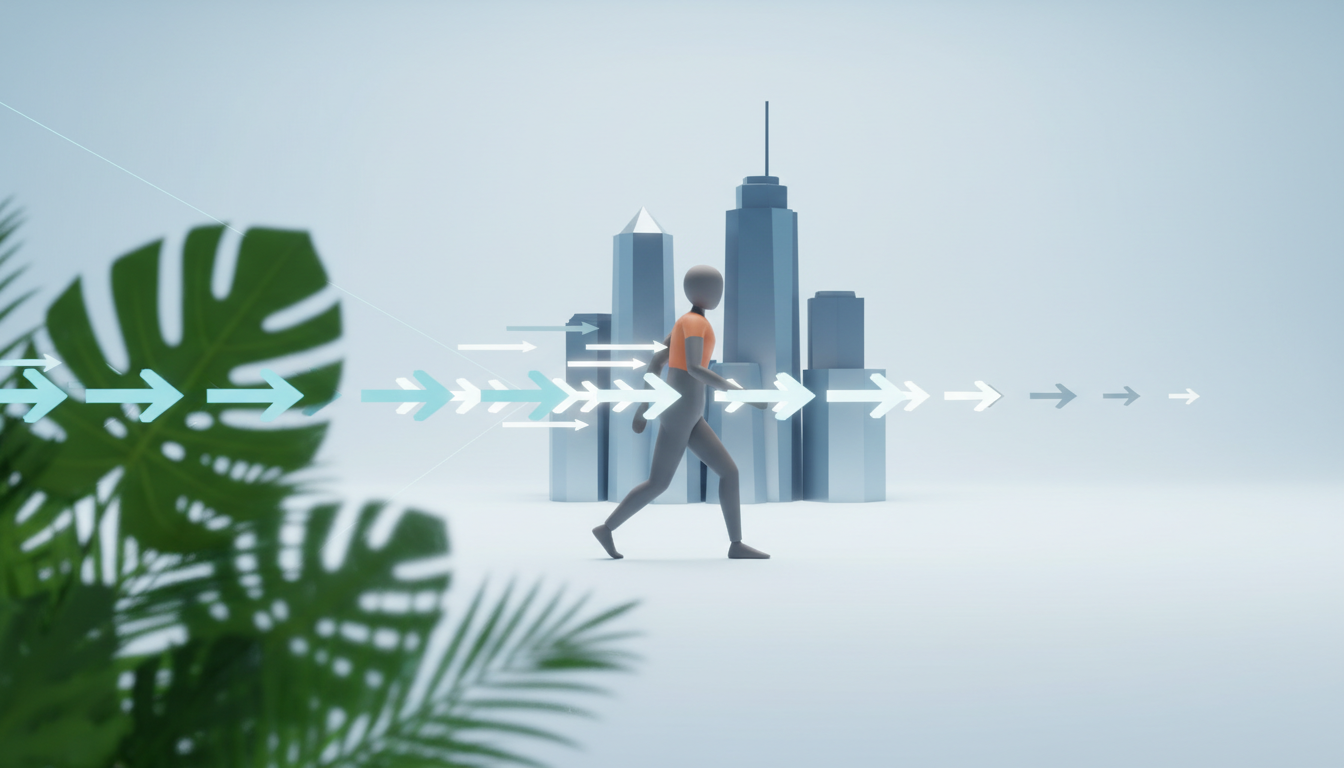
The Kinetic Vector Protocol is a structured prompting framework designed to anchor the AI's generation engine. It forces the model to calculate optical flow along a single, predictable coordinate axis. The protocol relies on three core pillars: the Anchor Subject, the Motion Vector, and the Parallax Rate.
Structuring Spatial Coordinates and Optical Flow
To execute a flawless lateral move, the AI needs to understand the spatial relationship between your subject and the surrounding environment. Without these explicit boundaries, the model will default to a static frame with moving backgrounds, or worse, a morphing subject.
- The Anchor Subject: This is the focal point of your shot. You must define not only who or what the subject is, but also their exact spatial position relative to the frame (e.g., "profile view, screen-center, maintaining a constant distance from the lens").
- The Motion Vector: Replace vague terms like "tracking" with physical rigging vocabulary. Terms like "lateral truck left," "dolly-parallel," and "fixed-distance side-scrolling shot" signal the engine to maintain a linear camera path.
- The Parallax Rate: You must explicitly instruct the AI how the background and foreground should behave relative to the camera's speed. To master the spatial mechanics of these layers, creators can implement the split-plane protocol to prompt true cinematic parallax in AI video. This forces the engine to render foreground elements passing by quickly while the distant background shifts at a mathematically slower rate.
Prompting Blueprints for Diverse Tracking Scenarios
Implementing the Kinetic Vector Protocol requires translating these physical concepts into concrete, highly structured prompts. Below are three production-tested blueprints designed to execute specific, drift-free camera movements across major AI video engines.
1. The Lateral Trucking Shot (Side-Scrolling)
This formula forces a perfectly parallel side-to-side movement, ideal for character walks and atmospheric environmental reveals.
[Anchor Subject] in profile, locked in screen-center. Camera executes a continuous lateral truck left parallel to the subject. Midground elements pass by at a steady rate. Background parallax is slow and realistic. No camera rotation, no zooming, fixed focal length.
2. The Controlled Dolly-In (Push)
Use this blueprint to prevent the AI from scaling or cropping the image to simulate a zoom, forcing a true physical movement through space instead.
Camera physically dollies forward along a straight center axis toward [Anchor Subject]. Foreground elements slide out of frame left and right. Lens compression and perspective shift realistically as the camera physically moves closer. No digital zoom.
3. The Fixed-Radius Orbit (Arc Tracking)
This formula maintains a rigid radial distance from the subject, preventing the camera from drifting closer or warping the subject's geometry.
A continuous 180-degree orbit tracking shot around [Anchor Subject]. The camera maintains a strict, fixed radial distance of 10 feet. The background sweeps smoothly behind the subject. Subject remains perfectly centered and stable without morphing.
| Movement Type | Primary Vector Keyword | Key Spatial Constraint |
|---|---|---|
| Lateral Trucking | "lateral truck left/right" | Profile view, constant camera-to-subject distance |
| Dolly-In / Out | "physically dollies forward/backward" | Perspective shift, no digital zoom or scaling |
| Orbit / Arc | "fixed-radius 180-degree orbit" | Strict radial distance, locked center focus |
For help selecting the best generation model for your specific tracking needs, refer to our guide on matching cinematic tasks to AI video engines. Different models handle spatial depth and camera speed with varying degrees of accuracy.
Mitigating 'AI Drift' and Maintaining Character Consistency
One of the most frustrating aspects of generating long tracking shots is "AI drift"—the gradual morphing of a character's face, clothing, or physical features as the camera moves. Because diffusion models generate frames sequentially, the minor errors in each frame accumulate, leading to a complete visual breakdown by the end of a 5-second clip.
To combat this sequential decay, your prompts must reinforce key character details in every single frame. Rather than relying on a simple subject descriptor, use highly specific, non-morphic identifiers. Instead of prompting "a man walking," specify "a man with a dark green wool coat, short black hair, and silver-rimmed glasses." These concrete descriptors act as anchor points, reminding the model's latent space of the subject's physical boundaries during high-velocity camera moves.
Furthermore, using structured character reference sheets, as detailed in our turnaround blueprint for video continuity, ensures the subject's features remain locked across the entire tracking path. By feeding the AI engine consistent multi-angle references before generation, you dramatically reduce the likelihood of facial warping during complex lateral sweeps.
The Montagea Workflow: Combining Camera Controls and Prompting for Production-Ready Plates
At Montagea, we view AI filmmaking not as a collection of random generations, but as a disciplined extension of the traditional cinematographer's toolkit. Relying solely on text prompts often leaves too much to the AI's imagination. To generate truly production-ready plates, professional workflows must pair precise prompt engineering with platform-specific camera UI controls.
When working within advanced AI video suites, always combine the Kinetic Vector Protocol with physical camera sliders. For instance, if you are prompting a lateral truck left, manually set the platform's camera motion controls to move along the X-axis while dialing down the zoom (Z-axis) and pan (Y-axis) settings to zero. This hybrid approach—using text to define the physics and UI controls to lock the camera's path—completely eliminates erratic AI behavior.
Before launching your next generation, use this quick checklist to ensure your tracking shot remains stable and drift-free:
- Have you excluded rotational terms? Ensure words like "pan," "tilt," or "sweep" are replaced with physical movement terms like "truck" or "dolly."
- Is your anchor subject locked? Double-check that your prompt explicitly states the subject's position and distance relative to the camera lens.
- Are your UI camera controls aligned with your prompt? Ensure your platform's motion sliders match the exact X, Y, or Z vector specified in your text.
By treating the AI video generator as a physical camera on physical tracks, you can move past unpredictable, low-fidelity renders and generate cinematic, stable, and highly professional tracking shots that meet the rigorous standards of modern film production.
How do I stop my AI video tracking shot from zooming in instead of moving sideways?
To prevent unwanted zooming, avoid generic terms like "tracking shot" or "follow shot." Instead, use precise physical camera terms like "lateral truck left" or "parallel side-scrolling shot." Explicitly state in your prompt: "No zooming, fixed focal length, camera maintains a constant physical distance from the subject." Additionally, if your AI platform has camera UI controls, set the Z-axis (zoom) slider to zero.
Which AI video generator has the best camera control for lateral tracking shots?
Generators that offer dedicated camera motion path UI controls (such as Runway Gen-3, Luma Dream Machine, or Kling AI) perform best. These tools allow you to manually lock the camera's path along the X-axis (lateral movement) while using the Kinetic Vector Protocol in your text prompt to reinforce the physical parallax of the background and midground.
How do you prompt a smooth dolly shot in Runway Gen-3 or Luma Dream Machine?
Use a highly structured prompt that mimics physical lens behavior. State: "Camera physically dollies forward along a straight central track. True physical camera movement, not a digital zoom. Foreground elements slide past the lens as perspective shifts realistically." Pair this with the platform's directional camera UI settings, selecting a forward motion vector.
Why does my character's face change or warp during an AI tracking shot?
AI drift occurs because diffusion models generate video frames sequentially, and minor structural errors compound over time. To stop this, write highly detailed character descriptions in your prompt to keep the model anchored, and use pre-generated multi-angle reference sheets to lock the character's geometry across the entire camera path.



