
How Long Can an AI-Generated Video Be? Model Limits and Multi-Shot Workflows
While individual AI video models typically generate clips under 15 seconds, you can create long-form videos of any length. Discover the limits of top engines and how to build a multi-shot editing workflow.
A single, raw AI-generated video clip typically ranges from 4 to 10 seconds in duration, with some advanced models offering extensions up to 15 or 30 seconds. While you cannot generate a full-length feature film or a multi-minute scene with a single text-to-video prompt, a finished AI-generated video can be of any length. Professional filmmakers bypass single-shot limits by treating AI generators as virtual cameras to capture individual shots, which are then assembled into cohesive narrative sequences using post-production workflows.
The Direct Answer: Single-Shot Limits vs. Narrative Video Length
When discussing the duration of AI-generated video, it is crucial to separate the raw output of an AI model from the finished cut of a film. A single run of a video generator is mathematically and computationally constrained. Attempting to force an AI model to generate a continuous two-minute scene in a single prompt usually results in severe visual degradation, loss of character consistency, or chaotic physical anomalies.
Instead of demanding long runtimes from a single generation, professional workflows treat AI models as virtual cameras on a set. Each prompt represents a specific "take" or shot—a 4-second close-up, a 6-second establishing shot, or an 8-second over-the-shoulder conversation. These individual clips are then stitched together in a non-linear editor (NLE) or a specialized collaborative platform.
Montagea provides a platform for creators to organize scripts into scenes and assemble shots into a unified timeline. By distributing the production load across individual shots, you can build a finished video that spans minutes, hours, or any length required by your project.
A Comparison of Current AI Video Model Limits
Different AI video models have varying architectural characteristics that influence their generation runtimes and capacity for temporal extensions. When planning a multi-shot project, matching the right engine to the specific motion and length requirements of each shot is essential.
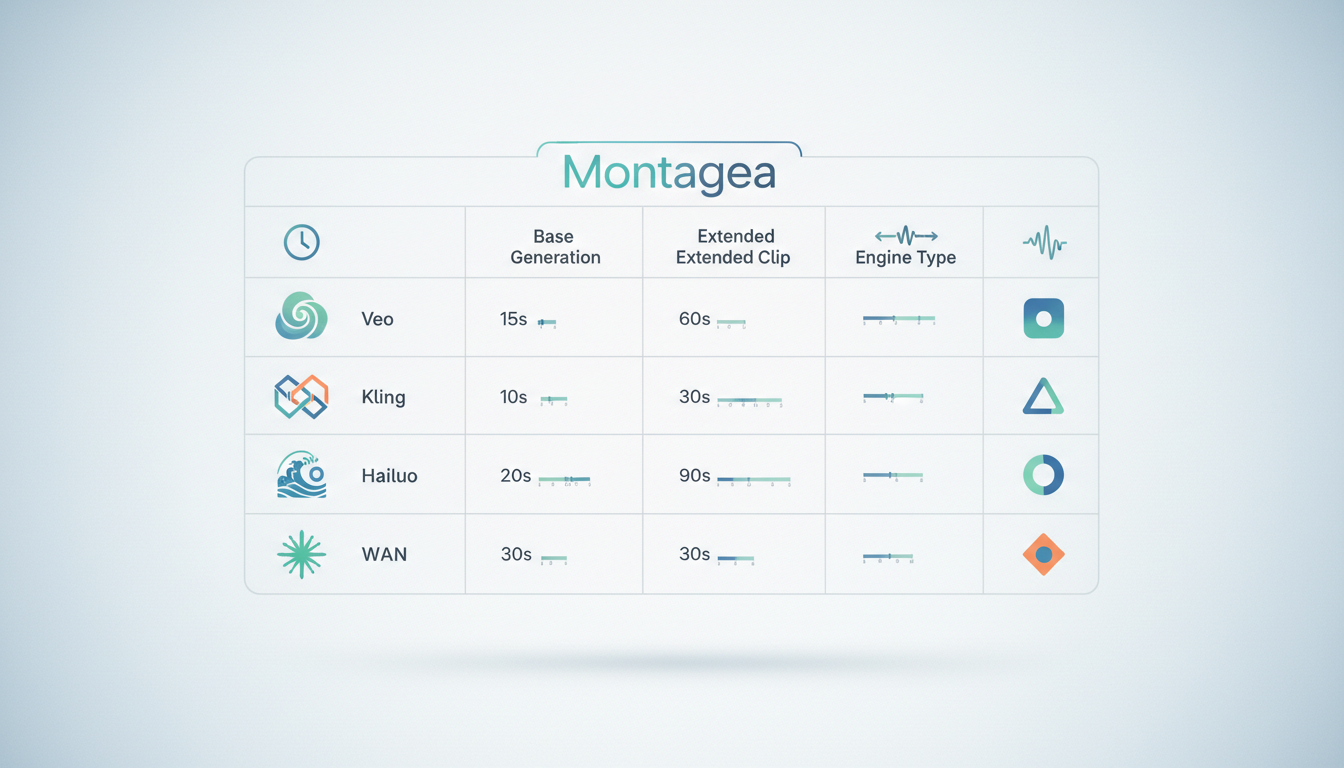
Here is a comparison of the current generation capabilities of leading models:
| AI Video Model | Typical Base Duration | Primary Production Strength |
|---|---|---|
| Google Veo | 5 – 8 seconds | High cinematic fidelity and prompt adherence. |
| Kuaishou Kling | 5 – 10 seconds | Physical simulations and complex action sequences. |
| MiniMax Hailuo H3 | 4 – 5 seconds | Rapid generation speed and dynamic camera motion. |
| Alibaba WAN | 4 – 5 seconds | Stylized aesthetics and fine detail retention. |
While these specifications provide a baseline, model performance can vary based on the complexity of your prompt, the resolution, and the chosen frame rate. To determine which model suits your specific scene requirements without wasting generation credits, you can learn how to build an AI video model test matrix to systematically compare clip duration and visual consistency.
Stitching Workflows: How to Build Long-Form AI Videos
To transition from short, isolated clips to a continuous narrative, you must implement a structured stitching workflow. This process relies on traditional film pre-production techniques adapted for generative tools.
1. Script-to-Scene Breakdown
Before generating a single frame, break your script down into individual camera setups. If your scene involves two characters talking in a café, do not write a single prompt describing the entire conversation. Instead, divide the scene into three distinct shots:
- Shot 1 (Establishing): Wide shot of the café exterior, rainy day, cinematic lighting (5 seconds).
- Shot 2 (Medium Close-Up): Character A speaking, subtle facial expressions, soft background blur (4 seconds).
- Shot 3 (Over-the-Shoulder): Character B reacting, nodding, warm interior color palette (4 seconds).
2. Maintaining Temporal Continuity
The primary challenge of stitching short clips is preventing the visual style, characters, and environments from shifting between cuts. To maintain continuity, use consistent seed values across your generations, employ image-to-video workflows with a single master character reference sheet, and keep your environmental prompt descriptors identical from shot to shot.
3. Adapting for Platforms
Your target platform dictates how you structure and pace your stitched clips. If you are producing content for social media or mobile-first platforms, explore our guide on building an AI micro drama production workflow for vertical video platforms. Vertical formats often require faster cutting rates and tighter framing to maintain viewer engagement over longer durations.
Cinematic Rules for Multi-Shot AI Production
Because AI engines generate clips independently, filmmakers must manually enforce traditional cinematic rules to ensure the stitched sequence feels cohesive.
Spatial Logic and the 180-Degree Rule
When cutting between different AI-generated shots of two characters, you must maintain consistent spatial relationships. If Character A is on the left side of the frame in Shot 1, they must look toward the right to address Character B. To prevent visual confusion, you must understand how to maintain the 180-degree rule in AI video production to keep your sequence cohesive.
Camera Movement Control
Sudden, jarring transitions between static shots and highly dynamic AI camera pans can break immersion. To create smooth visual flow, prompt consistent camera movements across your shots. For organic transitions, learn about prompting handheld camera movement in AI video to avoid synthetic digital glitching and maintain a natural, physical camera feel.
Visual Consistency and Color Grading
Even with precise prompting, different AI models may output slightly different color temperatures or contrast levels. In your post-production workflow, apply a unified color grade or look-up table (LUT) across all stitched clips. This matches the visual profile of your shots, hiding the seams between disparate AI generations and making your multi-shot sequence feel like it was captured on a single camera package.
Can you generate a full-length movie with a single AI prompt?
No. Current AI video models are limited by computational memory and attention windows, meaning they can only generate a few seconds of coherent video at a time. To create a full-length movie, you must generate individual shots based on a structured shot list and edit them together in a timeline, just like traditional filmmaking.
What is the difference between video generation and video extension in AI models?
Video generation is the creation of a brand-new clip from a text prompt or a static image. Video extension takes an existing AI-generated clip and uses the final frame as a reference to generate the next few seconds of motion, helping to extend a single shot's duration while maintaining visual continuity.
How do professional filmmakers maintain character consistency across multiple short AI clips?
Filmmakers maintain character consistency by using image-to-video workflows with consistent character reference images, locking seed values in the generator, and using platforms like Montagea to manage assets and coordinate character designs across distinct scenes.



