
The Focal Coherence Protocol: Prompting Realistic Depth of Field and Rack Focus in AI Image-to-Video
Most AI video engines treat depth of field as a flat, static filter. By applying professional cinematography principles to your prompts, you can force AI models to respect focal planes, aperture shapes, and optical physics during camera movement.
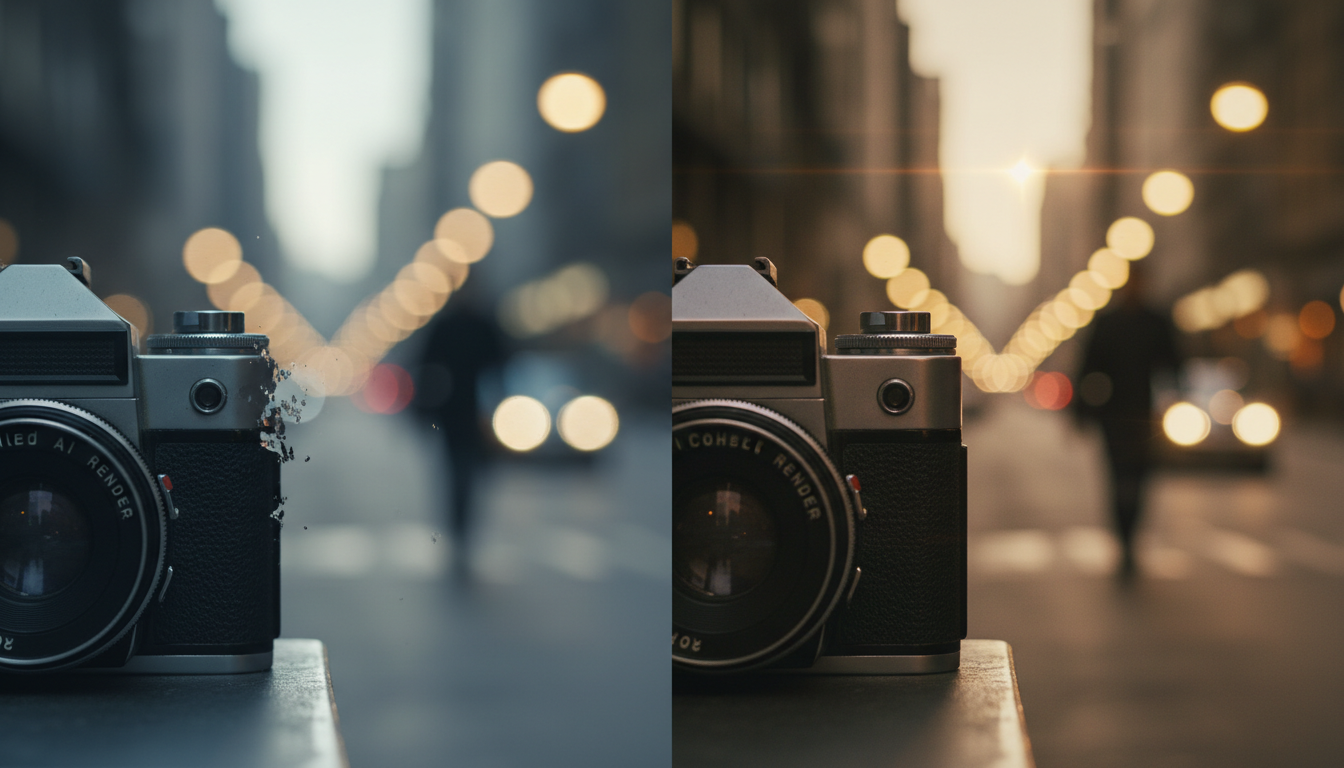
Most AI video generators treat depth of field as a static, post-processing filter rather than an active physical property of a camera lens. When you transition an image to video (I2V), the model often struggles to maintain the spatial relationships between your foreground subject and the background. This results in "swimming" bokeh, edge bleeding, or a complete collapse of the depth map during camera movement.
To achieve true cinematic realism, filmmakers must move beyond generic aesthetic descriptors and enforce physical constraints. At Montagea, our research into AI filmmaking workflows has led to a systematic prompting methodology designed to emulate real-world lens optics. By forcing models to respect focal planes, aperture geometry, and physical camera translation, you can maintain flawless optical logic. We call this the Focal Coherence Protocol.
The Depth-of-Field Dilemma in AI Image-to-Video
In traditional cinematography, depth of field (DoF) is governed by physical laws: focal length, aperture size, sensor format, and subject distance. AI video generators, however, do not possess an inherent understanding of physical glass or sensor dimensions. Instead, they interpolate depth based on statistical patterns learned from two-dimensional image datasets. When generating video from a static reference image, the AI often struggles to calculate how background blur should change as the camera moves.
This lack of physical grounding leads to several common artifacts. The most notorious is "edge bleeding," where the crisp edges of a foreground subject melt or smear into the blurry background. Another is "bokeh drift," where background light circles warp, merge, or drift independently of the camera's spatial trajectory. This happens because the model treats the background blur as a flat, painted texture rather than a dynamic 3D space.
To combat this, the Montagea approach treats the AI video generator not as a text-to-pixel engine, but as a simulated camera rig equipped with a physical lens. By establishing a rigorous "focal coherence"—the physical logic of keeping a specific subject sharp while background elements scale, compress, and blur realistically relative to their distance from the lens—creators can bypass the flat, artificial look that plagues amateur AI generations.
The Focal Coherence Protocol: A Framework for Lens Emulation
The Focal Coherence Protocol relies on three distinct pillars to establish a physically accurate depth map from the very first frame of your image-to-video generation:
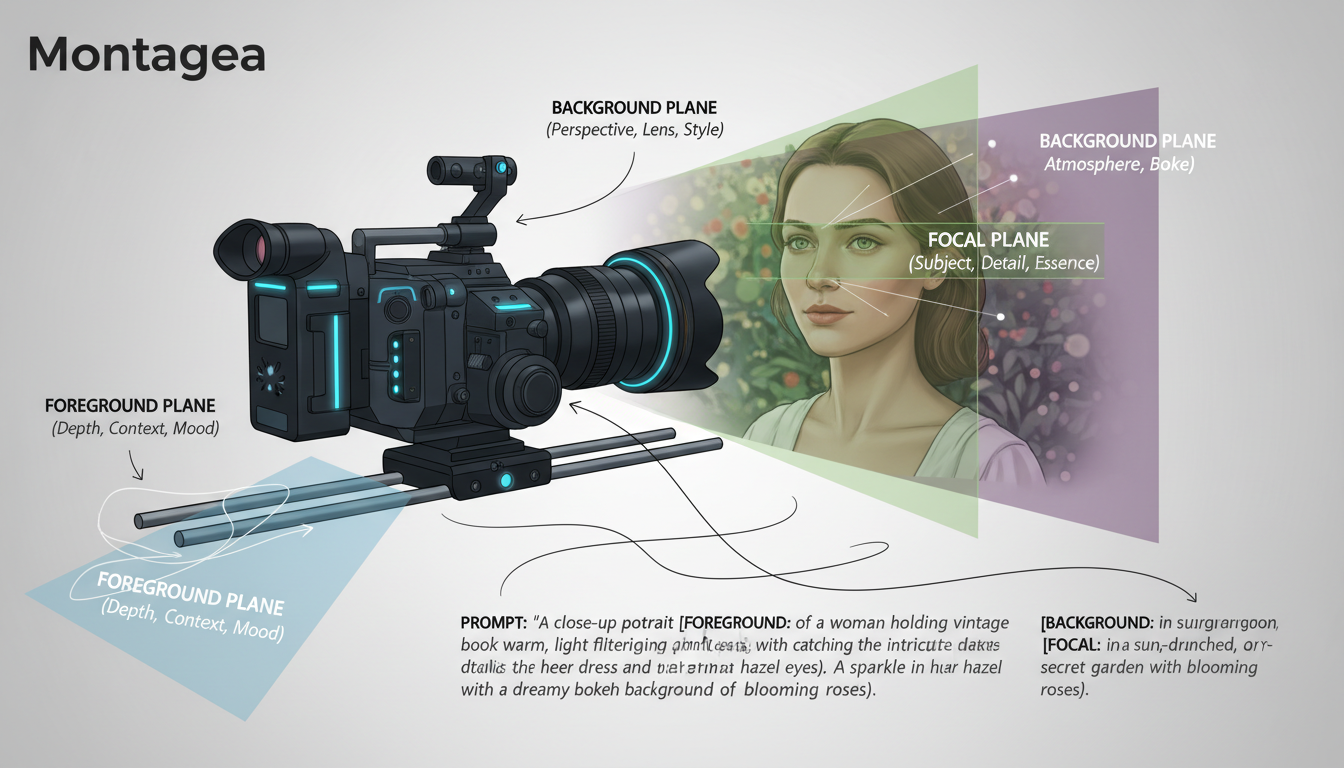
- Aperture Specification: Instead of prompting with vague adjectives like "cinematic blur" or "shallow depth of field," specify exact f-stop numbers (e.g., "f/1.4," "f/2.8"). AI models are trained on extensive metadata from professional photography and film platforms. Mentioning a specific aperture triggers these high-end clusters of training data, yielding cleaner background separation and realistic lens characteristics.
- Focal Plane Anchoring: Clearly define what is in focus and its spatial relationship to the lens. Use coordinates or precise semantic positioning (e.g., "The focal plane is locked exactly on the subject's eyes, 3 feet from the lens").
- Bokeh Geometry: Dictate the visual characteristics of the out-of-focus areas. Specifying "circular 9-blade bokeh highlights" or "anamorphic oval bokeh" forces the model to render background light sources with consistent geometric structures rather than chaotic, morphing blobs.
Managing Depth Transitions During Camera Movement
When executing camera moves like a dolly-in or a pan, the challenge of maintaining focal stability doubles. If the camera moves closer to the subject, the depth of field should naturally become shallower, and the background should compress. To prevent the model from losing track of the focal anchor during subtle camera adjustments, you must couple your lens parameters with precise motion constraints. For projects requiring delicate, atmospheric movement without losing focal lock, utilizing a specialized subtle motion control and maintaining focal stability in portrait-style generations can keep your subject perfectly sharp while background elements shift mathematically.
Prompting the Rack Focus: Executing Dynamic Focus Shifts
Executing a rack focus—shifting the focus plane from a foreground object to a background object in a single shot—is one of the most difficult maneuvers in AI filmmaking. Because AI models operate on latent transitions, they tend to default to a "morph" artifact. Instead of the lens elements moving to shift focus, the foreground subject physically dissolves or morphs into the background geometry.
To prevent this, you must structure your prompt temporally, giving the model clear instructions on when and how the focus transition occurs. We use the Temporal Focal Shift prompt structure:
"A professional rack focus transition. Initially, the foreground subject at 2 feet is tack-sharp at f/1.8, background highly blurred with circular bokeh. Over the course of 4 seconds, the camera's focus plane smoothly pulls to the background subject at 15 feet, making the background subject sharp and detailed while the foreground subject falls into a soft, natural blur. No morphing or warping of physical geometry."
Let's compare a failed rack focus attempt with a successful one using the Focal Coherence Protocol:
- Failed Prompt (Vague): "Cinematic rack focus from a coffee cup to a man sitting in the background, blurry to sharp."
Result: The coffee cup physically melts into the man's shape; the background warping is severe; the bokeh "swims" erratically. - Successful Protocol Prompt: "Camera lens emulation: f/2.0 aperture. Rack focus shift. Frame begins with the foreground ceramic coffee cup in sharp focus, background cafe interior completely blurred. At second 2, the focus plane shifts smoothly to the background man, rendering him in sharp focus while the coffee cup in the foreground transitions into a soft blur. Maintain strict geometry of both subjects."
Result: Clean optical transition, stable background geometry, realistic change in blur radius.
Platform-Specific Nuances: Gen-3, Kling, and Hailuo
Different AI video models interpret lens physics and depth maps differently. Understanding these platform-specific nuances allows you to tailor your prompting style to the engine you are using.
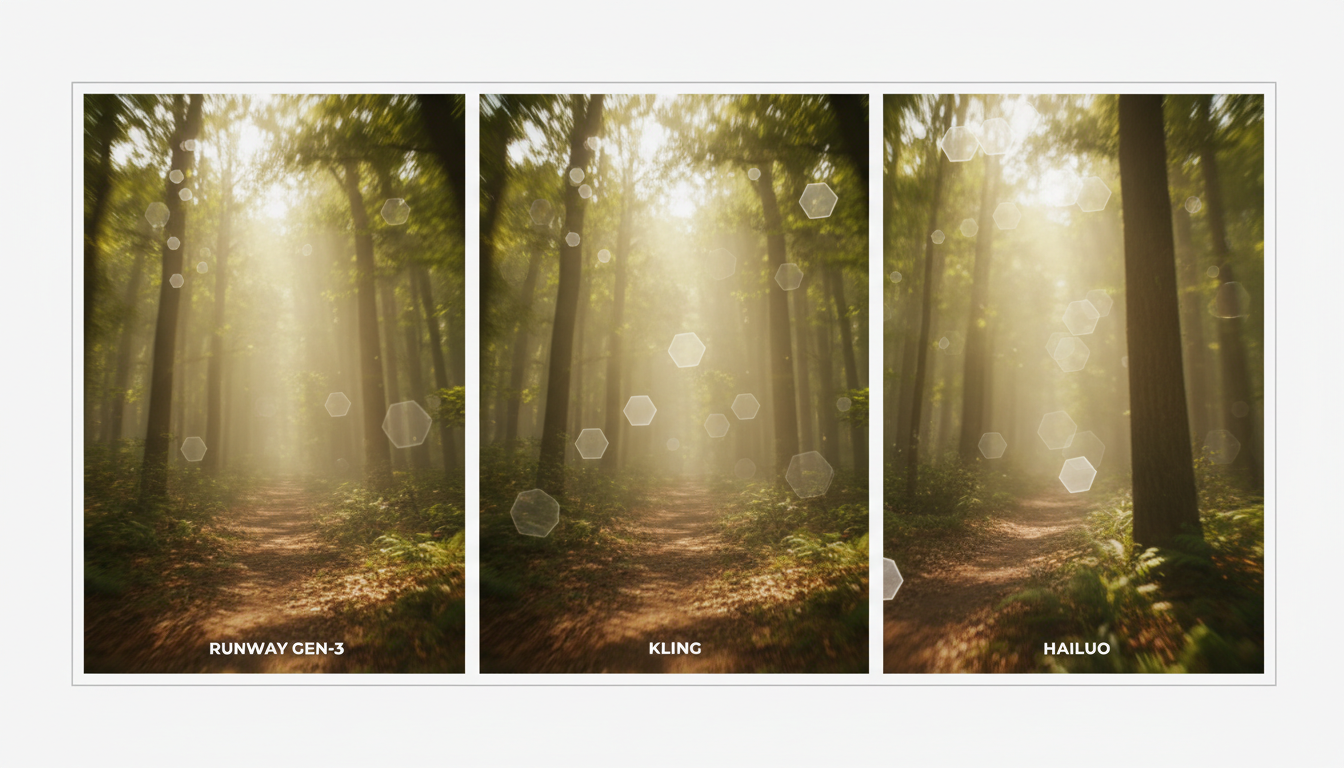
Runway Gen-3 Alpha: Gen-3 is highly responsive to direct camera control and specific f-stop values. However, it is prone to focal drifting if the scene is visually complex. You must use strict semantic isolation to ensure the foreground and background remain on separate logical layers.
Kling AI: Kling excels at maintaining physical object coherence during motion. It is highly effective for kinetic depth-of-field shots where the camera is moving rapidly. For advanced kinetic camera setups, pairing Kling's tracking with structured physics prompts yields excellent results.
Hailuo AI (Minimax): Hailuo is incredibly dynamic but can suffer from background warping during deep camera moves. When using Hailuo, you must explicitly prompt for physical camera translation and depth physics to ensure the background scales naturally rather than stretching like a rubber sheet. To master this, understanding how Hailuo AI handles physical camera translation and depth physics is essential for maintaining believable lens behavior.
| Platform | Depth Map Accuracy | Bokeh Quality | Rack Focus Responsiveness | Best Use Case |
|---|---|---|---|---|
| Runway Gen-3 | High | Excellent (Circular/Anamorphic) | Moderate (Requires strict temporal prompts) | High-end commercial close-ups, portraiture |
| Kling AI | Moderate-High | Good (Soft Gaussian) | High (Maintains object integrity well) | Kinetic action shots, tracking movements |
| Hailuo AI | Moderate | Painterly / Stylized | Moderate (Prone to perspective warping) | Stylized cinematic sequences, dynamic camera moves |
Troubleshooting Depth Artifacts and Focal Drift
Even with a precise prompt, AI models can sometimes ignore lens instructions or produce optical anomalies. Use this troubleshooting checklist to correct common depth errors:
- Problem: "Swimming Bokeh" (Background lights drift independently)
Fix: Lock the background coordinates in your prompt. Add: "Background lights remain static in 3D space, scaling only with camera perspective." - Problem: Infinite Focus (The AI renders everything sharp, ignoring f-stop prompts)
Fix: Increase the contrast between foreground and background in your source image. If using text-to-video, explicitly prompt for a macro or telephoto lens (e.g., "85mm lens at f/1.4"), which naturally forces a shallower depth of field. - Problem: Subject-Background Bleeding (Edges of the subject blur into the background)
Fix: The AI is failing to segment your layers. Apply our Semantic Isolation Protocol / debugging methodology when the AI model ignores focal instructions to cleanly separate the foreground subject from the background plane in the model's latent space before initiating the camera movement.
Why does my background blur look like a flat, painted-on filter in AI video?
AI models often fail to calculate a true 3D depth map, treating the background as a flat 2D layer. To fix this, use explicit lens terminology in your prompt, such as "f/1.8 aperture lens compression" and "3D spatial depth scaling," which forces the model to calculate background blur based on distance rather than applying a uniform blur filter.
How do I prompt a clean rack focus in Runway Gen-3 without the image morphing?
To avoid morphing, use a temporal prompt structure that specifies the exact timing and physical mechanics of the transition. Clearly state that the foreground object and background object must maintain their physical geometries, and explicitly command the focus plane to slide along the Z-axis over a specified number of seconds.
Does specifying f-stop numbers actually work in image-to-video AI prompts?
Yes. AI models are trained on millions of images scraped from photography and film databases containing detailed EXIF metadata. Specifying raw f-stop numbers (like f/1.4 or f/2.8) tap into these specific, high-quality training clusters, resulting in much cleaner subject separation than generic terms like "blurry background."
How can I prevent background bokeh from 'swimming' or warping during camera movement?
Swimming bokeh occurs when the AI struggles to lock the background coordinates during camera translation. You can prevent this by using anchoring phrases in your prompt, such as "background bokeh remains spatially locked in 3D space" or "out-of-focus background elements compress naturally relative to camera movement without warping."



