
The Fluid Dynamics Protocol: Prompting Photorealistic Splashes, Condensation, and Macro Detail in AI Beverage Commercials
Discover how to bypass the limitations of generative AI engines to produce studio-grade liquid simulations. This guide provides a repeatable prompting framework for controlling liquid viscosity, carbonation, condensation, and camera motion.
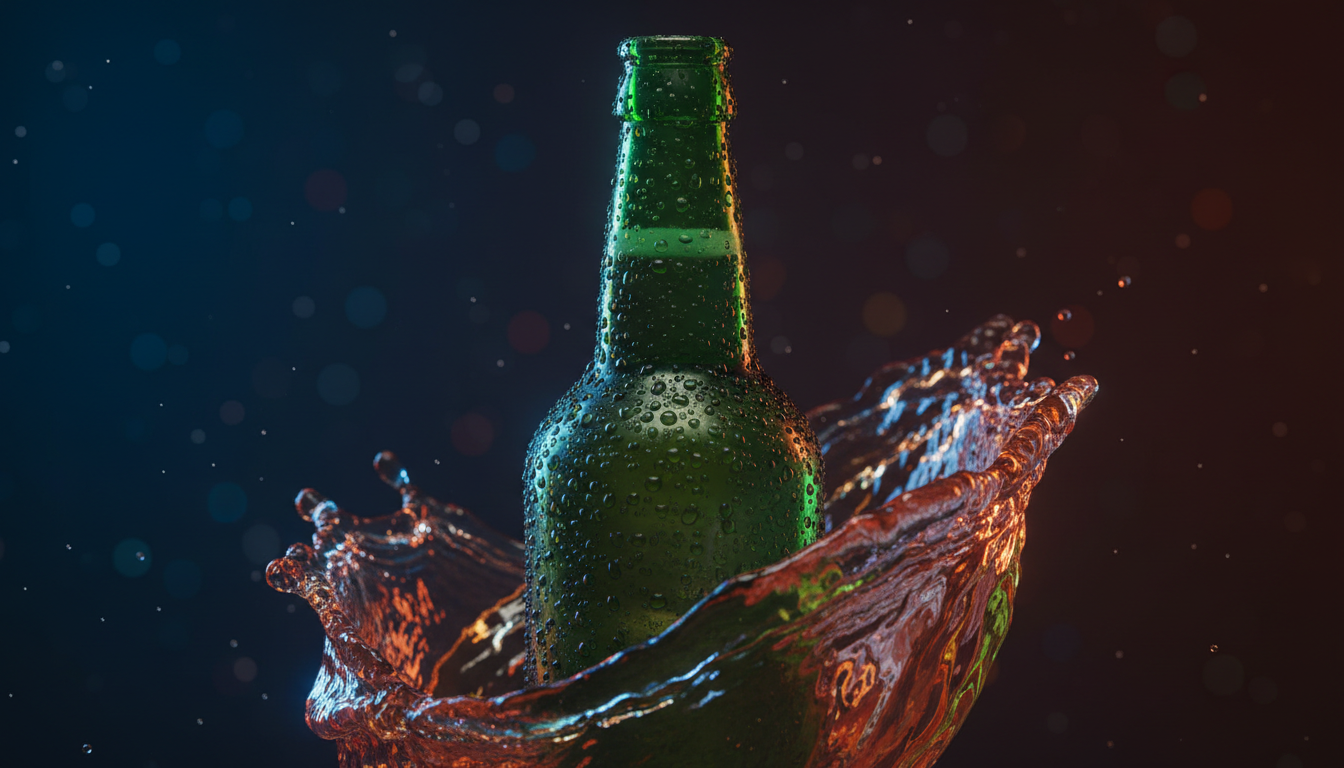
Beverage advertising has long been one of the most technically demanding niches in commercial filmmaking. Achieving the perfect splash, the glistening layer of condensation, or the slow-motion cascade of liquid requires high-speed robotic camera rigs, specialized fluid-stylists, and hours of tedious clean-up in post-production.
As AI video generators enter the studio workflow, directors are attempting to replicate these complex physical interactions digitally. However, standard text prompts often yield gelatinous blobs, morphing metal cans, and physics-defying liquid behaviors that instantly break commercial suspension of disbelief. At Montagea, we have developed a systematic approach to bypass these limitations: a physics-first engineering methodology called the Fluid Dynamics Protocol.
Beyond Static Cans: The Physics Challenge of AI Beverage Commercials
The core reason why standard text prompts like "soda can with water splashing" fail is simple: AI video models do not compute actual fluid dynamics. They do not calculate Navier-Stokes equations or track the physical boundary layers of a liquid hitting a solid surface. Instead, they predict visual patterns of fluids based on their training data. When you write a generic prompt, the AI attempts to composite the concept of a "can" with the concept of "splashing water," often resulting in morphing metal, gelatinous water, or unnatural gravity where the liquid appears to cling to the container like glue.
This is the physics engine paradox of AI filmmaking. To generate a commercially viable shot, you must shift your prompting mindset from describing the static object to describing the physical forces acting upon the liquid and the vessel. You are not just prompting a scene; you are directing a simulated physical environment. By specifying variables like surface tension, viscosity, and kinetic energy, you guide the model's latent space to select frames that look physically plausible.
The Fluid Dynamics Prompting Framework
To achieve consistent, photorealistic results, we break down our prompts into three distinct layers of physical instruction. This structured approach ensures that the generative model addresses the container, the liquid, and the camera movement as interconnected physical entities rather than isolated elements.
The Vessel Layer
The Vessel Layer defines the geometry, material properties, and light interaction of the container holding the beverage. AI models must understand how light behaves when passing through different mediums. For instance, a frosted glass bottle scatters light differently than a clear, polished highball glass. When prompting, specify terms like "double-walled borosilicate glass," "refractive index," "brushed aluminum with specular highlights," or "etched crystal texture." This forces the AI to render realistic light-refracting caustics and accurate reflections on the container's surface.
The Fluid Layer
The Fluid Layer specifies the exact behavior of the liquid itself. This is where you define the physical properties that distinguish a thick, slow-pouring maple syrup from an effervescent, low-viscosity sparkling water. You must explicitly prompt the flow rate, surface tension, and light transmission. For example, instead of prompting "orange juice pouring," use "pulpy, high-viscosity orange liquid, opaque density, casting soft orange shadows, with micro-pulp particles suspended in the stream."
The Motion Layer
The Motion Layer directs the camera speed, shutter angle, and physical interactions within the frame. It dictates how the fluid responds to external forces. Are the ice cubes colliding with the glass? Is the liquid experiencing turbulent flow or laminar flow? By detailing the kinetic energy of the scene—such as specifying a "downward gravitational acceleration" or a "high-velocity impact splash"—you prevent the AI from generating sluggish, unnatural movements that scream "synthetic."
Choreographing the Perfect Pour: Camera Control and Orbit Dynamics
A classic staple of beverage commercials is the dynamic camera sweep that orbits the product as a pristine pour occurs. In traditional production, this requires a Bolt high-speed camera robot. In AI filmmaking, you must simulate this mechanical precision through descriptive camera directives.
Using high-speed camera terms is the single most effective way to force the AI to render detailed, slow-moving liquid droplets. Keywords like "shot on Phantom Flex 4K at 1000fps," "extreme slow-motion," and "high shutter speed, zero motion blur" tell the model to slow down the temporal progression of the fluid. This gives the latent space the temporal "breathing room" to generate complex surface tension and individual, suspended droplets rather than a muddy, smeared stream.
To execute clean camera sweeps around the beverage vessel, you must use highly specific coordinate-based camera prompts. For detailed instructions on executing clean camera sweeps around the beverage vessel, refer to our guide on prompting cinematic 360-degree orbit shots. This technique keeps the camera trajectory locked on a precise mathematical path, preventing the beverage container from drifting or warping as the perspective shifts.
However, when generating these dynamic camera movements, maintaining brand consistency on the product label is incredibly difficult. This is where Image-to-Video (I2V) workflows become essential. By starting with a high-resolution, pixel-perfect static render of your product bottle, you can use the AI model to animate only the surrounding fluid elements while keeping the bottle's geometry and branding intact. To master the physics of animating static product images with realistic fluid motion, explore our deep dive into the Veo I2V prompt engine.
The Condensation and Macro Detail Checklist
The difference between an amateur-looking AI generation and a commercial-ready asset lies in the micro-details. Real liquids sweat, ice cubes have imperfections, and glass refracts light in highly complex ways. If these details are missing, the viewer's brain immediately flags the image as fake.
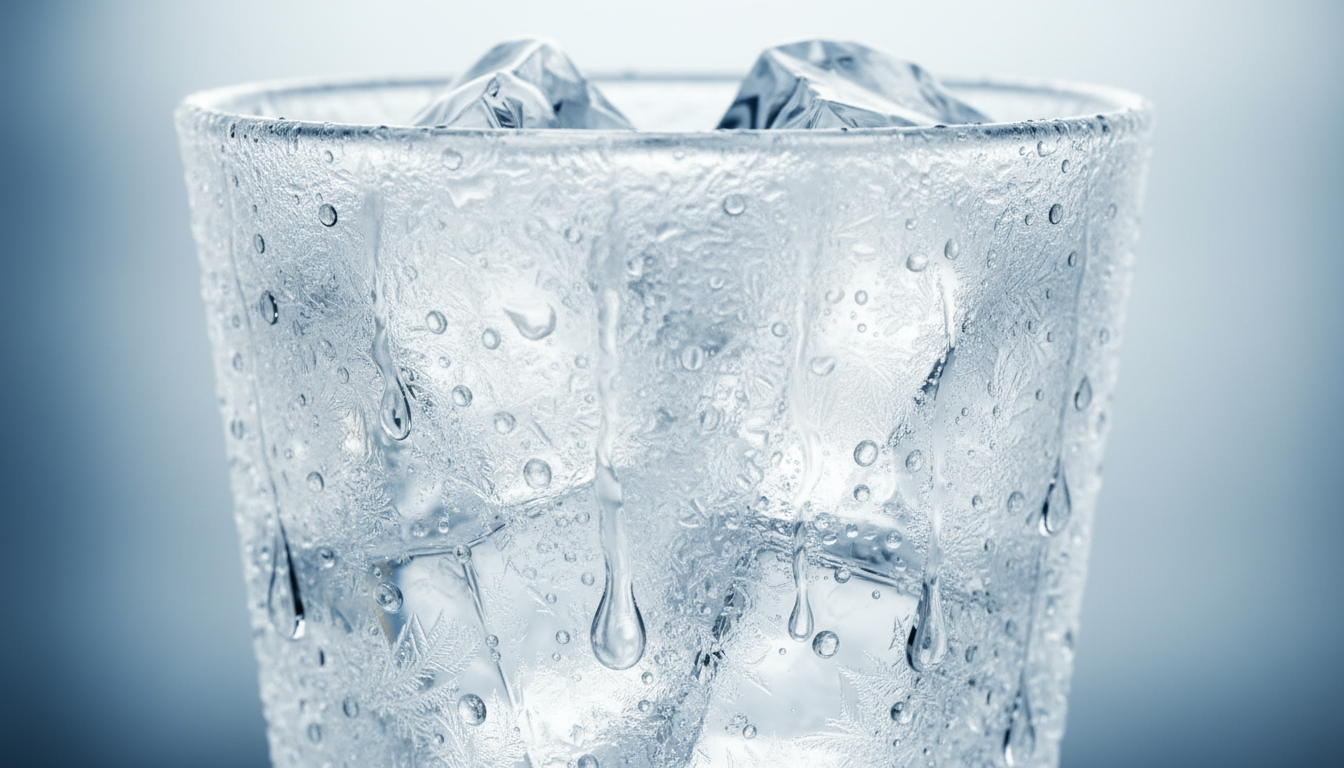
To move your outputs into the professional realm, avoid generic adjectives and use precise, physics-based descriptors. The table below illustrates how to translate common commercial concepts into actionable, high-fidelity prompt modifiers:
| Visual Element | Amateur Prompting (Avoid) | The Fluid Dynamics Protocol (Use) |
|---|---|---|
| Condensation | "wet glass with water drops" | "macro shot of dense, hyper-detailed condensation droplets of varying sizes, micro-beading on frosted glass, vertical gravity-dripping water tracks" |
| Ice Cubes | "glass with ice cubes" | "perfectly square artisanal clear ice blocks, internal air pockets and structural fractures, sharp refracted light caustics, melting surface sheen" |
| Carbonation | "fizzy soda bubbles" | "micro-bubbles rising rapidly in vertical streams, effervescent nucleation points along the inner glass walls, dense crackling foam head at the meniscus" |
| Lighting | "bright studio lighting" | "dramatic high-contrast rim lighting, intense backlighting illuminating the translucent amber liquid, glowing refraction caustics projected onto the background" |
Lighting is the secret weapon for making liquids look appetizing. Without backlighting, dark liquids like cola, coffee, or whiskey look muddy and opaque. By prompting for "translucent backlighting" or "rim lighting that illuminates the liquid edge," you ensure the AI model renders the glowing, vibrant quality that makes a beverage look refreshing. You can organize these micro-details into a production-ready template by following the Scene Brief Protocol, ensuring every shot in your campaign maintains the same visual DNA.
Stitching the Sequence: Post-Processing and Fluid Transitions
A compelling beverage commercial is rarely a single, continuous shot. It is a carefully orchestrated sequence: starting with a macro shot of swirling liquid, transitioning to a high-speed pour, and culminating in a clean product reveal. In AI filmmaking, maintaining visual continuity across these distinct setups requires a hybrid production workflow.
When transitioning from a macro, abstract liquid shot to a wider product shot, hard cuts can feel jarring. To execute seamless transitions between macro liquid shots and the final product reveal, implement the Latent Morph Protocol. This technique leverages the AI model's ability to interpolate between two visually similar states, transforming a swirling vortex of liquid directly into the flowing curves of your product packaging.
However, for professional client delivery, relying entirely on raw AI generation is a risky strategy. The industry-standard workflow involves a hybrid approach: compositing. By generating high-fidelity fluid splashes, condensation sheets, and pour sequences against a clean green-screen or solid dark background in the AI model, you can easily mask and composite these dynamic elements onto your static, high-resolution 3D CAD renders in editing software like DaVinci Resolve or Adobe Premiere. This hybrid workflow gives you the best of both worlds: the unpredictable, organic beauty of AI-generated fluid dynamics combined with the absolute, uncompromised brand consistency of traditional product design.
How do I prevent the beverage can label from warping or changing during an AI video generation?
To prevent label warping, use an Image-to-Video (I2V) workflow. Start with a flawless, high-resolution static render of your branded bottle or can. When prompting the AI to animate the scene, use a low motion-influence or motion-bucket setting (typically 20-40% depending on the model). This keeps the central geometry of the container rigid while allowing the surrounding environment, lighting, and fluid elements to animate dynamically. For complex movements, you may need to mask the label in post-production and composite it back over the AI-generated video.
What are the best prompt keywords for realistic water splashes in AI video?
Avoid generic words like "splash." Instead, use physics-based and high-speed cinematography terminology. Highly effective phrases include: "high-velocity impact splash," "laminar flow transition," "droplet surface tension breaking," "suspended water crown," "shot on Phantom Flex 4K at 1000fps," and "sharp specular highlights on individual water droplets." These terms force the AI model to draw from training data associated with high-end, slow-motion commercial cinematography.
How do I simulate realistic condensation or frost on a glass using AI?
To achieve hyper-realistic condensation, you must prompt for the micro-physics of water accumulation. Use terms like: "dense micro-beading condensation," "frosted glass texture with high specular roughness," "individual water droplets of varying diameters running down the glass surface," and "clear vertical gravity tracks cutting through the condensation." Specifying backlighting or rim lighting is also crucial, as it makes the droplets glisten and stand out against the glass.
Can I use image-to-video tools to animate a static product photo of a bottle?
Yes, this is the preferred professional workflow. By uploading a static product photo to an I2V engine, you can write a prompt that describes only the motion of the elements around the bottle—such as "liquid pouring into the glass beside the bottle, dynamic amber liquid splash wrapping around the base, slow camera pan." This preserves your exact brand assets while using the AI to handle the complex, time-consuming fluid simulation surrounding the product.



