
Selecting the Best AI Tools for Faceless YouTube Channels: A Production-First Guide
Building a successful faceless YouTube channel requires moving past low-effort, one-click templates. Discover how to build a professional, modular AI video production pipeline that satisfies YouTube's monetization policies while maximizing viewer retention.
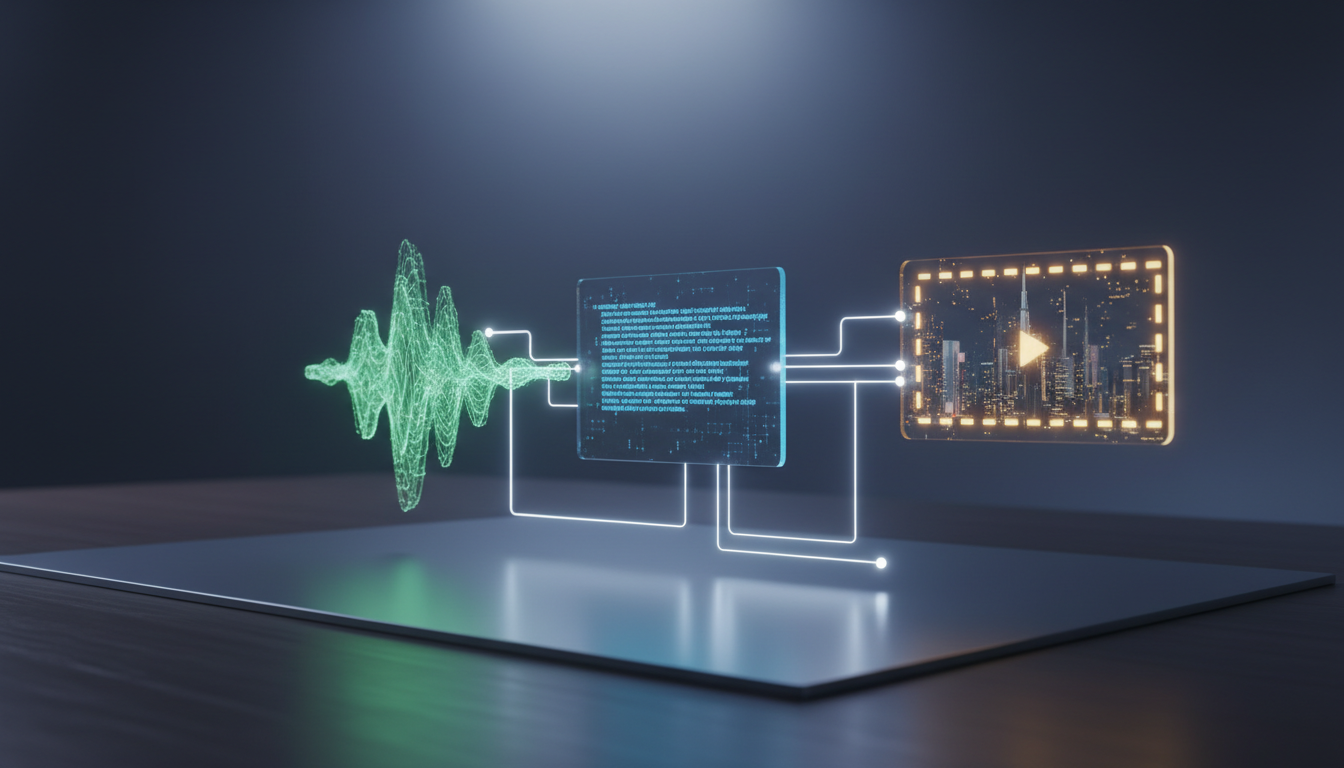
To build a sustainable, monetizable faceless YouTube channel, creators must avoid the trap of generic, one-click AI video generators. While these template-driven platforms promise instant channels, they often trigger YouTube's strict monetization flags for repetitive or reused content. The key to long-term success is establishing a modular production pipeline that treats AI tools as specialized crew members—using dedicated models for scriptwriting, voice synthesis, custom visual generation, and post-production—or coordinating them through a unified creative agent like Montagea.
The Reality of Faceless YouTube Automation and Monetization
YouTube's Partner Program guidelines are designed to reward original creative value. Automated channels that rely on identical stock footage, generic scripts, and synthetic voiceovers are frequently flagged for "reused content" or "repetitive content." To pass monetization reviews, your videos must demonstrate active human curation, distinct editorial direction, and unique pacing. Read our deep dive on navigating YouTube's monetization policies for AI narrators to understand how to keep your audio and narrative compliant.
Instead of using all-in-one templates, professional creators utilize a modular pipeline. By separating the production into distinct phases—scripting, voice synthesis, custom visual rendering, and editing—you retain complete creative control over each asset. This modularity ensures your content remains visually distinct and highly engaging, which is critical for maintaining viewer retention. It also allows you to inject unique editorial decisions, satisfying YouTube's requirement for original human involvement.
Scripting and Voice Synthesis: Building the Narrative Core
The script and the voiceover dictate the pacing, structure, and emotional hook of your video. Relying on basic LLM prompts like "write a script about space" results in predictable, boring narratives. To generate high-retention scripts, supply your LLM with a detailed structural outline, specific rhetorical strategies, and clear tone guidelines. For example, direct the AI to open with a high-stakes hook in the first five seconds, use short, conversational sentences, and build logical transitions between concepts.
Once the script is finalized, choose a voice synthesis tool that offers natural inflection, realistic pacing, and emotional depth. Avoid flat, robotic text-to-speech engines that immediately signal low-quality automation to viewers. High-quality voice platforms allow you to adjust pitch, speed, and emphasis to match the narrative flow. Learn more about voice cloning for video production to understand how custom voice models can help create a unique, consistent brand voice. Ensure you export your final audio at a high bitrate to maintain professional clarity during final video rendering.
Visual Generation and Editing: Moving Beyond Generic Stock Footage
Visual monotony is the primary driver of high drop-off rates on faceless channels. Traditional stock libraries are overused and rarely align perfectly with your script's specific details. To capture and hold viewer attention, generate custom, high-fidelity visual assets using advanced video models. Understand the limitations of entry-level video tools compared to advanced alternatives to see why custom generation outclasses generic templates.
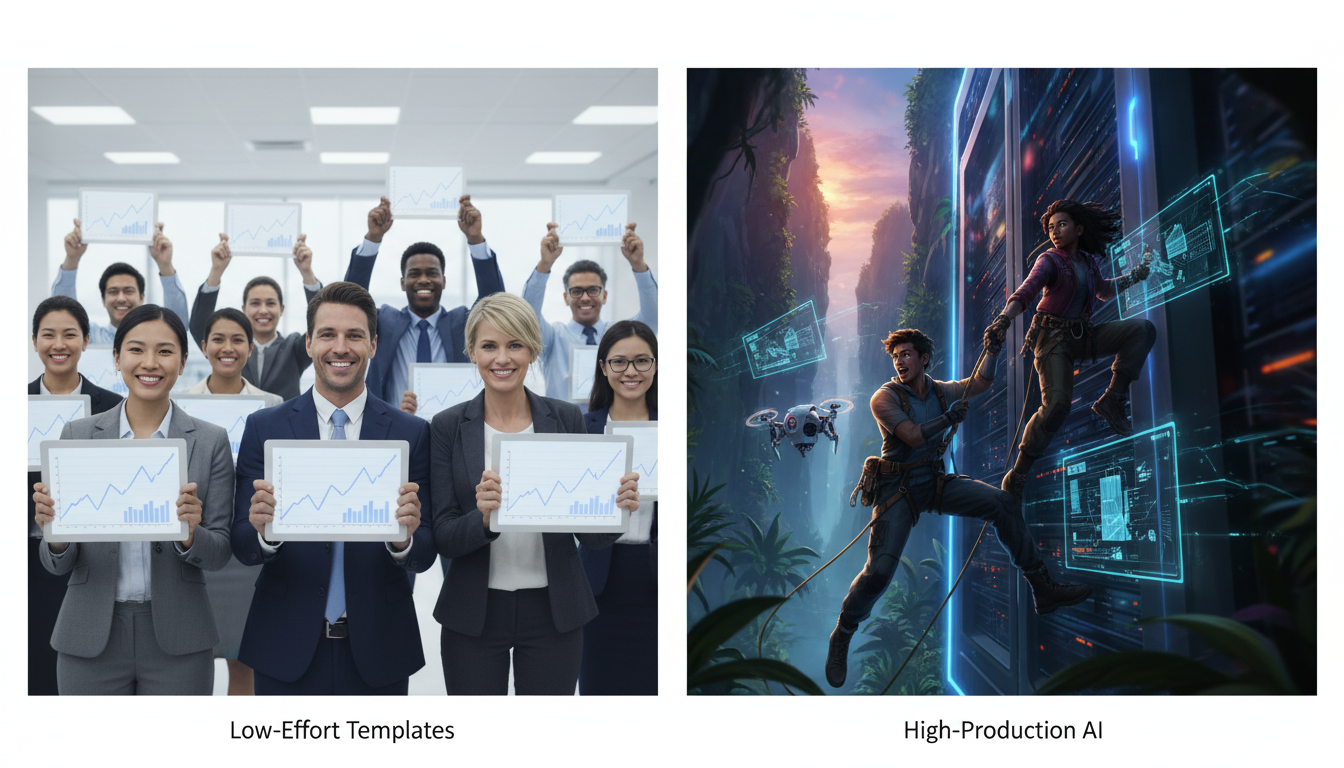
Rather than settling for static images, leverage advanced generative video models like Kling, Veo, and Hailuo H3 to produce cinematic B-roll. Incorporating camera direction language in your prompts—such as "slow tracking shot," "cinematic low-angle," or "dramatic push-in"—can help guide the visual pacing of your generated scenes. To maintain a professional look, you must also master character and scene consistency across different shots. Read our guide on motion brush concepts and character animation techniques to learn more about bringing specific elements of your scene to life with intentional movement.
Comparing Video Production Approaches
| Feature | Template-Based Automation | Modular Generative Pipeline |
|---|---|---|
| Visual Assets | Generic stock video clips, repetitive graphics | Custom-generated cinematic scenes (Veo, Kling, Hailuo H3) |
| Voice Quality | Robotic, monotone text-to-speech | High-fidelity expressive voice synthesis |
| Monetization Risk | High (frequently flagged for reused/repetitive content) | Low (highly original, editorially directed content) |
| Viewer Retention | Low (generic visuals cause rapid drop-off) | High (perfectly synced, engaging custom visuals) |
Orchestrating Your Pipeline with Montagea
While a modular pipeline produces superior results, jumping between separate tools for scripting, voice synthesis, image generation, and video rendering can quickly lead to platform fatigue and high subscription costs. Montagea solves this operational friction. Its Gigi creative agent acts as a unified coordinator, allowing you to execute a complex multi-model workflow from a single interface.
Gigi works natively with top-tier foundation models, including Veo, Kling, Hailuo H3, WAN, and Gemini Omni. Instead of managing five different subscriptions, you can describe your video concept to Gigi, and the agent will plan the production steps, generate custom assets using the best-suited models, and deliver a coherent, high-fidelity output. This unified approach keeps your workflow fast and your production value consistently high.
Weekly Gigi Production Checklist
- Define the Concept: Input a detailed narrative prompt or outline into Gigi, specifying your target tone and audience.
- Review and Refine Scripting: Edit the generated outline to ensure strong hooks and clear editorial direction.
- Select Voice and Audio: Choose an expressive voice model, then generate the audio track.
- Generate Custom B-Roll: Let Gigi select the best video models (like Kling or Veo) to render unique visuals for each script segment.
- Assemble and Publish: Review the coordinated output, make final pacing adjustments, and export the completed video for upload.
Do I need to disclose that my faceless YouTube videos use AI?
Yes, YouTube policies require creators to disclose when realistic content is created or altered using synthetic media, including generative AI. You can easily check the "Altered content" box in the YouTube Creator Studio during the upload process. However, purely unrealistic animations or highly stylized artwork generally do not require disclosure.
Can I use AI-generated music in my automated YouTube videos without getting copyright claims?
You can use AI-generated music, but you must ensure you have the proper commercial licensing rights from the tool you used to generate it. When using AI-generated music, always review the specific licensing terms of the platform you use to ensure compliance with YouTube's monetization guidelines.



