
How to Clone Your Voice with AI for Video Production
AI voice cloning allows creators to generate consistent narration without booking endless studio sessions. Discover how to record high-fidelity voice samples, direct emotional delivery, and integrate cloned audio into a cohesive video production workflow.
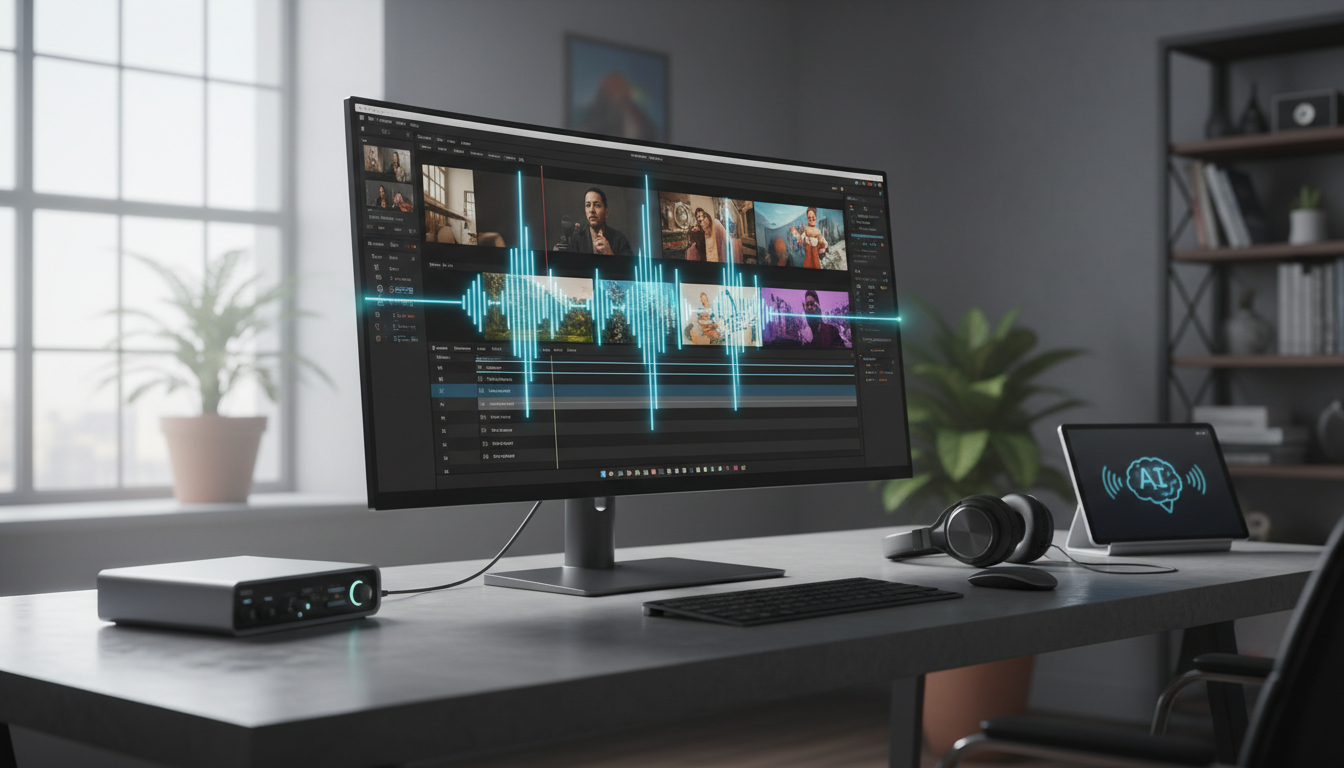
To clone your voice with AI for video production, you must record a clean, short vocal sample of your own voice (or one you have explicit consent to use), upload it to a dedicated voice cloning model, and generate your narration by styling text scripts with specific emotion and pacing parameters. While voice cloning offers unmatched consistency across multiple video scenes, it cannot fix a poor source recording or automatically match the visual timing of your video without manual adjustments to the script's phonetics and punctuation.
Voice Cloning vs. Text-to-Speech: Defining the Differences
Before diving into production, it is crucial to understand the distinct technologies under the AI audio umbrella. Using the wrong tool can lead to generic-sounding narration or disjointed character performances. Below is a comparison of how these technologies function:
| Technology | How It Works | Primary Use Case |
|---|---|---|
| Voice Cloning | Learns a unique speaker's tone, pitch, and style from a custom sample to generate new speech. | Consistent narration, custom voiceovers, and personal brand consistency. |
| Text-to-Speech (TTS) | Reads text aloud using a library of pre-made, stock voice presets. | Generic narration, quick prototyping, and basic accessibility reads. |
| Voice Conversion | Swaps one speaker's voice for another in an existing audio file while keeping the original delivery and timing. | Character dialogue replacement and voice changing in post-production. |
| Lip-Syncing | Animate a visual face to match an existing audio track. | Aligning a talking avatar or localized video with a pre-recorded voice track. |
How to Prepare a Clean Voice Sample for Cloning
The accuracy of an AI voice clone is directly determined by the quality of your input recording. Background noise, room echo, and vocal strain will all be learned by the model as permanent characteristics of your cloned voice. Follow this checklist to capture a high-fidelity sample:
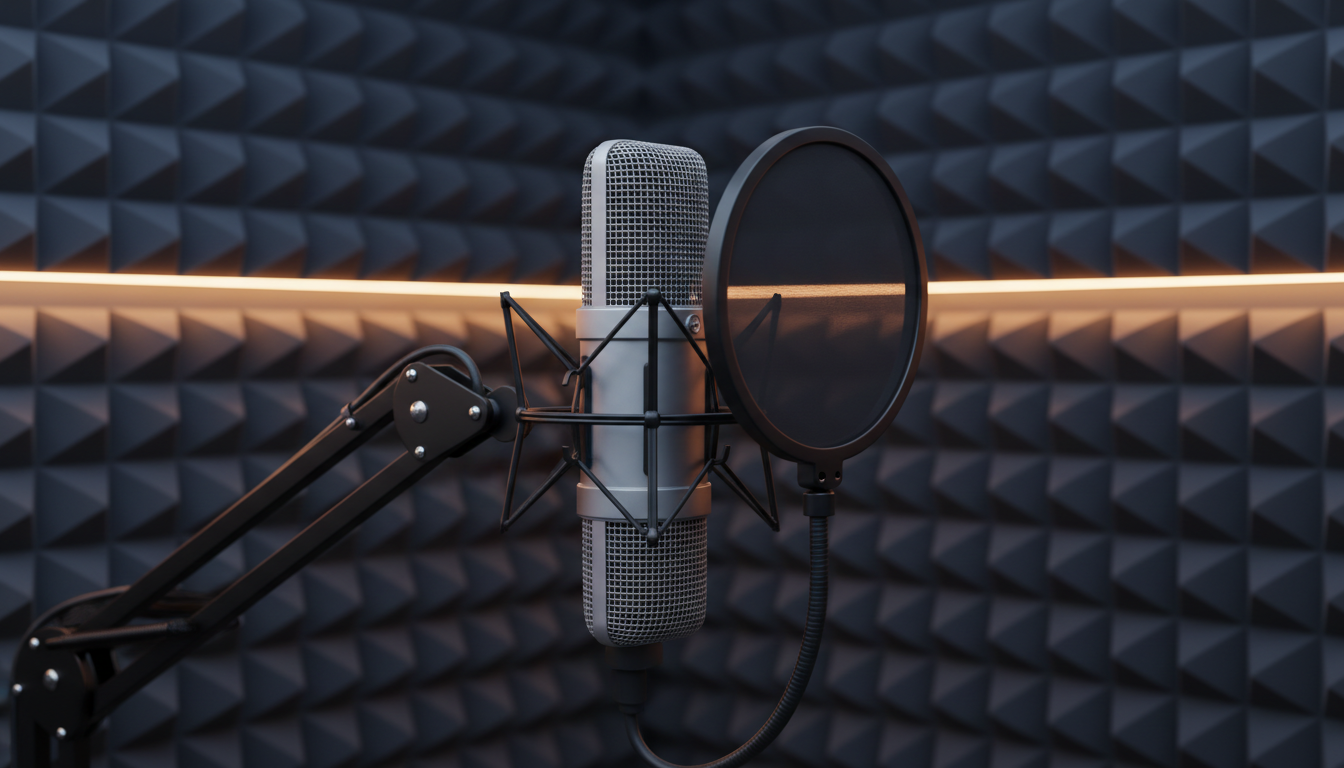
- Minimize Ambient Noise: Record in a quiet room away from street traffic, air conditioners, and computer fans.
- Reduce Room Echo: Choose a carpeted room with soft furnishings, or record in a closet surrounded by clothes to dampen sound reflections.
- Use a Quality Microphone: A dedicated USB or XLR condenser microphone is preferred over built-in phone or laptop microphones.
- Maintain Consistent Distance: Stay roughly 6 inches away from the microphone and use a pop filter to prevent plosive sounds (harsh 'P' and 'B' sounds) from clipping the audio.
Phonetically Balanced Sample Script
Read this illustrative script naturally to capture a wide range of phonetic sounds for your clone:
"The quick brown fox jumps over the lazy dog. When capturing a voice sample, it is important to speak at a steady pace and use your natural speaking voice. Do not over-enunciate or try to sound like a professional announcer unless that is your everyday style. Let the microphone capture your natural pauses, your unique pitch, and the subtle inflections that make your voice yours."
The Consent Requirement
Ethical voice cloning requires explicit, documented consent from the voice owner. Never upload third-party recordings without permission. Reliable creative workflows enforce strict verification steps to ensure voice safety and prevent unauthorized deepfakes.
Generating Your First Cloned Narration Script
Once your voice is cloned, you can direct its delivery through your narration script. Writing for an AI voice is different from writing for a human voice actor because you must explicitly prompt the emotional delivery and manually adjust the spelling of tricky words.
Directing Emotion and Style
Modern audio models allow you to describe the delivery style in plain words. For instance, you can specify if a read should be "warm and reflective" or "low, tense, and suspenseful with a hushed whisper-narration tone." Match these style descriptions to the visual tempo of your video scenes.
Fixing Pacing and Pronunciation
- Phonetic Spelling: If the AI mispronounces a brand name or technical term, spell it phonetically in the script. For example, write "Montage-ah" instead of "Montagea" if the default pronunciation sounds off.
- Punctuation for Pauses: Use commas, ellipses (...), and em-dashes (—) to force the AI to take natural breaths and slow down its delivery.
- Adjusting Speed and Pitch: Use the model's advanced settings to fine-tune the overall speech rate and loudness to align perfectly with your background music track.
Integrating Cloned Voices into Your AI Video Production Workflow
A consistent voice is only half of the equation; it must align perfectly with your visual storytelling. In modern video production workflows, creators use unified creative agents like Montagea to orchestrate video, images, music, and voice in a single space.
When building a multi-modal project, voice consistency should be paired with visual character consistency. Using motion transfer for character consistency ensures that your visual actors remain stable across shots while your cloned voice maintains audio continuity. By using an AI image prompt generator, you can construct high-quality, targeted visual assets that match the precise mood of your voice track. If your visual assets need reframing to fit a cinematic aspect ratio, you can use AI image extenders to expand the background without distorting the subject. Coordinating these tools allows you to scale up production without losing the human-first touch that makes your content engaging.
How long should a voice recording sample be for a high-quality clone?
A short, clean audio sample is generally sufficient for modern voice cloning models to capture tone, pitch, and style. Quality is always more important than quantity.
Can I translate my cloned voice into other languages?
Yes, advanced localization models allow you to translate speech into languages like Spanish or French while preserving the unique vocal identity of the original speaker.
What should I do if my cloned voice sounds too robotic?
First, check your source sample for background noise or echo. If the source is clean, try adjusting the punctuation in your script (adding commas or hyphens) or changing the emotional style prompt to guide the model toward a more natural delivery.



