
AI Video Workflows for Short Films: Comparing Consistency and Camera Control Approaches
Choosing between different AI video tools depends on whether your priority is spatial control or cinematic realism. Learn how to integrate multiple models for a professional narrative pipeline.
For most filmmakers, choosing between different AI video generation platforms is not about finding a single perfect tool, but about identifying which approach serves a project's specific phase: character preservation or final cinematic polish. If a short film relies on strict character and spatial continuity, layout-centric or node-based tools can provide helpful predictability for complex scenes. If the priority is high-fidelity textures, lighting, and organic motion, foundational video models often offer the visual depth required for professional-grade output. Many successful AI workflows now treat these different approaches as complementary rather than competitive.
The Short Film Dilemma: Cinematic Realism vs. Character Consistency
The core tension in AI filmmaking is maintaining a consistent visual language across a sequence. Foundational video models often deliver high levels of photorealism and fluid motion, making them well-suited for hero shots or establishing sequences, though they can sometimes require careful prompting to avoid character drift over long edits. Other platforms shift the focus toward control-centric workflows. By utilizing specialized creation suites, filmmakers can attempt to anchor character assets to spatial layouts, aiming to keep a character’s proportions and environment more stable from one cut to the next.
| Feature | Layout-Centric Tools | Foundational Models |
|---|---|---|
| Character Consistency | High (Focus on spatial anchoring) | Moderate (Often requires seed management) |
| Cinematic Realism | Moderate | High (Focus on text/image-to-video) |
| Camera Dynamics | Character-centric | Advanced (Focus on motion brushes and camera paths) |
| Best Use Case | Blocking, storyboarding, layout planning | Hero shots, textures, complex movement |
Asset Consistency and Storyboard Execution
Maintaining a character's look across multiple shots is a primary challenge in narrative AI production. Multi-node generation workflows allow creators to define spatial maps, helping to keep a subject in a fixed relative position regardless of camera movement. This can be highly valuable during the pre-production phase. For those looking to refine their pre-visualization, you can explore how layout-centric workflows compare to Higgsfield for storyboarding your initial scenes. In contrast, foundational models often rely on rigorous seed management and image-to-video consistency. While this approach can require more manual iteration to match character features, the resulting fidelity often justifies the extra time spent in prompt engineering.
Camera Control and Motion Fidelity
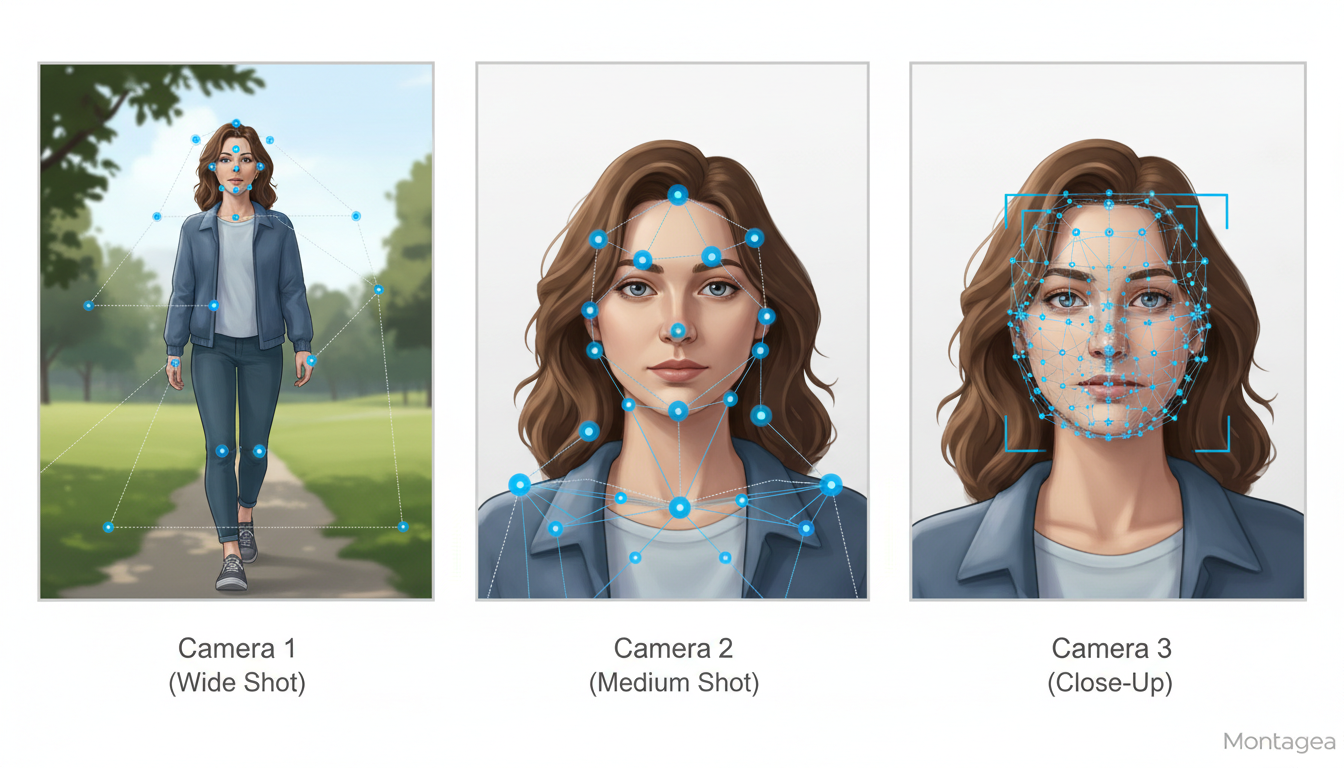
When a story requires specific camera language—such as a slow dolly zoom or a precise pan—advanced motion controls in foundational models provide a level of granular control over the scene's elements. Other platforms offer robust motion control optimized for managing character actions within a set space. To see how these dynamics play out in practice, compare these camera dynamics with other platforms in our guide on Higgsfield vs Kling workflows.
Integrating Both Tools into a Professional Pipeline
The most effective strategy for a narrative short is often a hybrid pipeline. Creators can use layout-focused tools to establish blocking and character continuity, then feed those consistent assets into high-fidelity foundational models for final renders. This multi-model approach helps minimize continuity errors while maximizing visual impact. If you find gaps in your sequence, read our practical guide on how to plan pickup shots to fix continuity gaps. For filmmakers managing these complex sequences, Montagea's Gigi acts as an orchestration agent, helping you manage and execute multi-model workflows using supported models like Kling or WAN without the friction of manual switching. To dive deeper into the technical setup, learn how to structure a multi-model pipeline for professional AI animated films.
Can I import 3D character models into generative AI video tools?
Most generative AI video platforms are primarily 2D synthesis tools. While they typically do not support native 3D project file imports like a traditional game engine, you can use high-quality 3D renders as input images to guide the generation process (Image-to-Video) for better consistency.
How do generative AI tools handle dialogue and lip-syncing for short films?
Many general video generation tools are not dedicated lip-sync engines. Most filmmakers use a secondary specialized tool for facial animation and lip-syncing after generating the base video.
Which platform type is more cost-effective for rendering a 5-minute short film?
Layout-heavy planning tools are generally more cost-effective for the iterative blocking phase. High-fidelity, compute-heavy foundational models are often best reserved for final hero shots where visual quality is the primary requirement.



