AI 修图
把照片发给 Gigi,说哪里不满意。她能去掉路人和杂物、改光线或季节、换背景,或者把照片扩成新的比例,没让改的地方保持原样。
会打开 Gigi,并把这个任务填进输入框。按发送之前不会发出任何内容。
怎么做
- 附上要修的照片。
- 说要改什么:去掉人群、改成黄金时刻、改成 9:16。
- 在同一个对话里一步步接着改。
示例
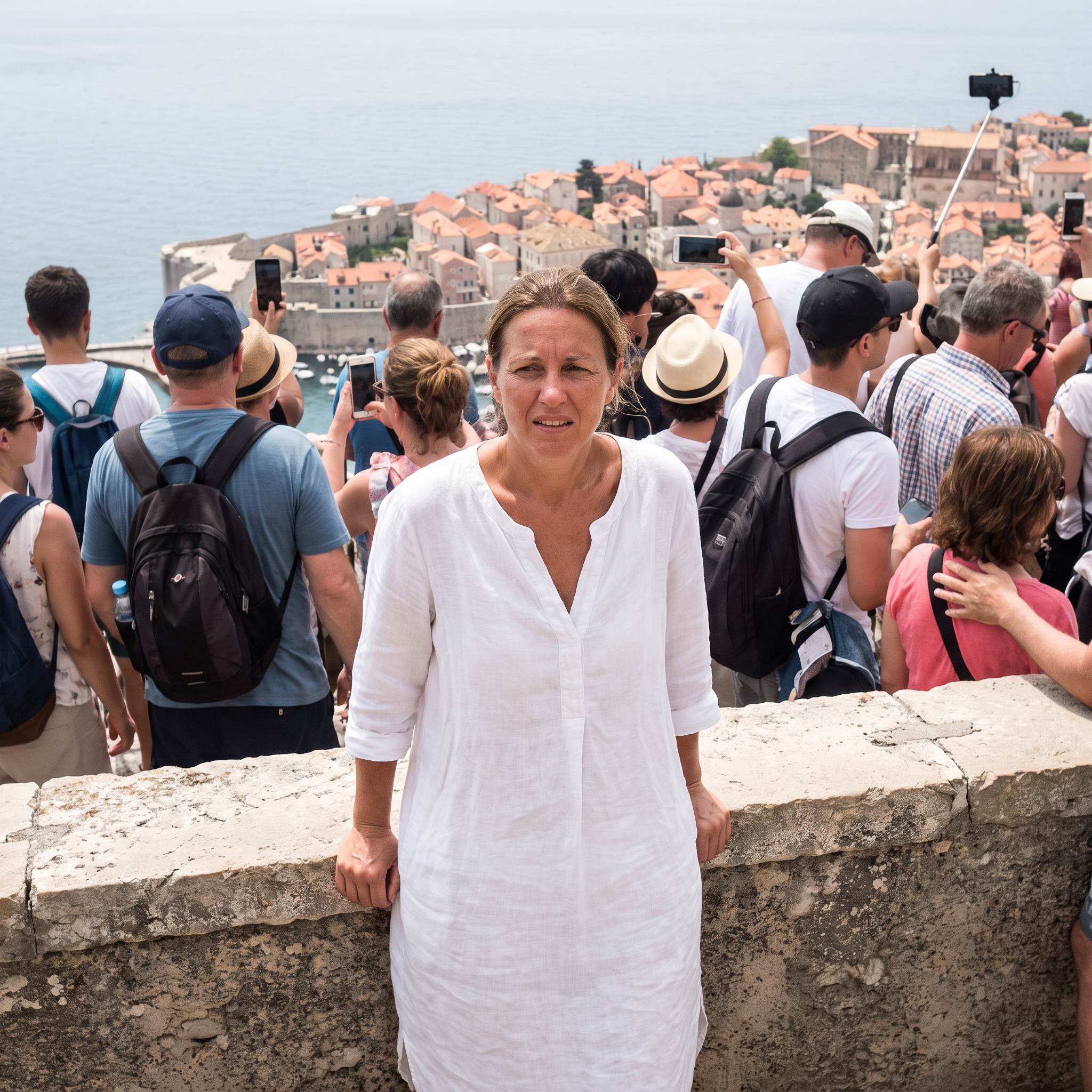
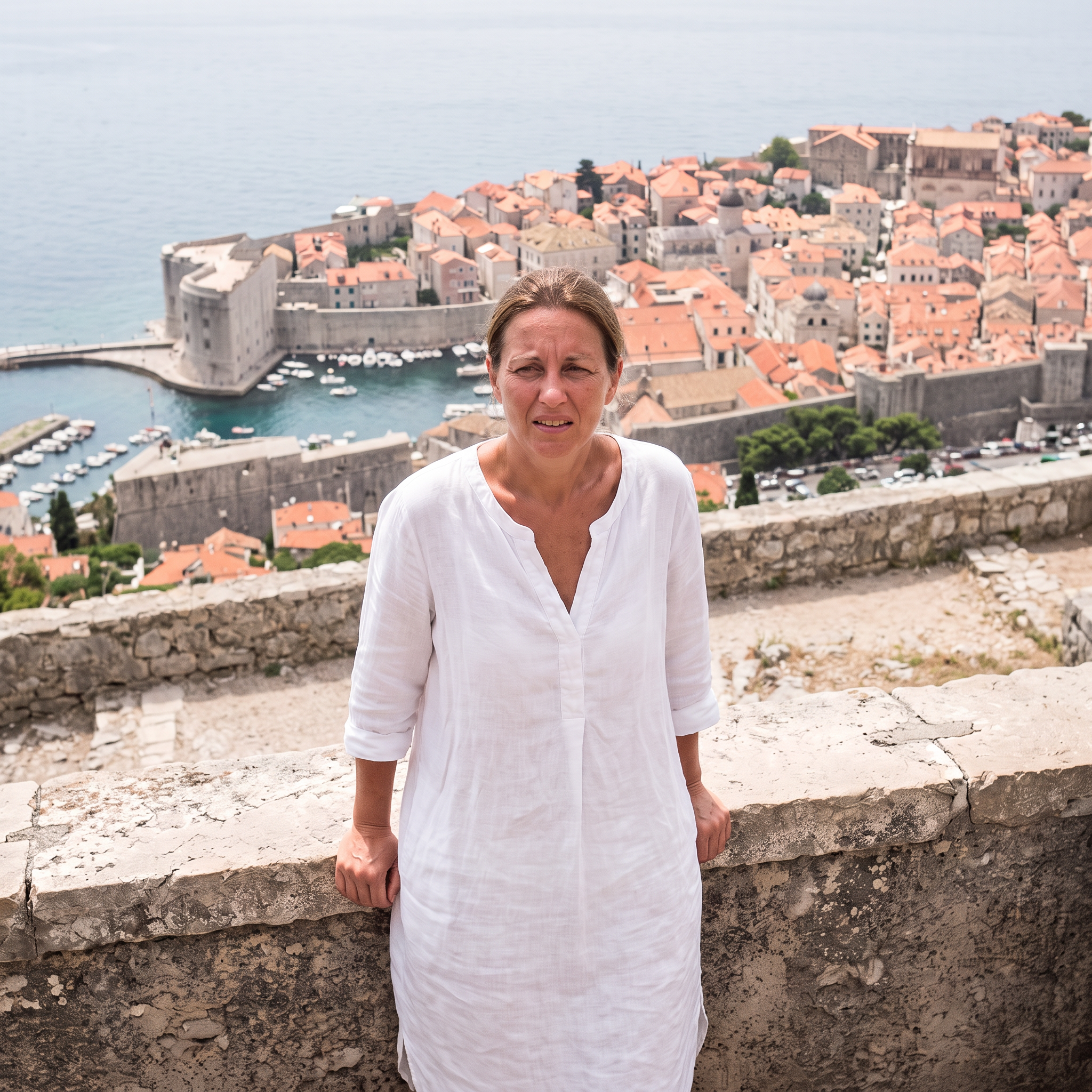
去掉人群
使用 Nano Banana 2.1 生成 · 2K · 1:1
提示词
Remove every other person from the background -- all the tourists, backpacks and selfie sticks -- and fill in the village and sea naturally behind them. Keep the woman, her pose, dress and the framing exactly the same. Photorealistic.
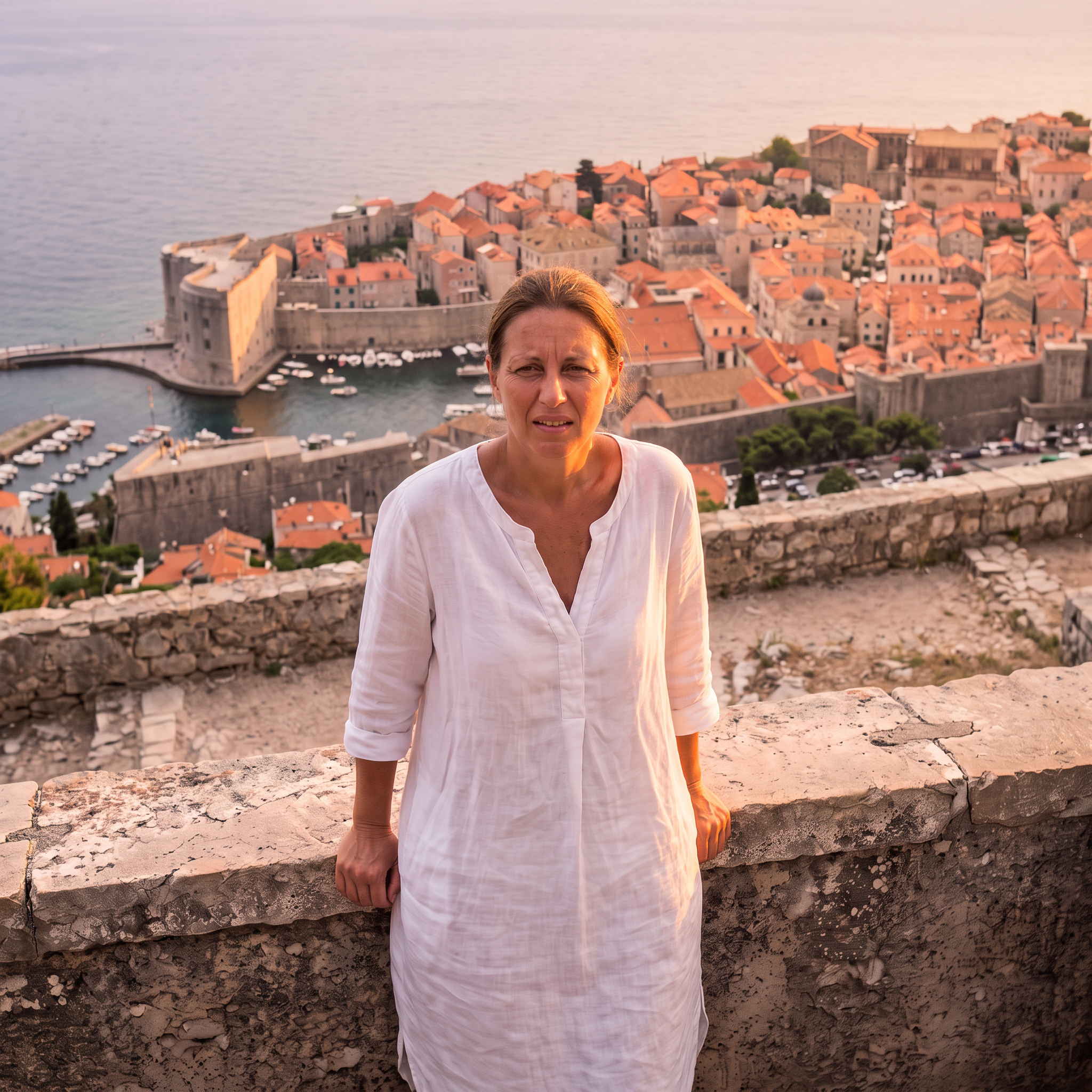
黄金时刻
使用 Nano Banana 2.1 生成 · 2K · 1:1
提示词
Relight this photo as golden hour just before sunset: warm low sunlight from the side, soft glow on her skin and the white houses, a pastel sky. Keep the woman, her pose, the framing and every building exactly the same. Photorealistic.
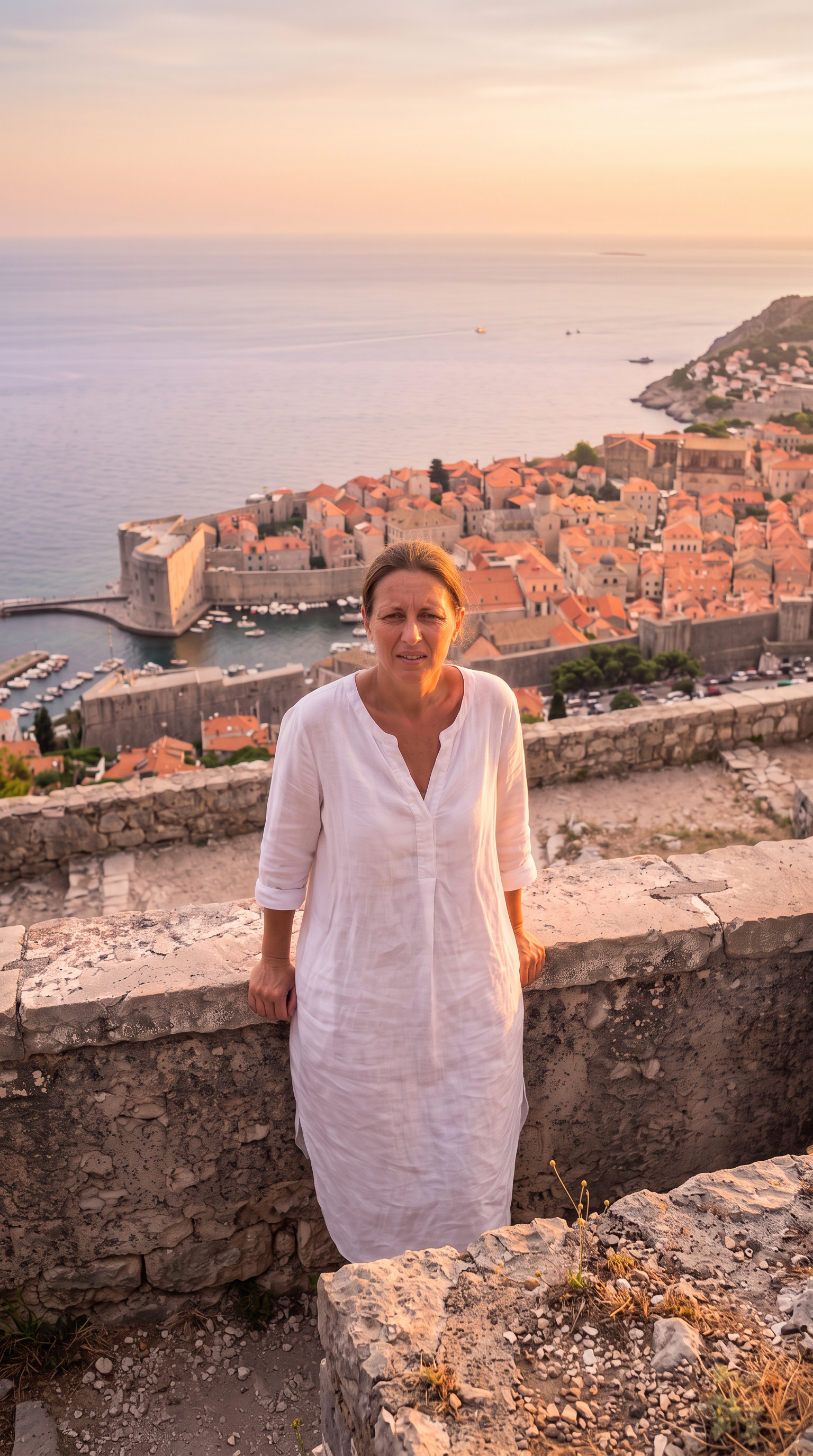
扩成 9:16
使用 Nano Banana 2.1 生成 · 2K · 9:16
提示词
Extend this square photo into a tall vertical 9:16 frame: continue the sky and the cliffside village above and the stone terrace and sea below, seamlessly, same golden-hour light. Keep the existing picture exactly as it is in the middle. Photorealistic.
生成于 2026-10-22。每个示例下面都能看到生成它的提示词。
常见问题
能把照片扩成别的比例吗?
能。要 9:16、16:9 或任何比例都行,模型会在原图四周补全画面,原图保持在中间。
照片其他地方会变吗?
Gigi 会要求模型只改你说的地方。AI 修图仍可能动到小细节,请和原图对比,哪里变了就让她修正。
能一次改好几处吗?
能,但每次改一处效果最干净:每一步都在上一步的结果上继续,就像上面的例子。