用照片做 AI 无缝转场
TikTok 上的手挡镜头转场:照片里的人用手挡住镜头,再出现时已经换了地方、换了衣服,先是霓虹闪烁的东京街头,再是日落时的海滩。不用剪辑也不用绿幕,所有变化都在一条视频里由模型完成。
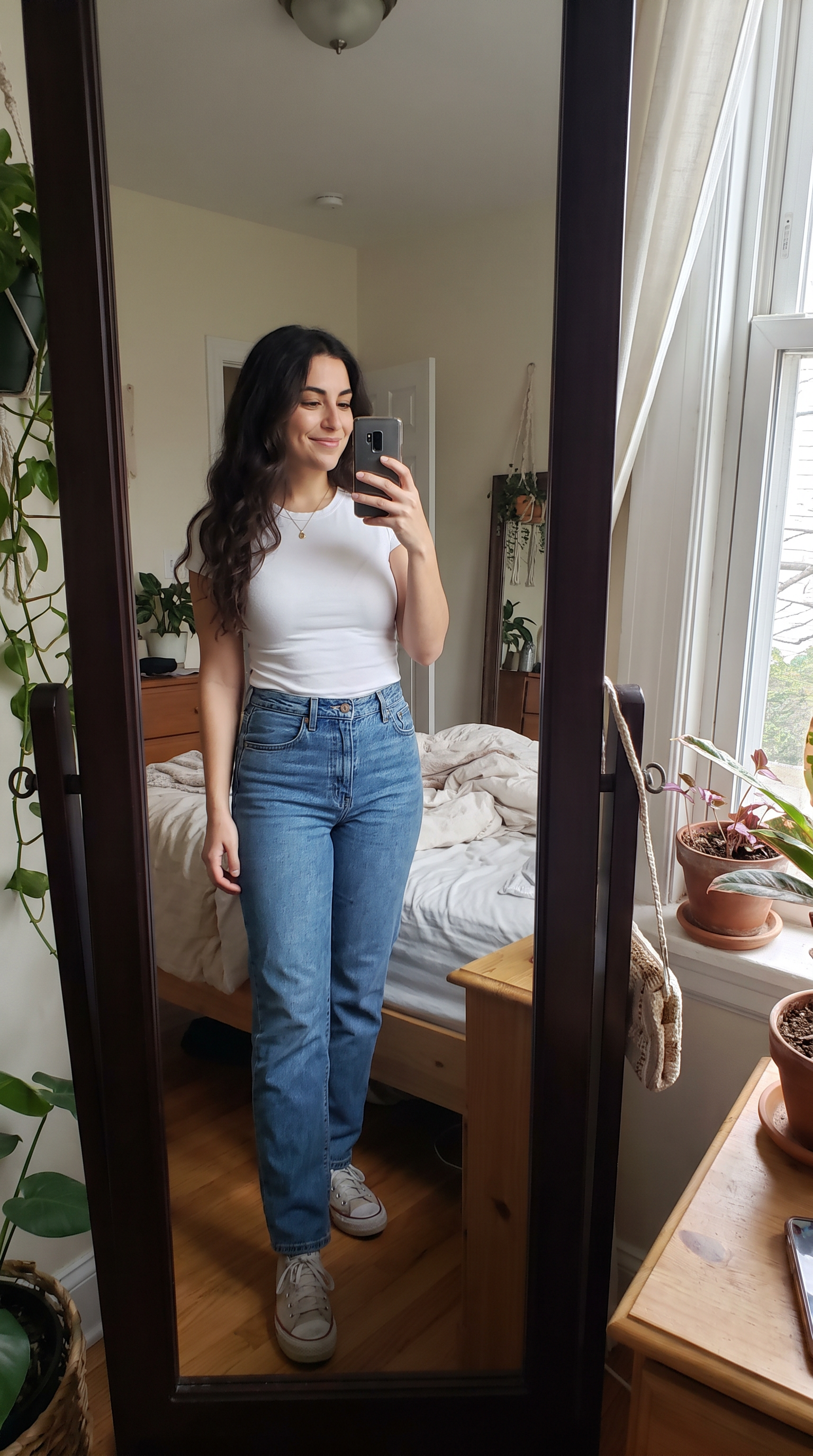
怎么做
- 打开 Veo 3.1,提示词已经填好。
- 把你的照片放进首帧。
- 点生成。
提示词
The person in the photo lowers the phone and covers the camera lens with their palm. When the hand pulls away they are standing on a neon-lit Tokyo street at night in a black leather jacket; they cover the lens again and reappear on a white-sand beach at sunset in a flowing white linen dress, laughing. Same face and hair in all three places, and each change happens exactly while the hand covers the lens. Sound: an upbeat electronic beat with a whoosh on every reveal.
生成于 2026-10-15。本页所有视频都来自下面这段提示词。
同一段提示词在 Wan 3.0 上的效果
1080p · 8 s · 9:16
同一段提示词在 MiniMax H3 上的效果
720p · 8 s · 9:16
常见问题
能自己选地点和衣服吗?
可以。把提示词里的“a neon-lit Tokyo street”和“a white-sand beach at sunset”换成任意两个地方,再分别描述每处的穿搭。8 秒的视频放两次转场刚好。
每个场景里还像我吗?
提示词要求全程保持同一张脸和发型。在我们的样片里,三个模型在两次转场后人物都还认得出来。
用哪个模型?
这一页的三个结果用的是同一张照片和同一段提示词。Veo 3.1 和 Wan 3.0 输出 1080p,需要订阅或积分;MiniMax H3 720p 可以免费开始。