
The Uncanny Valley Protocol: Prompting Psychological Dread and Kinetic Tension in AI Horror Films
Discover how to turn AI video's natural physical anomalies into storytelling assets. Learn the prompt structures, camera kinetics, and continuity protocols needed to generate deeply unsettling psychological horror.
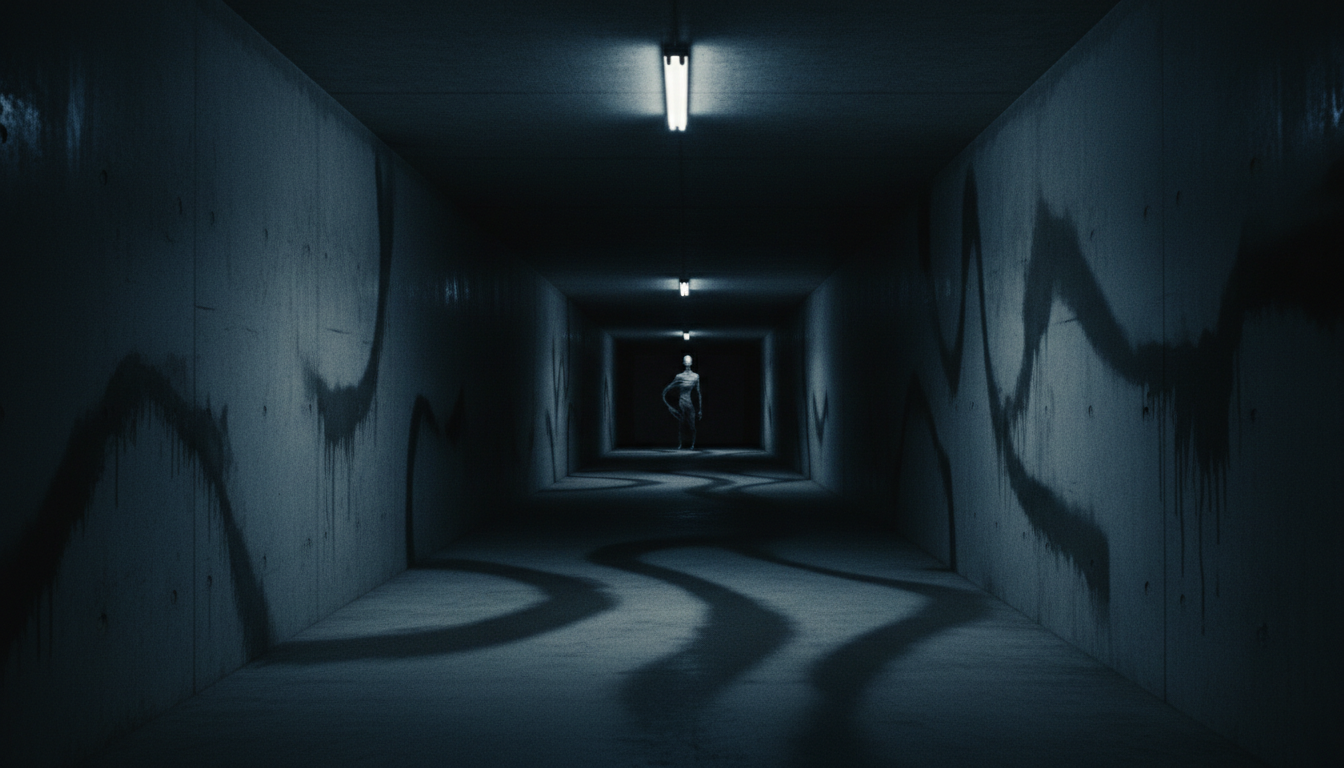
Many AI filmmakers view the "uncanny valley" as an engineering hurdle—a technical limitation to be smoothed out with better datasets and higher-fidelity models. However, for directors working within the psychological horror and suspense genres, this transitional state of physical and spatial instability is not a bug; it is a profound aesthetic asset. When an AI video model struggles to calculate the exact geometry of a human hand or misinterprets how shadows fall across a shifting face, it creates a form of visceral, subconscious unease that traditional VFX artists spend weeks trying to replicate.
By shifting our creative perspective, we can treat these generative anomalies as deliberate stylistic choices. At Montagea, we look at AI video generators not just as digital cameras, but as surrealist collaborators capable of rendering subconscious dread. To harness this power without descending into chaotic, unwatchable noise, directors must implement a structured prompting methodology designed to control, direct, and weaponize the uncanny.
Embracing the Uncanny: Why AI Anomalies Are a Horror Filmmaker's Greatest Asset
Traditional narrative cinema relies heavily on spatial continuity and physical realism to maintain immersion. Horror, however, has always thrived in the liminal spaces where reality begins to fracture. The classic tropes of the genre—doppelgängers, shifting corridors, and entities that look almost human—align perfectly with the native eccentricities of generative video models. Where other genres require tedious prompt tweaking to eliminate minor facial warping, horror directors can lean directly into these glitches to evoke deep-seated psychological discomfort.
Instead of fighting the model to produce a perfectly stable human face, horror directors can intentionally prompt subtle geometric drift. This is accomplished by introducing conflicting physical rules into the prompt. For example, prompting a character with "a face that shifts imperceptibly between cuts" or "impossible shadow casting that defies the primary light source" forces the neural network to reconcile contradictory spatial data. The result is a slow-boil psychological discomfort that bypasses the viewer's conscious defenses, signaling to their brain that something is deeply wrong with the fabric of the visual world.
The Dread-Engine Framework: Structuring Prompts for Atmospheric Tension
A common pitfall in AI filmmaking is "monster-first" prompting. Typing "scary demon with sharp teeth chasing a woman" almost always yields one of two undesirable outcomes: either the prompt triggers strict safety filters and gets blocked, or it generates a cartoonish, generic creature that lacks cinematic weight. True cinematic dread relies on anticipation, atmosphere, and the terror of the unseen.
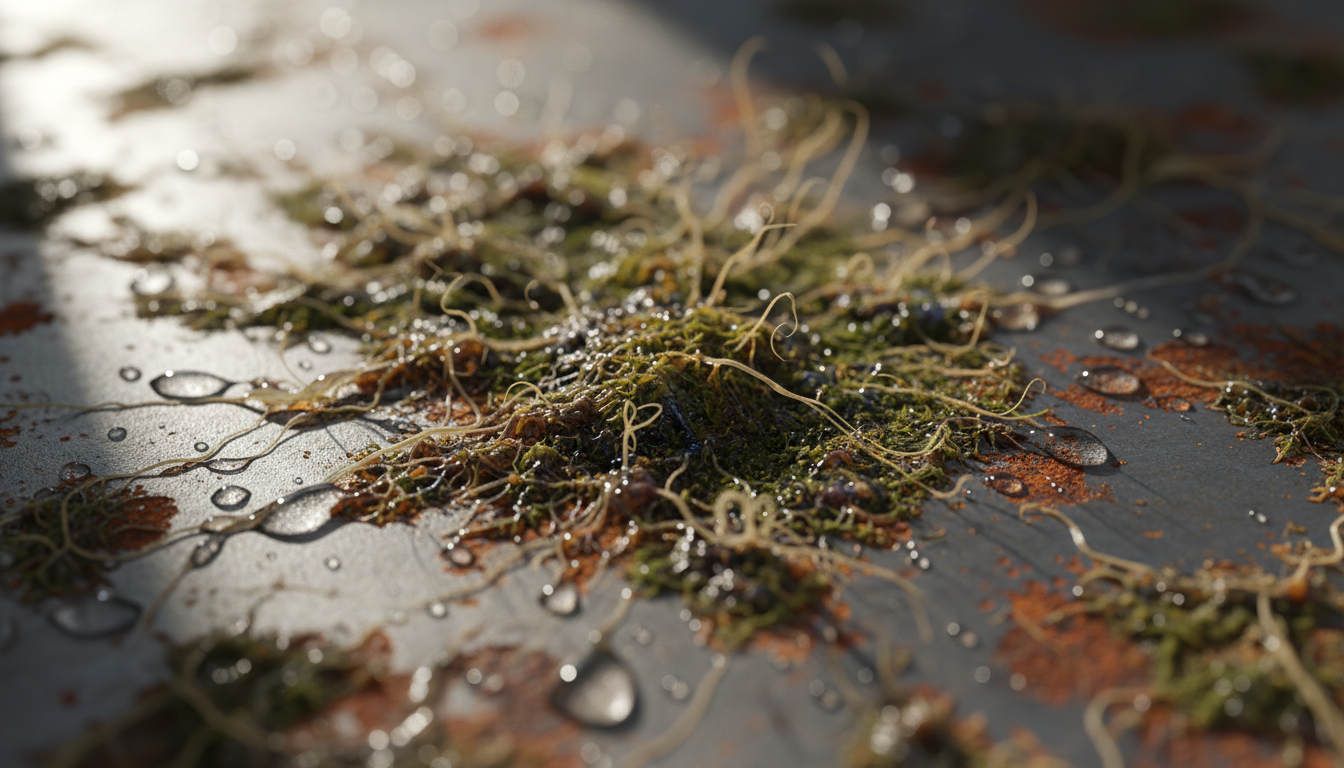
To bypass these limitations and elevate the cinematic quality of your footage, you should structure your inputs around environmental tension rather than explicit monsters. This approach is highly effective for translating abstract psychological dread into structured, model-ready inputs using the translating abstract psychological dread into structured, model-ready inputs using the Scene Brief Protocol. By focusing on sensory details and structural decay, you allow the model to generate highly atmospheric, eerie sequences that respect safety guidelines while maximizing tension.
The Four Pillars of Dread-Engine Prompting
To build a robust atmosphere, every horror prompt should address these four distinct layers:
- Environmental Liminality: Focus on empty, transitional spaces like concrete corridors, abandoned offices, or foggy forest edges. Use words like desolate, stagnant, and cavernous to establish isolation.
- Chiaroscuro Lighting: Define high-contrast lighting schemes. Emphasize harsh raking side-light, flickering fluorescent tubes, and deep pooling shadows that swallow the frame.
- Tactile Decay: Prompt for physical textures that imply rot or neglect, such as peeling wallpaper, glistening dampness, rusted iron, and fine dust motes suspended in light beams.
- Anomalous Motion: Introduce unnatural movement vectors. Rather than prompting a creature to run, prompt for jerky, low-framerate movement, impossible joint articulation, or a silhouette standing unnaturally still.
Kinetic Camera Control: Prompting the Unseen Threat
In horror, how the camera moves is just as important as what it sees. A static shot can feel clinical; a dynamically controlled camera can simulate a predatory gaze or a character's mounting hysteria. When writing prompts for modern video models, you must specify the camera's vector, speed, and focal behavior to build suspense.
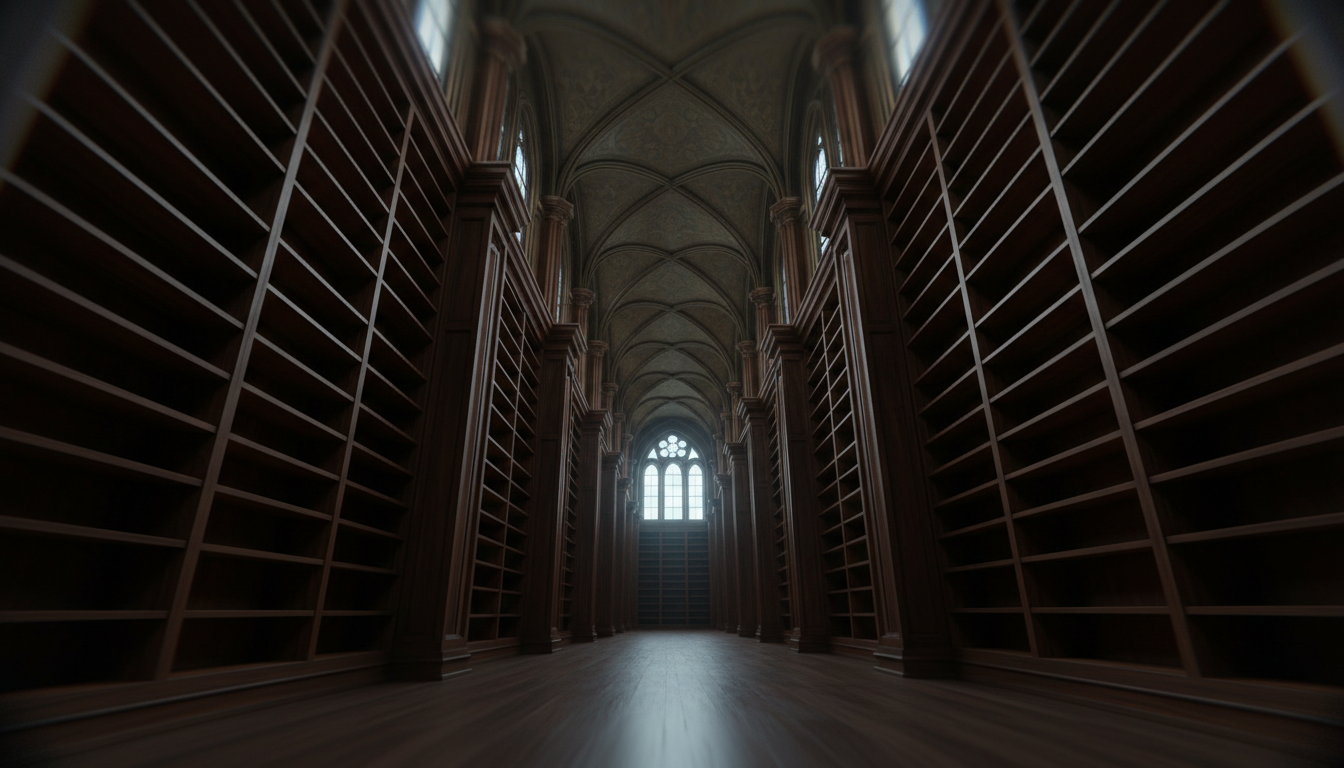
To simulate a sense of paranoia, use a slow-creep camera movement. By prompting a "painfully slow, continuous forward push-in on an empty doorway," you build a sense of impending doom. To take this a step further, you can introduce disorienting, classic camera movements like executing disorienting, classic camera movements like the AI dolly zoom to visually manifest a character's panic, warping the perspective of the background while keeping the subject isolated.
For sequences involving immediate threat, transition to a subjective, first-person POV camera. Prompting with unsteady handheld camera, erratic organic jitter, and sudden focus pulls forces the audience into the protagonist's physical space. To execute a jump scare without relying on cheap visual assets, prompt a sudden, violent 180-degree whip pan into deep shadow, ending on a high-contrast, out-of-focus silhouette. This kinetic shift shocks the viewer through motion rather than a poorly rendered monster face.
Maintaining Temporal Coherence Across Terror Sequences
One of the greatest challenges in AI filmmaking is keeping the narrative world consistent from shot to shot. If your haunted hallway changes from concrete to brick, or if your main character's coat changes color between cuts, the tension evaporates instantly. This is particularly true in horror, where the audience is actively scanning the screen for anomalies.
To solve this, you must establish a persistent, haunting environment across multiple shots using the establishing a persistent, haunting environment across multiple shots using the World-State Protocol. This involves defining a master set of environmental variables—such as color palette, architectural style, and lighting setup—and prepending them to every prompt in your scene.
Additionally, employ a "slow-reveal" sequence structure. In shot one, prompt only the environment and a distant, ambiguous shadow. In shot two, use an image-to-video workflow based on the first shot, bringing the camera slightly closer and introducing a subtle, impossible motion in the shadow. By utilizing seed control and incremental prompting, you can guide the AI to slowly morph the environment, creating a sense of escalative dread while maintaining strict spatial coherence.
The AI Horror Prompting Matrix: A Director's Quick-Reference Table
To help you quickly deploy these concepts in your next project, use this quick-reference matrix. It maps specific horror subgenres to their optimal lighting styles, camera kinetics, and prompt modifiers.
| Subgenre | Lighting Style | Camera Kinetics | Example Prompt Template |
|---|---|---|---|
| Cosmic Horror | Deep violet and amber chiaroscuro, impossible shadows | Slow, sweeping crane shot with subtle roll axis rotation | "A desolate observatory under a bruised violet sky. Shadows pool in reverse. Slow crane down, exposing a shifting, non-Euclidean silhouette in the corner." |
| Analog / Found Footage | Harsh camera-mounted flashlight, blown-out exposures | Erratic handheld jitter, sudden whip pans, auto-focus hunting | "POV VHS tape footage of a damp basement. A single flashlight beam cuts through dust motes. Sudden whip pan to a figure standing unnaturally still." |
| Gothic Dread | Low-key candlelight, soft volumetric fog, deep blacks | Painfully slow forward dolly, creeping push-in | "A crumbling Victorian hallway, decaying wallpaper. Volumetric fog illuminated by a single candle. Slow forward dolly shot towards a closed door." |
| Body Horror | Harsh, clinical fluorescent lighting, green tint | Macro close-up, shallow depth of field, slow panning | "A macro close-up of human skin under clinical green light. The texture slowly morphs and ripples unnaturally. Shallow depth of field, slow panning shot." |
When compiling these individual shots, focus on pacing. You can easily practice these techniques by condensing these intense atmospheric sequences into a high-impact narrative using the 30-second AI film blueprint, which provides a tight structural framework perfect for testing uncanny horror concepts. By mastering the balance between AI's natural anomalies and precise cinematic control, you can construct truly unforgettable, terrifying visual narratives.
How do I prevent AI video generators from turning horror prompts into cartoonish monsters?
To avoid cartoonish monsters, avoid using generic terms like "monster," "demon," or "ghost." Instead, prompt for environmental tension, lighting, and specific anomalous motions. Describe the entity as a "unnatural silhouette," "impossible human geometry," or "a figure moving with a low-framerate stutter." This forces the AI to focus on realism and atmospheric dread rather than relying on clichéd fantasy tropes.
What are the best lighting prompts for creating cinematic shadows in AI video?
To generate deep, cinematic shadows, use terms like "chiaroscuro lighting," "harsh raking side-light," "deep pooling shadows," and "high-contrast volumetric shafts." Specifying light sources—such as "a single flickering fluorescent tube" or "low-key candlelight"—helps the AI model calculate realistic falloff and shadow depth.
How can I bypass strict safety filters when prompting horror and suspense sequences?
Safety filters are typically triggered by explicit gore, violence, and weapon names. You can bypass these filters by focusing entirely on psychological suspense and atmospheric decay. Use words like "dread," "decay," "abandoned," "tension," and "unnatural motion" instead of violent verbs. Let the camera movement and sound design (added in post-production) carry the weight of the scare.
How can I maintain character consistency for a monster across multiple AI-generated shots?
The best way to maintain consistency is to keep the monster obscured or shadowed. Prompt for a "dark, featureless silhouette" or "a figure wrapped in heavy shadow." This allows you to cut between shots without the viewer noticing minor changes in facial geometry. Additionally, utilizing image-to-video workflows with a consistent seed and a strict master environment prompt ensures the background and lighting remain coherent.



