How to Prepare Assets and Inspect Lip Sync in Portrait Animation Models
Learn how to format assets for audio-driven portrait animation models and use a quality control checklist to eliminate lip-sync and motion artifacts.
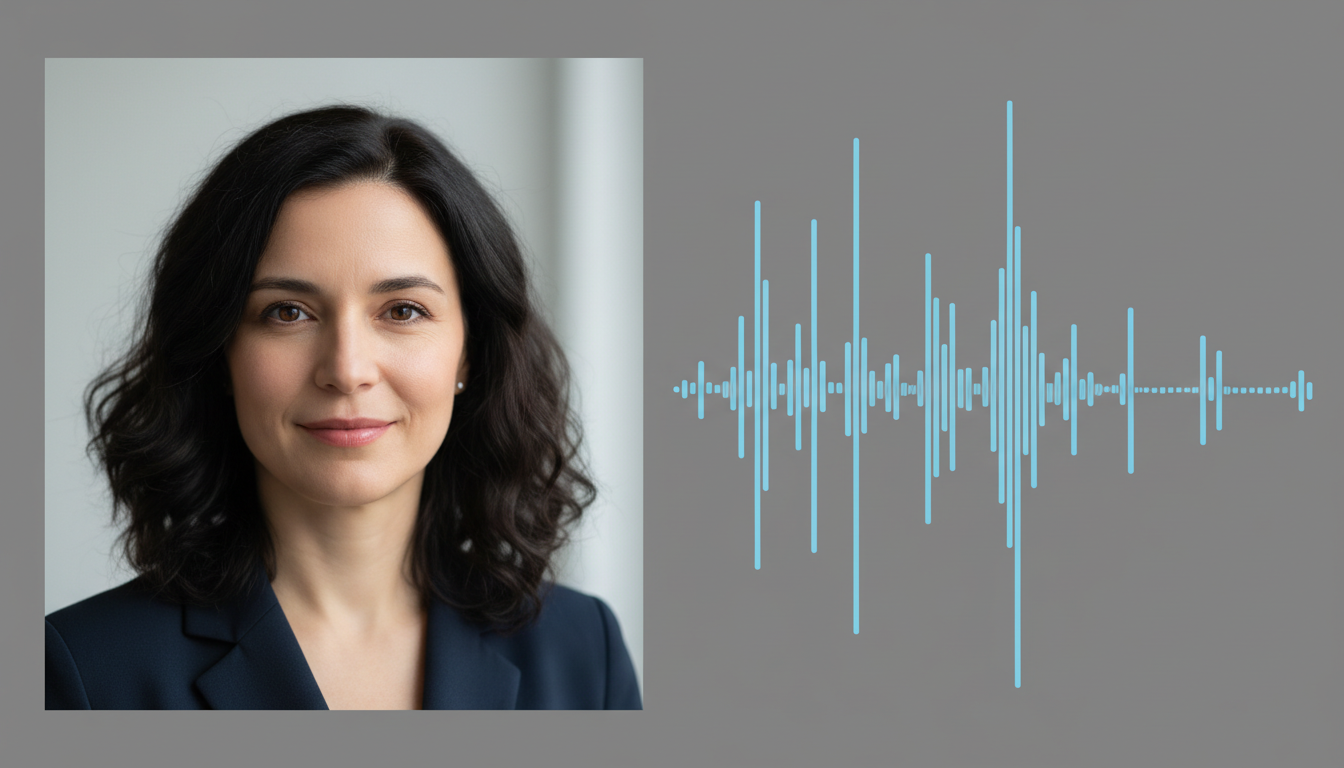
To get high-fidelity results from audio-driven portrait animation models, creators typically need to feed the system a high-resolution, forward-facing portrait with comfortable margins around the head and shoulders, paired with a clean, noise-free vocal audio track. Failing to align these source assets properly leads to common generation failures such as "mushy" jawlines, unnatural head swaying, and broken phoneme alignment. By following a strict pre-production checklist, you can avoid wasted render credits and produce believable talking-head sequences on your first attempt.
How Audio-Driven Portrait Animation Models Work
Audio-driven portrait animation models are designed to animate static portrait images using a driving audio track. Unlike generalized text-to-video models that generate entirely new scenes from scratch, these specialized models focus on human driving dynamics, aiming for precise lip-syncing, natural eye blinking, and micro-gestures of the upper body. This makes them powerful tools for localized dialogue sequences where maintaining character identity is paramount.
In modern creative pipelines, specialized animation tools are often paired with broader creative platforms. Montagea, for example, acts as an AI creative agent that can coordinate video, image, music, and voice generation to help creators build complete narrative sequences from a single starting point.
Asset Preparation: Image and Audio Specifications
The quality of your animated portrait output is directly proportional to the quality of your inputs. If your source image is cropped too tightly or your audio contains background noise, portrait animation models can struggle to map the facial landmarks correctly.
1. Image Specifications
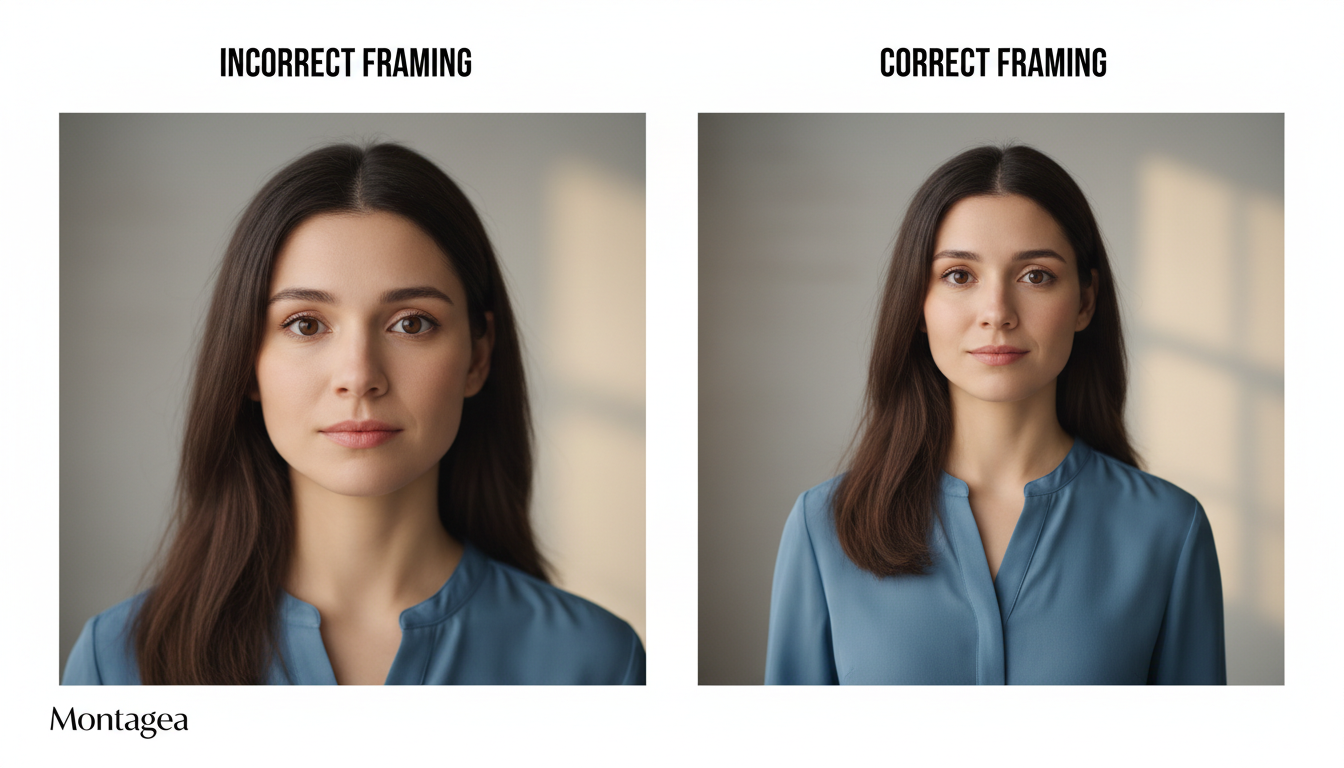
Your source image should feature a clear, forward-facing subject with a neutral expression. Follow these exact framing guidelines:
- Aspect Ratio: 1:1 square or 3:4 vertical formats work best.
- Framing: A medium close-up shot. The subject's head, neck, and shoulders must be fully visible. Avoid tight crops that cut off the chin or the sides of the shoulders.
- Lighting: Flat, even, and diffuse lighting. Harsh shadows on one side of the face can cause the model to generate asymmetrical mouth movements.
- Background: Keep the background simple and clean. High-contrast or highly detailed backgrounds can bleed into the hair or shoulders during movement, causing distracting edge artifacts.
2. Audio Specifications
The driving audio track dictates the pacing, emotional intensity, and physical movement of the subject. To prevent "mumble" artifacts, prepare your audio as follows:
- Format: High-quality WAV or MP3 files.
- Sample Rate: Minimum of 16kHz, though 44.1kHz is recommended for maximum clarity.
- Vocal Isolation: The audio must contain only the target voice. Remove all background music, ambient noise, or overlapping dialogue. Ambient hums can confuse motion generators, leading to erratic head movements.
| Parameter | Optimal Specification | Common Failure State |
|---|---|---|
| Image Framing | Medium close-up (head & shoulders visible) | Tight crop cutting off chin/neck; causes floating-head artifacts. |
| Facial Angle | Straight-on (0 to 10-degree rotation) | Profile or heavy three-quarter angles; causes distorted lip mapping. |
| Audio Noise Floor | Below -60 dB (completely silent pauses) | Background hum/music; causes constant, unnatural micro-jittering. |
Evaluating the Output: Lip Sync and Body Motion Quality Control
Once your video is generated, you must run it through a systematic quality control check. Do not assume a successful render is a flawless one. Pay close attention to how the mouth shapes align with specific vocal phonemes and how the upper body shifts during pauses.
Use the following checklist to evaluate your animated portrait output:
- Phoneme Alignment: Do the lips close completely on "M", "B", and "P" sounds? If the mouth remains slightly open, the audio amplitude may be too low, or the source image's mouth was not closed.
- Temporal Flickering: Check the boundary between the jawline and the neck. Look for "mushy" or blurry zones that shift frame-by-frame.
- Eye Blink Frequency: Blinks should occur naturally during pauses or transitions. If the subject never blinks, or blinks erratically, consider adjusting your generation seed.
- Shoulder Shifting: The shoulders should sway naturally in response to vocal emphasis. If they remain completely static while the head moves, it creates an unnatural "bobblehead" effect.
If you identify these issues, you can troubleshoot them without completely changing your concept. For example, if the lips are not closing correctly, try normalizing your audio track to boost the signal-to-noise ratio. If the head motion is too aggressive, cropping the source image slightly wider can provide more shoulder anchor points to help stabilize the movement.
Integrating Portrait Animation Into Your Production Pipeline
Scaling your talking-head generations requires a structured technical pipeline. When building automated video tools, managing your credentials is the first step. Learn how to configure API keys for creative models to streamline your programmatic video pipelines. This ensures that your access to creative APIs remains secure and highly available.
Additionally, pre-production planning is essential for minimizing post-generation edits. Before you generate any audio or video assets, draft your script with clear timing markers. Align your dialogue pacing by selecting the right screenplay writing software for AI-assisted productions. This helps you write natural pauses into your scripts, which directly translates to more realistic breathing and blinking patterns in the final video.
Finally, when deciding on your overall production stack, it is helpful to compare how specialized models stack up against all-in-one solutions. If you are choosing between dedicated, modular pipelines and monolithic platforms, consider reading our analysis on comparing different approaches to AI video production. By combining specialized portrait animation workflows with the creative coordination of Montagea, creators can build a highly customizable video pipeline that delivers consistent, professional results.
Do audio-driven portrait models support stylized, illustrated, or non-human characters?
Many audio-driven portrait models can process stylized illustrations, 3D renders, and historical paintings, provided they adhere to the same layout as a human face. The portrait must have clearly identifiable facial features (eyes, nose, mouth) and a forward-facing orientation. Highly abstract or non-humanoid characters may experience severe distortion, as landmark-detection algorithms are typically calibrated for human facial geometry.
How does background noise in the audio track affect the generated body movement?
Background noise, music, or ambient hums are often interpreted by these models as active audio input. This can cause the system to generate continuous micro-movements, resulting in unnatural head swaying, constant jaw twitching, or rapid, erratic blinking. For the cleanest physical performance, always use a clean, isolated vocal track with a low noise floor.