How to Use Runway Gen-3 Alpha for Consistent Video Production
Runway Gen-3 Alpha requires precise input to manage temporal consistency and motion. Master the workflow from prompting to production orchestration.
When working with Runway Gen-3 Alpha, achieving structured video outputs often depends on supplying the model with highly structured instructions. To achieve professional results, it is helpful to treat the generation process as a precise workflow. Before starting your production, review the plan limits and export quality considerations to ensure your subscription level supports your output requirements.
Core Capabilities and Technical Constraints
AI video generation performance often depends heavily on the complexity of the scene. When planning a project, aiming for shorter, punchy segments that can be stitched together in post-production is generally more manageable than attempting to generate long, continuous narratives in a single pass. This approach allows for greater control over individual shots and transitions.
Prompting Framework for Gen-3 Alpha
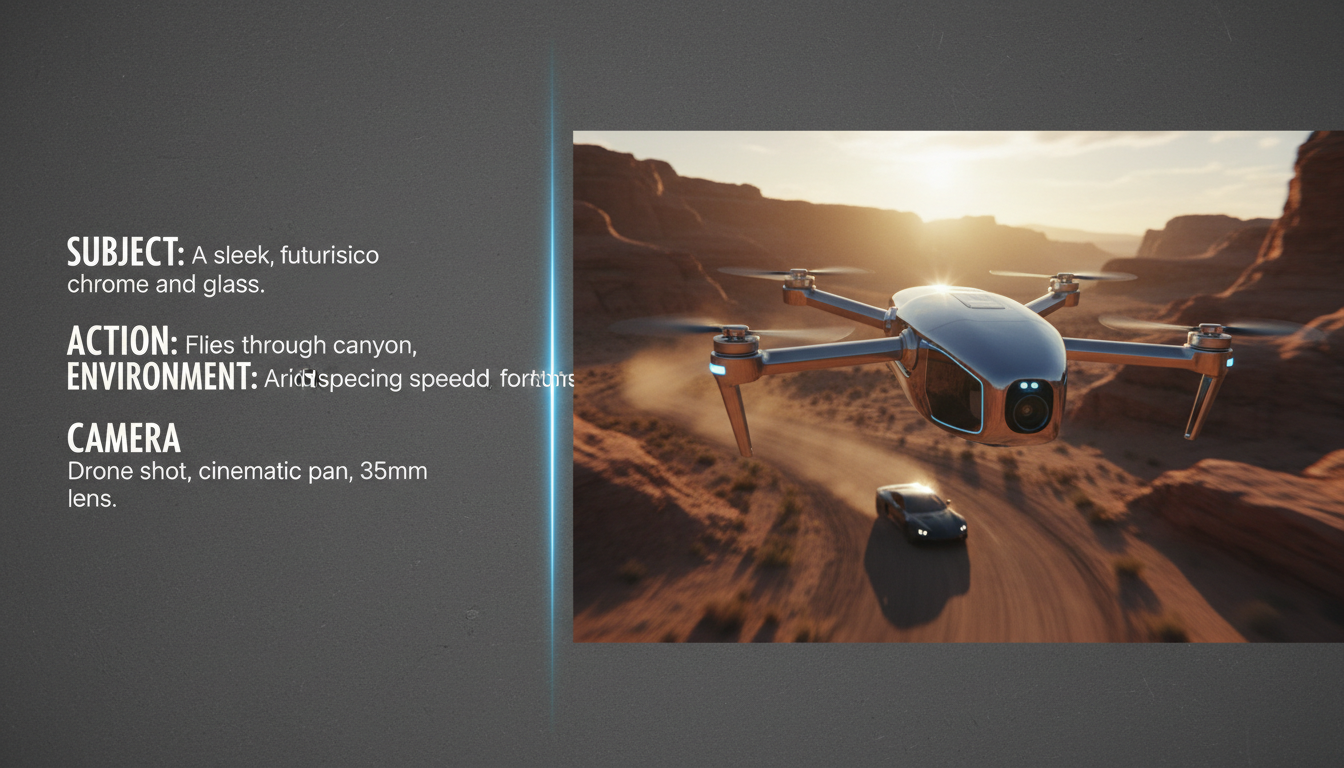
One common approach to structuring video prompts is organizing them by key elements: Subject, Action, Environment, and Camera. This structure can help organize the scene logic before generating motion. For example, a high-action sequence may benefit from explicit pacing instructions, while a cinematic shot can include descriptive environmental lighting tags.
| Element | Purpose | Example |
|---|---|---|
| Subject | Define the core focus | A vintage leather-bound book |
| Action | Describe the movement | slowly opening, dust particles floating |
| Environment | Set the lighting/space | dimly lit library, warm amber glow |
| Camera | Define the motion | slow zoom, shallow depth of field |
When working with existing assets, use Image-to-Video workflows to maintain brand consistency. You can review specific motion prompt examples for Image-to-Video workflows to see how to anchor your AI-generated motion to static high-resolution frames.
Integrating Gen-3 Alpha into Your Production Workflow
Professional video production rarely relies on a single model. While Runway provides a robust single-model environment, complex projects often require an orchestration layer. If you find that Runway’s output needs to be paired with specific voice or music assets, you might consider how Montagea facilitates this process. Comparing the single-model workflow of Runway with the multi-model orchestration approach of Montagea is a critical step for creators moving beyond experimental clips. With an agent-based approach like Montagea's Gigi, you can describe your project—such as an ad, short film, or song—and let the agent select the models, plan the steps, and deliver the finished piece.
How does Gen-3 Alpha handle text-to-video consistency compared to previous versions?
Maintaining consistency across AI-generated video clips typically requires descriptive prompts to guide the model over longer sequences. Users often experiment with detailed environmental and subject descriptions to minimize sudden shifts in identity.
Can I use custom LoRAs or style references with Gen-3 Alpha?
Runway Gen-3 Alpha primarily relies on text and image inputs for style anchoring. While not a traditional LoRA-based system, using high-quality reference images as starting frames is the most effective way to enforce style consistency.
What is the recommended frame rate for exporting Gen-3 Alpha clips for professional editing?
Most professional workflows prefer a 24fps export to match cinematic standards. Check your project settings in Runway to ensure your frame rate matches your master timeline project settings.