How to Choose and Configure a Private AI Chatbot for Creative Workflows
Secure your pre-production pipeline. Learn how to compare, configure, and use private or local AI chatbots to protect your proprietary scripts and character bibles.
Choosing a private AI chatbot for creative workflows requires balancing data control with the reasoning capacity needed for complex narrative tasks. For security, creators may deploy local open-source models on their own hardware, or utilize enterprise-grade cloud platforms with strict zero-data-retention (ZDR) APIs. Successfully isolating your pre-production IP ensures your scripts, pitch decks, and character bibles are managed according to your chosen security protocols.
The IP Risk: Why Standard AI Chatbots Threaten Pre-Production Security
When you paste a draft script, character profile, or plot twist into a standard consumer AI chatbot, you are likely handing over your intellectual property. By default, many consumer AI platforms use conversational inputs to train future foundation models. If your proprietary screenplay is absorbed into a public training dataset, elements of your unique narrative, dialogue style, or structural hooks could be generated for other users, potentially impacting your competitive advantage.
To protect your work, it is critical to distinguish between data privacy and uncensored content. Many creators seek out uncensored models to bypass safety filters when writing dark or violent scenes. However, an uncensored model hosted on a public server without strict data governance still poses a risk. You must Understand the critical differences between private and uncensored AI models before uploading proprietary scripts. True privacy requires either a local sandboxed environment or verified enterprise-grade zero-data-retention (ZDR) APIs that legally prohibit the provider from storing or training on your inputs.
Local vs. Cloud-Hosted Private AI: A Practical Comparison
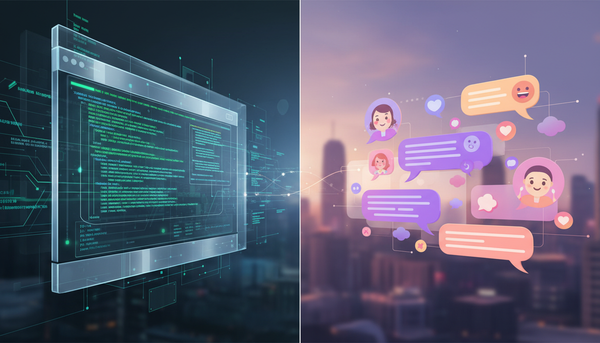
Deciding between local execution and cloud-hosted private AI depends on your technical budget and the complexity of your writing. Local models run entirely on your own machine, meaning data does not leave your physical hardware. Cloud-hosted private solutions run on any machine via a secure browser, but they require trusting the provider's data-handling policies.
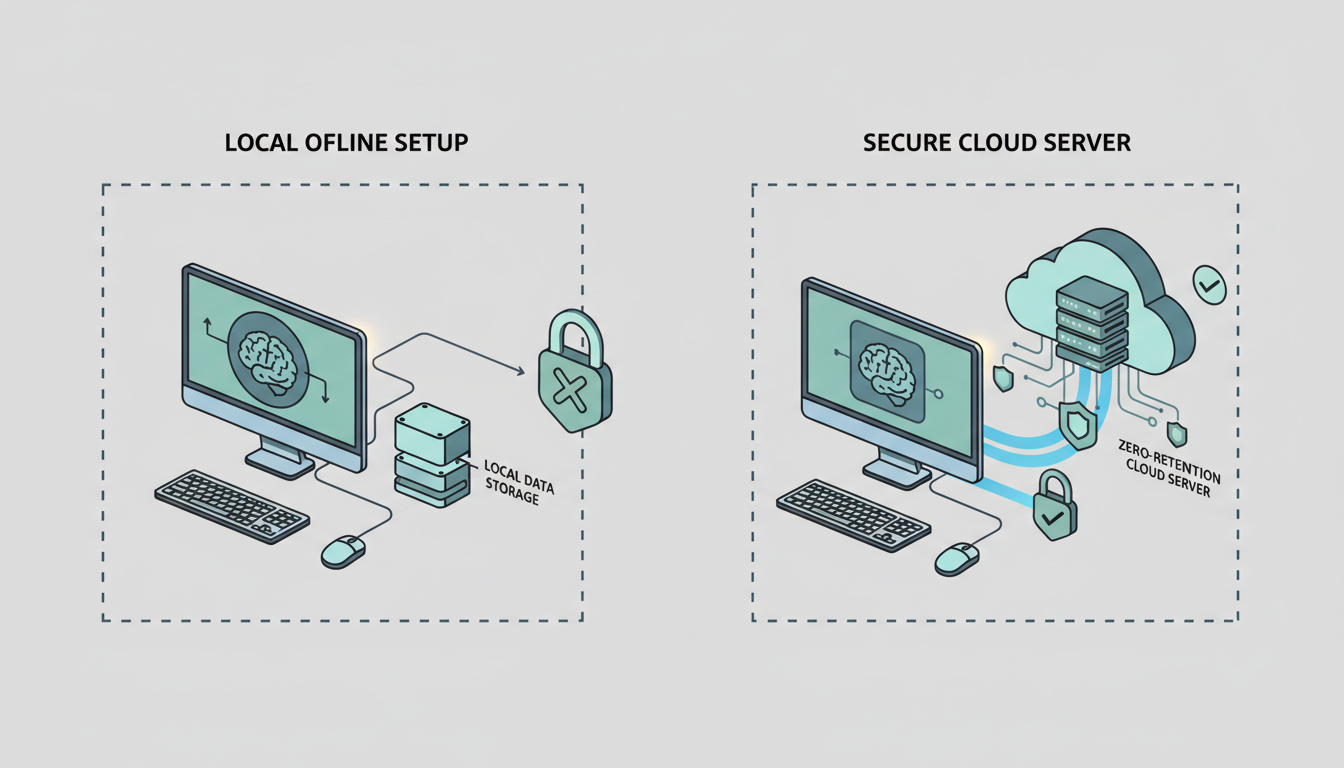
While local setups offer offline privacy, they may differ in reasoning and contextual understanding compared to larger, cloud-hosted frontier models. For complex, multi-character script outlines, a larger model is often necessary to maintain narrative coherence across long conversations.
| Feature | Local Offline Setup | Cloud-Hosted Private AI |
|---|---|---|
| Data Logging | Managed by local storage | Dependent on specific API agreement |
| Offline Capability | Yes (fully functional without internet) | No (requires active internet connection) |
| Setup Complexity | Moderate to High (requires software installation) | Low (web-based interface) |
| Hardware Cost | Variable (depends on model size) | Low (runs on standard laptops/tablets) |
| Model Intelligence | Limited by local hardware constraints | Access to massive frontier models |
Top Private AI Chatbot Solutions for Writers and Filmmakers
If you prefer a web-based, zero-retention solution that does not require specialized hardware, look for dedicated privacy-first platforms. If you want to evaluate options in this space, you can Explore the best Venice AI alternatives for multi-model, privacy-focused workflows.
For creators who demand offline security, setting up a local desktop interface is a common approach. Various software tools allow you to download and run open-source models directly on your hardware. Once installed, you can load models like Llama 3 or Mistral and interact with them via a chat-based interface.
When setting up your local environment, choosing the right model size is critical for narrative work:
- Smaller Parameter Models: Often used for quick brainstorming and formatting dialogue, these may run on standard consumer laptops depending on available RAM.
- Larger Parameter Models: Often used for deep character development and tracking complex subplots, these typically require more powerful workstation GPUs or unified-memory hardware.
To choose the best model for your specific creative needs, you can Compare the best AI chatbots for creative workflows to find the right balance of security and writing capability.
Connecting Your Private Chatbot to the Production Pipeline
The ultimate goal of a secure pre-production workflow is to transition from a private script to high-fidelity media assets without exposing your core IP. By keeping your character bibles, plot outlines, and dialogue drafts strictly inside your local or private chatbot sandbox, you eliminate the risk of public model training.
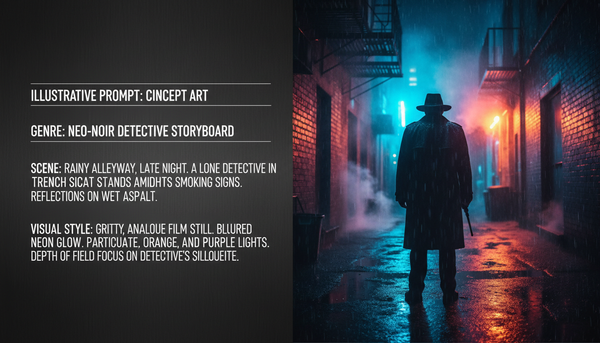
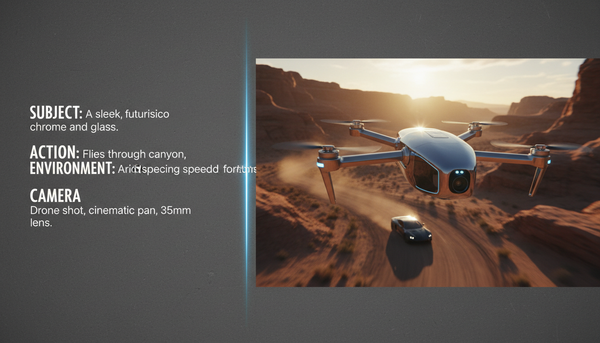
Once you are ready to move into visual production, you can safely export sanitized, abstract prompts rather than your full proprietary script. For example, instead of uploading a 10-page copyrighted scene, you can generate a clean visual description: "A wide cinematic shot of a retro-futuristic diner at midnight, neon lighting, volumetric fog." This keeps your specific characters, plot twists, and narrative context completely hidden.
When you are ready to turn these secure, sanitized prompts into high-fidelity video, images, and voice assets, Montagea provides a creative agent, Gigi, to help you work with models like Kling, Veo, and WAN. This ensures your workflow remains streamlined and professionally managed from initial concept to the final, high-fidelity render.
Does using a private AI chatbot mean my outputs cannot be copyrighted?
Copyright laws regarding AI-generated content depend on the level of human authorship involved. Simply using a private chatbot to brainstorm does not automatically invalidate your copyright, as long as the final creative expression (like a full screenplay or storyboard) is written and structured by a human. Private chatbots simply protect your input data from being leaked or trained on; they do not alter the legal status of your creative output.
Can I run a private AI chatbot offline on a standard laptop?
Yes, you can run smaller open-source models offline on a standard modern laptop using various local-hosting tools. However, for performance and lower latency, your laptop should ideally have an Apple Silicon chip (M1/M2/M3 with unified memory) or a dedicated NVIDIA GPU with sufficient VRAM.
How do I verify if a cloud-based AI chatbot actually has a zero-data-retention policy?
To verify zero-data-retention (ZDR), you must review the provider's developer terms of service or API privacy policy rather than their standard consumer terms. Look for explicit clauses stating that inputs are not logged, stored on disk, or used for model training. True enterprise or ZDR APIs will explicitly state that data is only processed in-memory and immediately deleted after the API response is generated.