Standard vs. Pro Image Model Tiers: Comparing Speed and Fidelity in Production
When evaluating image generation pipelines, choosing between standard and pro-tier models is a critical decision for storyboarding. Learn how to balance speed and fidelity.
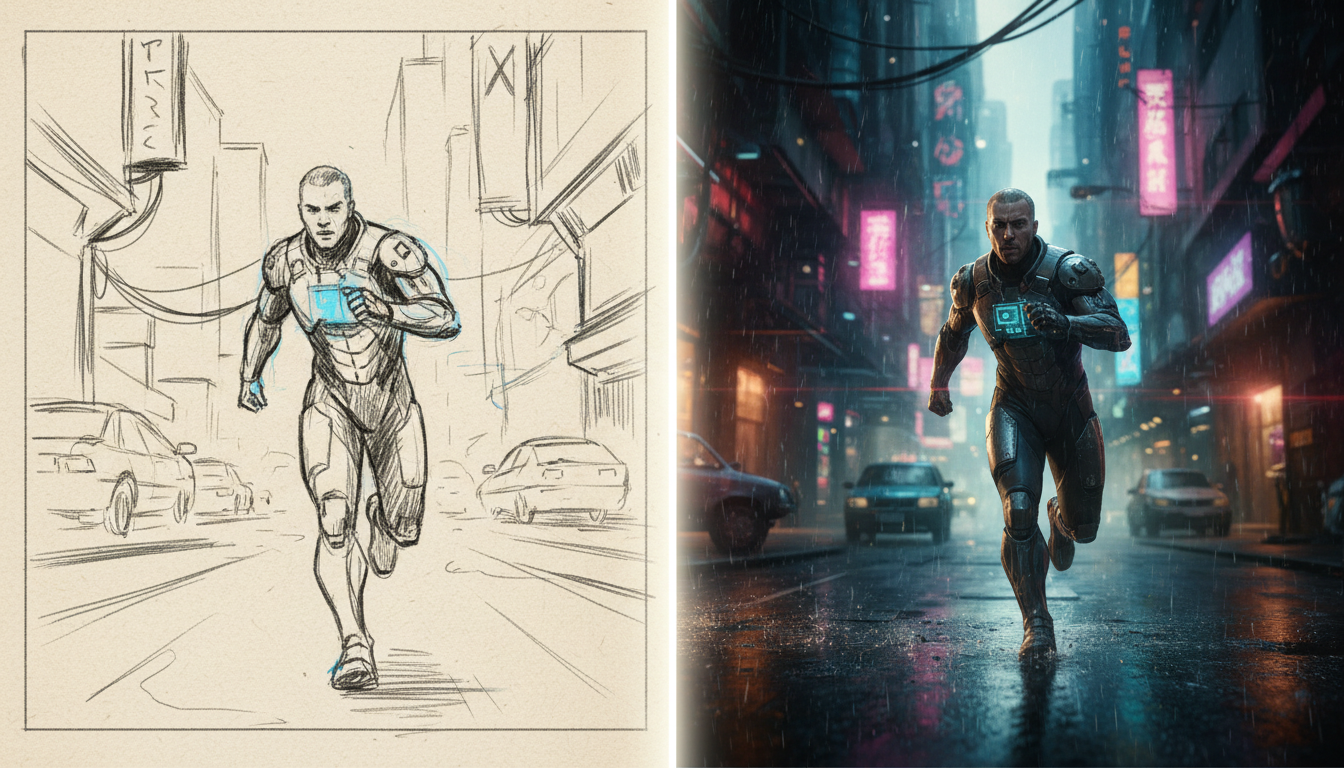
To choose between standard and pro-tier image models, evaluate your pipeline's current phase. A standard or lightweight model is typically optimized for raw speed and low latency, making it a strong candidate for rapid, iterative layout drafting during live brainstorming sessions. Conversely, a pro-tier model is generally built for higher fidelity, complex spatial composition, and precise prompt adherence, making it better suited for generating final style-aligned keyframes and reference images.
The Core Difference: Speed vs. Fidelity in Pre-Visualization
In modern pre-production, balancing speed and detail is critical. A standard model is often engineered for rapid generation. This allows directors, writers, and artists to quickly sketch out visual ideas, test composition layouts, and iterate during real-time brainstorming sessions without stalling the creative momentum.
A pro-tier model, on the other hand, shifts the priority from raw speed to visual fidelity. It typically excels at rendering intricate textures, maintaining complex spatial relationships between multiple subjects, and sticking closely to detailed prompt instructions. When using Montagea's Gigi agent, you do not have to manually manage every step; you can describe your project, and Gigi picks the best AI models—including Google's Nano Banana—to plan and deliver the finished piece, whether you need initial layout concepts or a polished, final style alignment.
Feature Comparison: Latency, Detail, and Style Consistency
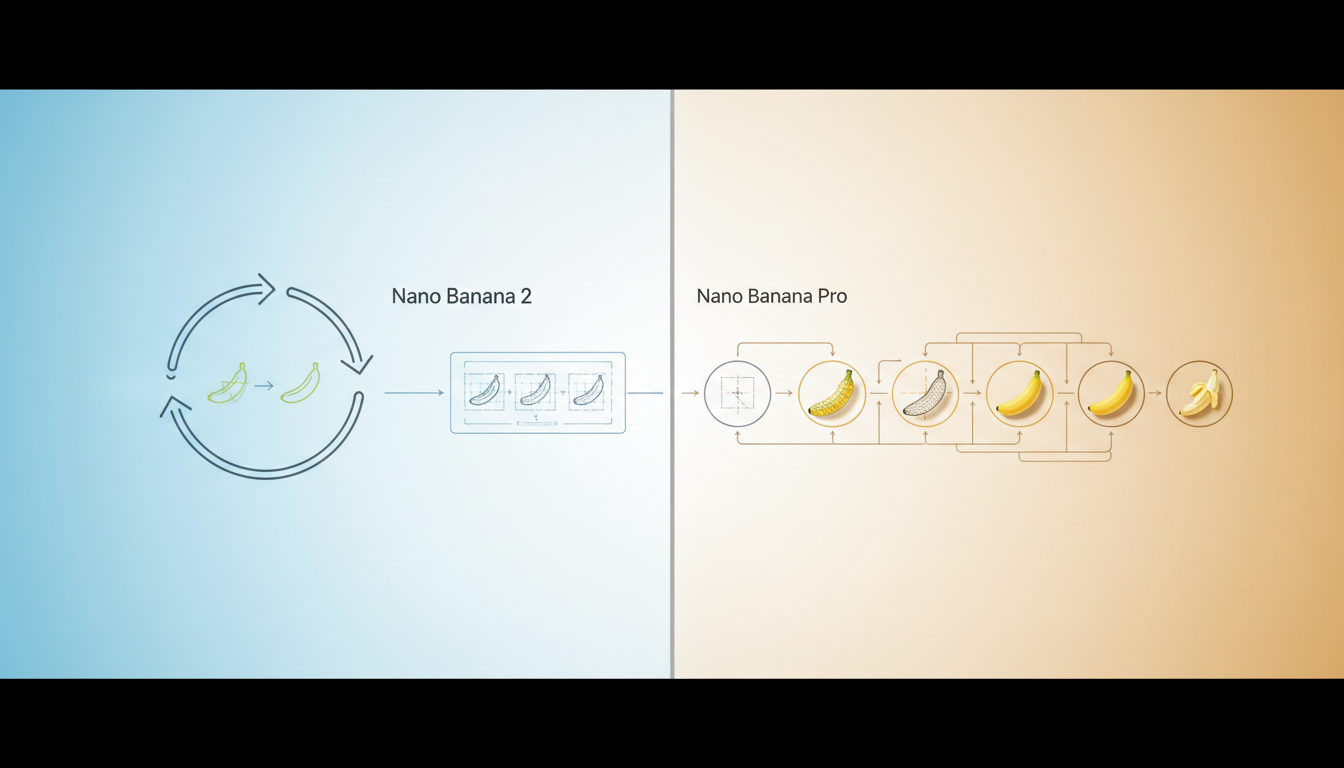
Evaluating these models requires looking closely at how they handle latency, rendering details, and style consistency across sequential frames. During early pre-visualization, a high-latency model can disrupt the flow of a writers' room, while a low-fidelity model might fail to convey the necessary mood for a pitch deck.
| Feature/Metric | Standard Tier Models | Pro Tier Models |
|---|---|---|
| Primary Focus | Speed and rapid iteration | High fidelity and complex prompt adherence |
| Relative Latency | Very low (optimized for real-time drafting) | Moderate to high (deeper processing pipeline) |
| Spatial Composition | Basic layout and positioning | Advanced multi-subject depth and perspective |
| Text Rendering | Limited or stylized text handling | High-accuracy text integration |
| Ideal Use Case | Initial storyboarding and rough blocking | Pitch decks, keyframe references, final concept art |
While standard models enable faster iteration loops, they may struggle with highly specific prompt instructions, such as placing multiple distinct characters in precise locations. For projects requiring exact style consistency across multiple panels, a pro-tier model's deeper processing pipeline helps ensure that characters and background details remain stable. When structuring your creative tech stack, it is helpful to look at the broader landscape of image generation, much like when you are evaluating Sume alternatives for video and image generation to find the right balance of speed and cost.
Workflow Integration: Building Your Storyboard Pipeline
To maximize efficiency and manage rendering costs, production teams should adopt a hybrid workflow that leverages the strengths of both tiers sequentially.
Step 1: Rapid Scripting and Sequence Blocking
Begin your pre-production by pairing your written script with rapid visual generation. As you draft scenes, use a standard model to generate quick, rough layouts of each sequence. This immediate visual feedback helps verify if scene pacing and camera angles align with the written narrative. Understanding how visual storyboards pair with screenplay writing software for modern production pipelines is essential for keeping your creative team synchronized during this early stage.
Step 2: Refining and Locking Keyframes
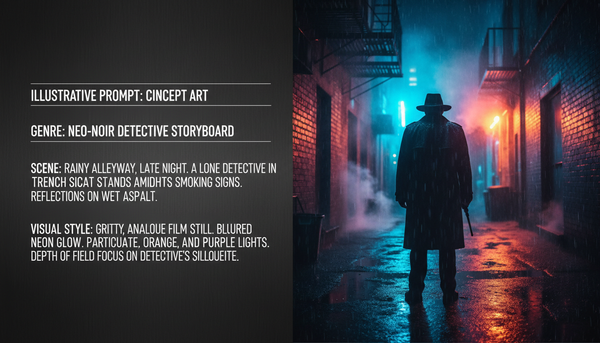
Once the sequence structure and blocking are approved, transition the key frames to a pro-tier model. Use the same prompt structure but allow the pro model to render the high-fidelity details, lighting, and textures. These polished keyframes will serve as the visual anchor for your entire project, establishing a clear style guide for the production crew and stakeholders.
Step 3: Guiding Final AI Video Generation
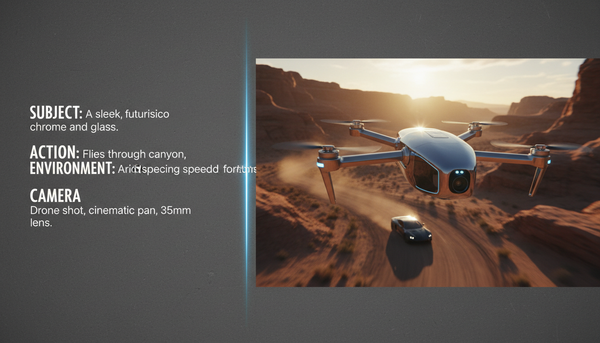
These high-fidelity images do not just live on a storyboard; they serve as critical reference inputs for video engines. High-quality image prompts significantly improve the consistency of generated video clips. For example, feeding a detailed keyframe into advanced video engines helps maintain visual continuity across scenes. You can explore how these reference images feed into advanced video engines in our detailed comparison of WaveSpeed vs Runway video production pipelines.
Can I use standard models for final production assets, or are they strictly for drafting?
While standard or lightweight models are optimized for rapid drafting and pre-visualization, they can be used for final assets if your project's aesthetic favors a minimalist, stylized, or low-fidelity look. However, for commercial-grade high-resolution outputs, a pro-tier model is generally recommended.
Do pro-tier models support better character consistency across multiple storyboard frames than standard models?
Generally, yes. Pro-tier models typically feature superior prompt adherence and spatial composition capabilities, allowing them to maintain character features, clothing, and environmental details more reliably across sequential storyboard frames.