
Choosing the Best AI Chatbot for Creative Workflows and Scriptwriting
Not all AI chatbots are built for creative storytelling. Discover how different models approach dialogue, narrative structure, and generating precise visual prompts for your video production pipeline.
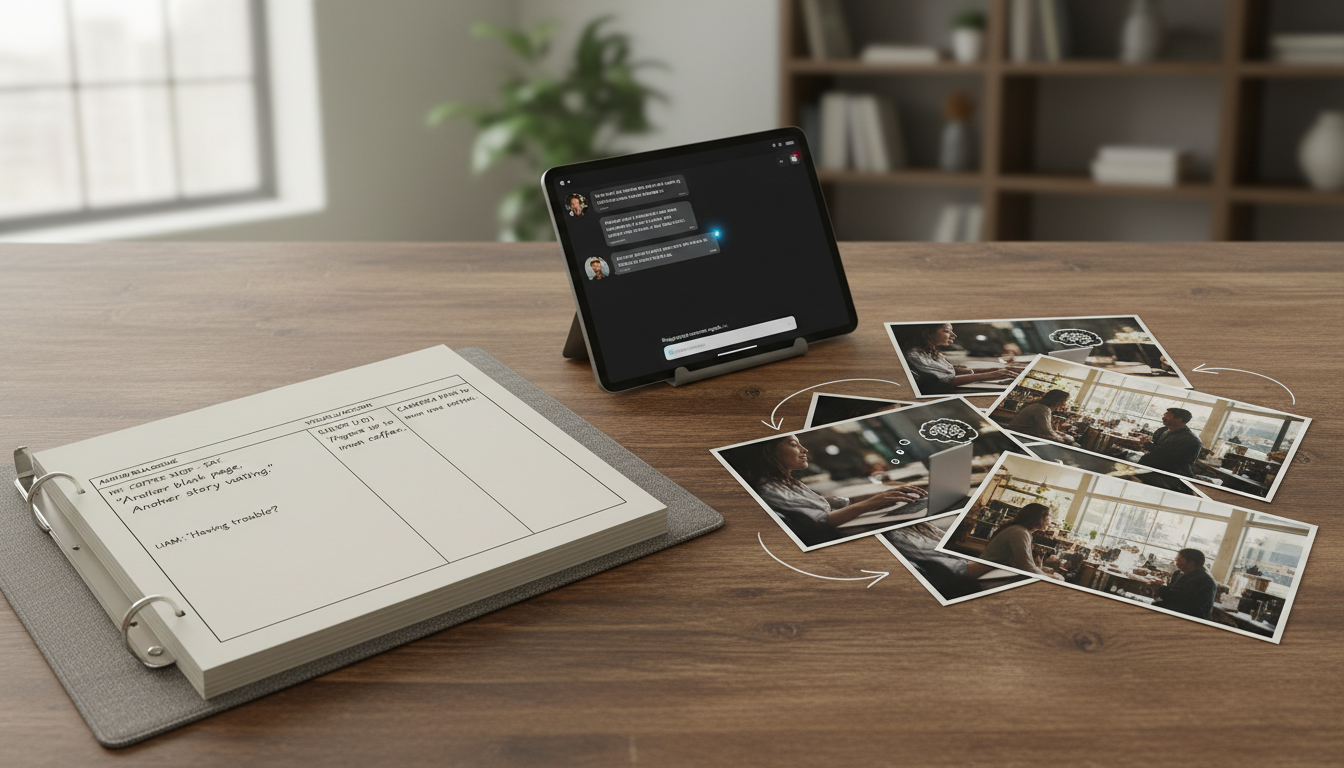
The best AI chatbot for creative workflows depends on your specific production stage and how you structure your prompts. Different models offer varying approaches to dialogue, structural outlining, and managing story bibles. To turn these text-based scripts into production-ready visual assets, creators can pair these models with multi-model orchestrators like Montagea to streamline the pre-production pipeline.
The Creative Evaluation: What Makes a Chatbot Work for Creators?
Traditional benchmarks evaluate AI models on standardized tests, coding, and mathematical reasoning. For filmmakers, screenwriters, and content creators, these metrics are virtually meaningless. A model that excels at writing Python code may fail completely at writing believable, subtext-rich dialogue or maintaining a consistent narrative tone.
Prose Quality and Dialogue Nuance
Creative writing requires an understanding of subtext, pacing, and character voice. Standard language models often fall into repetitive patterns, using overly dramatic transitions or cliché phrases. Evaluating a chatbot for creative work means looking at its ability to adopt distinct character voices, write realistic dialogue that does not sound overly formal, and follow complex stylistic instructions.
Context Window Limits and Story Bibles
A standard 30-page script contains roughly 7,500 words, but a comprehensive story bible—including character sheets, world-building rules, and episode summaries—can easily exceed 50,000 words. If a chatbot's context window is too small, it will "forget" key narrative rules established in earlier scenes. To maintain story continuity across an entire project, creators need models with expansive, stable context retention.
System Prompt Steerability
Creators frequently need outputs formatted in specific industry standards, such as dual-column audio-visual (AV) scripts or precise JSON schemas for storyboard pipelines. Strong steerability ensures the model strictly adheres to these formatting constraints without slipping back into standard conversational paragraphs.
Comparing the Top Chatbots for Scriptwriting and Story Development
Different models bring distinct strengths to the creative pipeline. Understanding where each model excels allows creators to deploy the right tool for each stage of pre-production, whether they are drafting a fast script for automated content or building out a complex cinematic world.
Claude (Anthropic)
When evaluating models like Claude, creators often look at how they handle creative prose and dialogue. Depending on the version and system prompts used, some models may help with character development, subtext, and pacing. If you are developing scripts that rely on emotional depth, testing different models with specific persona prompts is a strong starting point.
ChatGPT (OpenAI)
Models like ChatGPT are frequently used for structural organization, rapid brainstorming, and logical sequencing. They can respond to iterative prompting, which can assist in breaking down a story into distinct beats, creating outlines, or generating variations of a scene. When you need to quickly map out a concept, learn how to select the best AI tools for building faceless YouTube channels to see how rapid structural scripting fits into a high-volume workflow.
Gemini (Google)
Google's Gemini is another option creators consider, particularly when looking to process larger documents. Depending on the specific model tier and its technical limits, a larger context window can assist in managing story bibles or analyzing existing text to generate matching promotional scripts.
Venice AI
For creators focusing on privacy and open-ended creative exploration, Venice AI is often cited as an alternative. Depending on the underlying open-source models it utilizes, it may allow you to explore diverse themes and narratives. To see how this fits into a broader toolset, explore alternative options for private and multi-model creative platforms.
Comparison Matrix
| Model | Typical Evaluation Focus | Common Creative Use Case | Context Considerations |
|---|---|---|---|
| Claude | Prose style and dialogue nuance | Drafting scenes and character dialogue | Check model limits for long-term tone retention |
| ChatGPT | Structural formatting and outlining | Brainstorming beats and script formatting | Check session limits during long iterative chats |
| Gemini | Document analysis and reference reading | Managing story bibles and source materials | Check supported context limits for large uploads |
| Venice AI | Privacy-focused generation | Exploring sensitive themes or private drafts | Varies depending on the selected open-source model |
A Practical Framework for Generating Visual Prompts
A major bottleneck for creators is translating a written script into precise visual prompts for image and video generators. To solve this, you can instruct your chatbot to act as a Director communicating with a Cinematographer. This framework extracts specific camera angles, lighting conditions, and motion cues rather than generic descriptive text.
When preparing prompts to generate high-quality clips, it is helpful to understand the underlying video tools. Check out our evaluation of the best AI text-to-video generators to see how different engines interpret these cinematic details.
The Director-to-Cinematographer Prompt Template
Copy and paste this illustrative template into your creative chatbot to generate structured, production-ready visual prompts. Note: This is an illustrative prompting guide designed to show optimal structuring, not a guaranteed software output.
Act as an expert cinematographer. I will give you a scene description, and you will output a structured visual prompt for an AI video generator. Follow this exact format:

[Subject & Action]: Describe the main subject and their movement clearly.
[Camera & Lens]: Specify camera angle (e.g., low-angle, tracking shot), lens type (e.g., 35mm, anamorphic), and camera movement (e.g., slow push-in).
[Lighting & Atmosphere]: Define the lighting style (e.g., volumetric golden hour light, high-contrast chiaroscuro) and atmosphere (e.g., hazy, dusty).
[Style]: Specify the cinematic medium (e.g., 35mm film stock, photorealistic cinematic render).

Here is the scene: [Insert your script beat here]
Integrating Chatbots into Your Video Production Pipeline
Writing a great script or generating single-frame prompts is only the first step. The true challenge lies in bringing those elements together into a cohesive video asset without losing your creative vision in a maze of disconnected tools.
This is where Montagea simplifies the workflow. Instead of manually copying prompts from your chatbot, importing them into separate image and video models, and then finding matching music, Montagea's Gigi creative agent acts as a unified multi-model orchestrator. You describe your project—whether it is a 15-second commercial, a cinematic short film, or a music video—and Gigi automatically selects the best-in-class models (such as Google's Veo, Kuaishou's Kling, or MiniMax's Hailuo H3) to generate, coordinate, and deliver the final piece.
By bridging the gap between text-based ideation in your favorite chatbot and multi-model asset generation, you can maintain narrative consistency from the initial logline to the final render. This streamlined handoff eliminates the friction of managing multiple subscriptions and technical interfaces, allowing you to focus entirely on the creative direction of your story.
Which AI chatbot is best for writing YouTube video scripts?
For structured YouTube scripts, many creators use models like ChatGPT to help organize hooks, structural beats, and calls to action. If your channel focuses on narrative storytelling or character-driven essays, models like Claude are often evaluated for generating natural-sounding voiceovers and transitions.
Can I use AI chatbots to format industry-standard screenplays?
Yes, but you must provide strict formatting rules in your system prompt. While chatbots can output in Fountain format (a text-based screenwriting syntax) or dual-column AV formats, they can occasionally make spacing errors. It is best to use the chatbot for drafting and then copy the text into dedicated screenwriting software for final formatting.
How do I prevent an AI chatbot from generating generic, cliché dialogue?
Avoid generic prompts like "write a conversation between two people." Instead, give the chatbot specific constraints: define each character's hidden motive, forbid them from directly stating their feelings (enforce subtext), and instruct the model to use short, fragmented sentences rather than perfectly polished paragraphs.



