AI skydiving video from a photo
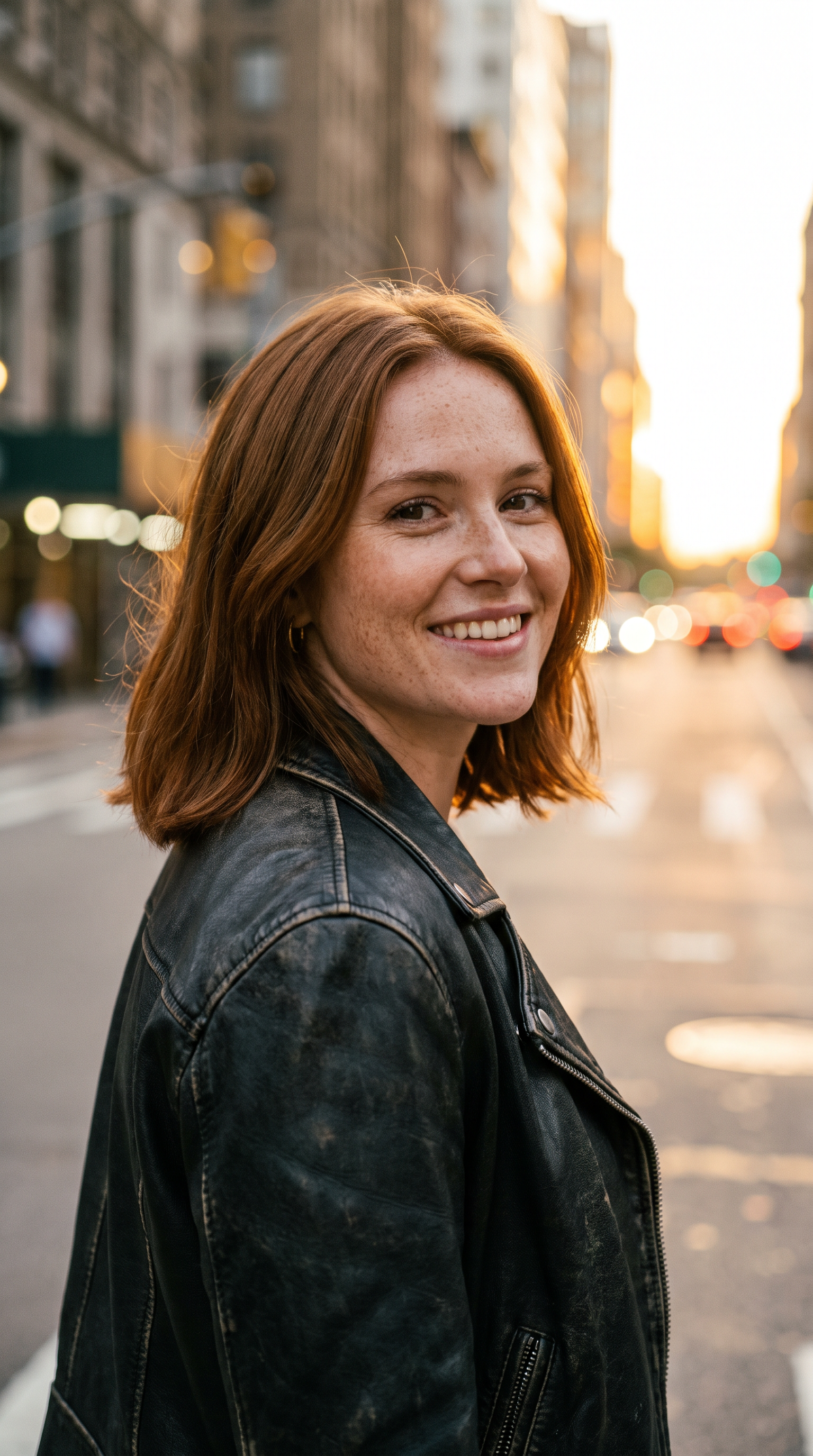
A shot no drone can get: the person from your photo freefalls through towering sunset clouds while the camera circles them, then dives with them through the cloud layer toward the sea.
How to make it
- Open Veo 3.1 with this prompt already filled in.
- Add your photo as a reference image.
- Press Generate.
The prompt
The person from the reference image skydives through towering sunset clouds in a red jumpsuit and goggles, arms spread, laughing. The camera orbits around them as they fall, then dives with them through a cloud layer into golden light above a turquoise sea. Hair whips in the wind, the jumpsuit ripples, god rays cut through the vapor. Sound: roaring wind, a rising orchestral swell.
Generated on 2026-10-15. Every clip on this page comes from the prompt shown.
The same prompt on Wan 3.0
1080p · 8 s · 9:16
The same prompt on MiniMax H3
720p · 8 s · 9:16
Questions
Do I need any footage?
No. One clear photo is enough: it is used as a reference for the person, and the clouds, sea and camera move come from the prompt.
Can I change the place?
Yes. Swap "a turquoise sea" for any landscape, such as snowy mountains, a desert canyon or a city skyline at night.
Why does the face look different mid-fall?
Wind, goggles and a fast-moving camera make faces hard to keep. Add "goggles pushed up, face clearly visible" to the prompt if likeness matters most.