AI Halloween costume change
The mirror spin trend: start from a full-length photo and each turn swaps the outfit for a new Halloween costume, while the face, hair and room stay the same.
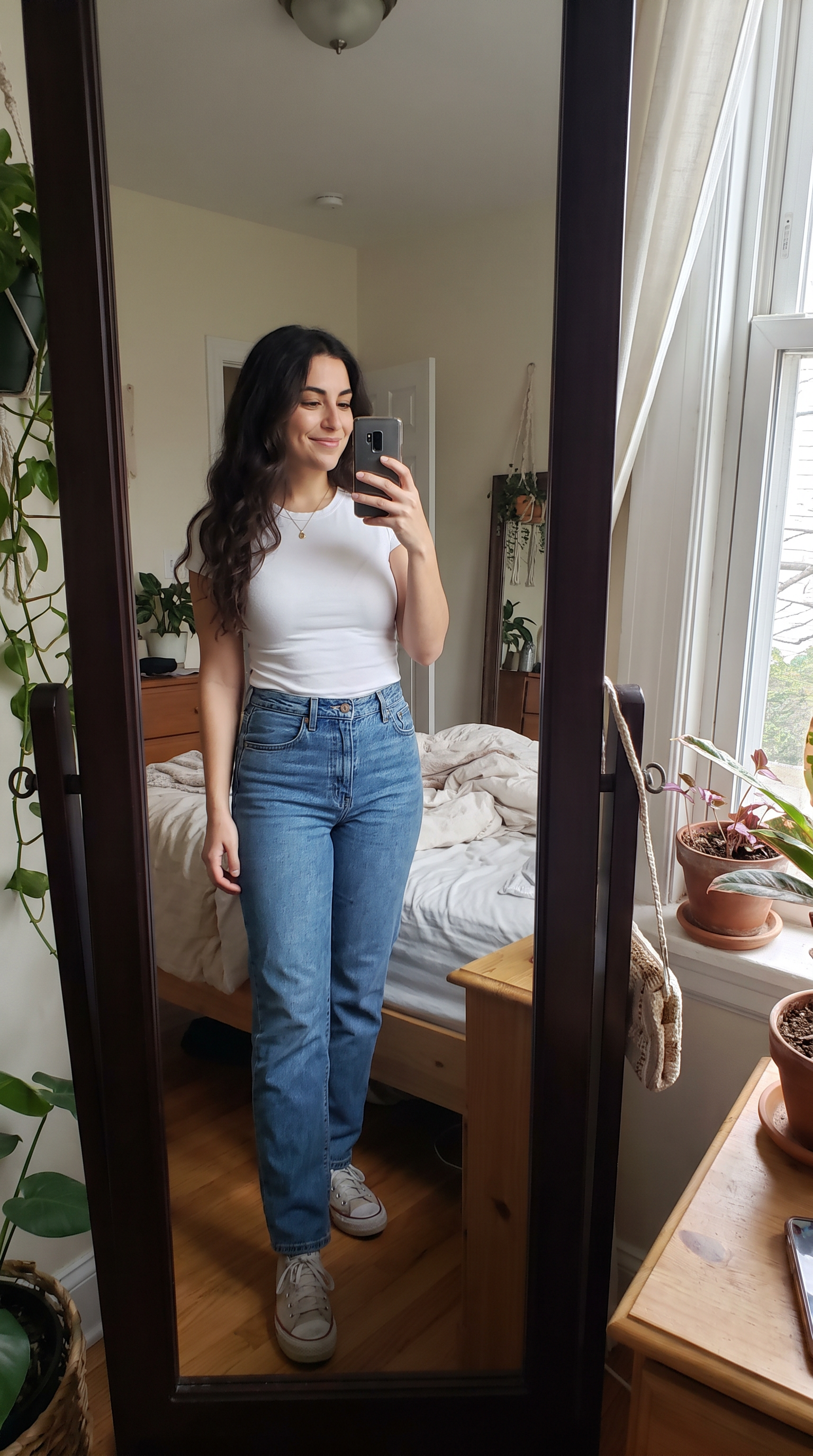
How to make it
- Open Veo 3.1 with this prompt already filled in.
- Add your photo as the first frame.
- Press Generate.
The prompt
The person in the photo spins in front of the mirror, and with each full turn their outfit instantly changes into a different Halloween costume: a witch with a tall pointed hat, a vampire in a red-lined black cape, a glowing skeleton bodysuit, and finally a sparkly black cat costume with ears. Their face and hair stay the same and the room stays the same. Static camera at chest height. Sound: a playful pop beat, a whoosh on every turn.
Generated on 2026-10-15. Every clip on this page comes from the prompt shown.
The same prompt on MiniMax H3
720p · 8 s · 9:16
The same prompt on Wan 3.0
1080p · 8 s · 9:16
Questions
What kind of photo do I need?
A full-length photo with the whole body in frame, ideally in front of a mirror or a plain wall. A cropped selfie leaves the model guessing what the costume looks like below the shoulders.
Can I pick my own costumes?
Yes. Replace the four costumes in the prompt with your own list, such as a pirate, an astronaut or a favourite character. Three or four is the most an 8-second spin can show.
Will my face change between costumes?
The prompt asks for the same face and hair throughout. A fast spin can still soften the face for a frame or two; asking for a slower spin keeps it steadier.