AI werewolf transformation
Give the model one photo as a reference and it puts that person on a misty forest road under a full moon, then turns them into a werewolf, eyes, fur, muzzle, claws and the howl, in one continuous shot.
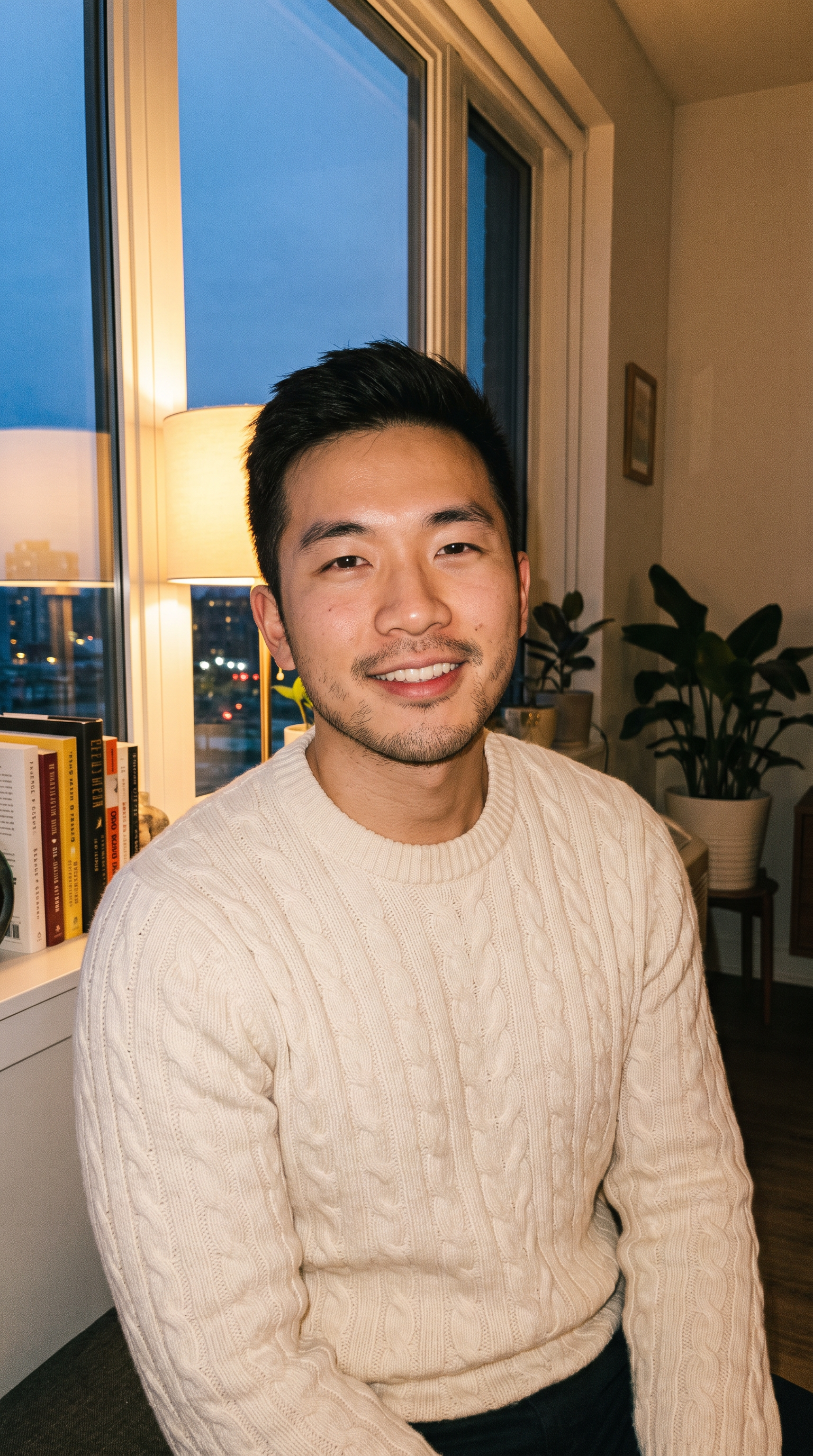
How to make it
- Open Wan 3.0 with this prompt already filled in.
- Add your photo as a reference image.
- Press Generate.
The prompt
The person from the reference image walks alone down a misty forest road at night under a huge full moon. They stop, their eyes glow amber, coarse grey fur spreads across their face and hands, their jaw stretches into a wolf's muzzle, claws push out, and they throw their head back and howl at the moon. Low-angle camera, cold moonlight rim light, one continuous shot. Sound: crunching leaves, cracking bones, a long howl.
Generated on 2026-10-15. Every clip on this page comes from the prompt shown.
The same prompt on Veo 3.1
1080p · 8 s · 9:16
The same prompt on MiniMax H3
720p · 8 s · 9:16
Questions
Why is my photo a reference and not the first frame?
The scene moves to a forest at night, so the photo is used as a reference for the person rather than as the opening frame. That lets the model build a new setting around them.
Does it keep my face?
A reference keeps the overall look, such as hair, build and clothes, while the face changes as the transformation happens. A clear, front-facing photo gives the closest likeness before the change.
Can I change the setting?
Yes. Replace "a misty forest road" with any place, such as a rooftop in the rain or a snowy field, and keep the full moon in the prompt.