AI zombie transformation from a photo
Upload a photo and watch the person slowly turn into a zombie in one continuous shot: skin greying, veins spreading, eyes clouding over, with sound. It is one of the biggest Halloween trends on TikTok, and it takes a single prompt.
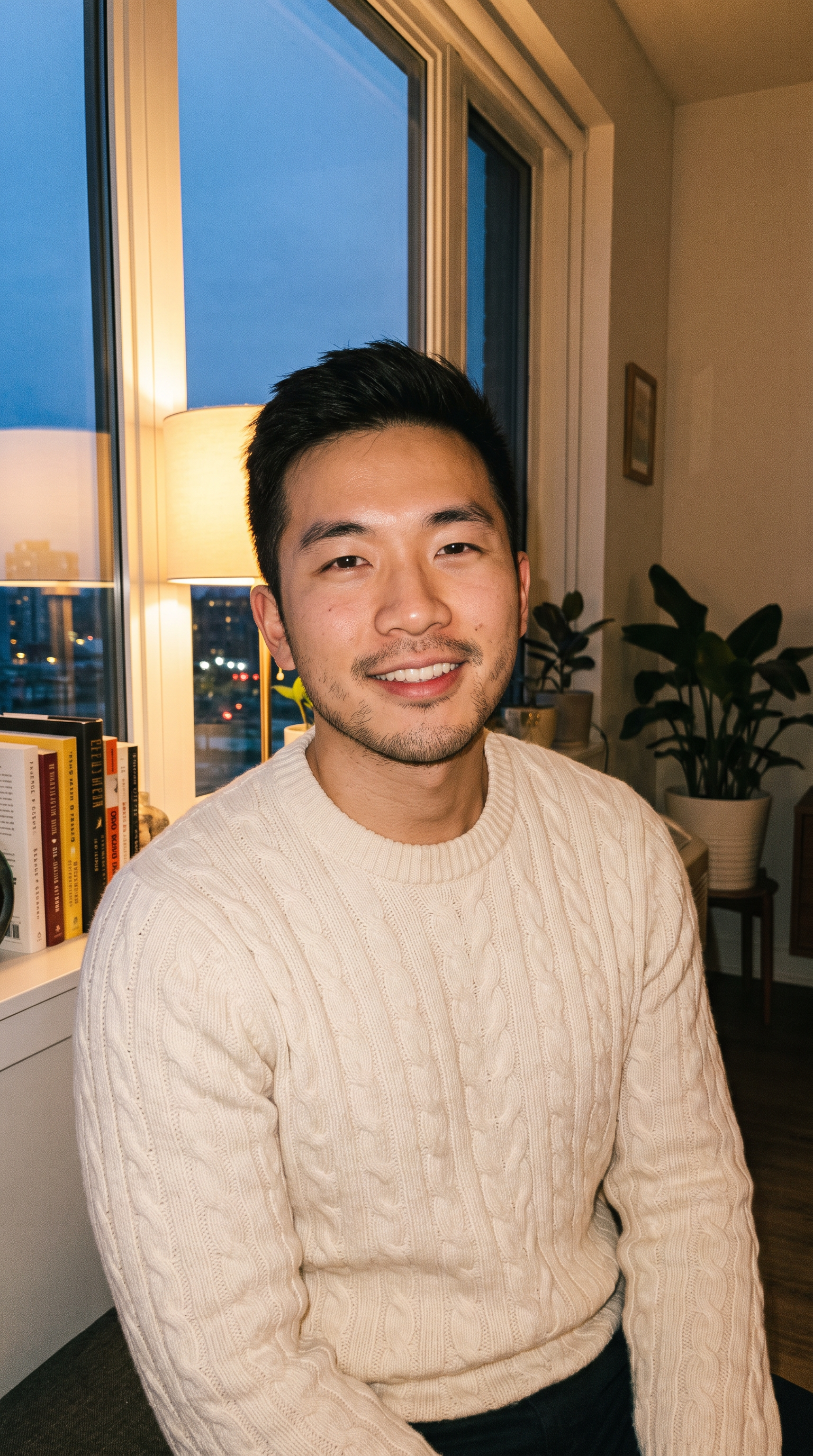
How to make it
- Open Veo 3.1 with this prompt already filled in.
- Add your photo as the first frame.
- Press Generate.
The prompt
The person in the photo stays in place as the lights flicker and green fog drifts in. In one continuous shot their skin slowly turns ashen grey, dark veins spread from the neck up to the cheeks, their eyes cloud over to milky white and their smile stiffens into a snarl. The camera pushes in slowly. Sound: low wind, a buzzing bulb, a final guttural growl.
Generated on 2026-10-15. Every clip on this page comes from the prompt shown.
The same prompt on MiniMax H3
720p · 8 s · 9:16
The same prompt on Wan 3.0
1080p · 8 s · 9:16
Questions
How do I make a zombie transformation video?
Open the model with the prompt filled in, add your photo as the first frame and press Generate. The prompt keeps the person in place, so the change reads as one continuous shot.
Which model should I use?
All three results on this page come from the same photo and prompt. Veo 3.1 and Wan 3.0 render at 1080p and need a subscription or credits; MiniMax H3 at 720p is free to start.
Will it still look like me?
Your photo is the first frame, so the face, clothes and room start exactly as they are. How much of your face survives the zombie make-up depends on the model.