AI seamless transition from a photo
The hand-cover transition from TikTok: the person in your photo covers the lens and reappears somewhere else in a new outfit, first on a neon-lit Tokyo street, then on a beach at sunset. No editing and no green screen; the model makes every change inside one clip.
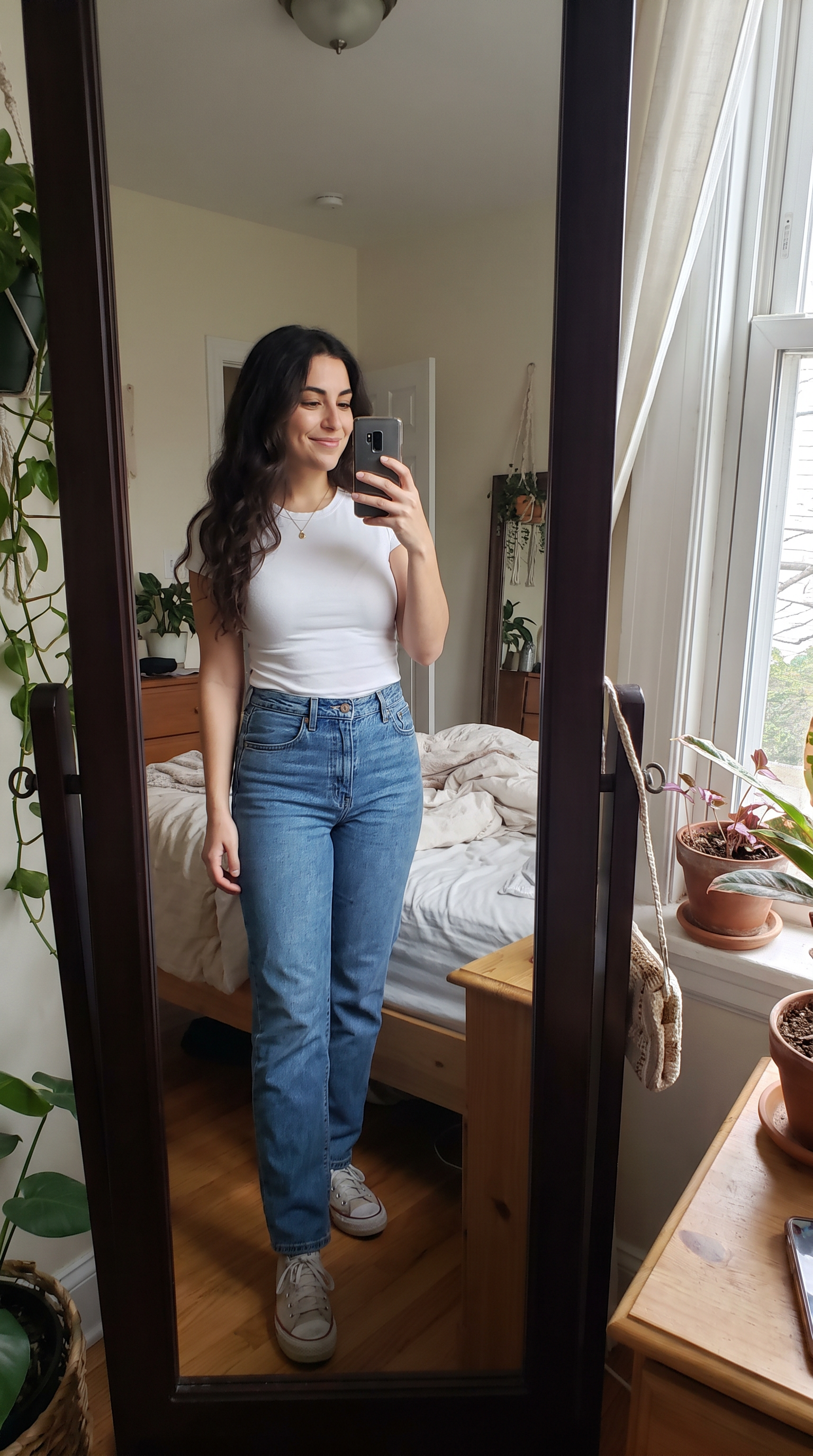
How to make it
- Open Veo 3.1 with this prompt already filled in.
- Add your photo as the first frame.
- Press Generate.
The prompt
The person in the photo lowers the phone and covers the camera lens with their palm. When the hand pulls away they are standing on a neon-lit Tokyo street at night in a black leather jacket; they cover the lens again and reappear on a white-sand beach at sunset in a flowing white linen dress, laughing. Same face and hair in all three places, and each change happens exactly while the hand covers the lens. Sound: an upbeat electronic beat with a whoosh on every reveal.
Generated on 2026-10-15. Every clip on this page comes from the prompt shown.
The same prompt on Wan 3.0
1080p · 8 s · 9:16
The same prompt on MiniMax H3
720p · 8 s · 9:16
Questions
Can I choose the places and outfits?
Yes. Replace "a neon-lit Tokyo street" and "a white-sand beach at sunset" with any two places, and describe the outfit for each. Two changes fit comfortably in an 8-second clip.
Will it still look like me in every scene?
The prompt asks for the same face and hair throughout, and in our samples all three models kept the person recognisable across both changes.
Which model should I use?
All three results on this page come from the same photo and prompt. Veo 3.1 and Wan 3.0 render at 1080p and need a subscription or credits; MiniMax H3 at 720p is free to start.