AI Earth zoom out from a photo
Start from a photo of yourself outdoors and the camera rises in one unbroken shot: over the rooftops, the river and the coastline, past the clouds, until the Earth hangs small in black space. It is the zoom-out trend from TikTok and Reels, made with a single prompt.
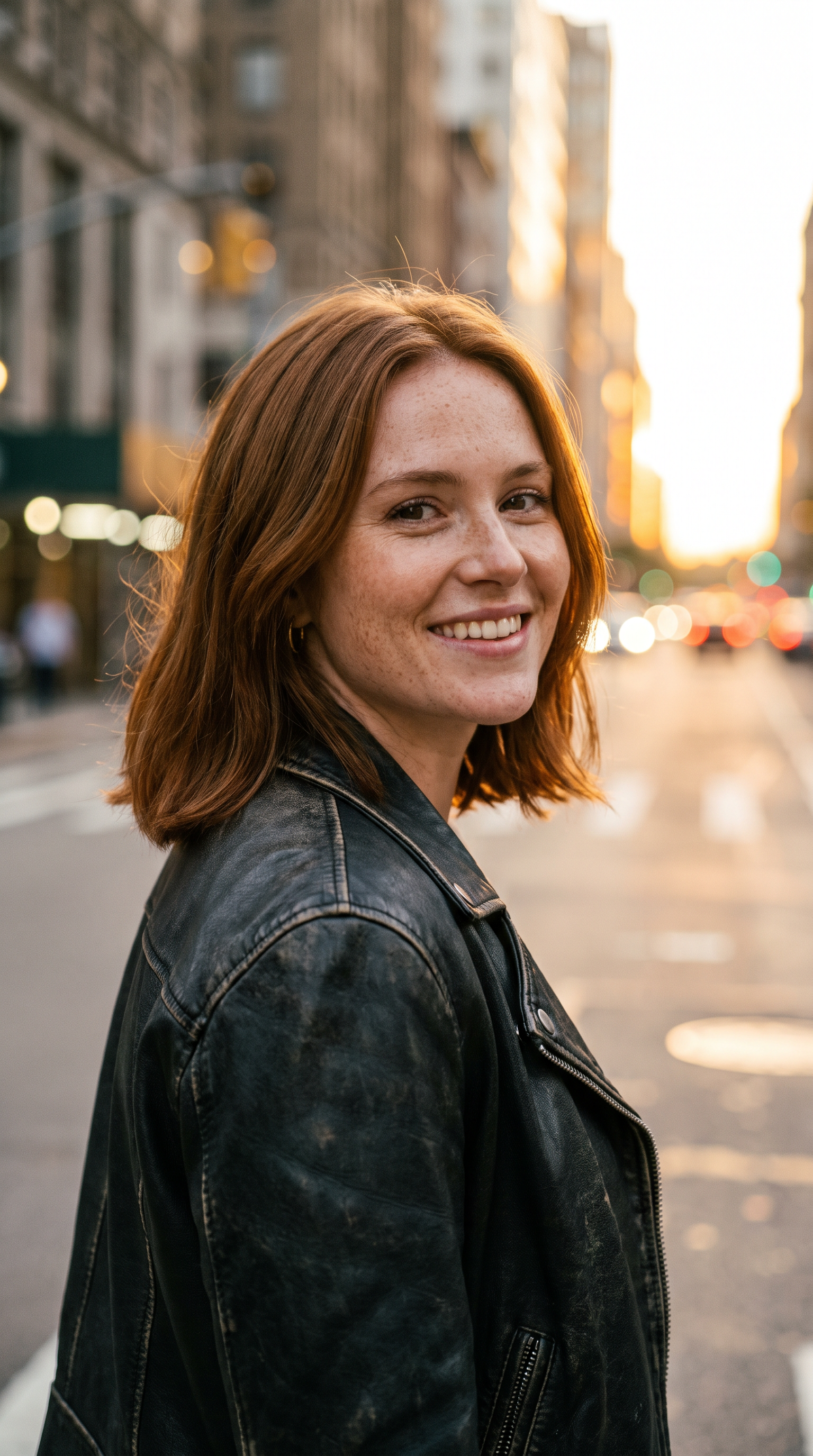
How to make it
- Open Wan 3.0 with this prompt already filled in.
- Add your photo as the first frame.
- Press Generate.
The prompt
The person in the photo looks up and smiles as the camera starts a continuous zoom out straight up into the sky: first the street around them, then the city blocks and the river, then the coastline and the clouds, then the curve of the Earth with city lights glowing on the night side, until the planet hangs small in black space. One unbroken shot that keeps accelerating. Sound: street noise fading into rushing wind, then silence and a deep cinematic swell.
Generated on 2026-10-15. Every clip on this page comes from the prompt shown.
The same prompt on MiniMax H3
720p · 8 s · 9:16
The same prompt on Veo 3.1
1080p · 8 s · 9:16
Questions
Can I zoom in instead, from space down to me?
Yes. Reverse the order in the prompt so the camera falls from space toward the street. To land exactly on your photo, add it as the last frame: Veo 3.1, Wan 3.0 and MiniMax H3 all take one.
Which model made the smoothest zoom?
In our test Wan 3.0 climbed most smoothly and ended on a small Earth, exactly as the prompt asks. MiniMax H3 caught the city lights on the night side; Veo 3.1 is on the page too. All three started from the same photo and prompt.
Is it free?
MiniMax H3 at 720p is free to start. Veo 3.1 and Wan 3.0 render at 1080p and need a subscription or credits.