AI age progression video from a photo
Upload a photo and watch the person age in one continuous shot, from their twenties to about eighty: hair turning silver, lines deepening, the same face and the same smile. It answers "what will I look like when I'm older?" in eight seconds.
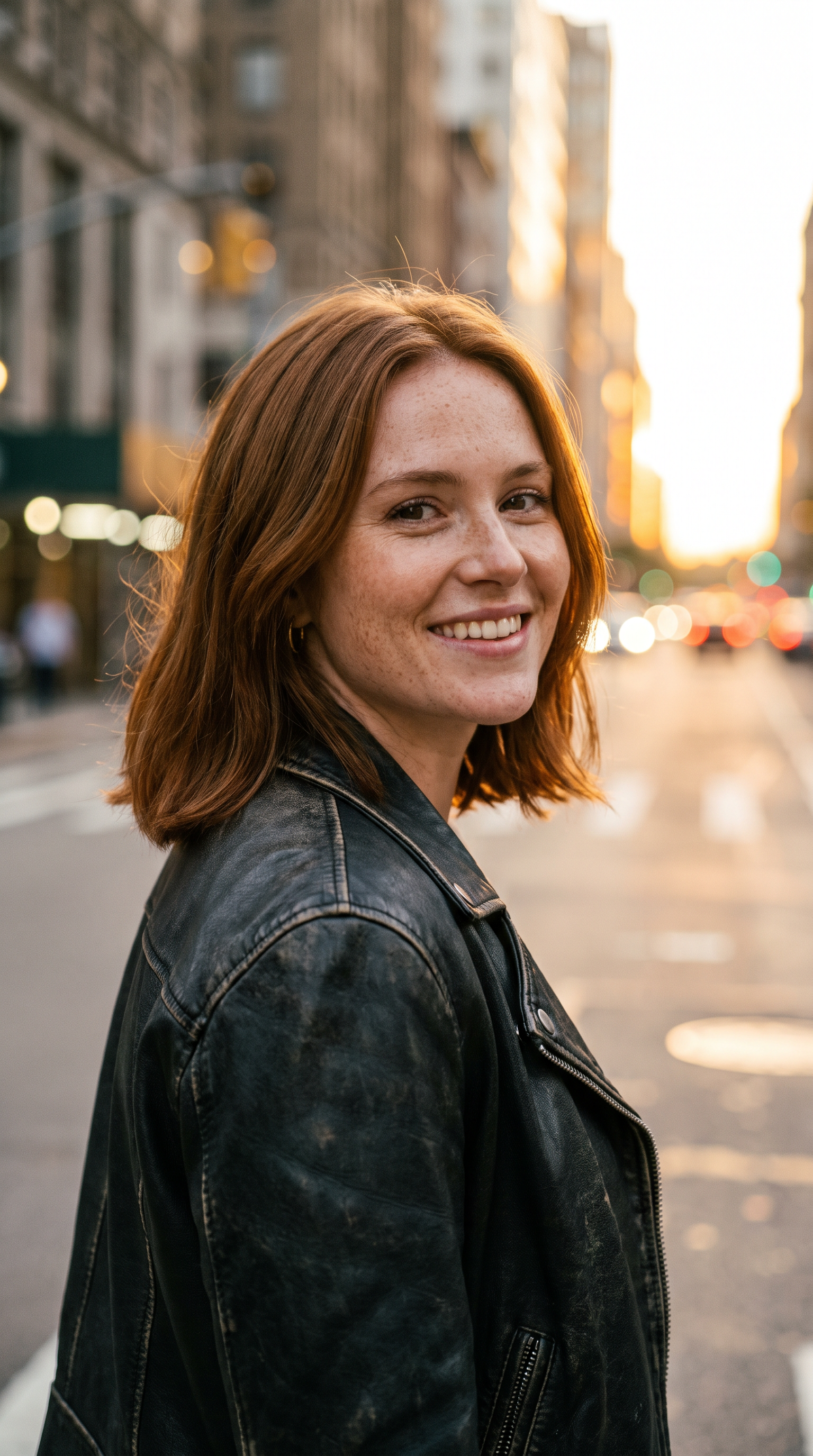
How to make it
- Open MiniMax H3 with this prompt already filled in.
- Add your photo as the first frame.
- Press Generate.
The prompt
The person in the photo keeps looking into the camera as they age in one continuous shot, from their twenties to about eighty: their hair slowly turns silver and thins, fine lines deepen into wrinkles, their cheeks soften and age spots appear, while the jacket, the street and the evening light stay the same. The change is smooth and gradual, with no cuts; at the end they give the same warm smile. Sound: a ticking clock under a soft piano melody.
Generated on 2026-10-15. Every clip on this page comes from the prompt shown.
The same prompt on Wan 3.0
1080p · 8 s · 9:16
The same prompt on Veo 3.1
1080p · 8 s · 9:16
Questions
Is this an accurate prediction of how I will age?
No. The model draws a plausible older version of the person in the photo; real ageing depends on genes, health and habits. Treat it as a creative effect, not a forecast.
Can I make myself younger instead?
Yes. Change the prompt to run from your age today down to about eight, and describe the child's face and hair.
Which model aged the most convincingly?
In our test MiniMax H3 drew the most detailed eighty-year-old and kept the smile; Wan 3.0 aged the most smoothly; Veo 3.1 aged well but lost the smile at the end. MiniMax H3 at 720p is free to start.