
Kling vs Veo for Product Videos: Choosing the Right AI Model for Motion, Texture, and Text Fidelity
Choosing between Kling and Google Veo for product videos depends on your creative needs. Learn how to evaluate different AI models to build professional commercials.
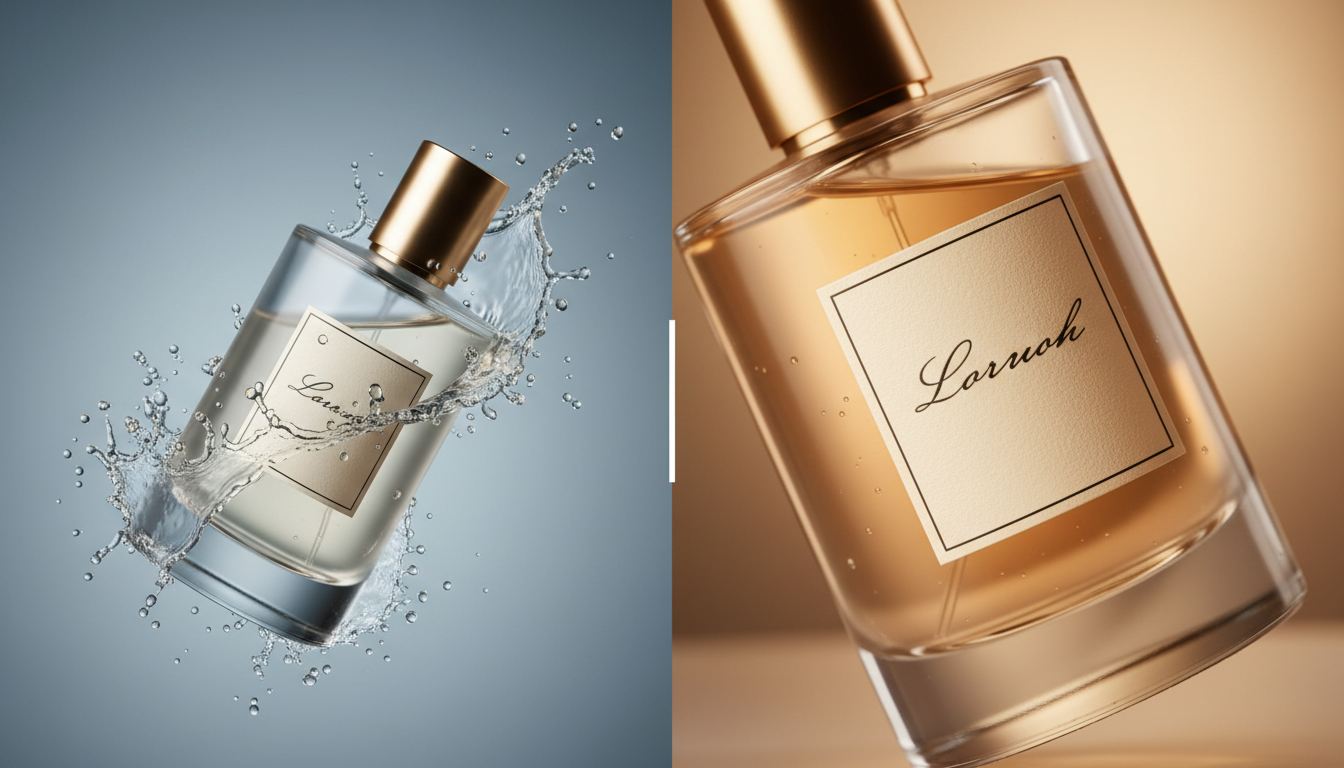
When generating product videos with AI, choosing between models like Kling and Google Veo depends on your specific creative requirements and visual goals. Different models can produce varying results depending on the shot type, whether you require dynamic movement or detailed close-ups. For professional marketing workflows, the optimal approach is rarely choosing one over the other; instead, creators can evaluate both models to execute different shots within a single commercial.
\n\nCore Comparison: How Kling and Veo Handle Product Assets
\n\nTo produce a commercially viable product video, an AI model must maintain the integrity of three core elements: the physical shape of the product (image-to-video consistency), the realistic appearance of its materials, and the legibility of its branding. Testing how different models handle these challenges is a key step in the creative process.
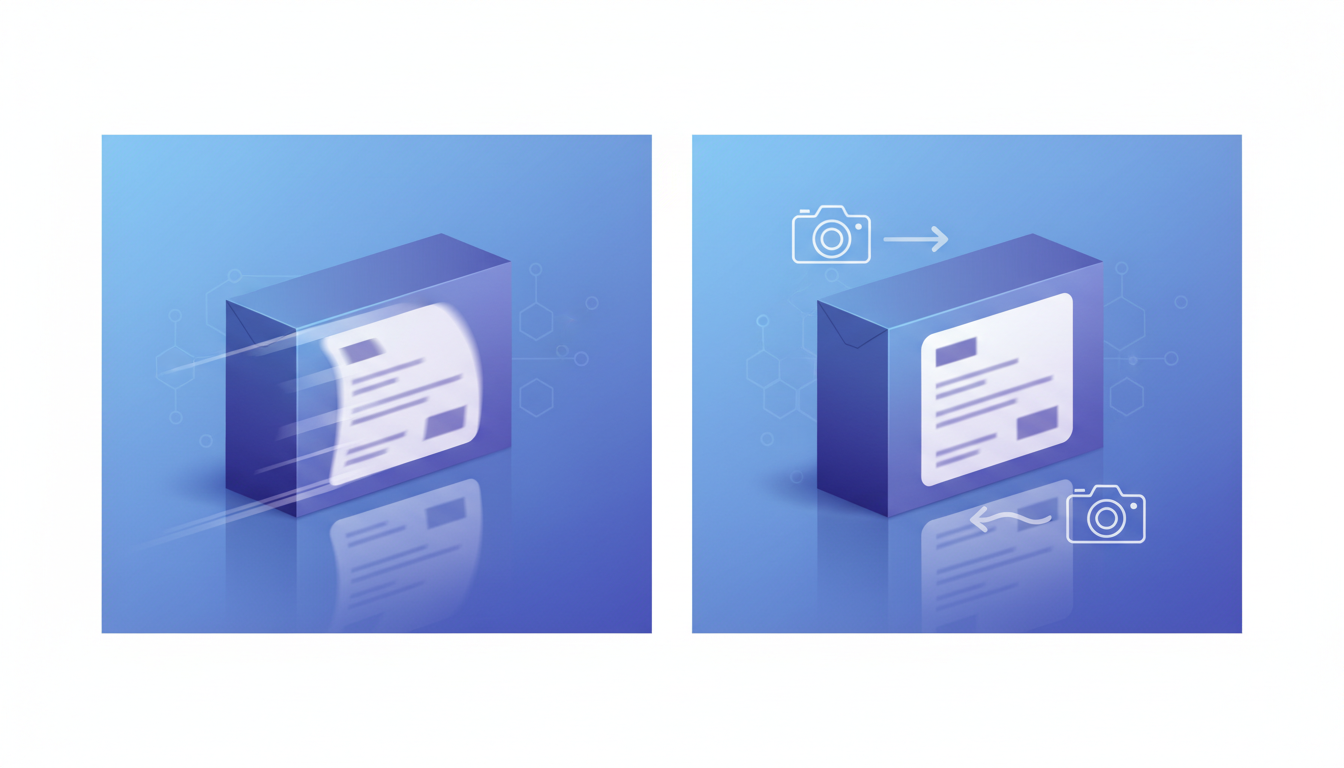
Image-to-Video Consistency
\nStarting with a high-quality product photograph is the baseline for brand safety. When generating product videos, maintaining the structural proportions of the item and minimizing visual warping are key challenges. To maintain the exact geometry of your brand assets, starting with an image is highly recommended. Explore our detailed breakdown of image-to-video vs. text-to-video for product ads to see why starting with a photo is critical for brand safety.
\n\nMaterial and Texture Realism
\nWhen evaluating models for product videos, material realism is a critical factor. If your product features brushed metal, woven fabric, or complex glass reflections, you should test how each model captures micro-shadows and light scattering. Achieving realistic diffusion across matte plastics and glossy ceramics is essential for a premium look. For advanced techniques on keeping your product lighting consistent with its surroundings, refer to the environmental cohesion protocol.
\n\nText and Label Fidelity
\nText rendering has historically been a weak point for video generation models. During high-motion pans, the text on labels can occasionally skew or warp. If your product relies on clear, readable label copy directly on the container, it is important to test how different models handle static and moving text to find a stable starting point for your specific brand assets.
\n\n| Evaluation Criteria | \nKey Considerations for Testing | \n
|---|---|
| Motion and Physics | \nTest how the model handles rapid camera movement, fluid dynamics, and physical interactions. | \n
| Text & Label Fidelity | \nEvaluate text legibility on flat vs. curved surfaces and during camera transitions. | \n
| Material Realism | \nCheck how light scatters across different textures like glass, metal, and fabric. | \n
| Workflow Integration | \nAssess how easily the model integrates into multi-model pipelines and orchestrators. | \n
Workflow Optimization: Orchestrating Multi-Model Pipelines with Montagea
\n\nRather than committing to a single model for an entire commercial, professional video creators frequently combine the strengths of multiple platforms. Using Montagea's AI creative agent, Gigi, you can orchestrate multi-model workflows without manually jumping between different platforms, subscriptions, and interfaces. Gigi analyzes your prompt and visual requirements, then routes each specific scene to the model best suited for the task, including Google Veo, Kling, and other leading generators.
\n\nConsider a hypothetical 15-second commercial workflow for a high-end sports watch, where different shots are assigned to different models based on your testing:
\n- \n
- Shot 1: The Macro Opener. A slow, cinematic macro pan across the watch face, focusing on the brand logo, the metallic luster of the bezel, and the fine stitching on the strap. \n
- Shot 2: The Action Sequence. The watch is submerged in water, showing splash physics and bubbles, requiring a model that handles fluid dynamics. \n
- Shot 3: The Lifestyle Close-up. A slow-motion shot of a runner wearing the watch, focusing on the texture of the skin and the fabric of the athletic gear. \n
By using Montagea to manage this pipeline, you can reduce generation waste. Instead of forcing a single model to handle every complex visual challenge, you can assign each shot to the model that performs best in your tests, helping to keep production timelines tight.
\n\nDecision Framework: What to Test for Your Product Category
\n\nTo streamline your production planning, use this category-based framework to guide your testing and model selection for primary footage:
\n\nCosmetics, Beverages, and Liquids
\nIf your product video relies on liquid pours, splashes, condensation droplets forming on a cold can, or cream being smoothed over skin, prioritize testing models on fluid dynamics. Look for how naturally the model simulates viscosity, surface tension, and splash physics during movement.
\n\nTech, Jewelry, and Luxury Goods
\nElectronics, luxury watches, and fine jewelry rely heavily on clean lines, perfect reflections, and microscopic details. When testing models, evaluate how they render light refraction through glass and off polished surfaces. If you are working with luxury items, learn how to transform static jewelry photos into cinematic product videos using advanced camera movement prompts.
\n\nApparel and Lifestyle Products
\nFor wide shots of apparel where models are walking, running, or turning, test how models handle the drape and motion of the fabric. For close-up shots focusing on the fabric weave, embroidery, zippers, or printed logos, evaluate the model's ability to maintain high-resolution tactile details.
How can creators handle text rendering on complex product labels in AI video?
\nAI video models generally do not guarantee fully accurate text rendering in every generation, particularly on curved surfaces or during fast camera transitions. To achieve precise text rendering for commercial use, a common workflow is to start with a high-resolution product image (Image-to-Video) or use post-production editing to overlay your actual vector logo onto the generated video.
\nWhich model is more cost-effective for high-volume e-commerce video production?
\nCost-effectiveness depends on your generation volume and workflow. Utilizing individual subscriptions for multiple platforms can quickly become expensive. Using an orchestrator like Montagea allows you to access multiple models as needed, helping you optimize your budget by selecting the most appropriate model for each specific shot.
\nHow do camera motion controls work in AI video models?
\nMany modern AI video models support camera motion control prompts, such as panning, zooming, and tracking. When planning your shots, it is helpful to test how different models interpret these prompts, as some may handle rapid, dynamic camera paths better, while others may excel at slow, controlled, and precise camera sweeps.
\n


