
How to Use Advanced Layout Models for High-Fidelity Image Generation and Storyboarding
Discover how to approach spatial layout and typography in storyboarding workflows. This guide covers copyable prompt templates, aspect ratio setups, and how to transition static frames into production-ready AI video pipelines.
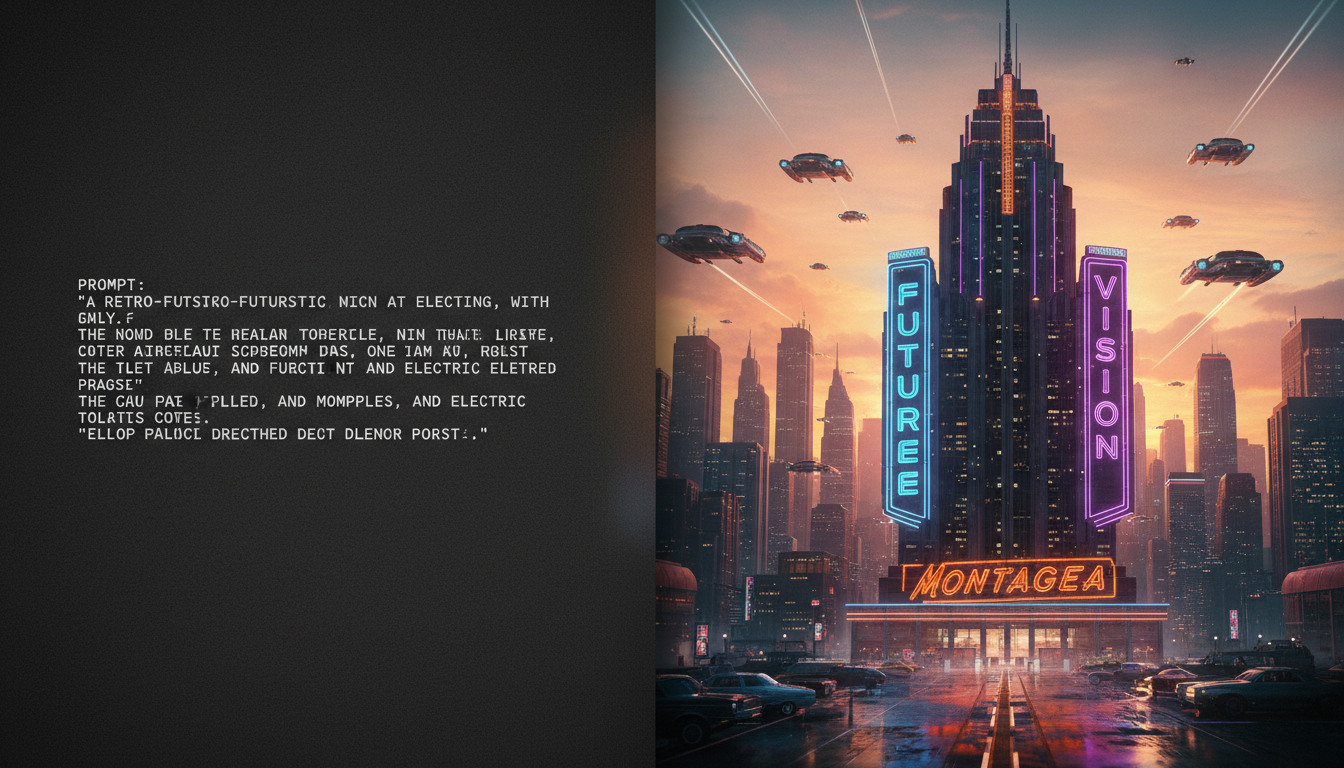
When planning visual projects, creators often seek static image generation and layout models designed for precise spatial positioning and legible typography rendering. While official specifications for unverified models like Seedream 4.5 are not present in available documentation, layout models in this category are typically discussed as tools for creating controlled, text-accurate storyboard frames, posters, and key art. When exploring these workflows, checking the integration options on creative platforms can help identify where such layout tools are supported for complex visual pre-production before moving into video generation.
What are Advanced Layout Models and How Do You Access Them?
In the rapidly evolving landscape of creative AI, naming conventions often cause confusion. A common point of misunderstanding is confusing unverified terms like Seedream 4.5 with ByteDance's model, Seedance. While Seedance is a ByteDance model that works with creative agents like Gigi, discussions around unverified layout models like Seedream 4.5 typically focus on static image generation. In general layout workflows, the primary goals lie in spatial composition, layout control, and high-fidelity typography rendering.
To explore these capabilities, creators often look for platforms that integrate advanced image and cinema studio suites. This positioning allows filmmakers and designers to generate high-resolution source frames that serve as blueprints for production. A robust layout workflow generally aims at:
- Rendering legible English text without the typical scrambling seen in older generative models.
- Respecting multi-subject spatial positioning commands (e.g., placing specific objects in the foreground left versus background right).
- Maintaining composition integrity across cinematic aspect ratios, such as 16:9 and 2.39:1 anamorphic formats.
Writing Prompts for Layout and Typography in Advanced Models
To get the most out of layout-focused models, you must write prompts that leverage their spatial layout capabilities. Standard descriptive prompts often lead to unpredictable object placement. Instead, structure your prompt by defining the camera style first, followed by clear spatial coordinates, and concluding with the exact text wrapped in double quotation marks.
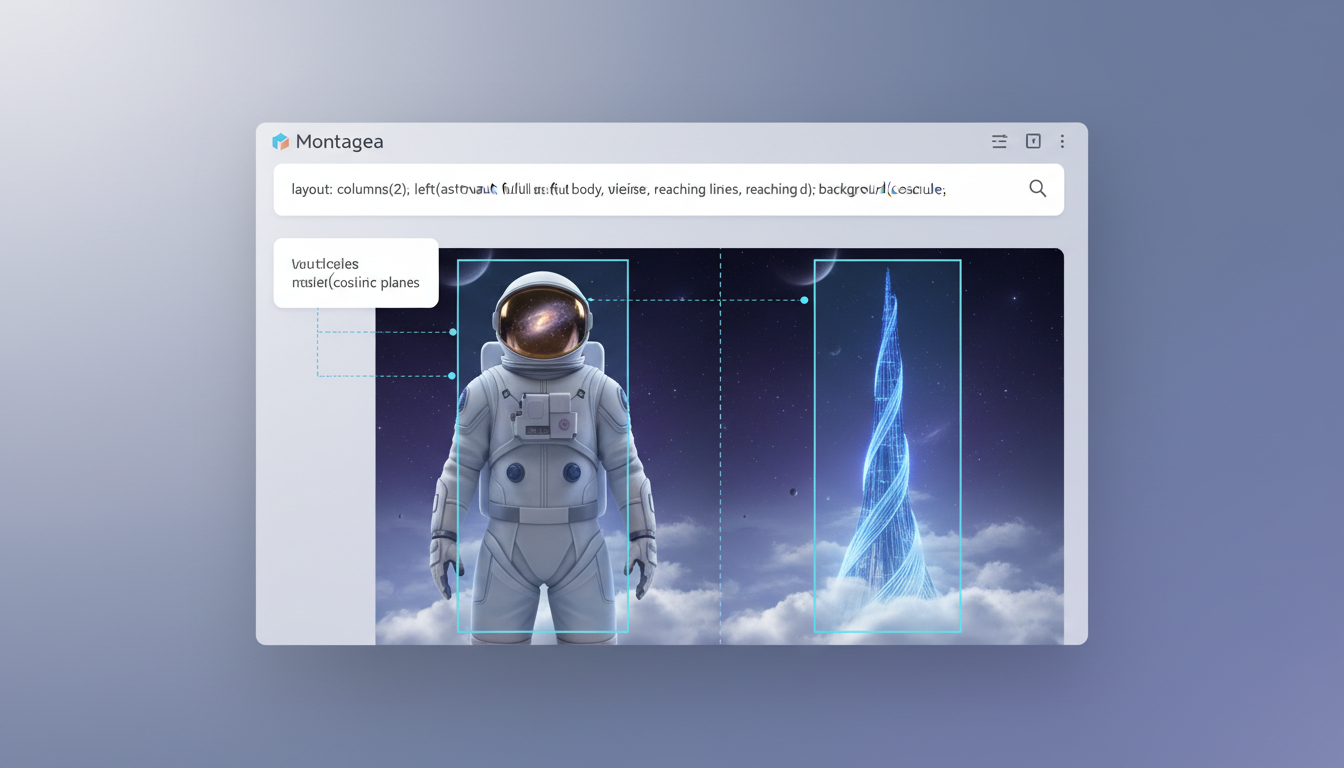
Here is an editable template you can use to test layout and typography capabilities in your storyboarding workflows:
[Camera Style/Genre] poster. [Spatial Layout: Foreground Left] features [Subject A]. [Spatial Layout: Background Right] features [Subject B]. At the [Text Position], the bold, clean text reads \"[EXACT TEXT IN ALL CAPS]\". [Color Palette/Lighting Style].An Illustrative Prompt Example
To see how this template functions in practice, consider the following illustrative prompt designed for a sci-fi sequence:
\"Retro sci-fi poster, cinematic 35mm photography. Foreground left features a lone astronaut looking upward. Background right features a glowing neon spire piercing the dark sky. Centered at the top, the bold, glowing neon typography reads 'NEO-TOKYO'. Moody synthwave color palette with deep blues and vibrant pinks.\"
When executing prompts like this, a specialized layout parser is designed to isolate the text string and render it cleanly, while keeping the astronaut and the spire in their designated zones. This level of control helps prevent subjects from bleeding into one another or crowding the typography.
Preparing Reference Images and Aspect Ratios
For professional storyboarding, generating isolated images is rarely enough. You need to maintain style consistency across multiple frames. Many image generation workflows allow you to upload style references (image-to-image) to guide the color grading, lighting, and character design of your outputs. When setting up your canvas, select standard widescreen aspect ratios like 16:9 for digital displays or 2.39:1 for an anamorphic, theatrical feel.
Using these precise frames is crucial when navigating AI storyboard workflows to explore layout tools and production alternatives. Having a fixed layout and clear text prevents downstream errors during the pre-visualization phase.
Before exporting your generated frames, use the following quick checklist to verify that your asset is production-ready:
| Verification Step | Target Standard | Correction Action |
|---|---|---|
| Typography Legibility | Text is spelled correctly with no merged or warped letters. | Re-run with the text isolated in double quotes and simplified font descriptors. |
| Spatial Alignment | Subjects occupy their designated left/right/center zones. | Adjust spatial prompts, adding explicit \"foreground\" or \"background\" markers. |
| Anatomical Accuracy | Hands, faces, and proportions are structurally coherent. | Use a higher-strength style reference or apply inpainting on the distorted region. |
| Aspect Ratio Fit | Composition fills the 16:9 or 2.39:1 frame without awkward cropping. | Specify the camera lens (e.g., \"wide-angle lens\") to pull the camera back. |
Bridging the Gap: Moving from Static Layouts to AI Video
Once you have generated your storyboard frames, the next step is transforming these static layouts into a moving sequence. High-fidelity static frames are the essential foundation for video production; they establish the exact lighting, composition, and character details before any motion synthesis begins.
At Montagea, we look at this transition as a critical workflow step. Montagea acts as an AI creative agent where you can describe your creative vision, and the platform plans the steps and selects the best AI models to deliver the finished piece. This helps streamline the process of turning static concepts into motion without requiring manual configuration of multiple complex platforms. This ensures that the spatial consistency and composition you planned are preserved in the final video render.
If you are building out a complete cinematic sequence, you can compare different generation methods by reading our comparison of AI video workflows for short films to understand consistency and camera control. Once your initial scenes are animated, you can scale your project further by following the practical steps for extending AI video clips when scaling up a storyboarded sequence. By combining a precise layout workflow with a structured video pipeline, creators can maintain professional-grade continuity from the first sketch to the final frame.
Are advanced layout models capable of generating direct video files?
While official specifications for emerging models are often unverified, models in this category are typically designed strictly for static image and layout generation rather than direct video synthesis. To convert static frames into video, creators generally pass them into an image-to-video model or utilize an AI creative agent like Montagea to plan and deliver the finished piece.
How do layout models handle non-English text rendering?
While many layout models are optimized for English typography and standard Latin characters, performance with non-Latin scripts (such as Cyrillic, Kanji, or Arabic) can vary. For the most reliable results, it is recommended to render key text in English or utilize post-production editing tools to overlay non-English typography onto the generated layout.
Can I use spatial layout prompts in other image generators like Midjourney or Stable Diffusion?
Yes, you can use the same descriptive prompts, but other models may not respect strict spatial commands (like \"foreground left\") or render text inside quotation marks with the same level of accuracy. Specialized layout parsers are uniquely tuned to handle these structural commands, whereas general models may require more iteration.



