写真からAIシームレストランジション
TikTokで人気の、手でレンズを隠すトランジションです。写真の人物がレンズを手で隠すと、別の場所に別の衣装で現れます。まずはネオンの東京の街、次は夕暮れのビーチ。編集もグリーンバックも不要で、すべての変化を1本の動画の中でモデルが作ります。
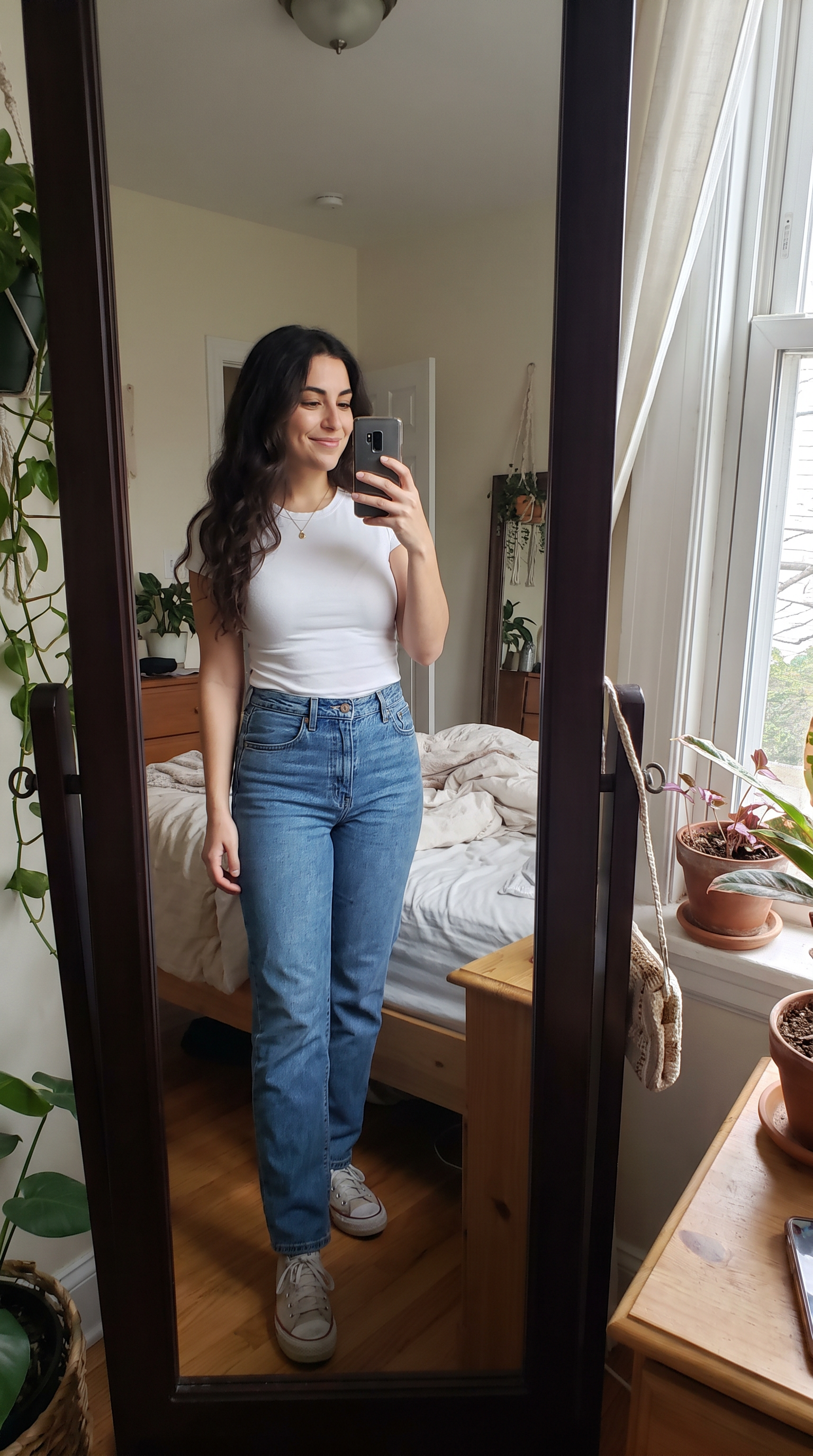
作り方
- プロンプト入力済みで Veo 3.1 を開きます。
- 写真を最初のフレームに追加します。
- 「生成」を押します。
プロンプト
The person in the photo lowers the phone and covers the camera lens with their palm. When the hand pulls away they are standing on a neon-lit Tokyo street at night in a black leather jacket; they cover the lens again and reappear on a white-sand beach at sunset in a flowing white linen dress, laughing. Same face and hair in all three places, and each change happens exactly while the hand covers the lens. Sound: an upbeat electronic beat with a whoosh on every reveal.
2026-10-15 に生成。このページの動画はすべて下のプロンプトから作られています。
同じプロンプトを Wan 3.0 で
1080p · 8 s · 9:16
同じプロンプトを MiniMax H3 で
720p · 8 s · 9:16
よくある質問
場所や衣装は自分で選べますか?
はい。プロンプトの「a neon-lit Tokyo street」と「a white-sand beach at sunset」を好きな2か所に書き換え、それぞれの衣装を書き加えてください。8秒の動画には2回の切り替えがちょうど収まります。
どのシーンでも自分に見えますか?
プロンプトでは最後まで同じ顔と髪型を保つよう指定しています。このページのサンプルでは、3つのモデルとも2回の切り替えのあとも同じ人物だとわかりました。
どのモデルを使えばいいですか?
このページの3本は同じ写真と同じプロンプトから生成しています。Veo 3.1とWan 3.0は1080pで、サブスクリプションかクレジットが必要です。MiniMax H3の720pは無料で始められます。